Everything You Need to Know About Mobile Security
From securing your iPhone or Android to spotting spyware and avoiding phishing texts — 20 expert articles covering every aspect of smartphone security for Hong Kong users.
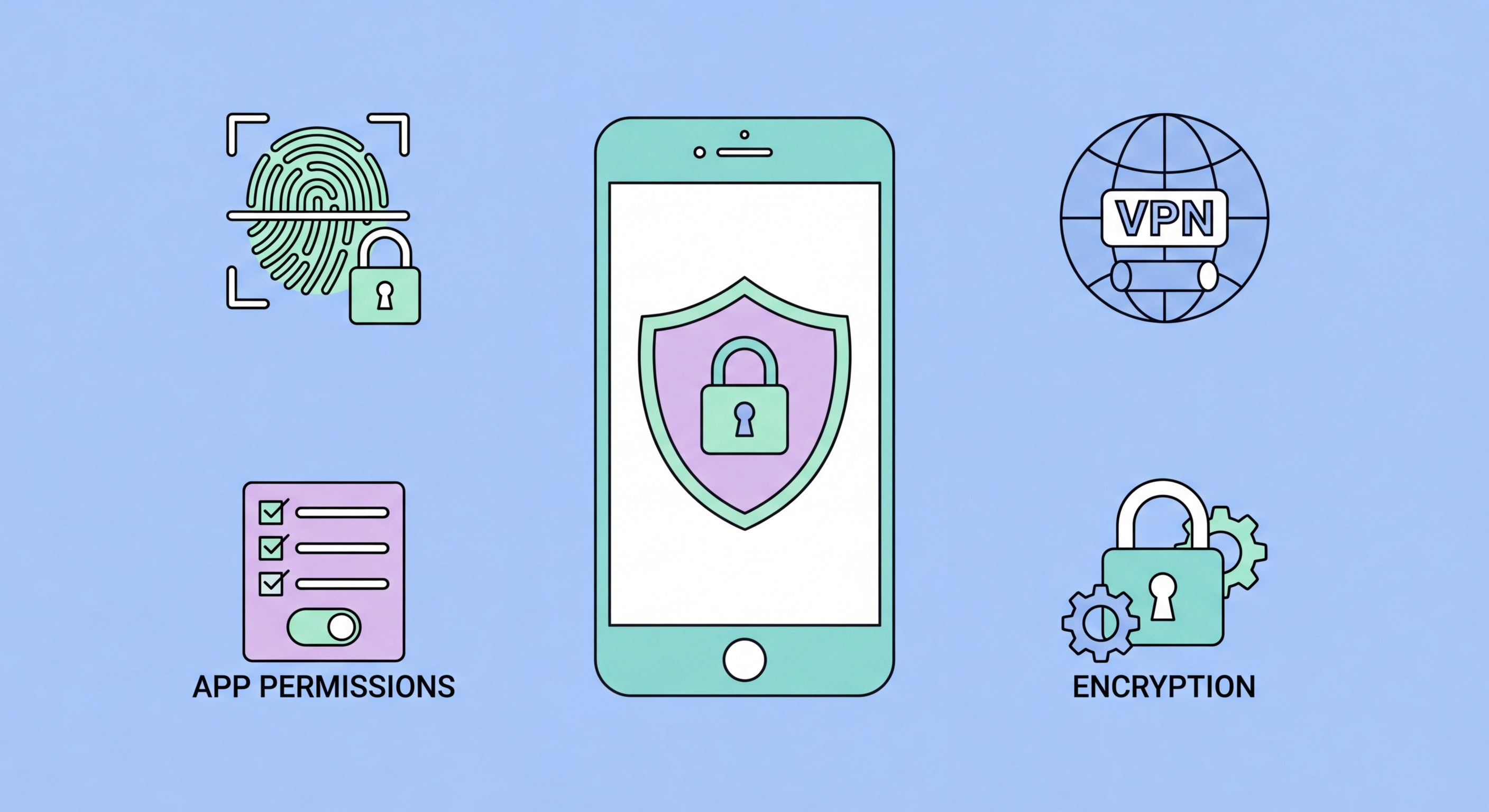
From securing your iPhone or Android to spotting spyware and avoiding phishing texts — 20 expert articles covering every aspect of smartphone security for Hong Kong users.
Your smartphone is no longer just a communication device — it's a digital vault. It holds your banking credentials, personal photos, health data, business emails, and authentication codes for every online account you own. For cybercriminals, compromising a smartphone delivers far more value than hacking a desktop computer, because phones are used constantly, carried everywhere, and connected to a greater range of sensitive services.
In Hong Kong, where smartphone penetration exceeds 90% and mobile banking is ubiquitous, the attack surface is enormous. Attackers use a diverse toolkit: smishing (SMS phishing) campaigns impersonating Hongkong Post, HSBC, and government agencies; fake apps distributed via unofficial channels; malicious WiFi hotspots in MTR stations and shopping malls; and sophisticated spyware that can operate silently without any visible symptoms.
The threat landscape in 2026 has shifted significantly. Pre-installed malware on budget Android devices, zero-click exploits targeting iMessage and WhatsApp, and AI-generated phishing messages that perfectly mimic legitimate communications are now common threats. Understanding these risks is the essential first step to protecting yourself.
Securing a smartphone starts with the fundamentals: a strong lock screen, full-disk encryption, and keeping your software updated. These three measures alone close off the vast majority of physical and remote attack vectors. An unencrypted phone left in a taxi can expose every message, photo, and credential to anyone with basic forensic tools; an encrypted phone is practically impenetrable without the correct passphrase.
Both iOS and Android now encrypt device storage by default, but the strength of that encryption is only as good as your lock screen PIN or password. A 6-digit PIN has 1 million possible combinations — a forensic brute-force tool like GrayKey can crack it in minutes. A strong alphanumeric passphrase, combined with a short auto-lock timer and biometric authentication as a convenient secondary method, provides robust protection without sacrificing usability.
Software updates are equally critical. The majority of malware attacks exploit known vulnerabilities that have already been patched — attackers simply target users who haven't installed updates. Enabling automatic updates on both your OS and apps eliminates this vulnerability. On Android, pay particular attention to Google Play system updates and security patches, which are delivered separately from major Android version updates.

Apps are the primary attack surface on modern smartphones. Each app you install is a potential vector for data theft, surveillance, or malware. The app permissions system — which controls what each app can access — is your first line of defence. Granting a flashlight app access to your contacts, microphone, and location is not just unnecessary; it's a significant privacy and security risk.
The distinction between official and unofficial app sources matters enormously. Apple's App Store and Google Play both screen apps for malware, though neither is perfect. Sideloading apps on Android — installing APK files from websites, Telegram channels, or third-party stores — removes these protections entirely. In Hong Kong, fake banking apps, investment apps, and government service apps distributed via WhatsApp and Telegram are a growing problem, often used in romance scams and pig butchering schemes.
Even legitimate apps can overstep their permissions. Regular audits of which apps have access to your camera, microphone, location, contacts, and health data are essential. On iOS, the Privacy and Security settings screen provides a comprehensive view; on Android, the Permission Manager in Settings lets you review and revoke permissions by category. A useful rule of thumb: if you haven't used an app in 30 days, either revoke its sensitive permissions or uninstall it entirely.

Privacy on a smartphone goes beyond security settings. Your phone is constantly generating data — location history, app usage patterns, browsing behaviour, communication metadata — that is collected by app developers, advertising networks, your mobile carrier, and device manufacturers. In Hong Kong, where digital services are tightly integrated into daily life via apps like Octopus, MPF providers, and HKTVmall, the data footprint of a typical smartphone user is extensive.
The advertising identifier — called IDFA on iOS and GAID on Android — is the mechanism advertisers use to track you across apps. Both iOS and Android now allow you to reset or opt out of ad tracking, but this must be enabled manually. On iOS 14.5 and later, Apple's App Tracking Transparency framework requires apps to request explicit permission before tracking you across other companies' apps and websites; denying this permission for all apps significantly reduces cross-app surveillance.
Secure messaging is a crucial component of mobile privacy. Standard SMS and phone calls are transmitted unencrypted and can be intercepted by carriers, law enforcement, and attackers with appropriate equipment. Signal provides end-to-end encryption for both messages and calls by default, with no data retention on its servers. For Hong Kong users who need to balance privacy with the practicality of staying in contact with friends and family on WhatsApp, enabling disappearing messages and being selective about what is shared in chats are important minimum measures.

