Hardware Security Keys Explained: YubiKey and Beyond

Hardware security keys offer the strongest protection against phishing and account takeover. Learn how they work, which models suit Hong Kong users, and when they're worth the investment.

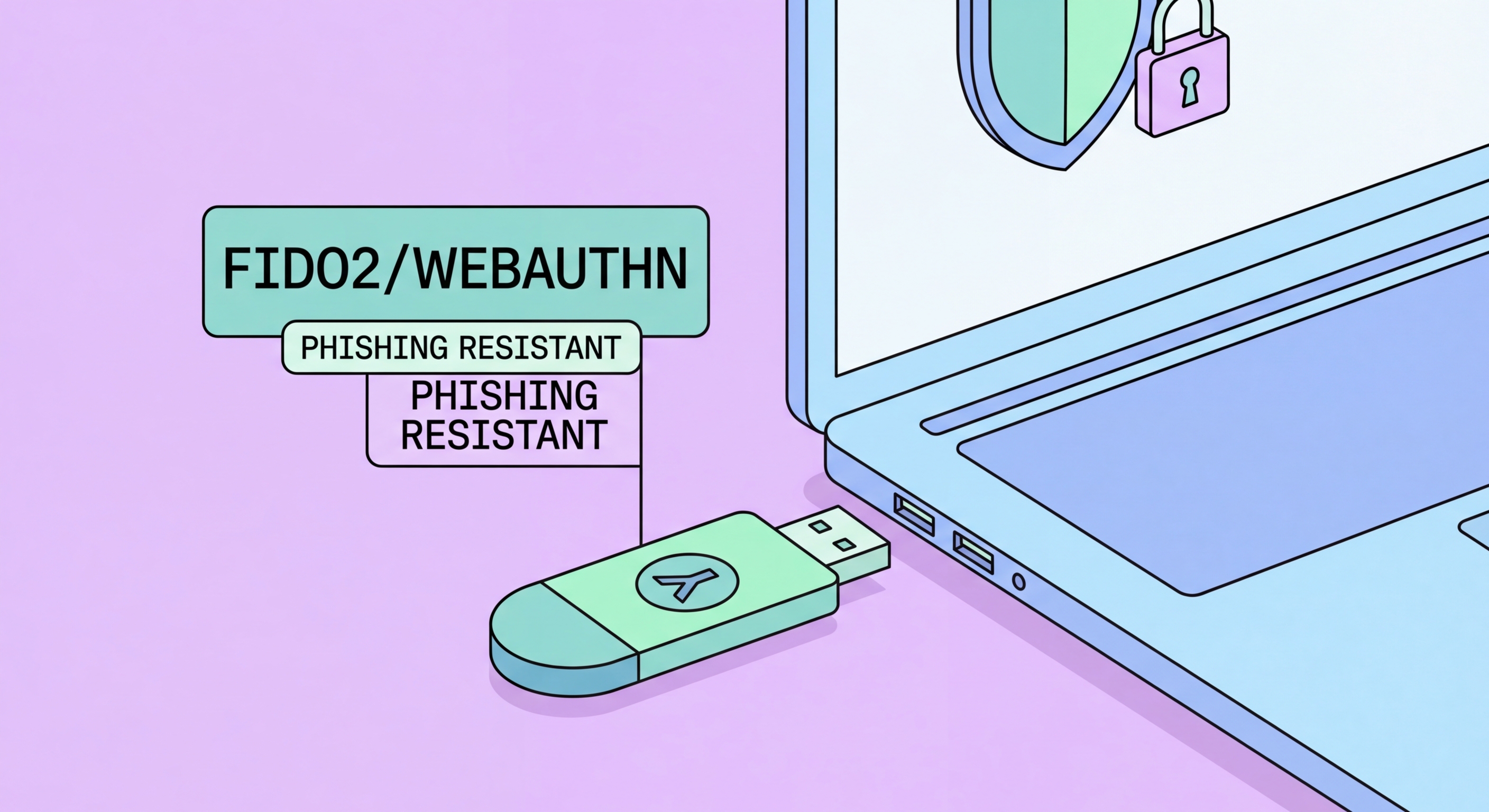
Hardware security keys including YubiKey shown next to a laptop for 2FA
1What Are They

What Is a Hardware Security Key?

A hardware security key is a small physical device — roughly the size of a USB drive — that you use as your second authentication factor. Instead of typing a code from an app or waiting for an SMS, you plug the key into a USB port (or tap it against your phone's NFC reader) and touch a sensor. The device performs a cryptographic operation that proves your identity to the service you're logging into. This process takes less than a second and requires no typing.

Hardware keys implement the FIDO2 standard and its predecessor FIDO U2F. Inside each key is a secure element — a tamper-resistant microprocessor chip designed to store cryptographic material securely. When you register a hardware key with a service, the key generates a unique public/private key pair for that specific site. The private key never leaves the hardware and cannot be extracted, even if someone physically has the key. The public key is shared with the service and used to verify your identity at login.

The critical security advantage of hardware keys over software 2FA is phishing resistance. When you attempt to log in, the key cryptographically verifies the exact domain name of the website requesting authentication. If an attacker tricks you into visiting a phishing site — even one that is pixel-perfect identical to the real login page — the key will see the wrong domain and refuse to authenticate. This makes hardware keys immune to the most sophisticated phishing attacks that can defeat TOTP apps and SMS codes.

  • Physical device: Typically a small USB device, some with NFC for smartphone use
  • Secure element: Tamper-resistant chip that stores private keys — extraction is virtually impossible
  • FIDO2/U2F standard: Open standard supported by Google, Apple, Microsoft, and thousands of services
  • User presence: You must physically touch the key to authenticate — stops remote attacks
  • Domain binding: Key cryptographically verifies the website domain — blocks phishing
  • No codes to type: Authentication is a single touch — no 30-second windows or code entry
Why hardware keys are the gold standard of phishing-resistant MFA →
Hardware security key plugged into laptop USB port
2Key Models

YubiKey, Google Titan, and Other Hardware Keys Compared

YubiKey, made by Yubico (a Swedish-American company), is the most established hardware key brand and the one most commonly recommended by security professionals. The YubiKey 5 Series supports FIDO2, FIDO U2F, smart card (PIV), OpenPGP, and TOTP, making it versatile across enterprise and consumer use cases. The YubiKey 5 NFC adds Near Field Communication for use with iPhones and Android devices — you tap the key against to Spot and Avoid Attacks on Your Phone">your phone instead of plugging it in. The Security Key Series is a more affordable NFC-capable option that supports FIDO2 only, which is sufficient for most consumer use.

Google's Titan Security Keys are Google's own FIDO2 hardware keys, available in USB-C and NFC models. They are manufactured to Google's specifications and are a solid, well-priced option — particularly attractive for users who are deeply invested in the Google ecosystem and trust Google's supply chain security. Google's internal use of Titan Keys for all employee accounts eliminated phishing-related account compromises entirely across its workforce, a powerful endorsement of the technology's effectiveness.

for Hong Kong Online Banking: What You Need to Know">For Hong Kong users, YubiKey is more accessible — Yubico ships directly to Hong Kong, and resellers in HK carry the most popular models. The YubiKey 5C NFC (USB-C connector with NFC) is the most versatile for modern MacBooks, USB-C Windows laptops, and iPhones with iOS 16+. Budget-conscious users should consider the YubiKey Security Key C NFC, which supports FIDO2 only but is priced lower and handles the vast majority of consumer use cases. Always buy two keys and register both with your important accounts so you have a backup if one is lost.

  • YubiKey 5 NFC: Full-featured — FIDO2, TOTP, PIV, OpenPGP; USB-A + NFC — best for most users
  • YubiKey 5C NFC: Same as above with USB-C — recommended for modern MacBooks and laptops
  • YubiKey Security Key C NFC: FIDO2-only, USB-C + NFC — lower cost, ideal for consumer use
  • Google Titan USB-C: Good value FIDO2 key — well-suited to Google Workspace users
  • Buy two keys: Always register a backup key — store the second key in a secure location
  • Hong Kong availability: YubiKey ships to HK from Yubico.com; some IT resellers in Mongkok carry stock
See our full YubiKey review for Hong Kong users →
YubiKey models compared — 5 Series NFC and Security Key
3Setup and Compatibility

Setting Up a Hardware Key: What Works and What Doesn't

Hardware key setup follows a consistent pattern across supported services. You go to your account's security settings, find the option to add a security key, click Add, and when prompted, insert the key and touch the sensor. The browser communicates with the key via the WebAuthn API, which is supported in Chrome, Edge, Firefox, and Safari on all modern operating systems. The process takes about 30 seconds per service and requires no software installation — hardware keys are plug-and-play by design.

Compatibility has improved dramatically. Google, Microsoft, GitHub, Twitter/X, Facebook, Dropbox, and hundreds of enterprise applications now support FIDO2 hardware keys. For iPhones (iOS 16+), YubiKey 5 NFC can be used over NFC by tapping the key against the top of the phone when prompted by a supporting app or website in Safari. Android phones with NFC work similarly. USB-C keys work directly with modern iPad Pros and MacBooks without adapters.

The notable gap in hardware key support is most Hong Kong banking apps. At the time of writing, the major HK banks' mobile apps do not support FIDO2 hardware keys — they use their own proprietary 2FA systems built into their banking apps. You can still use a hardware key for your Gmail, work accounts, and social media, and use the bank's built-in app authentication for banking. This is not a reason to avoid hardware keys — it just means they protect a different set of accounts from your banking authentication.

  • Browser support: Chrome, Edge, Firefox, Safari on Windows, macOS, iOS, and Android all support WebAuthn
  • No software needed: Keys are plug-and-play — no drivers required on modern operating systems
  • iPhone NFC: Works with NFC-capable YubiKeys via iOS 16+ in Safari and supporting apps
  • Services that work: Google, Microsoft, GitHub, Twitter, Facebook, Dropbox, Cloudflare, and more
  • HK banking gap: Major HK banks do not yet support FIDO2 keys — use their app 2FA instead
  • Register backups: Add a second key during setup on every service — one key lost should not lock you out
Set up your security key with Google — step by step →
Setting up YubiKey with Google Account in Chrome browser
4Who Should Use One

Are Hardware Keys Worth It? Who Benefits Most

Hardware keys are worth it for anyone who would face serious consequences from account compromise. If you run a business that stores customer data, if you manage cryptocurrency holdings of any significance, if you are a journalist, activist, or professional handling sensitive information, or if you are a high-profile social media account holder — a hardware key is the most effective protection available at a consumer price point (HK$400–600 for a good model).

For ordinary consumers in Hong Kong who primarily want to protect their email, banking, and social media accounts, an authenticator app is already a very strong defence and hardware keys are optional rather than essential. The risk profile that truly benefits from hardware keys is someone specifically targeted by attackers — not someone at risk from the mass automated credential stuffing attacks that affect most people. That said, hardware keys are simple enough to use daily that there is no real cost to using them, only benefit.

For Hong Kong businesses, implementing hardware keys as the 2FA standard for employees — particularly for email, cloud services, and VPN access — eliminates phishing as a vector for corporate account compromise. The cost of a hardware key per employee is trivial compared to the cost of a single successful business email compromise incident. The challenge is logistics: employees need physical keys, they need to register backup keys, and IT needs a process for employees who lose or forget their keys. With good planning, these challenges are manageable and the security benefits are substantial.

  • Highest priority: Crypto holders, executives, journalists, activists, and business account managers
  • Business use: Cost-effective way to eliminate phishing risk for corporate email and cloud access
  • HK cost: Approximately HK$400–600 for a YubiKey 5C NFC — buy two for redundancy
  • Consumer use: Authenticator apps are sufficient for most personal accounts
  • Losing a key: Use your backup key and remove the lost key from all account security settings
  • Key storage: Keep your backup key at home in a safe location — never carry both keys together
See the full MFA implementation guide for HK businesses →
Business professionals and high-risk users who should use hardware keys

Ready to Go Beyond Authenticator Apps?

Read our dedicated YubiKey review for Hong Kong users — setup, compatibility, and where to buy in HK.

Related VPN Articles