What to Do If Your Phone Is Lost or Stolen in Hong Kong
Act fast — a lost or stolen phone is a data security emergency. Here's the step-by-step response guide for iPhone and Android users in Hong Kong, from remote lock to police reporting.
Act fast — a lost or stolen phone is a data security emergency. Here's the step-by-step response guide for iPhone and Android users in Hong Kong, from remote lock to police reporting.
When you realise How to Spot and Avoid Attacks on Your Phone">your phone is missing, the first 15 minutes are critical. Modern smartphones contain banking app sessions, stored payment credentials, active email sessions, social media accounts, and often the authentication factor for your most important online accounts. A thief who gains access to an unlocked phone — or one with a weak PIN that can be bypassed — can cause damage within minutes: transferring funds, locking you out of accounts, or extracting sensitive data. Speed of response is the most important variable in limiting your losses.
Your first action is to remotely lock the device if it isn't already locked. From another device — a friend's phone, a computer, or a tablet — access Find My iPhone (via icloud.com or the Find My app) for iOS, or Find My Device (findmydevice.google.com) for Android. Sign in with your Apple ID or Google Account and select your missing device. Enable Lost Mode (iOS) or Lock Device (Android) immediately — this applies a lock even if the phone screen isn't currently locked, and on iOS, Lost Mode also displays a custom message on the lock screen with your contact information.
While the device is being locked remotely, simultaneously sign out of any accounts that have active web sessions — particularly Gmail, Apple ID, Microsoft Account, and any financial services you were logged into on the device. On iOS, go to icloud.com → Account Settings → sign out all other devices. For Google, go to myaccount.google.com → Security → Your Devices → sign out the lost device from all Google services. Contact your bank immediately to request a temporary hold on transactions originating from mobile banking sessions.

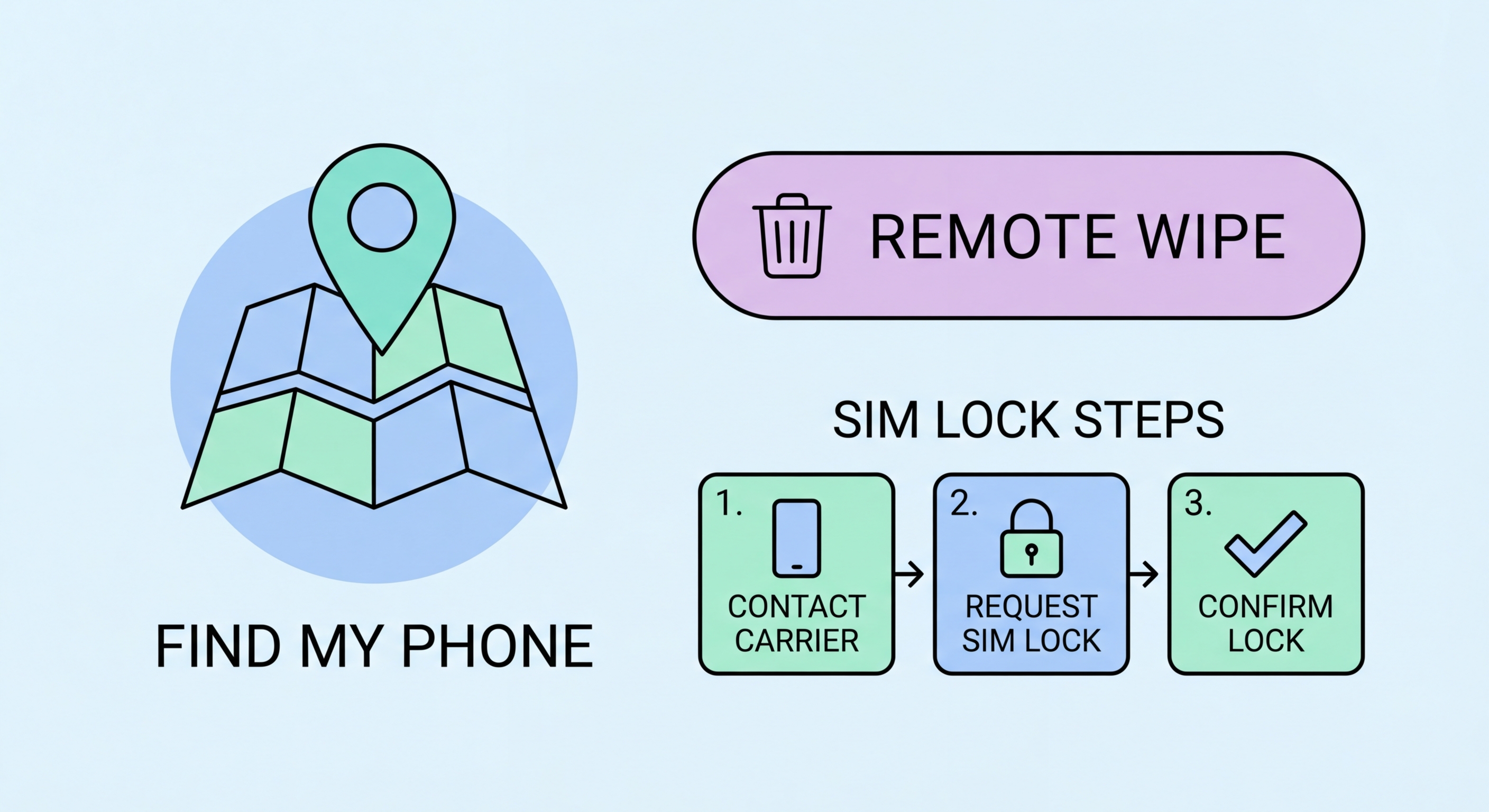
Remote wiping permanently erases all data on the device. It's an irreversible action, so deciding when to use it requires weighing the security risk against the possibility of recovery. If your device is strongly encrypted and has a robust lock screen PIN, the immediate data risk is limited — the data is protected by encryption and the lock screen. In this situation, using Lost Mode and tracking the device's location before wiping may be the better approach, particularly if you left the phone somewhere rather than had it stolen.
The calculus changes if: your phone doesn't have a strong passcode; the phone was stolen in a way that suggests the thief may have access to technical expertise (e.g., targeted theft in a professional context); the phone contains extremely sensitive personal, financial, or business data; or you have no hope of recovering the device. In any of these situations, wiping immediately minimises your data exposure even though it forfeits the chance of device recovery.
For iOS, initiating an erase from icloud.com under Find My iPhone permanently removes all data and disables the phone. However, Activation Lock remains active — the device is tied to your Apple ID and cannot be reactivated without your Apple ID credentials, making stolen iPhones essentially useless to thieves for resale. For Android, a factory reset via Find My Device erases the phone's data. Note that Android devices with Factory Reset Protection will prompt for Google account credentials on setup after reset, similarly preventing easy reactivation.

Filing a police report is important for several reasons: it creates an official record useful for insurance claims, it provides the IMEI number report that allows carriers to blacklist the device (making it non-functional on any HK network), and it documents any subsequent fraudulent activity connected to your device. In Hong Kong, phone theft reports are filed with the Hong Kong Police Force.
You can report a stolen phone at any Hong Kong police station, or by calling 999 if the theft is in progress. For non-urgent reports, use the HKPF's online e-Reporting Portal at eReporting.police.gov.hk for incidents including lost or stolen property. You'll need: your device's IMEI number (found on the original box, on your carrier account, or by dialling *#06# on the device), your device model, a description of the circumstances of the loss, and identification.
After making a police report, contact your mobile carrier to report the device stolen. Provide the IMEI number and request the device be added to the GSMA Device Check database, which blacklists it across Hong Kong's mobile networks. This prevents the device from being used on any HK carrier's network even with a different SIM card. HKT (1838), CMHK (1000), and HGC all have dedicated customer service lines for lost/stolen device reporting.

The most effective response to a lost or stolen phone is one that happens within seconds because you've prepared everything in advance. Many of the most damaging consequences of phone theft are preventable entirely — not by responding faster, but by setting up the right configurations before the phone ever goes missing. A phone that is encrypted, strongly locked, has Find My enabled, and whose accounts are secured with strong 2FA on a separate device suffers minimal practical harm when stolen.
Note down your IMEI number today and store it somewhere accessible without your phone. On iPhone, go to Settings → General → About and find the IMEI. On Android, go to Settings → About Phone → IMEI Information. Write it down or take a photo on a different device. This number is essential for police reports and carrier blacklisting — without it, these processes are significantly slower and less effective. Similarly, ensure your Apple ID and Google Account passwords are saved in a password manager accessible from another device — you'll need them to initiate remote wipe.
Set up recovery contacts and account recovery options now, not after the phone is gone. On iOS, Recovery Contacts (Settings → [Your Name] → Password & Security → Recovery Contacts) designate trusted people who can help you recover your Apple ID. For your Google Account, add a recovery email or phone number at myaccount.google.com → Security. For banking apps, note down your card numbers and bank customer service numbers in a secure location so you can call them without your phone. A paper copy in a secure home location, or in an encrypted note accessible via another device, covers all these bases.

