Best Authenticator Apps for Hong Kong Users in 2026
Google Authenticator, Authy, Microsoft Authenticator, 1Password, and Raivo — an honest comparison for Hong Kong users covering backup, usability, and security.
Published: March 29, 2026
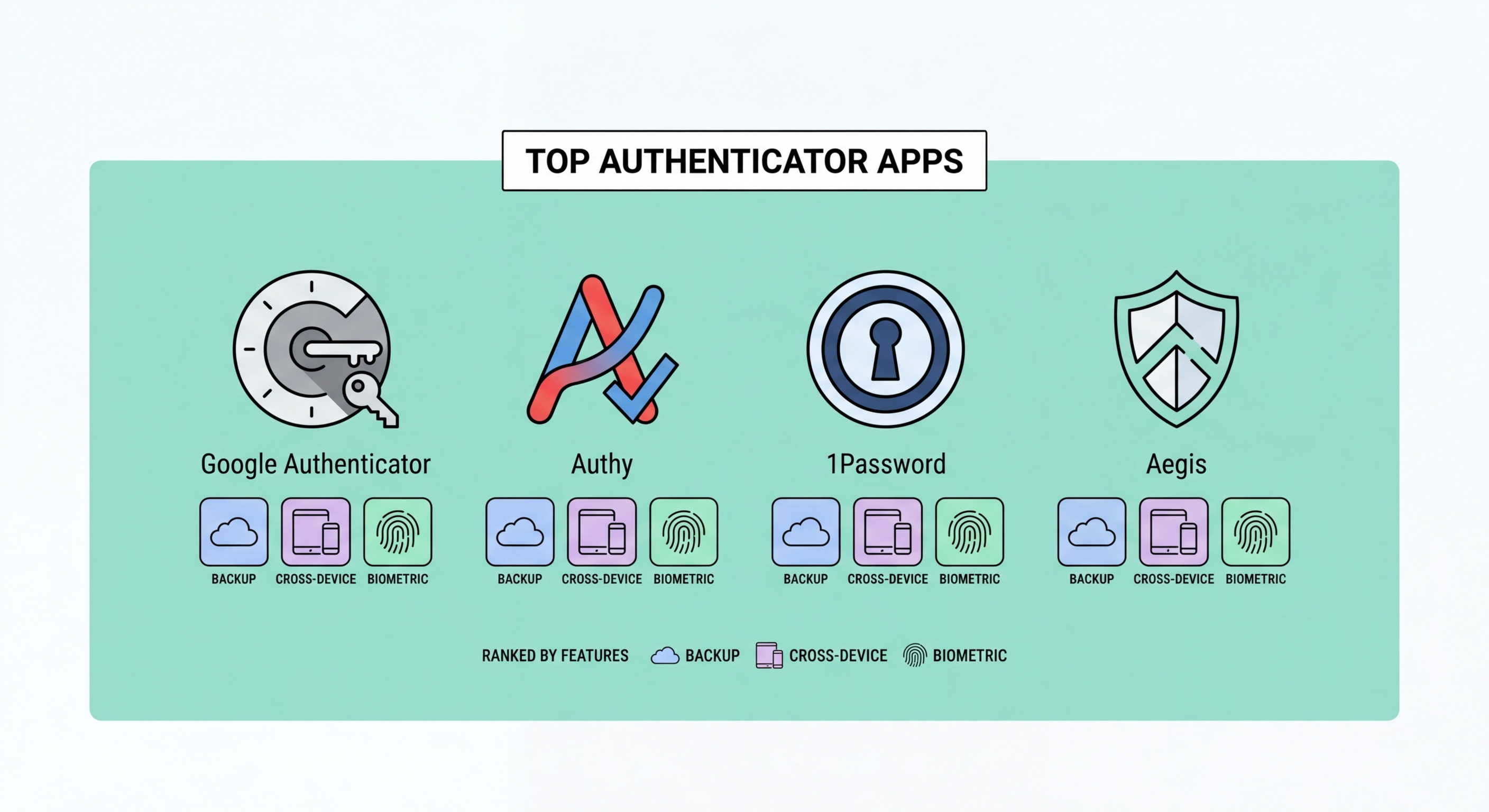
Google Authenticator, Authy, Microsoft Authenticator, 1Password, and Raivo — an honest comparison for Hong Kong users covering backup, usability, and security.
Published: March 29, 2026
All authenticator apps generate codes using the same TOTP standard, meaning the codes themselves are equally secure regardless of which app you use. The differences lie in backup and recovery capabilities, usability, multi-device support, and what happens when you lose or break to Spot and Avoid Attacks on Your Phone">your phone. Choosing the wrong app is not a security failure in normal operation — but it can become a serious problem when you need to recover access after losing a device.
The single most important feature to evaluate is cloud backup. Google Authenticator now offers encrypted Google Account backup, but the original version had no backup at all — a design choice that locked many users out of accounts permanently when they lost or changed phones. Authy and 1Password offer robust encrypted cloud backup. This matters enormously: your 2FA codes protect highly sensitive accounts, and losing them without a recovery path can be extremely disruptive.
Multi-device support is the second major differentiator. Some apps allow you to view and use your codes from multiple devices simultaneously — your phone, tablet, and laptop. Others are strictly single-device. for Hong Kong Online Banking: What You Need to Know">For Hong Kong users who frequently switch between an iPhone and iPad, or who want their 2FA codes accessible on a MacBook as well as an iPhone, multi-device apps offer significant convenience without meaningful security compromise when configured correctly.

Google Authenticator is the most widely known authenticator app, largely because it is the default option shown in the 2FA setup instructions of many major services. It is simple, lightweight, and uses standard TOTP, making it compatible with every service that supports authenticator apps. The updated version (2023 onwards) added optional Google Account-synced backup, which stores codes encrypted in your Google account. The downside: if you do not enable backup, switching phones requires re-enrolling in 2FA for every account individually — a painful process that has locked many users out permanently.
Authy, owned by Twilio, takes a more user-friendly approach. It provides automatic encrypted cloud backup and allows you to install the app on multiple devices simultaneously — your iPhone and iPad can both display your codes. Authy also includes a desktop app for Windows and Mac, which is useful for developers or users who prefer managing 2FA from a computer. The backup is encrypted with a separate password that you set, meaning Twilio cannot decrypt your codes even if their servers are compromised. The main risk: if you forget your Authy backup password, you lose everything.
For most Hong Kong users, Authy's combination of automatic backup, multi-device support, and strong encryption makes it the more forgiving choice — especially if you frequently upgrade phones or use multiple devices. Google Authenticator is a reasonable choice if you already rely heavily on Google Account security (with its own 2FA) and prefer Google's ecosystem. If you use an iPhone and value tight iOS integration, 1Password (which includes an authenticator built into the password manager) or Apple's built-in Passwords app are worth considering.

Microsoft Authenticator is the best choice for users in a Microsoft 365 enterprise environment. It integrates deeply with Azure Active Directory and supports passwordless login for Microsoft accounts via push notification, where you simply approve a login request rather than entering any code. For standard TOTP accounts, it works identically to other apps. It offers encrypted backup through your Microsoft account. For Hong Kong businesses running on Microsoft 365, deploying Microsoft Authenticator as the corporate standard simplifies IT management and enables centrally managed conditional access policies.
1Password is a password manager that includes a built-in TOTP authenticator, allowing you to store both your password and your 2FA secret for each account in one place. This is controversial from a strict security standpoint — combining your password and second factor in the same application means that compromising 1Password defeats the two-factor architecture. However, 1Password has strong security credentials, and for users who value the convenience of filling passwords and 2FA codes automatically in their browser, the practical security benefit of consistent 2FA use outweighs the theoretical concern for most threat models.
Raivo OTP is a respected open-source authenticator for iPhone users. Its code is publicly auditable, it stores codes in iCloud Keychain (Apple's encrypted sync service), and it has a clean interface with strong biometric lock. For privacy-conscious users who prefer open-source software and deep iOS integration, Raivo is an excellent choice. Ente Auth is another open-source alternative with cross-platform support and end-to-end encrypted backup — worth considering for Android users who want an open-source option with good recovery features.

For most Hong Kong users on iPhone: Apple's built-in Passwords app (iOS 18+) or Raivo OTP are excellent choices if you live in the Apple ecosystem. Both sync via iCloud Keychain and integrate naturally with Safari autofill. If you need cross-platform support — particularly sharing 2FA codes between an iPhone and a Windows PC — Authy remains the most practical option with its strong backup system and multi-platform support.
For Android users: Google Authenticator with Google Account sync is the most straightforward option. Ente Auth is the better choice if you prefer open-source software or are concerned about Google's data practices. For users who are already using Bitwarden as a password manager, the premium tier's built-in TOTP offers a clean integrated experience. Microsoft Authenticator is the right choice for anyone whose employer mandates it or who relies heavily on Microsoft services.
Regardless of which app you choose, the most important step is to ensure your backup strategy is solid before you rely on any authenticator for critical accounts. This means either enabling cloud backup in your chosen app, or downloading and securely storing the backup codes that every major service provides during 2FA setup. Never set up 2FA on a banking or email account without first saving backup codes — and test that those codes actually work before you rely on them.
