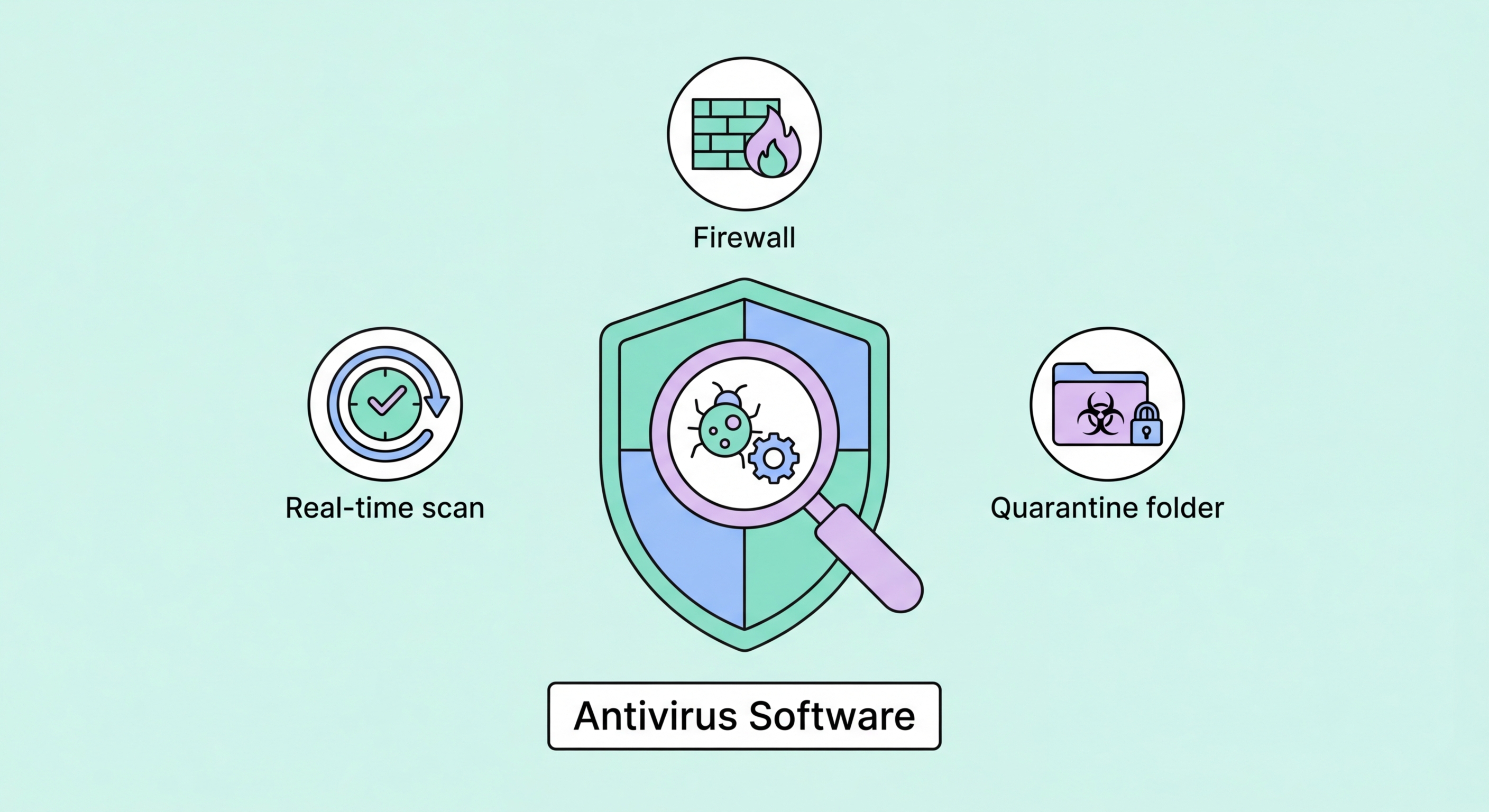
Antivirus software detects, prevents, and removes malicious software from your devices. Modern antivirus goes far beyond scanning files — it actively monitors behaviour, blocks phishing, and connects to global threat intelligence in real time.
Antivirus software is a cybersecurity application designed to identify and eliminate malicious software — collectively called malware — from your computer, smartphone, or other connected device. The term "antivirus" dates from the 1980s when the primary threat was self-replicating programs called computer viruses. Today, the category has expanded far beyond virus detection to encompass protection against the full spectrum of modern malware threats: ransomware, spyware, trojans, rootkits, adware, keyloggers, fileless malware, and more.
Modern antivirus software operates through multiple concurrent detection mechanisms. Signature-based detection compares files against a database of known malware fingerprints — the traditional approach that remains effective against known, catalogued threats. Heuristic analysis examines the structure and code patterns of files to identify characteristics typical of malware, even without a known signature match. Behavioural monitoring watches running processes for suspicious actions — like a process attempting to encrypt hundreds of files rapidly (characteristic of ransomware) or making unexpected network connections to foreign servers (characteristic of command-and-control malware).
Cloud-based threat intelligence has transformed antivirus effectiveness in the past decade. When any device in a provider's network of hundreds of millions of protected endpoints encounters a new threat, that information is processed and propagated to all other protected devices within minutes. This collective intelligence means that even if your device is one of the first to encounter a new piece of malware, the threat may already be known to the cloud intelligence network from the very first device that encountered it globally, enabling near-instantaneous protection against newly discovered threats without requiring a software update on your device.
The history of antivirus software begins in the late 1980s, when the first computer viruses began spreading on floppy disks and early internet connections. The first commercial antivirus products — including early versions of what would become McAfee and Symantec Norton — were simple programs that scanned files for known virus signatures: unique byte sequences that identified specific malware. This approach worked well when new viruses appeared slowly and could be catalogued manually, but it faced an escalating scale challenge as malware creation accelerated through the 1990s and 2000s.
The shift from PCs to internet-connected computers in the 1990s fundamentally changed the threat landscape. Viruses that spread via floppy disk were replaced by worms that spread over networks, and the economic incentive for malware shifted from mischief and reputation to organised financial crime. By the 2000s, botnets of infected computers were being used for spam delivery, distributed denial-of-service attacks, and credential theft. Antivirus products evolved from simple file scanners to complex security suites with firewalls, email filters, and anti-spyware modules.
The current generation of antivirus software, often marketed as "next-generation" or "NGAV," incorporates machine learning models trained on vast datasets of malware samples to identify threats by statistical pattern rather than explicit signatures. This approach provides stronger detection of novel malware variants that differ from known samples. Combined with behavioural monitoring, cloud intelligence, and EDR (Endpoint Detection and Response) capabilities in enterprise products, modern antivirus platforms bear little resemblance to the simple signature scanners of thirty years ago — yet they remain essential components of the security stack for every connected device.
Modern antivirus protects against a comprehensive range of malware types. Ransomware protection uses multiple layers: behavioural monitoring that detects mass file encryption activity and halts it before completion, protected folder features that prevent unauthorised processes from modifying files in designated important directories, and backup integration that allows recovery from ransomware attacks with minimal data loss. Ransomware protection is one of the most important capabilities to evaluate when comparing antivirus products, given the devastating impact of ransomware incidents on both individuals and businesses.
Trojan and backdoor detection protects against malware that disguises itself as legitimate software. Modern trojans are distributed through phishing emails, malicious advertisements, fake software download sites, and compromised legitimate websites. Antivirus URL and download scanning checks files as they're downloaded against known malware hashes and uses behavioural analysis on executable files before they're allowed to run. Keylogger and spyware protection monitors for processes that attempt to hook into keyboard input streams or capture screen content.
Phishing protection is increasingly critical and has become a standard component of security suites. Browser extensions or integrated browser plugins check every URL you visit against real-time databases of known phishing and malicious sites, blocking access before any malicious page content loads. Email scanning modules check attachments and links in incoming email for malware payloads and phishing URLs. These capabilities protect against the most common initial infection vectors — phishing emails and drive-by downloads from malicious websites — before the malware ever has a chance to execute on your device.
For users setting up antivirus protection for the first time, the choice between free and paid products is the first decision. Windows Defender (built into Windows 10 and 11) provides a baseline level of protection at no additional cost and has significantly improved in quality over recent years — it now scores respectably in independent testing. However, third-party paid antivirus products consistently outperform Windows Defender in independent tests, particularly on behavioural detection of ransomware and zero-day threats, web protection, phishing detection, and additional features like identity monitoring and VPN.
For most Hong for Hong Kong SMEs: Where to Start">for Hong Kong Users">Kong users, a paid antivirus subscription from Bitdefender, Norton, or ESET is recommended for comprehensive protection. Budget around HK$200–500 per year for a single-device plan, or HK$400–800 for a multi-device family plan covering Windows PCs, Macs, and Android devices. All major products offer 30-day free trials, so you can evaluate performance on your specific device before purchasing. Installation is straightforward: download from the provider's official website, run the installer, allow the required permissions, and the software runs silently in the background with minimal configuration required.
After installation, verify the product is active and configured correctly: confirm real-time protection is enabled (not just scheduled scanning), check that automatic definition updates are working, and run a full system scan to establish a clean baseline. Keep the antivirus installed with real-time protection always on — the common mistake of disabling antivirus "because it's slowing down my computer" eliminates protection during the disabled window. If performance is genuinely an issue, switch to a lighter product rather than disabling protection entirely.