What Is a VPN? The Complete Beginner's Guide
A VPN (Virtual Private Network) encrypts your internet traffic and hides your IP address. Learn exactly how it works and why it matters for privacy in Hong Kong.
Published: March 29, 2026
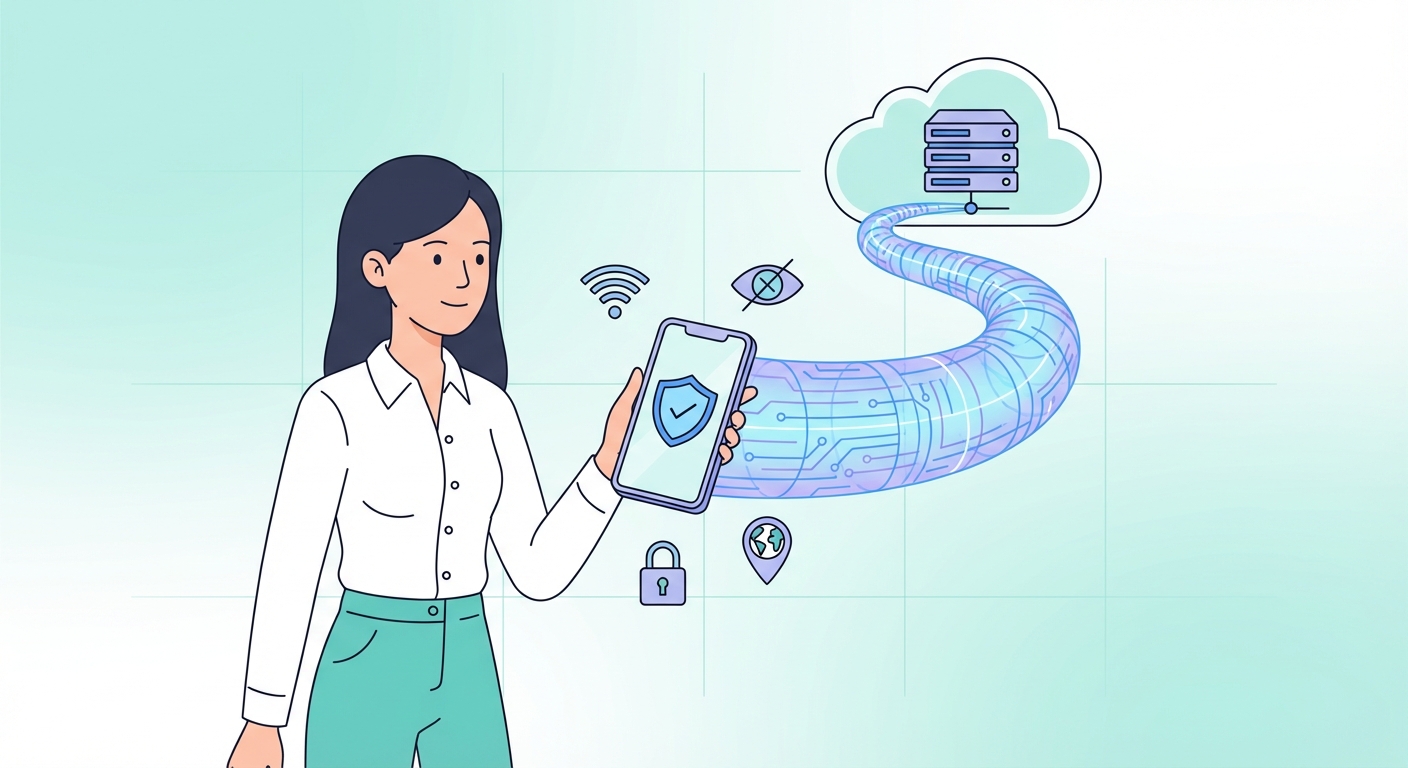
A VPN (Virtual Private Network) encrypts your internet traffic and hides your IP address. Learn exactly how it works and why it matters for privacy in Hong Kong.
Published: March 29, 2026
A Virtual Private Network ↗ (VPN) is a technology that creates an encrypted, secure tunnel between your device and the internet. When you connect to a VPN server, all your internet traffic is routed through that server before reaching its destination. To any outside observer — your ISP ↗, your government, or a hacker on the same WiFi network — your traffic appears to originate from the VPN server's location, not your own device.
The term "Virtual Private Network" originally described technology businesses used to securely connect remote employees to internal company servers. Today, consumer VPNs have evolved into powerful privacy and security tools used by hundreds of millions of people worldwide to protect their data, bypass geographic restrictions, and preserve online anonymity.
In It Protects and How to Use It">on Public WiFi: Why It's Essential in Hong Kong">Hong Kong, VPN usage has grown significantly since 2020, driven by concerns about privacy, internet freedom, and access to global content. Whether you're a first-time user or upgrading your digital security, understanding what a VPN does — and what it doesn't — is the essential first step.
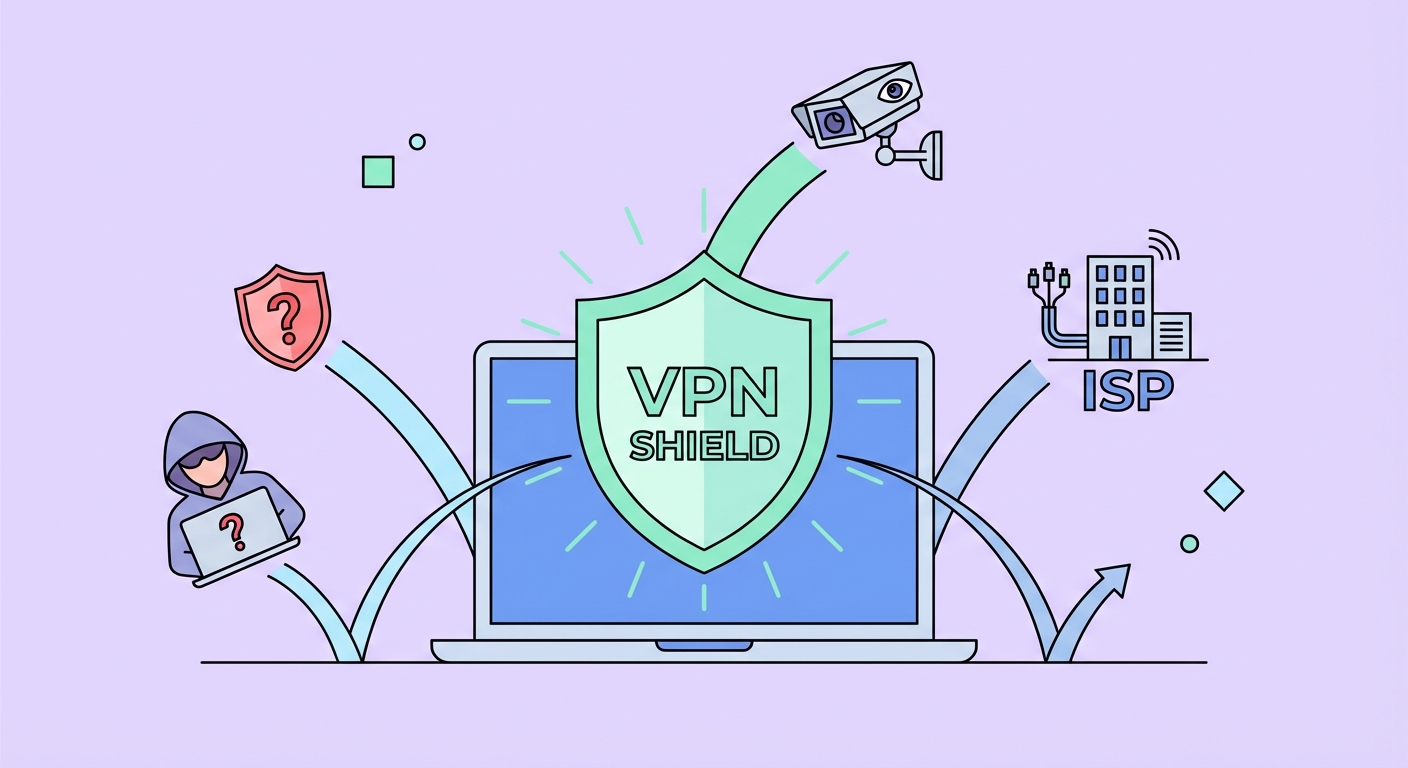
A VPN acts as a digital shield against a range of online threats. The most immediate protection is against surveillance: your Internet Service Provider (ISP ↗) can normally see every website you visit, every app you use, and how long you spend online. In Hong Kong, ISPs are subject to data retention requirements and can be compelled to share user records with authorities. A VPN prevents your ISP from building a profile of your browsing habits.
On public networks — think MTR station WiFi, airport hotspots, or café networks — your unencrypted data is potentially visible to anyone with basic network monitoring tools. Attackers can perform "man-in-the-middle" attacks to intercept login credentials, banking information, or private messages. A VPN encrypts this data before it ever leaves your device, rendering it useless to anyone who intercepts it.
Commercial data brokers and advertisers also track your IP address to build profiles used for targeted advertising and price discrimination. By masking your IP, a VPN disrupts this tracking ecosystem and makes it significantly harder to link your online activity to your real-world identity.
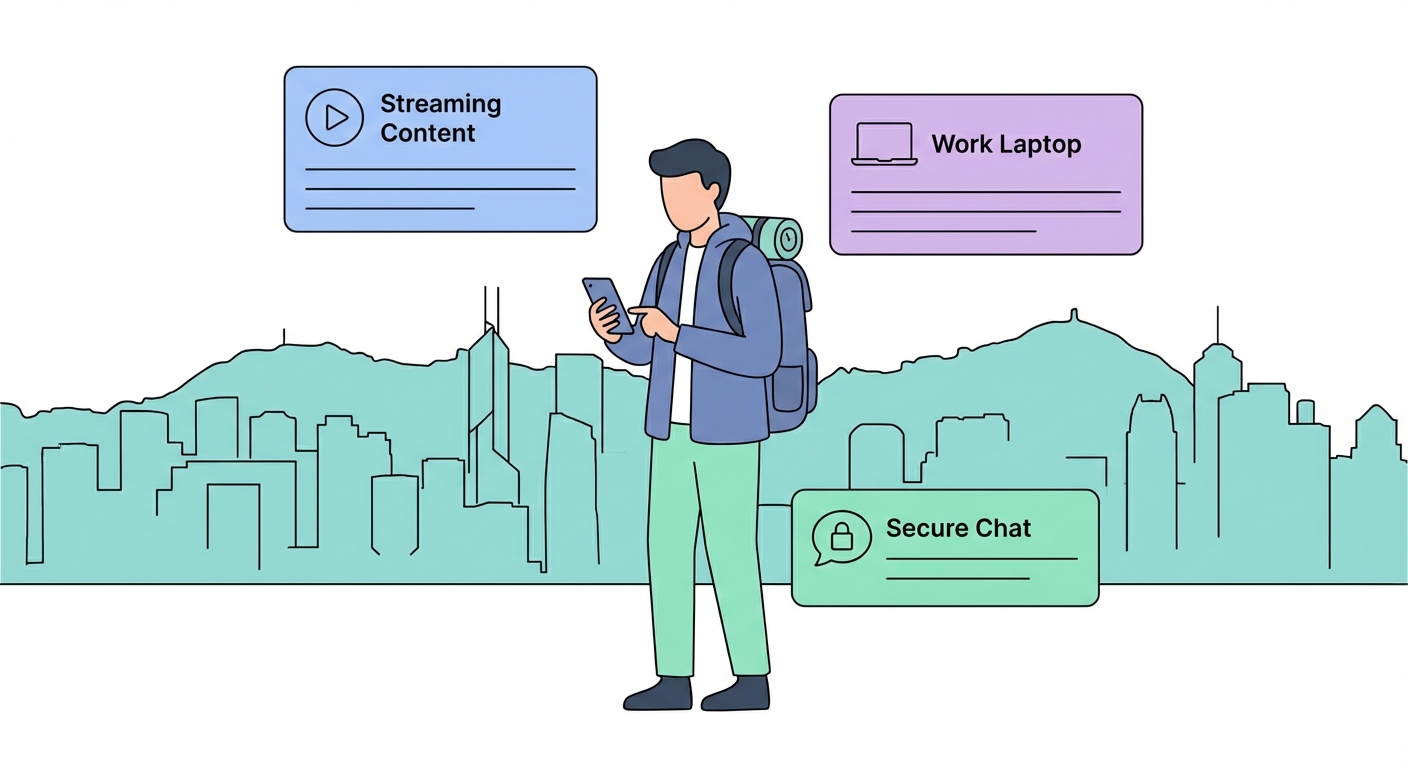
Hong Kong's unique position — a Special Administrative Region with its own legal system and historically open internet — creates specific VPN use cases that differ from both mainland China and Western countries. While Hong Kong maintains a largely unrestricted internet, this landscape has evolved since the introduction of the National Security Law in 2020, making privacy tools increasingly important for many residents.
Cross-border workers and business travellers frequently crossing into mainland China rely on VPNs to maintain access to Google Workspace, WhatsApp, Instagram, and other services that are blocked in China but essential for their work. Without a VPN, these services become completely inaccessible the moment you cross the border at Lo Wu or Lok Ma Chau.
Streaming is another major use case. Hong Kong Netflix has a different library from US Netflix, and many HK residents use VPNs to access content libraries from the US, UK, Japan, or South Korea. Similarly, sports fans use VPNs to watch live events that are only broadcast in specific territories.
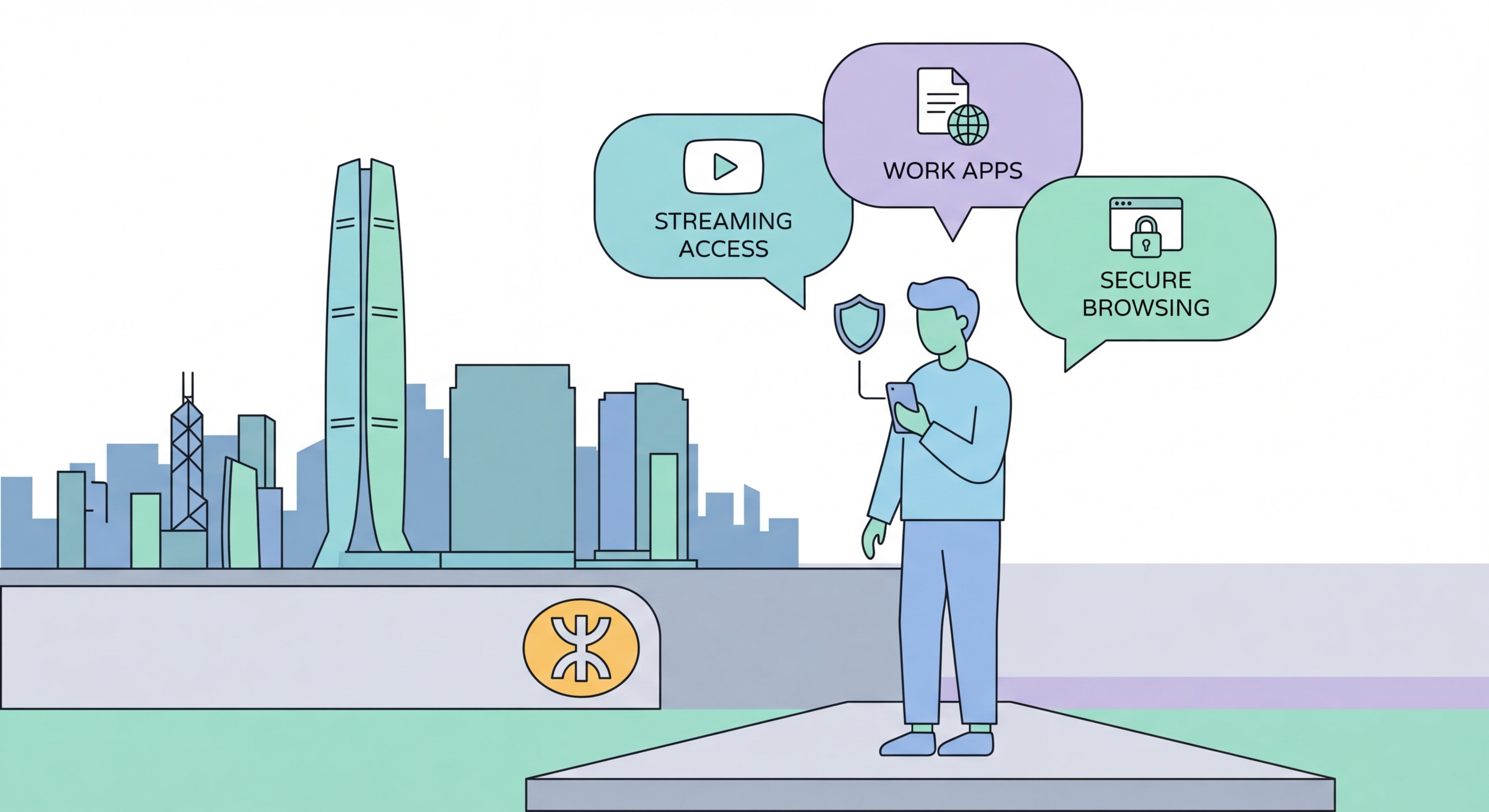
Getting started with a VPN is simpler than many people expect. The basic process takes just a few minutes: choose a reputable VPN provider, download their app on your device, connect to a server, and browse as normal. The VPN runs silently in the background, protecting all apps on your device simultaneously without any technical configuration required.
The most important choice is selecting a trustworthy provider. The VPN market has thousands of options, but quality varies enormously. Key factors include a verified no-logs policy (confirmed by independent security audits), strong encryption standards (AES-256), a wide network of servers, and a proven track record of not cooperating with government data requests. We recommend avoiding free VPNs as they frequently monetise user data — the very thing you're trying to protect.
For Hong Kong users specifically, look for VPNs with servers in nearby countries like Japan, Singapore, and South Korea for fast connections, plus servers in the US and UK for streaming. If you travel to mainland China, choose a VPN with obfuscation features that disguise VPN traffic as normal HTTPS traffic to bypass the Great Firewall's detection systems.