Best Password Managers for Hong Kong in 2026
We tested the top password managers for speed, security, and usability — comparing Bitwarden, 1Password, Dashlane, NordPass, and more for Hong Kong users.
Published: March 29, 2026
We tested the top password managers for speed, security, and usability — comparing Bitwarden, 1Password, Dashlane, NordPass, and more for Hong Kong users.
Published: March 29, 2026
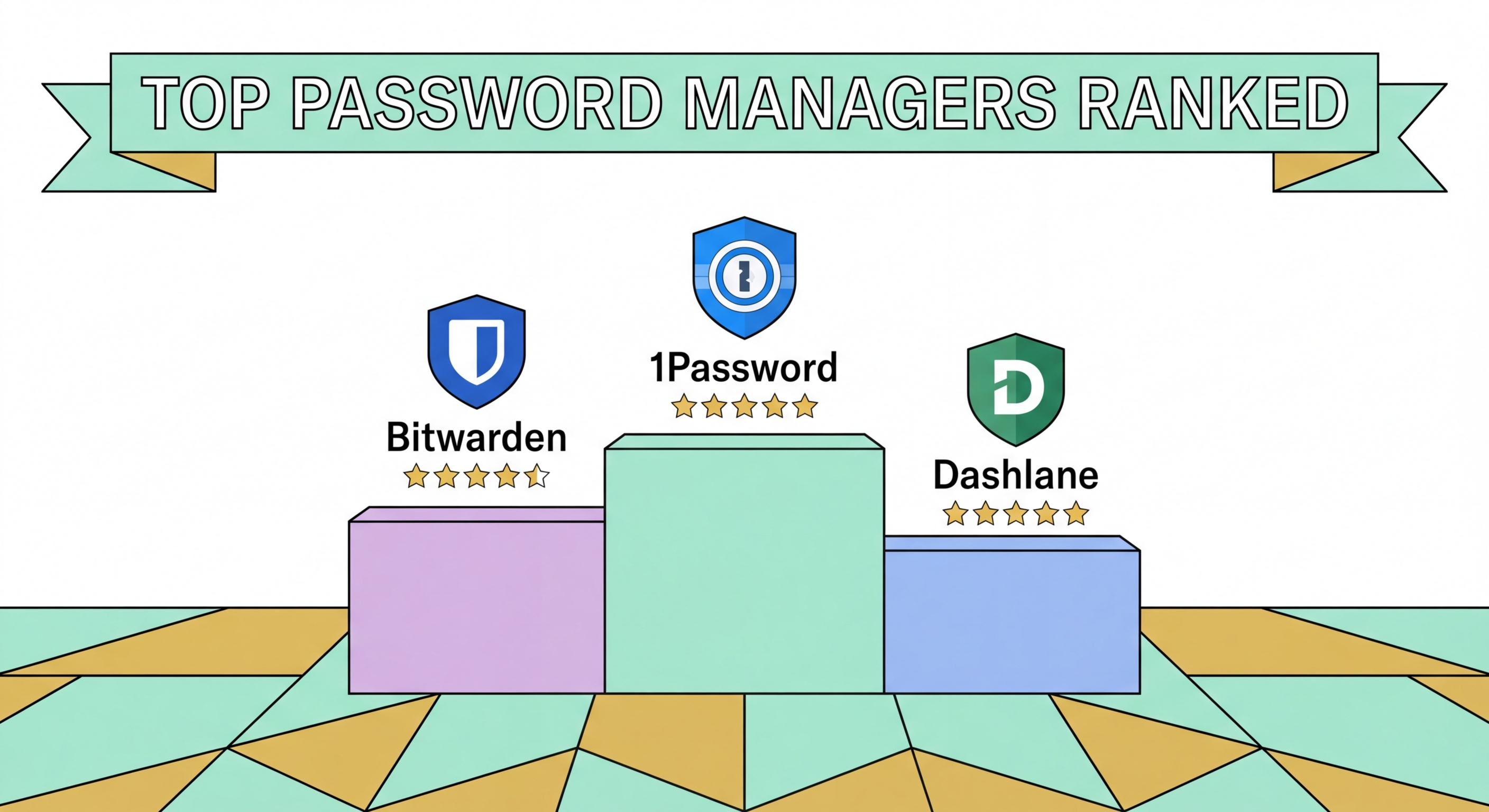
After extensive testing across security audits, cross-platform performance, and features most relevant to Hong Hong Kong Users">Kong users, our top recommendations for 2026 are Bitwarden, 1Password, and Dashlane. Bitwarden earns the top position for its combination of being fully open-source, independently audited, feature-rich, and available with a genuinely functional free tier. It supports traditional Chinese interface localisation and performs excellently on both iOS and Android — the most common platforms in Hong Kong.
1Password remains the premium gold standard, particularly for families and professionals. Its Travel Mode feature — which temporarily removes sensitive vaults from your device when crossing borders — is uniquely valuable for Hong security Guide for Hong Kong Residents">Kong residents who regularly travel to mainland China. The interface is polished across all platforms, and the Watchtower feature provides real-time monitoring of breached password ↗s, reused credentials, and weak passwords in your vault.
Dashlane excels in its security dashboard and breach monitoring capabilities, and its premium tier bundles a VPN — useful if you want to consolidate privacy tools. NordPass, from the team behind NordVPN, is a strong option for existing NordVPN subscribers seeking to bundle services. All four managers use AES-256 or XChaCha20 encryption and have undergone third-party security audits, making them trustworthy choices for protecting sensitive credentials.

Not all password managers are equally secure, and the differences matter significantly. The most important security criterion is the encryption standard: look for AES-256 or XChaCha20 with PBKDF2, Argon2id, or bcrypt key derivation. These combinations make brute-forcing your master password computationally infeasible even with specialised hardware. Avoid any manager that cannot clearly explain its encryption methodology or that does not publish the results of independent security audits.
Zero-knowledge architecture is equally critical. This means your master password is never transmitted to the provider's servers — only the encrypted vault is synced. The decryption happens locally on your device. If a provider claims to be able to help you recover your master password if you forget it, that is a red flag suggesting your master password is stored or recoverable on their end, which undermines the entire security model.
Two-factor authentication for vault access adds an essential layer of protection. Even if an attacker somehow obtained your master password, they would also need access to your second factor — typically a TOTP code from an authenticator app or a hardware security key — to open the vault. All reputable password managers support 2FA; premium tiers often support hardware keys like YubiKey for the highest level of protection.

Password manager pricing varies from completely free to around HK$120 per month for family plans, though most quality options fall in the HK$25–60 per month range when billed annually. For Hong Kong users, paying annually in USD or GBP typically offers the best value — exchange rates mean that a premium password manager often costs less than a single cup of coffee at Pacific Coffee per month.
Bitwarden's free tier is genuinely comprehensive: unlimited password storage, cross-device sync, a password generator, and browser extensions. The premium tier at approximately USD $10 per year (around HK$78) adds TOTP 2FA code generation, breach reports, and 1GB of encrypted file storage. For most individual users, the free tier is sufficient to dramatically improve their security posture. The premium tier is worth the upgrade for its TOTP generation feature alone, which consolidates your authentication codes within the same encrypted vault.
Family plans offer excellent value for households. 1Password Families covers up to five users for around USD $4.99/month billed annually, with unlimited shared vaults — ideal for couples, families, or small households wanting to manage shared accounts like Netflix, streaming services, and home utilities while keeping personal credentials private. Most providers also offer student discounts, and some HK employers include password manager subscriptions in their benefits packages.

The right password manager depends on your specific situation. For individual users on a tight budget, Bitwarden free is the clear winner — it does everything most people need at no cost. For individuals who want a polished premium experience with excellent customer support and a proven track record, 1Password is worth the modest subscription fee. For users who travel frequently to mainland China or other high-surveillance environments, 1Password's Travel Mode is a unique and genuinely valuable feature worth paying for.
Families with multiple devices and shared accounts benefit most from family plan subscriptions. 1Password Families and Bitwarden Families both allow sharing individual vaults while maintaining separate private vaults for each family member — so you can share the family Netflix password without giving access to your banking credentials. This separation of shared and private is a critical security feature that prevents the family plan from becoming a single point of compromise.
Small business owners and IT managers in Hong Kong should consider Keeper Business or 1Password Teams, both of which add role-based access control, admin dashboards, and audit logs. These enterprise features allow you to provision access for new employees, revoke access immediately when someone leaves, and maintain a complete record of who accessed which credentials and when — capabilities that are increasingly required for compliance with Hong Kong's cybersecurity regulations.
