How Does a VPN Work? Inside the Tunnel
From encryption handshakes to DNS protection — a plain-English breakdown of the technology that keeps your data private every time you go online.
Published: March 29, 2026
From encryption handshakes to DNS protection — a plain-English breakdown of the technology that keeps your data private every time you go online.
Published: March 29, 2026
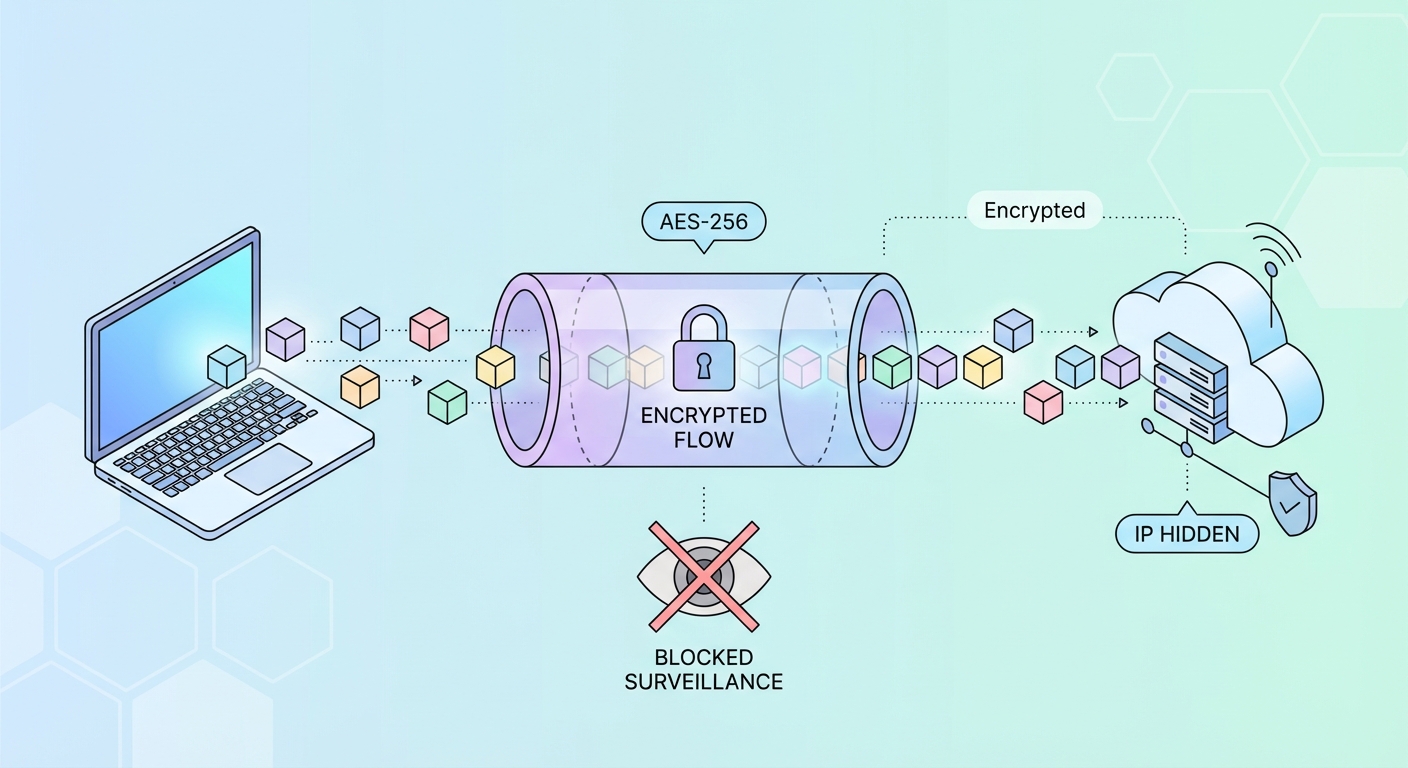
When you activate a VPN, your device establishes an encrypted connection — called a "tunnel" — with a VPN server operated by your provider. Every piece of data you send and receive travels through this tunnel, invisible to anyone outside it. Think of it like a secure armoured tube running through the open internet: your ISP ↗ can see that traffic is moving between your device and the VPN server, but they cannot see what that traffic contains or where it's ultimately going.
The process begins with a cryptographic handshake. Your VPN client (the app on your device) and the VPN server exchange encryption keys using an asymmetric algorithm such as RSA-4096 or elliptic curve Diffie-Hellman (ECDH). This key exchange is designed so that even if someone intercepts the handshake itself, they cannot derive the session keys from it. Once the keys are exchanged, all subsequent communication is encrypted symmetrically using AES-256.
Your data is encapsulated — wrapped inside additional encrypted headers — before being sent. When it arrives at the VPN server, it's decapsulated, decrypted, and forwarded to its actual destination (a website, app server, etc.) under the VPN server's IP address. Responses travel back the same way, re-encrypted before being sent to your device.
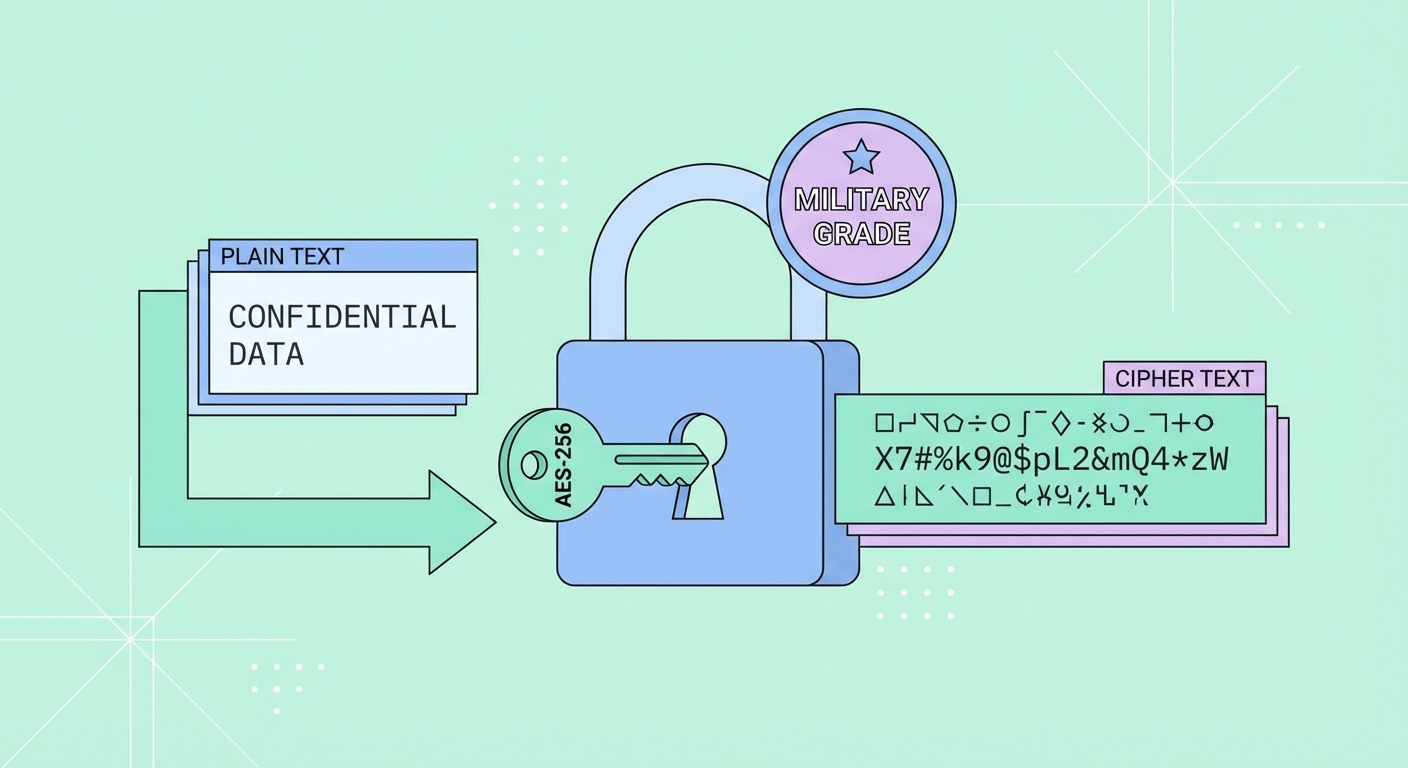
AES-256 (Advanced Encryption Standard with 256-bit keys) is the gold standard for symmetric encryption, used by governments, militaries, banks, and the world's leading VPN providers. The "256" refers to the length of the encryption key: a 256-bit key has 2²⁵⁶ possible combinations — a number so astronomically large that even if every computer on Earth worked together for billions of years, brute-forcing it would remain computationally impossible.
AES operates using a block cipher structure, processing data in 128-bit blocks through multiple rounds of substitution, transposition, and mixing operations. AES-256 applies 14 rounds of these transformations, making it exceptionally resistant to both brute-force and sophisticated cryptanalytic attacks. The US National Security Agency (NSA) has approved AES-256 for protecting top-secret government information — the same encryption protecting your VPN connection.
It's worth understanding that encryption alone doesn't guarantee privacy — the encryption keys must also be managed securely. This is why reputable VPNs implement Perfect Forward Secrecy (PFS), generating unique session keys for every connection. Even if a server's private key were somehow compromised in the future, historical session recordings would remain undecipherable.
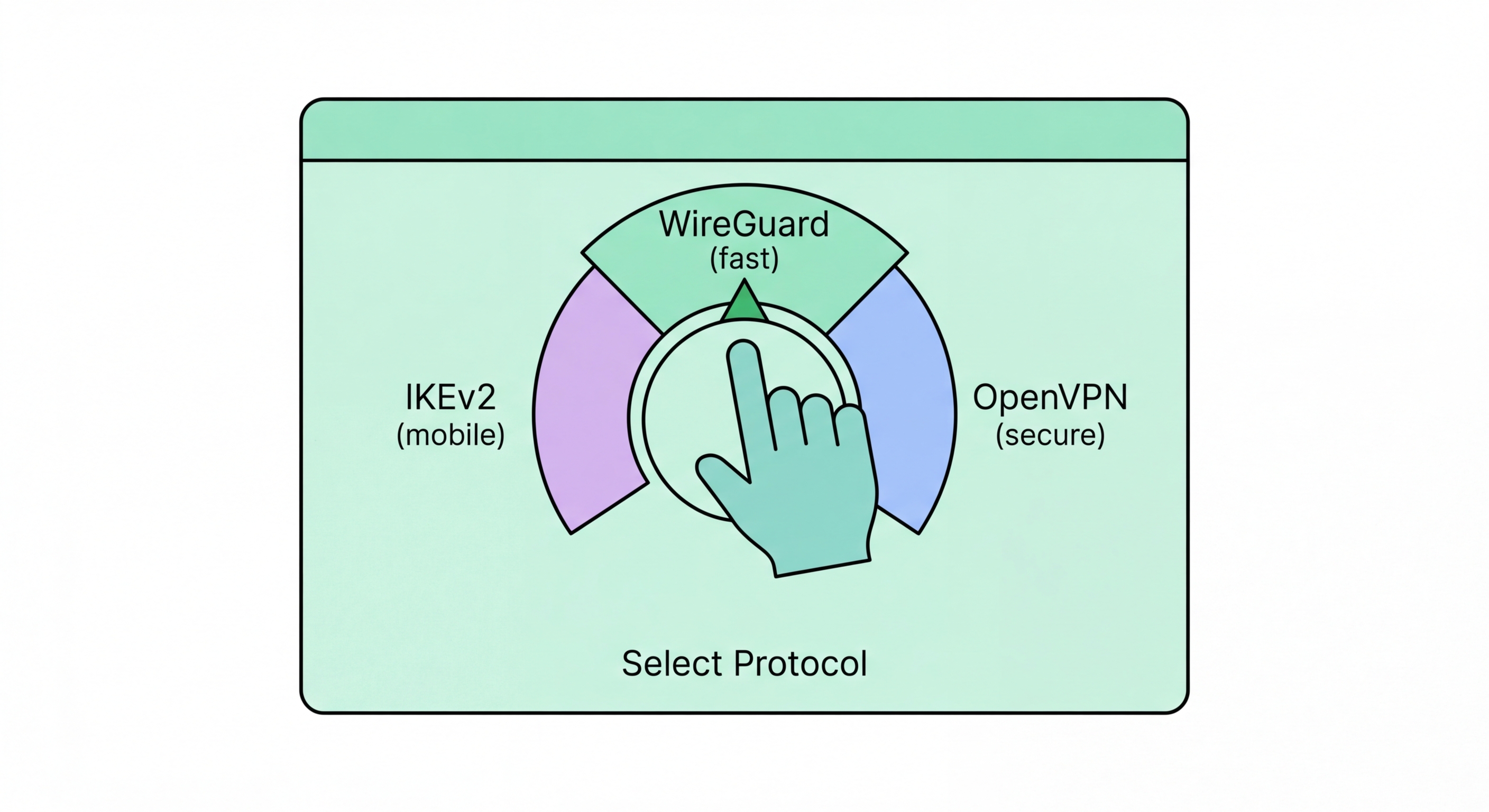
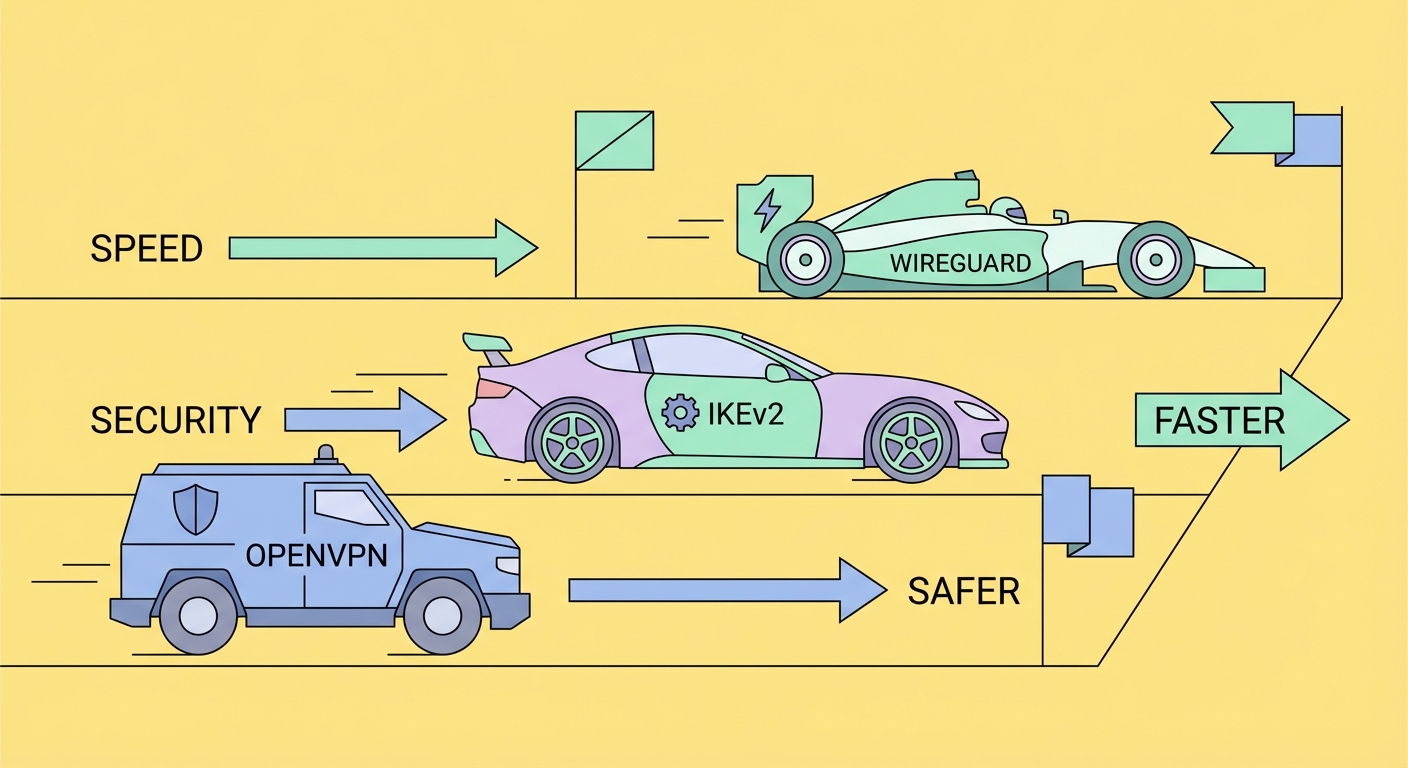
A VPN protocol is the set of rules that determines how the encrypted tunnel is established, maintained, and secured. Different protocols make different trade-offs between speed, security, compatibility, and stealth. Choosing the right protocol can significantly affect your VPN experience, particularly in environments with heavy network filtering like mainland China.
WireGuard is the newest and fastest protocol, using a lean codebase of just ~4,000 lines (compared to OpenVPN's ~70,000) and the ChaCha20 cipher for high-speed encryption. It's now the default for most leading VPN providers and delivers excellent performance on mobile devices. OpenVPN is the battle-tested standard — slower but extremely configurable and capable of running over TCP port 443, making it look like normal HTTPS traffic to deep packet inspection systems.
IKEv2/IPSec is particularly well-suited to mobile devices because it supports the MOBIKE extension, allowing seamless reconnection when switching between WiFi and mobile data without re-establishing the full handshake. L2TP/IPSec and PPTP are legacy protocols that should be avoided — PPTP in particular has known security vulnerabilities and offers no meaningful privacy protection.
Even with a VPN active, your browsing activity can leak through a subtle but critical weakness: DNS queries. The Domain Name System (DNS) translates human-readable domain names (like google.com) into IP addresses that computers use to route traffic. Normally, your device sends these DNS queries to your ISP ↗'s DNS servers — and these queries reveal exactly which websites you're visiting, even if the actual content is encrypted.
A DNS leak occurs when your device continues sending DNS queries to your ISP's DNS servers even while connected to a VPN. This is surprisingly common and can happen due to misconfigured operating system settings, IPv6 leaks, or WebRTC leaks in browsers. The result: your ISP can still see every domain you visit, completely undermining the privacy benefit of the VPN. You can test for DNS leaks at sites like dnsleaktest.com or ipleak.net.
Quality VPN providers solve this by routing all DNS queries through their own encrypted DNS servers. This ensures that no DNS query ever leaves the encrypted tunnel. Additionally, look for IPv6 leak protection (blocking or tunnelling IPv6 traffic) and WebRTC leak protection, which can be enabled in browser settings or via the VPN's browser extension.