VPN vs Proxy: Key Differences Explained
Both tools route your traffic through an intermediary server, but the similarities end there. Understand the fundamental differences to make the right choice for your situation.
Published: March 29, 2026
Both tools route your traffic through an intermediary server, but the similarities end there. Understand the fundamental differences to make the right choice for your situation.
Published: March 29, 2026
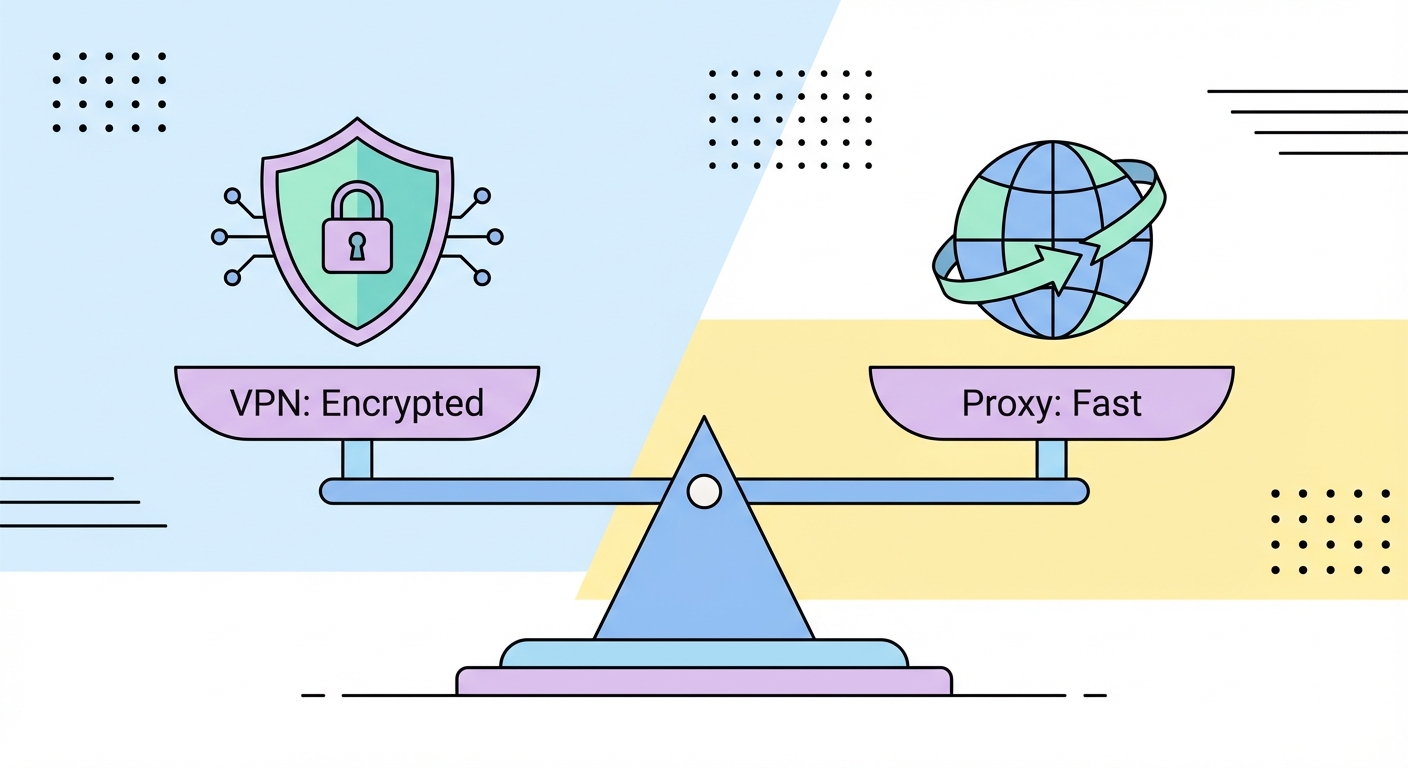
The most important difference between a VPN and a proxy is encryption. A VPN creates an encrypted tunnel between your device and the VPN server using protocols like WireGuard, OpenVPN, or IKEv2. Every byte of data leaving your device — from web browsing to app updates to background telemetry — is encrypted before it ever touches the network. Your ISP ↗, network administrators, and anyone monitoring the cable or wireless connection between you and the VPN server sees only encrypted gibberish.
A proxy server, in contrast, adds no encryption of its own. When you send an HTTP request through a proxy, that request travels in plain text to the proxy and then, typically in plain text, to the destination server. If you're using HTTPS websites, the TLS encryption in HTTPS protects the content of your communications — but this is the website's encryption, not the proxy's. Your ISP can still see that you're connecting to a proxy server and can infer patterns from traffic metadata even without reading content.
This distinction has enormous practical consequences. For activities where the content of your communications must be confidential — banking, messaging, corporate data access — only a VPN provides the necessary encryption guarantee. A proxy used on an unencrypted HTTP connection exposes your data to anyone with access to the network path between you and the proxy server. Even on HTTPS connections, the proxy's lack of encryption means your traffic metadata remains visible to network observers.

Proxies generally have a speed advantage over VPNs because they do not perform encryption and decryption on every packet. Encryption is computationally intensive: even with modern AES hardware acceleration, the overhead of encrypting and decrypting gigabytes of data per second requires processor cycles that translate into latency and reduced throughput. A SOCKS5 proxy at a nearby datacenter might add just 2–5ms of latency with minimal throughput impact, while a VPN to the same server might add 10–30ms and reduce peak speeds by 5–15%.
However, the raw speed comparison is more nuanced than this suggests. The type and quality of proxy matters enormously. Residential proxies routed through actual consumer broadband ↗ connections are significantly slower than datacenter proxies — home broadband in most countries has limited upload bandwidth, and the routing involved in residential proxy networks adds multiple network hops. Comparing a premium datacenter proxy to a quality VPN using WireGuard, the speed difference may be negligible for most practical purposes.
Server location and load are larger speed factors than the proxy-vs-VPN distinction for most users. A VPN server in Tokyo will be faster for Hong Kong users than a proxy server in London, regardless of encryption overhead. Both technologies are bottlenecked primarily by geographic distance, available bandwidth, and server congestion rather than by the fundamental technology differences between them. For bandwidth-intensive use cases like 4K video streaming, both proxies and VPNs can typically sustain the required throughput when using quality providers.

A VPN operates at the operating system level, capturing all network traffic from every application on your device. When you connect to a VPN, your entire internet connection — browser, email client, messaging apps, background processes, automatic updates — is routed through the VPN tunnel. This comprehensive coverage means no application can accidentally bypass the protection, and you don't need to configure each app individually.
A proxy typically operates at the application level, protecting only the specific application configured to use it. If you configure your browser to use a proxy, your browser traffic is routed through the proxy — but your torrent client, email application, and background app processes connect directly to the internet without proxy protection. This granular control is actually a feature for certain use cases: you might want to route only your browser through a US proxy to access geo-restricted content while keeping your other traffic on a direct connection for speed.
This distinction has important privacy implications. Many users configure a proxy in their browser thinking all their internet activity is being masked, when in fact their DNS queries, app telemetry, and background processes continue to connect directly to the internet, potentially leaking identifiable information. If comprehensive traffic masking is your goal, a VPN is more appropriate. If you specifically want browser-level routing with other traffic unaffected, a proxy or browser extension is the right choice.

The right tool depends entirely on what you're trying to achieve. Use a VPN when you need comprehensive privacy and security: protecting all your device's traffic on untrusted networks, securing communications from ISP surveillance, or accessing corporate networks remotely. VPNs are also better when you need obfuscation features to bypass deep packet inspection — a technology used in mainland China and some other countries to detect and block proxy and VPN traffic.
Use proxies when you need to operate at scale, require specific geographic IP targeting with precision, or are integrating network routing into automated systems. No VPN service can provide you with 100,000 different residential IP addresses from 50 countries that you can rotate on every request — only proxy networks operate at that scale. For developers, data engineers, and marketers who need to manage IP addresses programmatically through APIs, proxies are the standard solution.
In many professional contexts, proxies and VPNs are used together. A security-conscious professional might use a VPN for their general device protection while using proxy APIs in scripts and automation tools for specific work tasks. The technologies complement rather than compete with each other when the use case is clearly understood. Never use a free proxy for sensitive tasks — the economics of free proxy services are funded by monetising user data, which entirely defeats the privacy purpose.
