What Is a Password Manager?
A password manager is an encrypted digital vault that stores all your login credentials in one secure place. Learn exactly how it works and why every Hong Kong internet user needs one in 2026.
Published: March 29, 2026
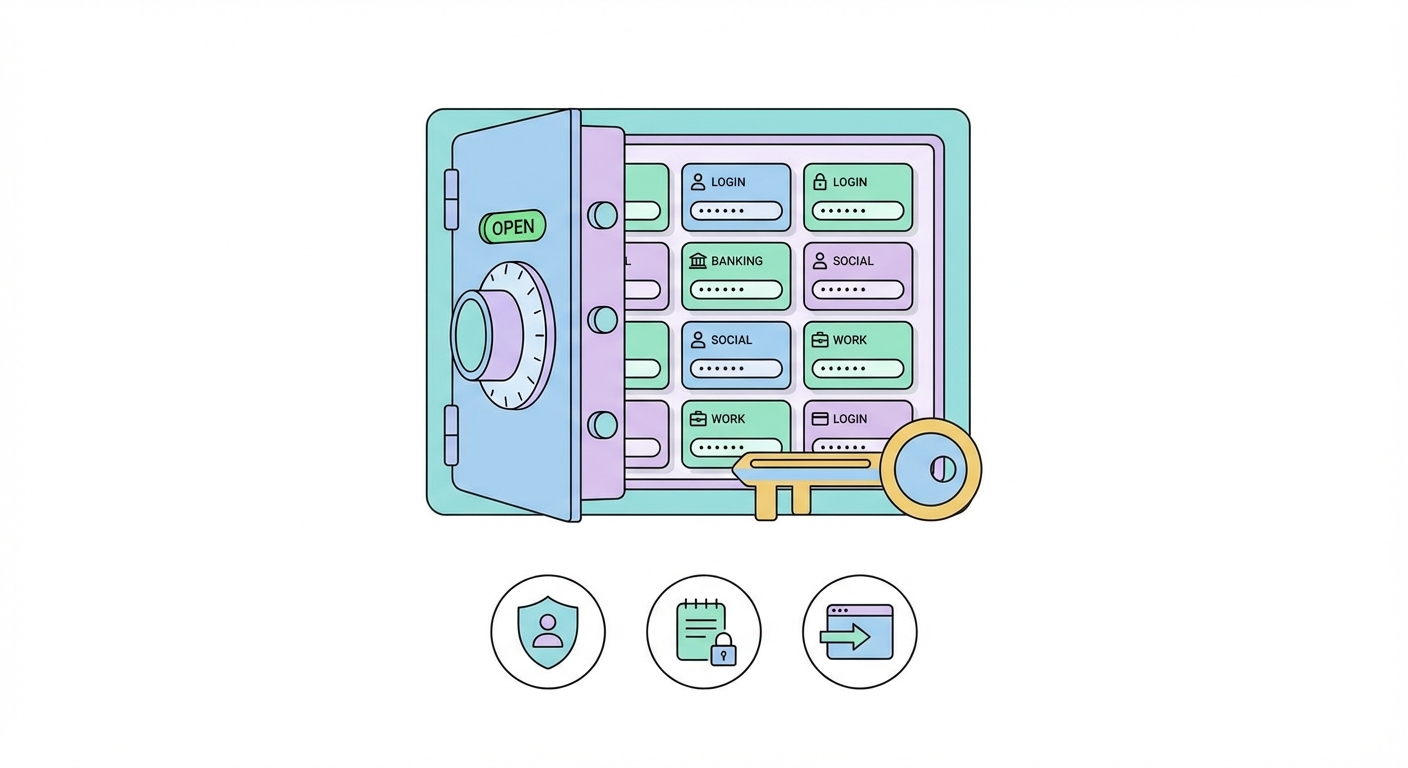
A password manager is an encrypted digital vault that stores all your login credentials in one secure place. Learn exactly how it works and why every Hong Kong internet user needs one in 2026.
Published: March 29, 2026
A password manager is a specialised application that stores all your usernames and passwords in an encrypted vault, protected by a single master password that only you know. Instead of trying to remember dozens of different passwords — or, worse, reusing the same one everywhere — you remember one strong master password and let the manager handle the rest. When you visit a website, the password manager automatically recognises the login page and fills in your credentials, saving time and eliminating the risk of typing passwords into phishing sites.
Under the hood, your password vault is protected by AES-256 encryption, the same standard used by banks, governments, and intelligence agencies worldwide. Reputable password managers use a zero-knowledge architecture: your master password never leaves your device in readable form. Instead, it is used locally to encrypt and decrypt your vault. Even the company that makes your password manager cannot see your stored passwords — if their servers were ever breached, all attackers would find is scrambled, unreadable data.
Modern password managers do far more than simply store passwords. They include password generators that create long, random, unique passwords for every account; breach monitoring that alerts you when a site you use is compromised; secure note storage for sensitive information like Wi-Fi passwords or software licences; and sharing features that allow you to pass credentials to family members or colleagues without revealing the actual password text.

The average person in Hong Kong has over 100 online accounts — banking apps, social media, e-commerce sites, government services, streaming platforms, and workplace tools. Managing unique, strong passwords for each of these is genuinely impossible without a tool specifically designed for the task. The human brain is simply not wired to generate and recall dozens of truly random 20-character strings. When people try to manage passwords mentally, they inevitably fall into predictable patterns that attackers are very good at exploiting.
Hong Kong users face particularly acute password security challenges. The city is one of the most digitally connected in the world, with extremely high rates of online banking adoption, active use of e-wallets like PayMe and Octopus, and widespread access to sensitive corporate systems. This digital footprint makes Hong security Guide for Hong Kong Residents">Kong residents high-value targets. At the same time, the territory sees frequent reports of credential-stuffing attacks targeting local banking portals and phishing campaigns impersonating local government departments and financial institutions.
The cost of account compromise can be severe. Bank accounts can be drained, social media accounts hijacked for fraud, and email accounts taken over to reset passwords on other services in a cascading takeover. A password manager effectively breaks this chain: even if one set of credentials is stolen in a breach, every other account remains protected because no two passwords are the same.

Password managers come in three main forms, each with different trade-offs between convenience and security. Cloud-based password managers — including the most popular options like Bitwarden, 1Password, and Dashlane — store an encrypted copy of your vault on their servers, which allows seamless synchronisation across all your devices. This is the most convenient option and the one recommended for most users. The encrypted vault is useless without your master password, so even a server breach does not expose your credentials.
Local (or offline) password managers like KeePassXC store your vault exclusively on your device. There is no cloud sync, so the data never leaves your control — this appeals to extremely security-conscious users and IT professionals managing sensitive enterprise credentials. The downside is inconvenience: syncing across devices requires manual effort, and if you lose the device or the file becomes corrupted without a backup, all your passwords are gone.
Browser-based password managers — built into Chrome, Safari, Firefox, and Edge — offer the path of least resistance and are better than nothing. However, they lack many features of dedicated managers, store passwords in ways tied to the browser rather than a true encrypted vault, and cannot be accessed if you switch browsers or need credentials on non-browser applications. For anything beyond basic personal use, a dedicated password manager is significantly more secure and capable.

Choosing your first password manager does not need to be complicated. For most Hong Kong users, the decision comes down to a handful of well-established, security-audited options. Bitwarden is the top recommendation for budget-conscious users — it is open-source, fully audited, and offers a genuinely excellent free tier that includes all core features. 1Password is the gold standard for families and professionals, with polished apps across every platform, excellent travel mode features for crossing borders, and a strong security track record. Dashlane offers premium breach monitoring and a built-in VPN in its top tier.
Getting started takes less time than most people expect. Download the app from the provider's official website or your device's app store, create your account, and set a strong master password — this is the one password you will need to remember, so make it a long passphrase rather than a short complex string. Install the browser extension, and the manager will offer to save passwords as you log into sites. Within a week of normal browsing, your most-used accounts will be in the vault.
The transition to unique passwords for every account is gradual and does not require changing everything at once. Start by saving passwords as you naturally log in, then use the manager's built-in security audit tool to identify reused, weak, or breached password ↗s and change those first. Most managers generate a security score that improves as you address weak credentials, making the process feel achievable rather than overwhelming.
