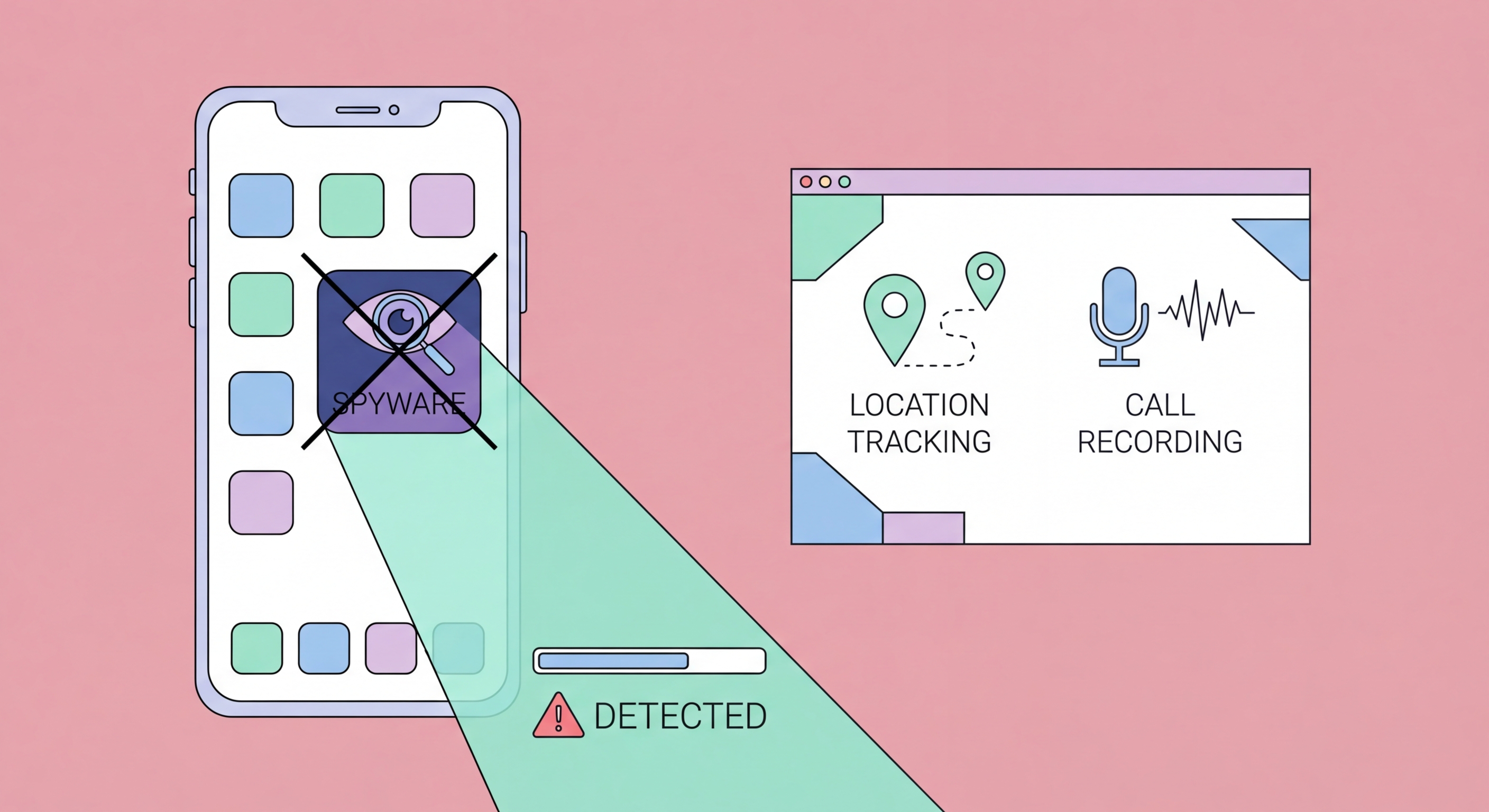
Spyware can operate silently on your iPhone or Android for months. Learn to recognise the warning signs, how to investigate a suspected infection, and the steps to remove spyware and prevent reinfection.
Mobile spyware is designed to be invisible. Unlike ransomware — which announces itself immediately — spyware's value to an attacker depends entirely on the victim not knowing it's there. The most sophisticated spyware, such as commercial-grade surveillance tools, can operate for months without producing any noticeable symptoms on modern hardware. However, most spyware and stalkerware tools leave behavioural traces that, when noticed and investigated, can reveal an infection.
Battery drain is one of the most reliable indicators of background surveillance activity. Spyware continuously monitors microphone and camera, periodically exfiltrates data over the network, and processes location updates — all of which consume battery power even when your phone's screen is off. A phone that previously lasted a full day but now requires charging by early afternoon, without any change in your usage habits or recently installed legitimate apps, warrants investigation. Similarly, a phone that runs noticeably warm when idle — sitting face-down on a table — may be processing background malicious code.
Mobile data usage spikes are another key indicator. Spyware that exfiltrates call recordings, message content, or continuous location updates generates measurable data traffic that appears in your monthly usage statistics. Check your carrier app or Settings → Cellular (iOS) / Settings → Network → Data Usage (Android) and look for apps consuming data in the background that you wouldn't expect to use cellular data. An unknown app or system process consuming hundreds of megabytes is a serious red flag.
If you notice warning signs, a systematic investigation can help confirm or rule out an infection. Start with a complete audit of all installed apps. On iPhone, go to Settings → General → iPhone Storage and review every app listed. On Android, go to Settings → Apps → See All Apps — and critically, also check Settings → Apps → Three-dot menu → Show System Apps to reveal apps that may be hidden from the default list. Look for anything unfamiliar, particularly apps with generic names (e.g., "System Service," "Phone Manager," "Device Health") that you don't remember installing.
For iOS, check Settings → Privacy & Security → App Privacy Report (if enabled) for a log of which apps have accessed your camera, microphone, contacts, and location in the past week. Any app accessing the microphone or camera at unexpected times is worth investigating further. On Android, the Privacy Dashboard (Settings → Privacy → Privacy Dashboard) provides a similar capability. Additionally, review Configuration Profiles (iOS) at Settings → General → VPN & Device Management — any unknown profile can be used to install root certificates, allowing HTTPS traffic interception.
For a more technical investigation on Android, reviewing running processes in Developer Options (Settings → About Phone → tap Build Number 7 times → Developer Options → Running Services) reveals all active background processes. Unknown services with high CPU or memory usage are suspicious. For iPhone users who have reason to believe they may be targeted by sophisticated state-sponsored spyware (journalists, activists, executives), Apple's Lockdown Mode is a meaningful defence — it significantly restricts the attack surface available to zero-click exploits.
The approach to removing spyware depends on its type and sophistication. For stalkerware-type apps — commercial monitoring tools installed with physical access — identifying and deleting the specific app is often sufficient. However, for more sophisticated spyware that may have exploited OS vulnerabilities to embed itself in system processes, or for any situation where you cannot confidently identify and remove the specific malware, a factory reset is the most reliable remediation approach.
Before performing a factory reset on iPhone, ensure you have an iCloud backup or an encrypted local backup in iTunes/Finder. Make the backup from a known clean state if possible — ideally on the same day you noticed the infection, or from an older backup predating any suspicious symptoms. After the reset, restore from backup rather than doing a completely fresh setup, unless you have reason to believe the backup itself is compromised. iOS factory reset: Settings → General → Transfer or Reset iPhone → Erase All Content and Settings.
On Android, a factory reset is performed at Settings → General Management → Reset → Factory Data Reset. After the reset, avoid reinstalling apps from unknown sources or sideloaded APKs that may have been the infection vector. If you suspect the infection was introduced through physical access to your device — someone covertly installed stalkerware when How to Spot and Avoid Attacks on Your Phone">your phone was unlocked — change your lock screen PIN immediately after the reset and enable biometric authentication. If the device is a corporate device, inform your IT department so they can investigate whether other devices may be compromised.
Most mobile spyware infections — particularly stalkerware — require either physical access to an unlocked device or the victim installing a malicious app voluntarily (typically through a phishing campaign or social engineering). Both attack vectors are preventable with consistent application of basic security practices. A phone that is physically secure, runs only apps from official stores, and is kept up to date is highly resistant to the vast majority of spyware attacks.
Physical security of your device is the most important prevention measure for stalkerware. Keep your phone with you or in a locked location — never leave it unlocked and unattended in any environment where you have reason to be concerned about covert access. When you must leave your phone briefly, lock it manually rather than relying on the auto-lock timer. Use a strong PIN or passphrase rather than a pattern lock, which can often be inferred from finger smudges on the screen.
For network-delivered spyware, the key preventions are: keeping iOS or Android fully updated to close known vulnerabilities; installing only apps from the App Store or Google Play; never clicking links in SMS, email, or messaging apps that you weren't specifically expecting; and using a mobile VPN to encrypt your traffic and prevent network-level injection attacks. For users in high-risk categories — executives, journalists, legal professionals, activists — enabling iOS Lockdown Mode provides additional protection against zero-click attacks that don't require any user interaction.