How to Create Strong Passwords That Are Hard to Crack
Length, randomness, and uniqueness are the three pillars of a strong password. Learn the science behind password strength and how to apply it to all your accounts.
Published: March 29, 2026
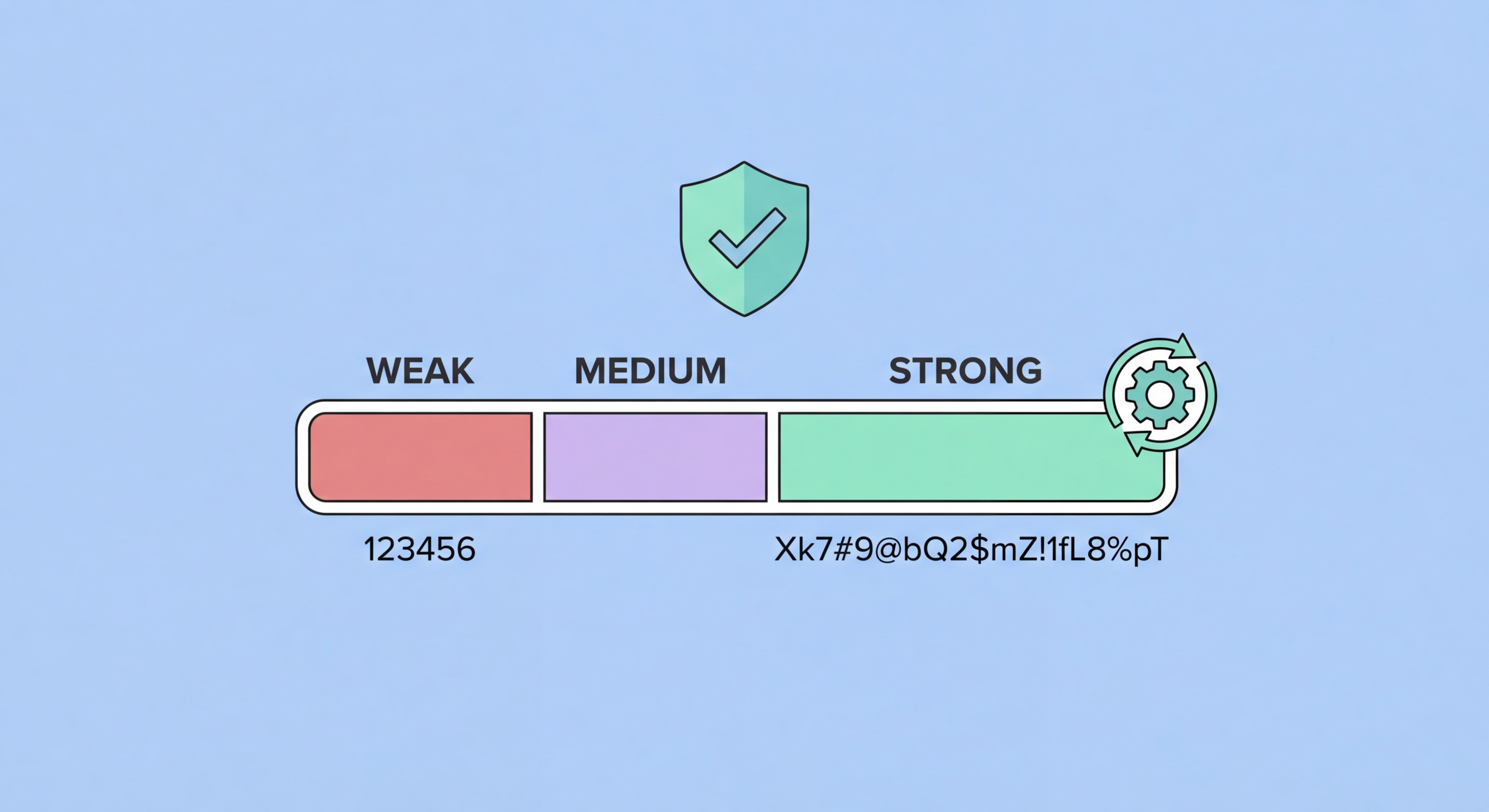
Length, randomness, and uniqueness are the three pillars of a strong password. Learn the science behind password strength and how to apply it to all your accounts.
Published: March 29, 2026
Password strength is determined by entropy — a mathematical measure of unpredictability. The more entropy a password has, the more guesses an attacker needs to crack it. Entropy is determined by two factors: the length of the password and the size of the character set used. A password drawn from lowercase letters only (26 characters) has less entropy per character than one drawn from all printable ASCII characters (95 characters), but length has a dramatically larger impact than character set size.
Modern password-cracking hardware can test billions of passwords per second. A graphics processing unit (GPU) cluster commonly used by security researchers and attackers alike can test around 100 billion passwords per second against common hashing algorithms. Against this backdrop, an 8-character password — even one using uppercase, lowercase, numbers, and symbols — can be cracked in a matter of hours. A 16-character random password using the same character set would take millions of years with the same hardware. The difference is length.
This is why security guidance has shifted from complexity requirements (mixing character types) to length requirements. The US National Institute of Standards and Technology (NIST ↗) updated its password guidelines to de-emphasise complexity rules and instead recommend longer passwords without mandatory rotation. What matters is that the password is long, random, and unique — not that it ticks arbitrary boxes around which types of characters it includes.

Security researchers who analyse leaked password ↗ databases consistently find the same patterns dominating the most common passwords used globally. The top 100 most common passwords account for a disproportionate share of all accounts — if attackers test just these 100 passwords against a leaked database of usernames, they typically compromise millions of accounts immediately. This is why password dictionaries used in attacks contain not just simple words but predictable variations: "Password1!", "Summer2024", and "Welcome@1" all follow the same predictable substitution patterns that humans instinctively use.
Personal information is another major weakness. Attackers routinely harvest publicly available data from social media — names, birthdays, anniversaries, pet names, schools attended, sports teams — and feed it into targeted password-guessing attacks known as "rule-based" or "personalised" attacks. If your password incorporates your name, your child's birth year, or your favourite sports team, it is far weaker than its apparent complexity suggests, because this information is often easily discoverable.
Keyboard patterns represent a third major vulnerability. Sequences like "qwerty", "123456", "asdfgh", and "zxcvbn" appear in every serious password cracking dictionary. So do short words with appended numbers or symbols: "dragon1", "sunshine!", "letmein#". Even "clever" substitutions like replacing 'a' with '@' or 'e' with '3' are so universally known that they provide minimal additional protection — attackers' rule engines apply these transformations automatically.

The gold standard method for creating strong passwords is to use a password manager's built-in generator. This produces truly random strings of characters at whatever length you specify — 20, 24, or even 32 characters. Because you never need to type or remember these passwords (the manager auto-fills them), there is no practical downside to using very long, complex random strings for every account. This is the method we recommend for all account passwords except your master password itself.
For passwords you need to remember — your master password, your device unlock PIN, or passwords for critical accounts you might need to access without to Spot and Avoid Attacks on Your Phone">your phone — passphrases are the most practical approach. A passphrase is a sequence of four or more random words: "ocean-lamp-tiger-clock" or "purple-train-seven-mango". These are long enough (typically 25-35 characters with separators) to be computationally infeasible to crack while being memorable enough to recall. The key is that the words must be genuinely random — not a phrase from a song or book, which would be in attackers' phrase dictionaries.
For the relatively rare situations where you must create a password that a system forces to meet specific complexity requirements — must include uppercase, a symbol, a number, between 8 and 16 characters — the best approach is to start with a random passphrase fragment and apply required modifications: "Mango7!Tiger" satisfies typical complexity rules while being far stronger than the minimum required. Never let complexity requirements lead you toward predictable patterns; always prioritise length and randomness within whatever constraints exist.

The challenge most people face is not knowing how to create strong passwords — it is the transition from existing weak passwords to strong ones across dozens or hundreds of accounts. The key is to prioritise rather than trying to do everything at once. Start with your highest-risk accounts: primary email address (which can be used to reset all other passwords), banking and financial accounts, and primary social media accounts. Changing these five to ten accounts first provides an immediate, significant security improvement.
Use your password manager's security audit or password health dashboard to identify accounts with reused, weak, or compromised passwords. Bitwarden's Vault Health Reports, 1Password's Watchtower, and Dashlane's Password Health all provide prioritised lists of accounts that need attention. Work through these systematically, focusing on financial accounts, email, and any account linked to payment methods first. As you update each password, save the new strong password directly into your manager.
Going forward, the process becomes automatic: whenever you create a new account, use your password manager's generator to create a strong, unique password and save it immediately. Enable two-factor authentication on every account that supports it, particularly financial services, email, and social media. With a password manager handling generation and storage, the only ongoing discipline required is remembering your master password and keeping your 2FA backup codes in a secure location.
