What Is Secure Browsing?
A complete introduction to secure and private browsing — what it means, what it protects, and where to start for Hong Kong internet users.
Published: March 29, 2026
A complete introduction to secure and private browsing — what it means, what it protects, and where to start for Hong Kong internet users.
Published: March 29, 2026
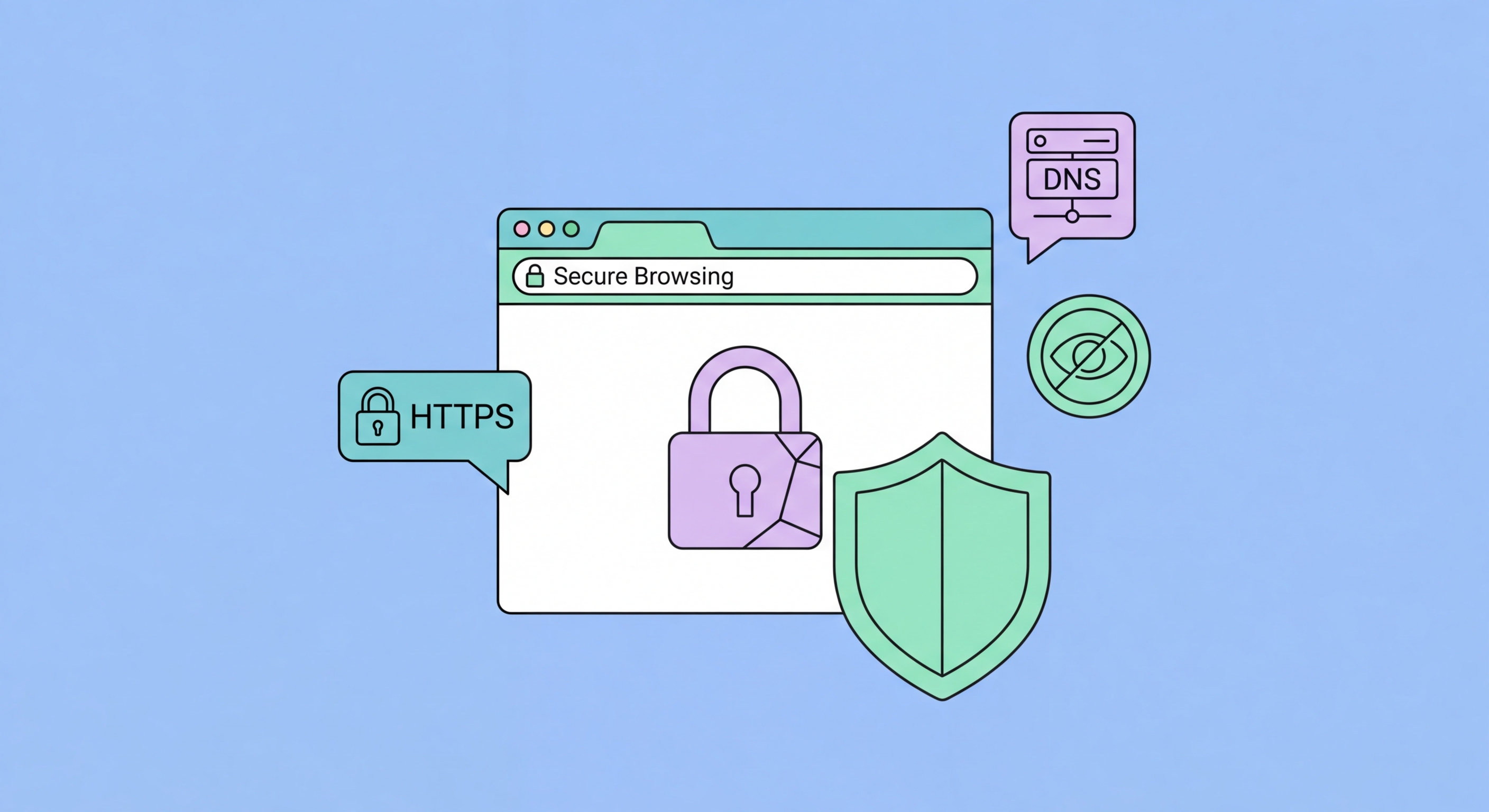
Secure browsing refers to the set of practices, tools, and configurations that protect your web activity from surveillance, data theft, malware, and unwanted profiling. It is not a single product or feature — it is a layered approach to how you interact with the internet. At its most basic level, secure browsing means using HTTPS connections, avoiding suspicious links, and keeping your browser up to date. At a more advanced level, it involves choosing a privacy-first browser, encrypting your DNS queries, blocking tracker ↗s, and Hong Kong?">using a VPN.
The term "private browsing" is often confused with "secure browsing." Private browsing (or incognito mode) simply means your browser does not save your history, cookies, or form data locally on your device. It does nothing to protect you from your ISP, the websites you visit, your employer's network, or government surveillance. Secure browsing, by contrast, addresses these external threats through encryption, anonymisation, and traffic filtering — making it a fundamentally more powerful concept.
In Hong Kong, where internet use is both high and increasingly scrutinised, secure browsing matters at every level of society. Journalists protecting sources, businesses safeguarding confidential communications, and ordinary citizens protecting their right to privacy online all benefit from the same set of secure browsing practices. The tools are widely available, largely free, and straightforward to configure — the main barrier is simply knowing what to do and why.

The threats that secure browsing addresses fall into three broad categories: surveillance, tracking, and active attacks. Surveillance encompasses the monitoring of your browsing activity by ISPs, government agencies, and employers. In Hong Kong, your ISP is legally able to retain metadata about your connections, and this data can be accessed under court order. Secure browsing — particularly DNS encryption and VPN use — prevents your ISP from building a useful log of your online activity.
Tracking is the practice of following you across websites to build detailed profiles used for advertising and increasingly for other purposes. The tracking ecosystem involves thousands of companies — ad networks, analytics providers, data brokers — who collectively monitor your every click. Browser fingerprinting means that even clearing your cookies does not make you anonymous to sophisticated tracker ↗s. Secure browsing tools specifically targeting tracking — uBlock Origin, Privacy Badger, Brave's built-in shields — disrupt this ecosystem at the source.
Active attacks represent the most dangerous category. Phishing sites mimic legitimate banks, government portals, and e-commerce platforms to steal login credentials and financial information. Malicious scripts can attempt to exploit unpatched browser vulnerabilities. Man-in-the-middle attacks on public WiFi networks can intercept unencrypted connections. Modern browsers include some protection against all of these — Google Safe Browsing, Firefox Monitor, certificate validation — but these built-in defences work best when combined with extensions, a VPN, and security-conscious habits.

Building a secure browsing setup does not require spending money or learning complex technical skills. The foundation is a privacy-respecting browser — Brave is the strongest option for most users because it blocks ads and trackers by default, has built-in fingerprinting resistance, and uses a Chromium base that makes it compatible with almost every website and Chrome extension. Firefox is an excellent alternative with a stronger open-source pedigree and the benefit of supporting uBlock Origin's full capabilities on desktop.
A quality ad blocker is the second essential component. uBlock Origin by Raymond Hill is widely considered the best available — it uses minimal CPU and memory while blocking ads, trackers, malware domains, and cookie consent popups. It is available for Firefox, Chrome, and Edge, and works particularly well in Firefox where Manifest V2 extensions retain their full blocking capabilities. On Brave, the built-in shields perform much of the same function, though adding uBlock Origin provides additional coverage.
For DNS privacy, enabling DNS-over-HTTPS in your browser is a free, five-minute configuration change that significantly enhances privacy. In Firefox, navigate to Settings > Privacy & Security > DNS over HTTPS. In Chrome, go to Settings > Privacy and security > Security > Use secure DNS. Choose Cloudflare (1.1.1.1) or NextDNS as your resolver. For complete DNS privacy, configure DoH at the system level or use a VPN with its own encrypted DNS resolver — this ensures all applications, not just your browser, benefit from encrypted DNS.

Transitioning to secure browsing is best approached incrementally rather than trying to change everything at once. Begin by switching your default browser to Brave or Firefox — both are free downloads that take minutes to install and import your bookmarks and saved passwords from Chrome automatically. Once installed, take a few minutes to review the privacy settings and enable any protections that are not turned on by default, particularly HTTPS-only mode, strict tracking protection, and DNS-over-HTTPS.
Next, install uBlock Origin from your browser's official extension store. The default configuration is excellent for most users, but you can enhance it further by enabling additional filter lists in its settings, particularly the "Privacy" and "Annoyances" categories. If you use Firefox, also install Firefox Multi-Account Containers, which allows you to isolate different activities — work, personal browsing, shopping — in separate container tabs that cannot share cookies or tracking identifiers with each other.
For Hong Kong users who want comprehensive protection, the final step is combining these browser improvements with a reputable VPN. A VPN encrypts everything your browser tools cannot address — the IP address you present to every website, your ISP's ability to see connection metadata, and the exposure of your browsing on public WiFi networks. The combination of a privacy browser, DNS-over-HTTPS, uBlock Origin, and a VPN represents a robust personal security posture that addresses the full range of online threats most people face in 2026.
