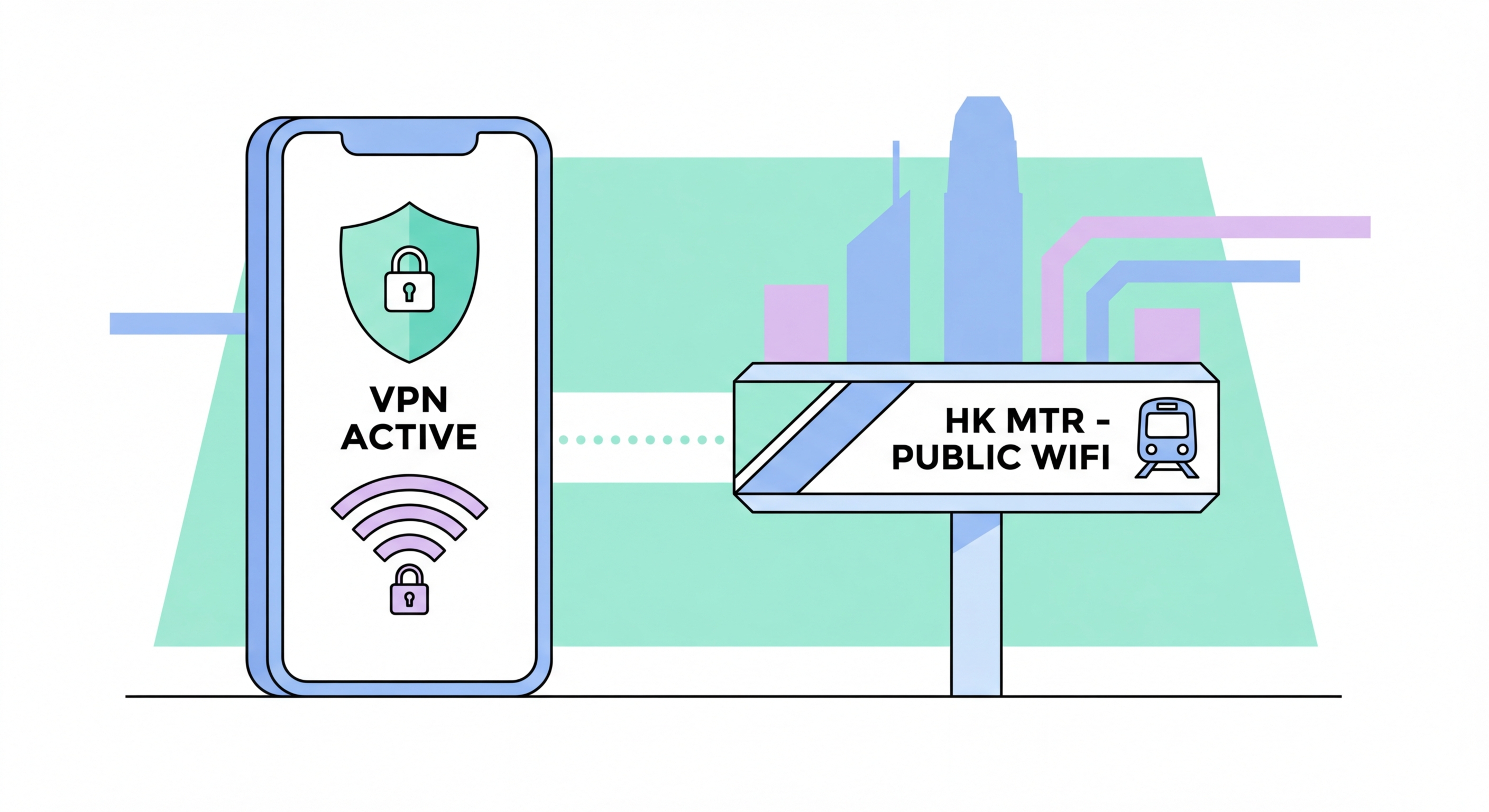
A complete guide to using a VPN on your iPhone or Android — why mobile VPN is essential in Hong Kong, how to choose the best app, and how to configure always-on protection.
Most people think of VPNs as desktop tools — something you use on your laptop for remote work or to access geo-restricted streaming. But your smartphone generates far more network traffic across a far wider range of networks than any laptop. Over the course of a typical day, How to Spot and Avoid Attacks on Your Phone">your phone might connect to WiFi at home, your office, an MTR station, a coffee shop, and a hotel — each an independent network with its own security profile, ranging from well-configured to completely unsecured.
Every time your phone connects to an unsecured WiFi network without VPN protection, all unencrypted traffic is exposed to anyone on that network. While HTTPS has dramatically improved the security of web browsing, many apps still transmit data over unencrypted channels, and even HTTPS traffic leaks metadata (which domains you're connecting to) that reveals significant information about your activities. A VPN encrypts everything — including DNS queries, app traffic, and metadata — before it leaves your device.
For Hong Kong users, mobile VPN has additional relevance: it protects privacy from carrier-level monitoring, enables secure access to services when travelling to mainland China (where WhatsApp, Google, and Instagram are blocked), and provides protection from the increasingly sophisticated network-level attacks documented in Hong Kong's public WiFi infrastructure.
The mobile VPN market includes dozens of providers, ranging from reputable privacy-focused services to dangerous freeware that actively harvests and sells your data. The irony of using a bad VPN is that it can create greater privacy risks than using no VPN at all: instead of your ISP seeing your browsing, the unscrupulous VPN provider does — and unlike a regulated ISP, they have no legal obligations to protect your data. Selecting the right mobile VPN is therefore a critical decision.
For mobile use specifically, the WireGuard protocol offers the best combination of security and performance. It is significantly faster than OpenVPN, uses less battery due to its lean codebase, and reconnects almost instantly when switching between WiFi and cellular networks — a critical feature for a device that changes networks throughout the day. Look for VPN apps that support WireGuard and have a documented no-logs policy that has been independently audited by a credible third party.
Free VPN apps for mobile are a significant security risk. Many free VPN apps on the App Store and Google Play have been documented collecting and selling user data, injecting advertising scripts, or containing malware. A 2020 Consumer Lab study found that 18 of the top 20 free VPN apps on iOS made false privacy claims. Budget permitting, a paid VPN from a reputable provider typically costs HK$30–80 per month — less than a single lunch in Hong Kong — and is worth every cent for the privacy it provides.
One of the most important mobile VPN configurations is always-on protection — ensuring the VPN is active automatically whenever your phone connects to any network, without requiring you to manually start it each time. Without always-on configuration, it's inevitable that you'll occasionally use networks without VPN protection, particularly when your phone reconnects automatically after a brief signal drop or wakes from sleep.
On iPhone, always-on VPN is supported through iOS's built-in VPN configuration system. Many VPN apps implement this using the NEVPNManager API, which hooks into iOS's network management at the OS level. Look for "On Demand" or "Connect On Demand" settings in your VPN app — these allow you to configure the VPN to connect automatically whenever you're on WiFi, on any network, or on specific networks. Some iOS VPN apps also support "Always On" mode which uses iOS's persistent VPN tunnel capability.
On Android, the built-in Always-on VPN setting (available at Settings → Network & Internet → VPN) can be activated for supported VPN apps. Combined with "Block connections without VPN" (the Android equivalent of a kill switch), this ensures that if the VPN ever disconnects, all internet access is blocked until it reconnects — preventing any unencrypted traffic from leaking. Not all VPN apps support Android's always-on mode; check your provider's documentation to confirm compatibility before configuring this setting.
While always-on VPN protection is ideal, understanding the specific scenarios where a mobile VPN is most critical helps prioritise its use for those who don't run it continuously. In Hong Kong's daily life, there are several clear situations where VPN protection is not optional — it's essential. The highest-risk scenario is any public WiFi usage, followed by travel to mainland China, mobile banking on untrusted networks, and any situation involving access to sensitive work or personal data.
When shopping online or conducting financial transactions on your phone, the risk of network interception is material. While banking apps use their own encryption, connection metadata and session information can be intercepted. Using a VPN routes all this traffic through an encrypted tunnel before it reaches any potentially compromised network infrastructure. This is particularly relevant in high-traffic tourist and shopping areas like Causeway Bay, Mong Kok, and Tsim Sha Tsui where malicious hotspots are more likely to be deployed.
For professionals who access corporate systems from their mobile devices, a VPN is often mandatory. Many Hong Kong enterprises using Microsoft 365, Salesforce, or internal corporate systems require VPN connection from mobile devices to meet their security policies. Ensure your corporate VPN client is installed and tested on your phone — a separate personal VPN for non-work traffic is also advisable to keep work and personal browsing segregated.