A practical guide to two-factor authentication on your phone — why SMS 2FA is dangerously weak, how authenticator apps work, and the best 2FA setup for Hong Kong users in 2026.
Two-factor authentication (2FA) is a security mechanism that requires you to provide two independent forms of evidence to prove your identity: typically something you know (your password) plus something you have (How to Spot and Avoid Attacks on Your Phone">your phone or a physical security key) or something you are (biometric data). Enabling 2FA on an account means that even if an attacker has your correct password — whether obtained through a data breach, phishing attack, or brute force — they cannot log in without also possessing the second factor.
The statistics are compelling. Microsoft's own data shows that 2FA blocks 99.9% of automated account takeover attacks. Google's research found that using a hardware security key prevents 100% of automated phishing attacks, and authenticator app 2FA prevents 99% of bulk phishing attacks and 76% of targeted phishing attacks. Despite this, the majority of Hong Kong internet users — including many who bank online and use digital financial services — still rely on passwords alone or on SMS verification codes that are vulnerable to SIM swapping.
The accounts that matter most — banking apps, email, cloud storage, social media, and work systems — must all have 2FA enabled. Email is particularly critical: if an attacker gains access to your email, they can use "Forgot Password" to reset credentials for virtually every other service linked to that email address. Securing your email account with strong 2FA is therefore the single most impactful account security step you can take.
SMS-based two-factor authentication — where a one-time code is sent to your phone via text message — was a significant improvement over password-only authentication when it was widely adopted. However, it has become increasingly vulnerable to several well-documented attacks and should no longer be considered acceptable for protecting high-value accounts. The National Institute of Standards and Technology (NIST) and CISA in the US have both published guidance recommending against SMS-based authentication, and the HKMA has similarly encouraged migration to more secure alternatives.
SIM swapping is the primary attack against SMS 2FA in Hong Kong. An attacker who knows your phone number and has basic personal information about you (often obtained from data breaches or social media) can contact your mobile carrier's customer service, claim to be you, and request that your phone number be transferred to a new SIM card they control. Once successful, they receive all SMS messages including your banking verification codes. This attack has been used to steal millions of Hong Kong dollars from victims who used SMS 2FA on their online banking accounts.
SS7 (Signalling System 7) attacks represent a more technically sophisticated threat. The SS7 protocol is the backbone of the global telephone network — the protocol used to route calls and SMS messages between carriers. Security researchers and nation-state actors have demonstrated the ability to exploit SS7 vulnerabilities to intercept SMS messages in transit, without the victim's carrier being involved at all. While SS7 attacks require significant resources, they demonstrate that SMS is fundamentally insecure for authentication purposes regardless of how well-protected your specific carrier's infrastructure may be.
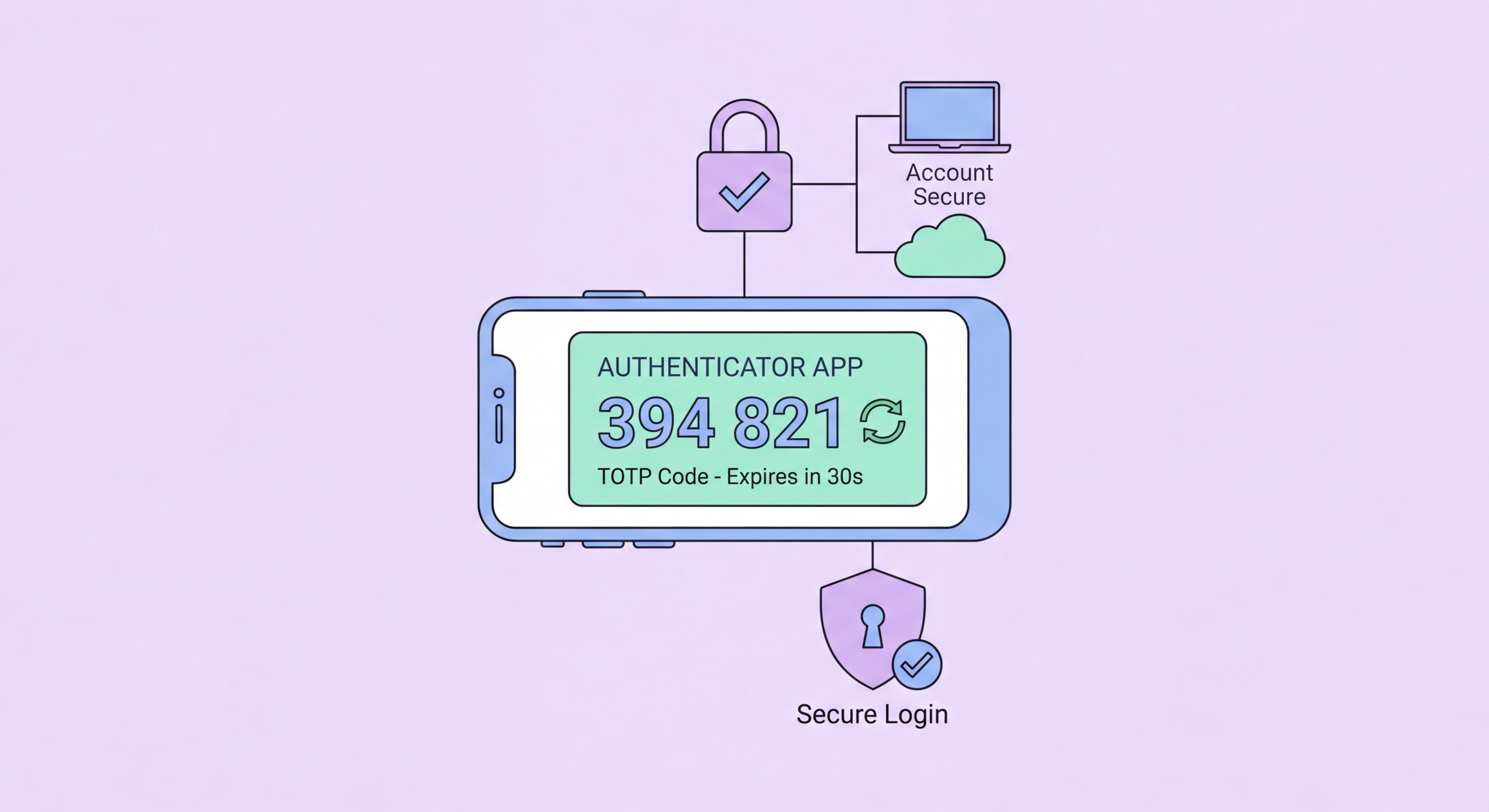
Authenticator apps implement Time-based One-Time Password (TOTP) authentication, generating 6-digit codes that change every 30 seconds and are derived from a shared secret key and the current time. Unlike SMS codes, TOTP codes are generated entirely on your device — they never travel over the network, cannot be intercepted via SS7, and are immune to SIM swapping because the secret key is stored in the app on your device, not tied to your phone number.
The leading authenticator apps for Hong Kong users are: Google Authenticator (simple, widely compatible, improved with cloud backup in newer versions); Authy (multi-device synchronisation and encrypted cloud backup — useful if you regularly use multiple devices); Microsoft Authenticator (excellent for Microsoft 365 users, supports passwordless push authentication); and 1Password (if you already use 1Password as a password manager, its built-in TOTP support simplifies management). Signal also supports TOTP for its registration lock feature.
Setting up TOTP on an account: go to the account's security settings, look for "Two-Factor Authentication" or "Authenticator App," and choose the authenticator app option. The site will display a QR code — open your authenticator app, add a new account, and scan the QR code. The app will begin generating 6-digit codes for that account. Critically, most sites show backup recovery codes when you set up 2FA — save these somewhere secure (printed, or stored in an encrypted notes app). These codes allow account access if you lose your phone.
Passkeys represent the next evolution beyond TOTP authenticator apps. A passkey is a FIDO2/WebAuthn cryptographic credential that replaces both your password and your 2FA code simultaneously. When you create a passkey for a service, your phone generates a public-private key pair: the public key is stored on the service's server, while the private key is securely stored in your phone's Secure Enclave (iOS) or Trusted Execution Environment (Android). Authentication requires your device to sign a cryptographic challenge — something only your specific device can do, verified by your biometric (Face ID or fingerprint).
Passkeys are fundamentally resistant to phishing. Unlike passwords (which can be entered on a fake website) or TOTP codes (which can be relayed by a real-time phishing proxy), a passkey cryptographically binds authentication to the specific domain. Your iPhone or Android will refuse to authenticate a passkey challenge from a phishing domain that doesn't exactly match the legitimate domain for which the passkey was created. This makes passkeys one of the strongest authentication mechanisms available for consumer accounts.
In 2026, passkey support is increasingly widespread among major services used by Hong Kong consumers. Apple ID, Google Account, Microsoft Account, PayPal, HSBC (limited rollout), and dozens of other major services now support passkeys. On iOS, passkeys are managed by iCloud Keychain and can sync across your Apple devices. On Android, passkeys are managed by Google Password Manager or supported third-party credential managers. For accounts that support passkeys, migrating from password + TOTP to passkey provides a significant security improvement with minimal additional friction.