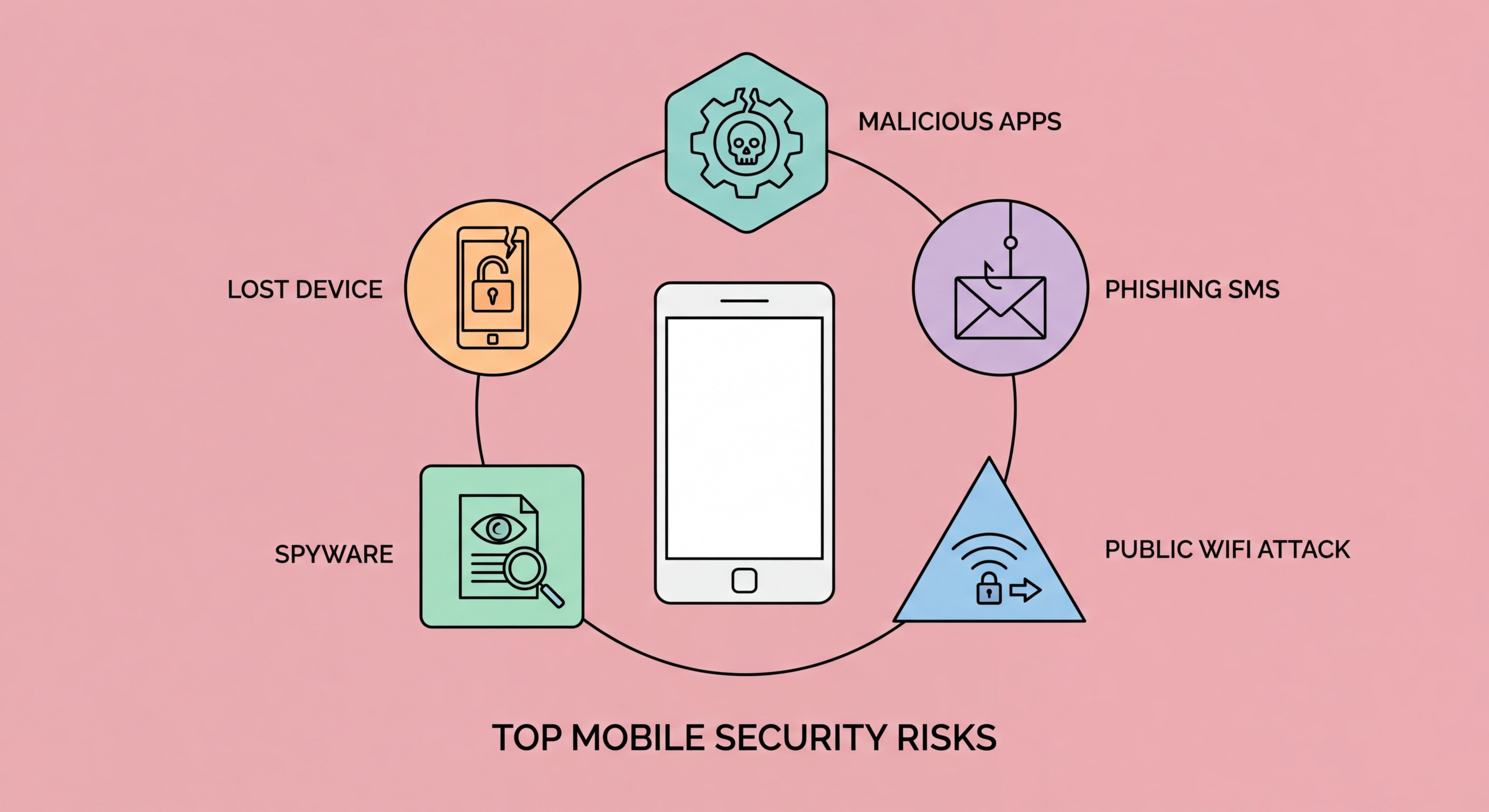
From smishing campaigns targeting Octopus card users to sophisticated spyware and juice jacking at Hong Kong airports — a comprehensive map of the mobile threat landscape facing smartphone users in Hong Kong.
SMS phishing — known as smishing — is consistently the most reported mobile cyber threat in to Do If Your Phone Is Lost or Stolen in Hong Kong">Hong Kong. The Hong Kong Police Force's Cyber Security and Technology Crime Bureau (CSTCB) records tens of thousands of smishing complaints annually, with total financial losses running into billions of Hong Kong dollars. Attackers send bulk SMS messages impersonating trusted institutions: HSBC, Hang Seng Bank, Hongkong Post, the Immigration Department, the Inland Revenue Department, and the Octopus card system.
These messages typically create urgency — "Your account has been suspended," "A parcel awaits customs clearance fees," "Your tax return requires immediate verification" — and direct victims to convincing fake websites that harvest credentials, credit card numbers, or one-time passwords. Modern smishing campaigns use legitimate-looking sender IDs through SMS spoofing, making them indistinguishable from genuine messages without careful scrutiny of the linked URLs.
In 2026, AI-generated smishing messages are a growing concern. Large language models allow attackers to generate grammatically perfect, contextually appropriate phishing messages in both English and Traditional Chinese at scale, eliminating the spelling and grammar errors that were previously a reliable red flag. Vishing (voice phishing) calls using AI voice cloning to impersonate bank employees and government officials are also increasingly reported in Hong Kong.
Mobile malware has evolved far beyond crude viruses. Modern mobile threats include banking trojans that overlay fake login screens on top of legitimate banking apps to steal credentials, spyware that silently records calls and messages, ransomware that encrypts device storage and demands payment, and cryptojackers that consume device resources to mine cryptocurrency in the background. Android devices face a significantly higher volume of malware than iOS due to the availability of sideloading, but both platforms have experienced sophisticated targeted attacks.
Pegasus, developed by Israel's NSO Group, represents the most sophisticated end of the mobile spyware spectrum. It exploits zero-click vulnerabilities — requiring no user interaction whatsoever — to gain complete control of an iPhone or Android device: reading messages, recording calls, activating the camera and microphone, and exfiltrating location history. While Pegasus has primarily targeted journalists, activists, and high-profile individuals, it has been documented in use in Hong Kong's region and demonstrates the capabilities available to well-resourced adversaries.
For the typical Hong Kong user, the more practical threat comes from commercially available stalkerware — apps sold as "parental monitoring" tools that are routinely installed covertly on partners' or employees' phones. These apps operate silently, hiding their icons and reporting location, messages, call logs, and browser history to a third-party server. They are often distributed via direct physical access to the device and represent a serious privacy and safety threat, particularly in domestic abuse situations.
Hong Kong is one of the most densely connected cities in the world, with free public WiFi available throughout the MTR network, government facilities, major shopping centres, and across hundreds of commercial locations. This connectivity comes with risk. Public WiFi networks are prime environments for man-in-the-middle attacks, where an attacker on the same network intercepts traffic between your device and the internet — potentially capturing login credentials, session cookies, and sensitive data.
Evil twin attacks — where an attacker creates a WiFi network with the same name as a legitimate one — are particularly effective in high-traffic locations. Your phone may automatically connect to a malicious "MTR_Free_WiFi" or "HK Airport WiFi" network without any warning. Once connected, all unencrypted traffic is visible to the attacker, and even encrypted HTTPS traffic can be targeted via SSL stripping attacks if the victim's device can be coerced into downgrading to HTTP.
Juice jacking represents a related physical network threat. Malicious USB charging stations — reported at airports, shopping centres, and hotels — can both charge your device and simultaneously attempt to transfer malware or exfiltrate data via the USB data channel. This attack vector is particularly concerning for business travellers connecting at international airports before arriving in or departing from Hong Kong.
Account takeover attacks targeting mobile users have become increasingly sophisticated. SIM swapping — where an attacker convinces a mobile carrier to transfer your phone number to a SIM card they control — allows them to receive your SMS verification codes and effectively bypass SMS-based two-factor authentication. Once an attacker controls your phone number, they can reset passwords on banking apps, email accounts, and any service that uses SMS as a recovery method.
In Hong Kong, SIM swapping attacks have targeted users of all three major carriers (HKT, HGC, and CMHK). The attacks often involve social engineering of carrier customer service staff or the use of identity documents obtained through data breaches or phishing. Victims typically discover the attack when their phone suddenly loses all signal — the moment when their SIM has been deactivated by the attacker's fraudulent transfer.
The defence against SIM swapping is migrating away from SMS-based 2FA wherever possible. Authenticator apps like Google Authenticator, Authy, or Microsoft Authenticator generate time-based one-time passwords (TOTP) locally on your device — they cannot be intercepted via SIM swap. Hardware security keys (FIDO2) provide the strongest protection for critical accounts. Additionally, contact your mobile carrier to set a SIM lock or port-out PIN that requires additional verification before any SIM transfer can be processed.