A complete explanation of dark web monitoring — what it scans, how services detect your stolen data, what they can and can't do, and how to use monitoring effectively as a Hong Kong resident.
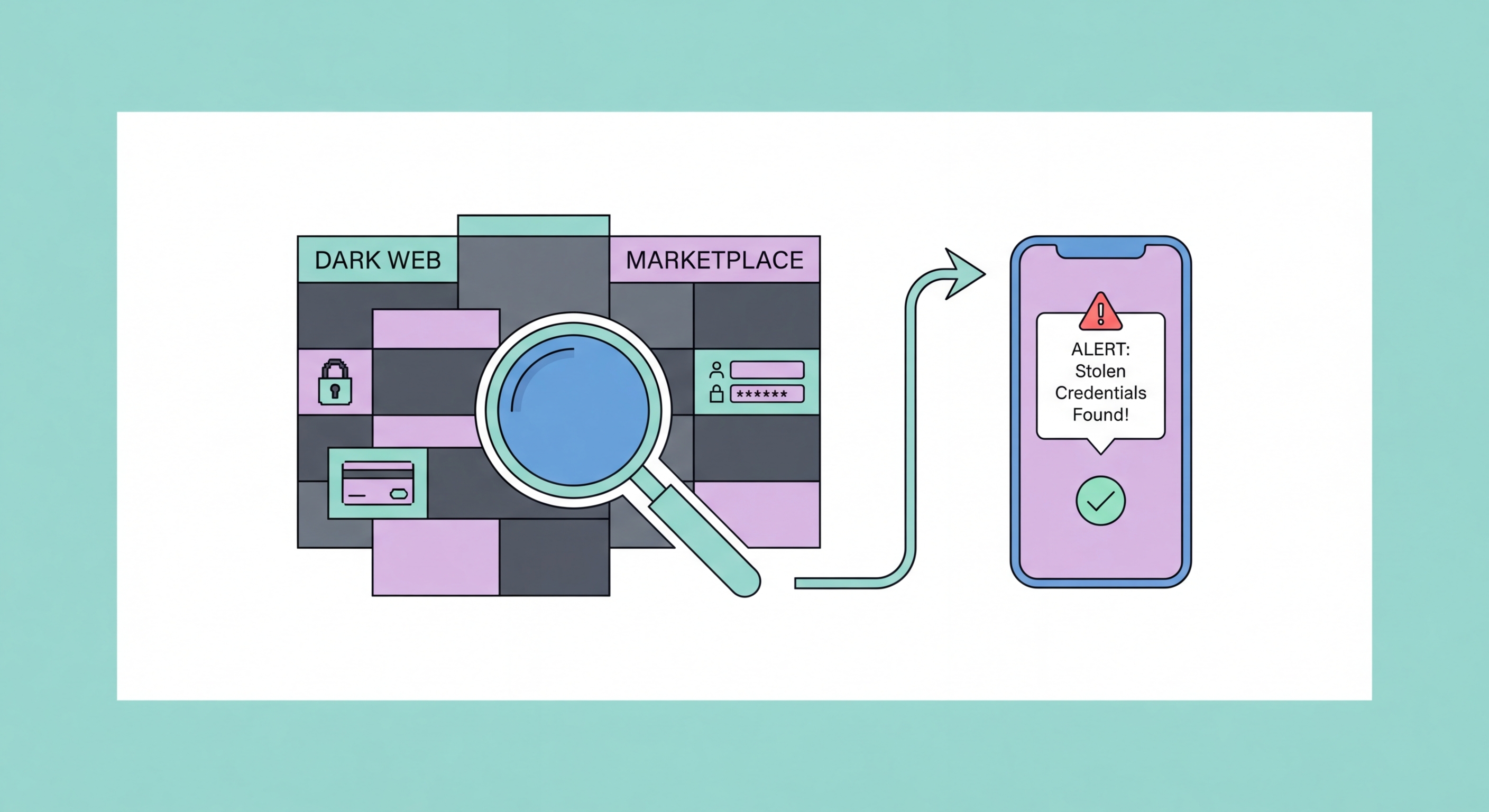
Dark Web Monitoring Services for Hong Complete Guide for Hong Kong Users">Kong Users in 2026">Dark web monitoring services continuously scan dark web marketplaces, forums, paste sites, and breach databases for specific data points you provide — email addresses, passwords, phone numbers, identity document numbers, or financial account details. The scanning process is automated and runs continuously, with alerts dispatched within hours of your data appearing in newly identified datasets. Understanding the methodology helps you set appropriate expectations about what monitoring can and cannot detect.
Monitoring services use several complementary approaches. The most straightforward is scanning known breach databases — when a major breach occurs (e.g., a large e-commerce platform is hacked and 50 million records are exposed), the stolen data typically surfaces in one of several ways: sold on dark web markets, shared on hacker forums, posted to public paste sites (Pastebin, Ghostbin), or uploaded to dedicated breach exchange databases. Services like Have I Been Pwned aggregate these databases and search them against your registered email addresses. This approach is highly effective for large, well-publicised breaches but may miss smaller, more private data trading.
More sophisticated paid monitoring services also deploy automated crawlers across dark web forums and marketplaces, scanning for mentions of specific data (email addresses, phone numbers, partial credit card numbers) within marketplace listings and forum posts. They also monitor closed dark web communities through various intelligence methods, including working with law enforcement agencies and cybersecurity researchers who have access to dark web channels not accessible to public crawlers. The depth of monitoring — and correspondingly the price — varies substantially across services.
The scope of data that monitoring services can track varies significantly by provider and price tier. Email addresses are universally supported — every monitoring service, including the free HIBP, can check email addresses against breach databases. Email monitoring is the most valuable starting point because email credentials are the most commonly stolen data type, and email account access is the gateway to resetting passwords for virtually every other online account.
Password monitoring works in conjunction with email monitoring. When a service is breached, passwords may be stored in various forms: plain text (the most dangerous — immediately usable), MD5 or SHA-1 hashes (crackable with modern hardware), bcrypt/scrypt/Argon2 hashes (much harder to crack, but sometimes brute-forced for common passwords), or salted hashes. Monitoring services check whether any password you use (particularly as stored by password managers) matches known leaked password hashes. The iOS Passwords app, 1Password Watchtower, and Google Password Manager all perform this check against the HIBP Pwned Passwords database — a list of over 850 million previously breached passwords.
Paid comprehensive monitoring services expand coverage to: phone numbers (which can be cross-referenced against breach records to identify accounts linked to your number); HKID or national ID numbers (relevant for identity fraud); passport numbers; credit card numbers (specifically the first 6 and last 4 digits in some monitoring approaches — full card numbers are typically not transmitted to monitoring services for security reasons); and Social Security or equivalent tax identification numbers. For Hong Kong residents, the most valuable data types to monitor — beyond email — are phone numbers (common in HK breach records), HKID numbers, and bank account numbers where supported.
Dark web monitoring is a valuable tool, but understanding its limitations is essential to maintaining realistic expectations. The most fundamental limitation is that monitoring is reactive, not preventive. A monitoring service can tell you that your data has appeared on the dark web, but it cannot prevent the original breach from occurring, prevent criminals from seeing and potentially using your data before the alert, or guarantee that data exposure hasn't occurred in private channels that the monitoring service has no visibility into.
Coverage is inherently incomplete. The dark web is not a single, searchable database — it's a distributed ecosystem of thousands of marketplaces, forums, chat channels, paste sites, and private communications. No monitoring service crawls all of it. Private, invite-only criminal communities that trade high-value data often do so in ways specifically designed to avoid detection by monitoring services. Data that is traded privately between criminals — never posted to a public forum or market — is generally invisible to automated monitoring. This means that a clean monitoring alert doesn't guarantee your data hasn't been exposed; it means it hasn't been detected in the sources that monitoring service covers.
Monitoring also cannot remove data once it's been posted. Unlike data removal services for public internet content, there is no mechanism to request removal of your data from dark web markets or forums. Criminals who have purchased your data already have it; the practical response to a monitoring alert is damage limitation — changing exposed passwords, enabling 2FA, and monitoring for signs of misuse — rather than attempting to suppress the underlying data. This is an important expectation to set: monitoring enables response, not reversal.
Setting up a practical dark web monitoring baseline costs nothing and takes less than 15 minutes. The core free stack combines Have I Been Pwned's email monitoring, your password manager's breach detection, and the built-in breach monitoring provided by Apple (iOS) or Google (Android). Together, these cover the most common data types — email credentials and passwords — that are most frequently exposed in breaches and most directly used for account takeover attacks.
Start at haveibeenpwned.com: enter every email address you actively use and check the results. For any address that shows breaches, click on the breach names to see which services were involved and what data types were exposed. This historical view reveals which old passwords from compromised services may still be in use elsewhere. Then scroll to the bottom and subscribe to free breach monitoring notifications — HIBP will email you when your address appears in future breaches. Repeat this for each email address you use.
In your password manager (iOS Passwords, 1Password, Bitwarden, or others), look for a security or breach audit feature. In 1Password, this is "Watchtower" (Settings → Watchtower). In iOS, go to Settings → Passwords and look for the Security Recommendations section. In Bitwarden, go to Reports → Exposed Passwords. These features check your stored passwords against HIBP's database of 850+ million exposed passwords and flag any matches. Work through the flagged items and change every password identified as exposed, starting with banking, email, and cloud storage accounts.