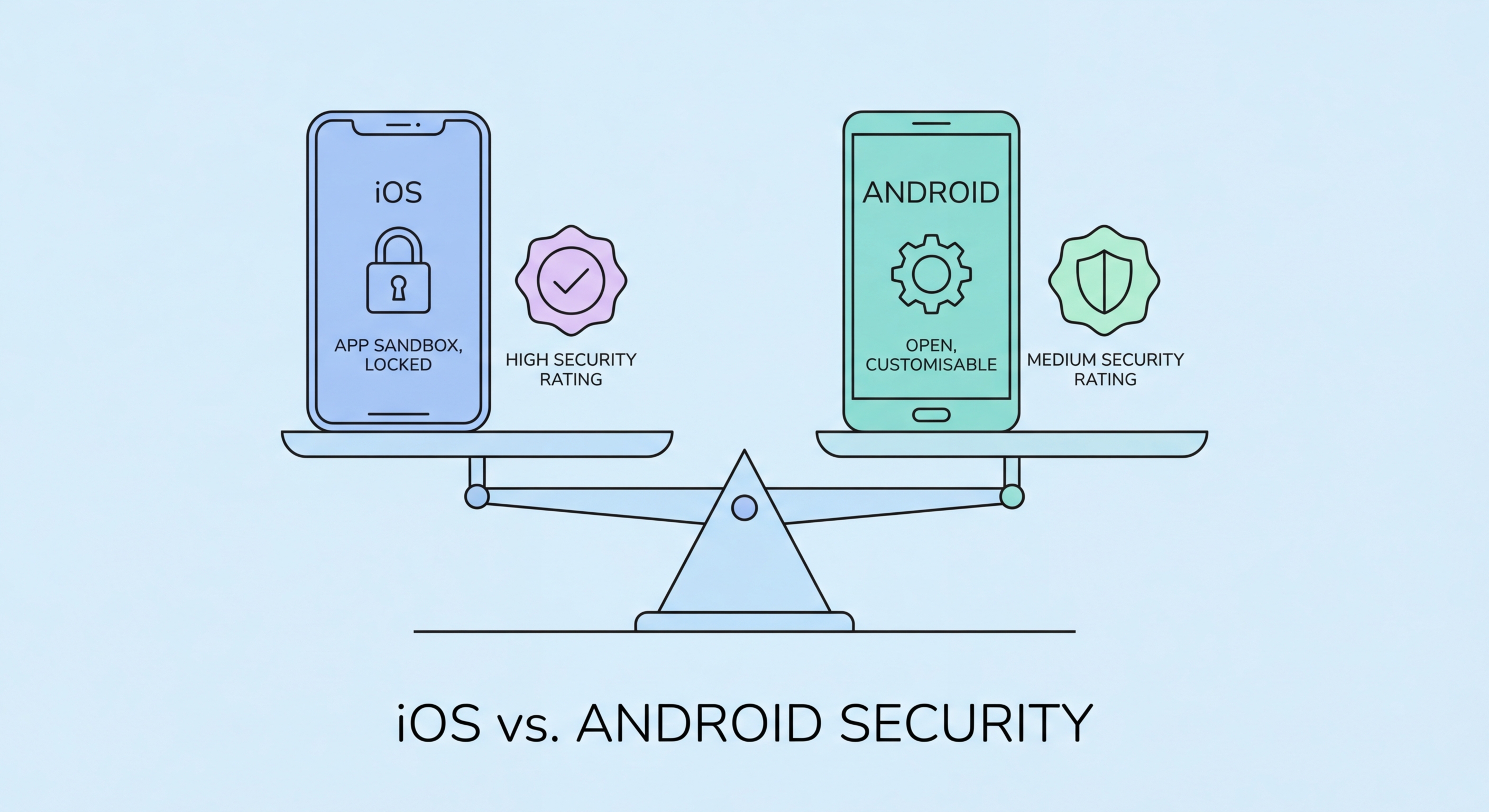
A deep dive into the security architectures, update models, app store policies, and real-world vulnerability records of Apple iOS and Google Android — helping Hong Kong users make an informed choice.
iOS and Android take fundamentally different approaches to security architecture, reflecting their contrasting philosophies: Apple's tightly controlled vertical integration versus Google's open, developer-friendly ecosystem. Understanding these architectural differences explains why the two platforms have different vulnerability profiles and why no single answer covers every user's situation.
iOS runs on a hardware-software stack that Apple controls entirely. The Secure Enclave — a dedicated security processor built into every iPhone since 2013 — handles biometric data, cryptographic keys, and payment credentials in an isolated environment that is inaccessible even to the main iOS kernel. Every piece of software that runs on an iPhone must be signed by Apple, and the operating system enforces strict sandboxing: each app operates in its own isolated container and cannot access other apps' data without explicit user permission.
Android's security model is equally sophisticated at the OS level, built on a Linux kernel with Security-Enhanced Linux (SELinux) enforcing mandatory access controls. Google's Titan M2 chip, present in Pixel devices, performs a similar role to Apple's Secure Enclave. However, Android's open ecosystem means that security quality varies significantly by device manufacturer — a flagship Samsung Galaxy S25 running One UI 7 receives enterprise-grade security updates, while a budget phone from a lesser-known brand may run outdated Android versions with unpatched vulnerabilities indefinitely.
The single most important factor in smartphone security is how quickly and reliably a device receives security patches. Unpatched vulnerabilities are the primary mechanism through which attackers compromise devices at scale. This is where the iOS and Android ecosystems diverge most significantly, and where Apple holds a substantial structural advantage for most users.
Apple pushes iOS updates simultaneously to all supported iPhones, with support typically lasting six to seven years from release. When a critical zero-day vulnerability is discovered — such as the BLASTPASS exploit that was patched in iOS 16.6.1 — every supported iPhone user can install the fix within hours. Critically, Apple introduced Rapid Security Response in iOS 16, allowing certain security fixes to be applied without a full OS update and without requiring a restart in some cases.
Google now guarantees seven years of OS and security updates for Pixel 8 and later devices, matching Apple's commitment for its own hardware. However, the broader Android ecosystem tells a different story. Many Android device manufacturers — particularly those selling budget and mid-range phones common in to Do If Your Phone Is Lost or Stolen in Hong Kong">Hong Kong electronics markets — commit to only two or three years of security updates, if they provide them consistently at all. Research consistently shows that a significant proportion of Android devices in active use are running versions with known, unpatched critical vulnerabilities.
Apple's App Store is a closed ecosystem: every app must pass Apple's review process before reaching users, and developers cannot distribute iOS apps outside the App Store without explicit enterprise agreements or the new EU-mandated alternative marketplace provisions (which don't yet apply in Hong Kong). This gatekeeping significantly reduces the surface area for malware distribution, though it is not impenetrable — malicious apps have periodically slipped through Apple's review process, particularly through delayed or dormant malicious behaviour.
Android's open ecosystem is both its greatest strength for developers and its most significant security liability for mainstream users. While Google Play Protect scans over 100 billion apps per day and has become increasingly effective at detecting malware, users can also install apps from any APK file without going through the Play Store — a process called sideloading. This capability, combined with the widespread availability of pirated apps in WhatsApp groups and Telegram channels in Hong Kong, creates a substantial malware distribution channel that doesn't exist on iOS.
In 2026, the most significant app-based threats on both platforms involve not obvious malware but sophisticated apps that abuse legitimate permissions. Stalkerware — apps that appear to be parental controls or system utilities but secretly transmit location data, messages, and call logs — is a growing concern. On both platforms, carefully reviewing permissions, researching developers, and using official app stores exclusively remain the most effective defences.
For the average Hong Kong smartphone user who wants the best security with minimal configuration, iOS on a current-generation iPhone offers structural advantages that are difficult to match: uniform, timely updates for years; a closed app ecosystem that significantly reduces malware exposure; the Secure Enclave for hardware-level key protection; and features like Lockdown Mode for high-risk users. These advantages are structural and do not depend on the user making good configuration choices.
Android is not inherently insecure — on flagship hardware from Google (Pixel) or Samsung (Galaxy S series), it offers excellent security comparable to iOS when properly configured. The critical variable is the device and manufacturer. A Google Pixel 9 Pro with the latest Android security patches is a highly secure device; a HK$800 Android phone from an unknown brand purchased at Sim City or a street market is likely running unpatched firmware and represents a significant security risk.
For enterprise deployments and Hong Kong businesses managing device fleets, both platforms support robust MDM solutions. iOS has traditionally been preferred in enterprise environments due to its uniformity, but Android Enterprise offers comparable management capabilities on supported devices. The right answer for your organisation depends on your existing infrastructure, user requirements, and the specific devices in your fleet.