Secure Mobile Banking in Hong Kong: Essential Guide

How to use HSBC, Hang Seng, Bank of China, Octopus, and other Hong Kong banking apps safely — the security features to enable, the threats to watch for, and what to do if fraud occurs.

Secure mobile banking Hong Kong guide
1The HK Mobile Banking Landscape

Mobile Banking Security in Hong Kong: What You Need to Know

to Do If Your Phone Is Lost or Stolen in Hong Kong">Hong Kong has one of the highest mobile banking adoption rates in Asia-Pacific. The major banks — HSBC, Hang Seng Bank, Bank of China Hong Kong, Standard Chartered, DBS, and Citibank — all provide feature-rich mobile banking apps that allow everything from instant transfers to investment trading. The HKMA has been an active promoter of digital banking innovation, having licensed a number of virtual banks (ZA Bank, Mox, Livi, WeLab, Airstar, Fusion, Ping An OneConnect, and ant) that operate exclusively through mobile apps.

With this widespread adoption comes significant fraud risk. The HKPF Crime Wing reports that phone-related financial fraud — including mobile banking fraud, investment scams conducted via messaging apps, and SMS phishing targeting banking customers — accounts for an increasing proportion of total fraud losses in Hong Kong. The combination of smishing (fake bank SMS messages), screen overlay attacks (malware that places fake login screens over banking apps), and SIM swapping has made mobile banking the primary fraud vector for financially motivated cybercriminals targeting HK residents.

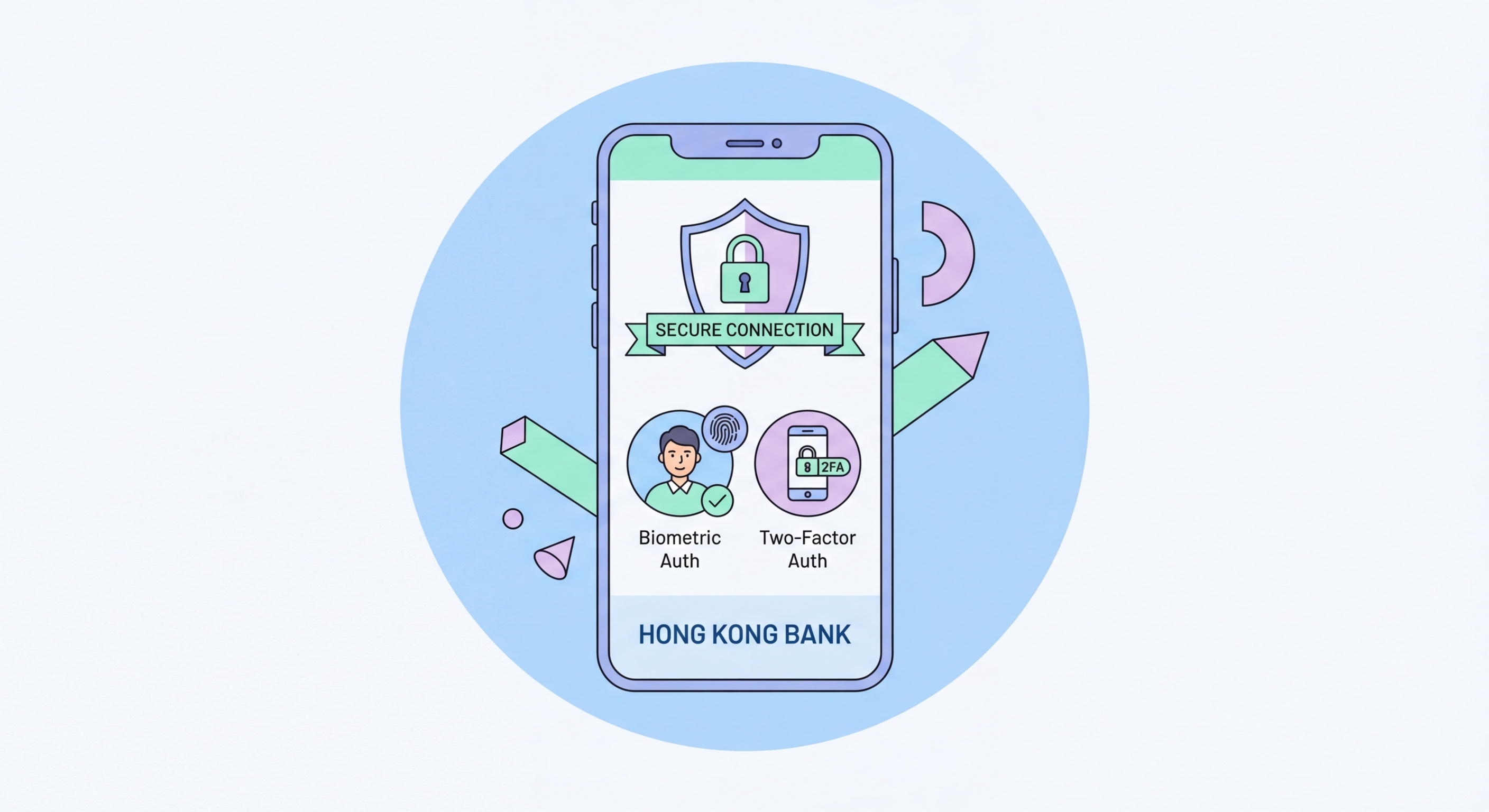
The HKMA has issued multiple circulars on mobile banking security, including guidelines on Strong Customer Authentication (SCA) that require banks to implement multi-factor authentication for high-value transactions. Most major HK banks now support biometric authentication (Face ID / fingerprint) within their mobile apps, push notification approval for transactions, and SMS or in-app OTPs as fallback. Enabling all available security features on your banking apps is the single most important action you can take to protect your finances.

  • Enable biometric authentication: All major HK banking apps support Face ID or fingerprint login — enable this in each app's security settings for both convenience and security.
  • Set transaction limits: Most HK banking apps allow you to set daily transfer limits — set these to the minimum necessary to limit the damage from any fraudulent access.
  • Enable push notifications: Subscribe to real-time transaction notification push alerts — immediately flag any unauthorised transaction for rapid response.
  • Register only on your device: Never register a banking app on a shared or unfamiliar device; most HK banks restrict registration to 1-3 registered devices.
  • Verify app source: Download banking apps only from the App Store or Google Play, navigating directly to the app rather than following links — clone banking apps are a known scam vector.
  • Check app version: Keep banking apps updated to the latest version — security patches for banking apps are frequently released in response to newly discovered fraud techniques.
Set up strong 2FA for all your banking accounts →
Mobile banking security Hong Kong
2Common Banking Fraud Tactics

How Fraudsters Target HK Mobile Banking Users

The most prevalent mobile banking fraud tactic in Hong Kong is the smishing-to-credential-harvest pipeline. Attackers send SMS messages claiming to be from HSBC, Hang Seng, or another HK bank, warning of suspicious activity or requesting account verification. The message links to a convincing clone of the bank's website. The victim enters their username, password, and the SMS OTP they receive — which the attacker relays in real time to authenticate to the real banking website and initiate a fraudulent transfer. This attack is highly automated and the entire process, from victim receiving the SMS to funds being transferred, can take as little as three minutes.

Screen overlay attacks represent a more technically sophisticated threat specific to Android devices. Malware with overlay permissions (which, as noted in our app permissions guide, allow apps to draw over other apps) displays a fake login screen on top of the genuine banking app. The victim believes they're entering their credentials into the real banking app; in reality, they're entering them into the malware, which captures and transmits them. These attacks require Android-specific malware typically distributed through unofficial APK files, reinforcing the importance of never sideloading apps on Android.

Bank impersonation phone calls — vishing attacks — are another significant vector. Callers identify themselves as bank fraud investigators or security teams, claim the victim's account has been compromised, and request "emergency" actions including transferring funds to a "safe account" (which is the attacker's account), providing one-time passwords, or granting remote access to their phone using screen sharing or remote desktop apps. No legitimate bank will ever ask for these actions. If you receive such a call, hang up and call the bank on their official published number.

  • Never click banking SMS links: All major HK banks publish their genuine SMS links — go directly to the banking app or type the URL. Never follow a link from an unsolicited SMS.
  • Never share OTPs: One-time passwords sent by your bank are for you alone — any caller requesting you share an OTP is conducting fraud, regardless of claimed identity.
  • Safe account fraud: No bank will ever ask you to transfer money to a "safe account" to protect it — this is the defining characteristic of transfer fraud.
  • Remote access app requests: Never install AnyDesk, TeamViewer, or any remote control app at the request of someone calling you about your bank account.
  • Never sideload banking apps: Clone banking apps distributed via WhatsApp or Telegram links are fraudulent — only install from App Store or Google Play.
  • Overlay attack protection (Android): Avoid granting "Display over other apps" permission to any app — this is the vector used for screen overlay attacks on banking apps.
Spot and avoid all mobile phishing attacks →
Mobile banking fraud tactics Hong Kong
3Octopus and FPS Security

Octopus App, FPS, and Digital Payment Security

The Octopus card and app are deeply embedded in Hong Kong daily life — used for MTR, buses, convenience stores, parking, and an expanding range of retail and online payment scenarios. The Octopus App allows users to check their balance, top up their card via the app (linked to bank account or card), and use a mobile Octopus on iPhone (via NFC). Security for the Octopus App and mobile Octopus is therefore significant — an attacker with access to your phone can make contactless Octopus payments without any additional authentication.

The Faster Payment System (FPS), operated by the Hong Kong Interbank Clearing Limited, enables real-time fund transfers between bank accounts and FPS registered mobile numbers or email addresses. Most major HK banks integrate FPS into their mobile banking apps. FPS transfers are immediate and irreversible — if you transfer money to a fraudulent account via FPS, recovery is extremely difficult. Always verify the recipient's FPS ID (phone number or email) carefully before confirming any transfer, and double-check the registered account holder name that the bank displays during confirmation.

For mobile contactless payments — Apple Pay, Google Pay, and Samsung Pay — the security is generally strong. Apple Pay and Google Pay use device account numbers (tokenised card numbers that are different from your actual card number) and require biometric authentication (Face ID or fingerprint) for each transaction. A thief who steals your phone cannot use Apple Pay without authenticating — it's disabled when Face ID/Touch ID is disabled or after multiple failed authentication attempts. However, ensure that Wallet access from the lock screen is disabled in Settings → Face ID & Passcode → Allow Access When Locked → Wallet → Off.

  • Octopus App PIN: Enable a PIN or biometric lock within the Octopus App settings to prevent unauthorised use if your phone is accessed.
  • FPS transfer verification: Always verify the recipient name displayed by your bank before confirming any FPS transfer — report any discrepancy between expected and displayed name before proceeding.
  • Disable Wallet from lock screen: Settings → Face ID & Passcode → Allow Access When Locked → Wallet → Off. Prevents contactless payment from a locked, stolen phone.
  • Monitor Octopus transactions: Enable Octopus transaction notifications and review your statement regularly — unauthorised top-ups from linked bank accounts should be reported immediately.
  • FPS transfer limits: Set conservative daily FPS transfer limits in your banking app — most banks allow customisation of daily limits for both FPS and SWIFT transfers.
  • Two-device authentication: Some HK banks support a "token device" model where the same account cannot be fully active on more than one registered device simultaneously — check your bank's account security settings.
How to spot FPS and banking phishing attacks →
Octopus FPS payment security Hong Kong
4Fraud Response

Responding to Mobile Banking Fraud in Hong Kong

If you discover unauthorised transactions on your account, or if you believe you've been the victim of a mobile banking phishing attack, every minute counts. Hong Kong banks are required under HKMA guidelines to maintain 24-hour fraud reporting hotlines. Most large HK banks are able to place immediate holds on outgoing transfers when contacted directly about suspected fraud — early contact can be the difference between recovering and losing funds permanently.

The key fraud hotlines for major HK banks are: HSBC 2233 3000; Hang Seng Bank 2822 0228; Bank of China HK 3988 2388; Standard Chartered 2886 8868; DBS 2290 8888; and ZA Bank/virtual banks via their in-app support chat. Contact your bank immediately when you notice suspicious activity — do not wait until regular business hours. Follow up your call with a complaint submitted through the bank's official digital channels to create a documented paper trail for your claim.

After contacting your bank, file a police report with the HKPF Cyber Security and Technology Crime Bureau (CSTCB). You can report online at cybercrime.police.hk or call 18222. The HKPF can issue freeze orders on fraudulent accounts through the banking system's anti-fraud networks, potentially preventing the fraudster from withdrawing stolen funds. Obtain your police report number — it's required for the bank's fraud claim process and for any insurance claims. The HKMA also accepts complaints about banking fraud handling at 2878 8196 if you believe your bank has not responded appropriately to your fraud report.

  • Call your bank immediately: HSBC: 2233 3000; Hang Seng: 2822 0228; BOC HK: 3988 2388; StanChart: 2886 8868 — available 24 hours for fraud emergencies.
  • Request transaction hold: Ask the bank to place an immediate hold on all outgoing transfers from your account and to freeze the account if necessary.
  • Change passwords from clean device: On a different, uncompromised device, change your banking app PIN and online banking password immediately.
  • Report to HKPF: cybercrime.police.hk or 18222 — file within 24 hours of discovering the fraud to maximise the chance of fund recovery.
  • Screenshot evidence: Capture screenshots of any fraudulent transactions, suspicious SMS messages, or websites before they disappear — these are evidence for your claim.
  • HKMA complaint: If your bank's fraud response is inadequate, escalate to the HKMA at 2878 8196 or hkma.gov.hk — the regulator takes fraud complaint handling seriously.
Prevent mobile banking phishing attacks →
Mobile banking fraud response Hong Kong
Secure Every Account — Not Just Your Banking Apps

Secure Every Account — Not Just Your Banking Apps

Mobile banking security works best as part of a comprehensive security posture. Our full smartphone security guide covers all the layers that protect your financial accounts.

Related VPN Articles