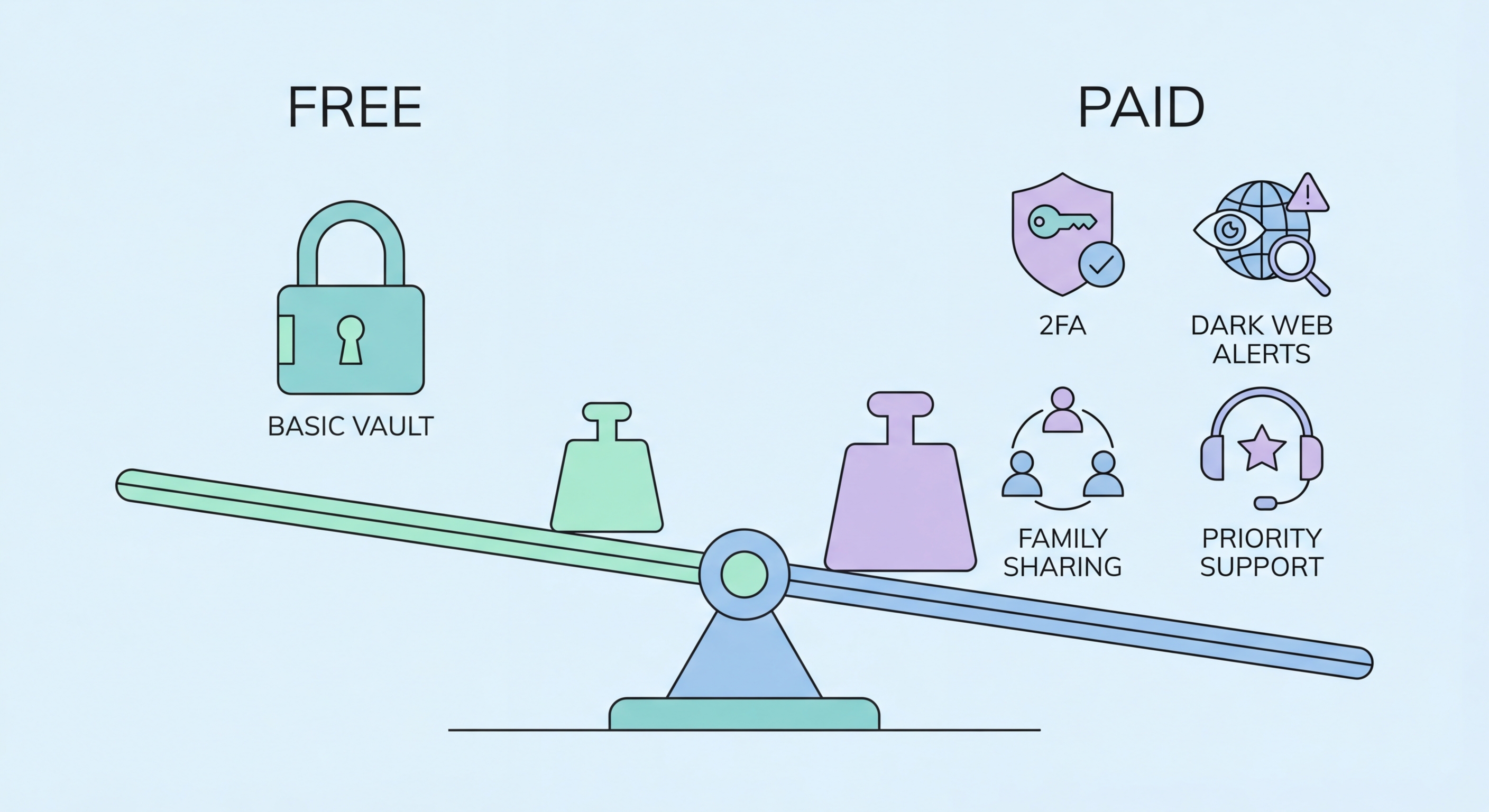
The gap between free and paid password managers has narrowed significantly — but premium tiers still offer features worth paying for in some situations. Here is what you actually get for each price point.
The free tier landscape for password managers has improved dramatically in recent years. Bitwarden's free tier is the benchmark for what a well-resourced free tier should look like: unlimited password storage, unlimited device sync across all platforms, a strong password generator, browser extensions for all major browsers, mobile apps for iOS and Android, secure note storage, and AES-256 encrypted vault. For the majority of individual users with standard personal account management needs, Bitwarden free provides everything that is essential.
KeePassXC is another excellent free option — open-source and completely local with no cloud dependency. It stores your vault as an encrypted file on your device, which you can then sync manually via cloud storage of your choice or a USB drive. This gives maximum control over where your data is stored, at the cost of some convenience. KeePassXC does not have the polished auto-fill experience of Bitwarden or 1Password, but it is a technically excellent tool for users comfortable with more manual management.
The free tiers of commercial managers like Dashlane, NordPass, and LastPass are significantly more limited than Bitwarden — often capping devices at one, limiting stored items, or removing sync entirely. These constrained free tiers function more as trials to convert users to paid subscriptions. If you are going to use a free tier, Bitwarden free is the clear recommendation — it is genuinely comprehensive rather than artificially limited.
Bitwarden premium costs approximately USD $10 per year — roughly HK$78, or about HK$6.50 per month. For this modest fee, you gain several features that meaningfully improve security and usability. The most valuable is TOTP (two-factor authentication code) generation: Bitwarden Premium can store and generate the 6-digit TOTP codes for services where you have enabled 2FA, consolidating your authenticator codes within the same encrypted vault as your passwords. This is genuinely convenient and more secure than having codes in a separate less-encrypted app.
Vault health reports — breach exposure checking, reused password detection, weak password identification, and insecure URI detection — are available in Bitwarden Premium and are worth their cost alone for the proactive security monitoring they provide. Without these reports, you would need to manually check each account for breach exposure; with them, you get a prioritised list of issues to address. 1Password Watchtower provides similar functionality in the premium tier.
1Password's premium features beyond the basics include Travel Mode (temporarily removes selected vaults from the device when crossing borders), 1GB of encrypted document storage, and emergency access. for Hong Kong SMEs: Where to Start">For Hong Kong users who travel frequently to mainland China, Travel Mode is a particularly valuable feature — it allows you to remove sensitive credentials from your device before crossing the border and restore them once you return, without any permanent deletion of vault data.
Family plans represent the best per-user value in the password manager market. Bitwarden Families costs USD $40 per year and covers up to six users — that is USD $6.67 per person annually, or about HK$52, for full premium features across the entire household. Each family member gets their own private vault plus access to shared vaults for household credentials. 1Password Families covers five users for USD $4.99 per month (billed annually), providing an excellent UX experience with all premium features for each member.
For Hong Kong families, shared vaults are practically useful for managing household accounts together: Netflix, Disney+, Spotify, home internet router credentials, utility account logins, shared banking for joint accounts, and building management portal logins. Rather than one partner knowing all the household passwords and the other being locked out of important accounts, both have equal access while maintaining separate personal vaults.
Team and business plans start from around USD $3-5 per user per month and add administrative controls, role-based access, audit logs, and the ability to provision and de-provision users. For Hong Kong SMEs managing shared credentials for business systems, the audit logging and access control features alone justify the business plan cost — particularly as compliance requirements around data access logging become more stringent under evolving HK cybersecurity regulations.
For most individual Hong Kong users who are new to password managers, starting with Bitwarden free is the right approach. The free tier covers everything you need to dramatically improve your password security: unlimited unique passwords, cross-device sync, and auto-fill. There is no artificial urgency to pay — the security fundamentals are fully covered by the free tier. Start free, get the habit established, and upgrade to premium later if you find yourself wanting the TOTP code generation or health reports.
If you already know you want premium features — particularly TOTP code generation to consolidate your 2FA codes in one place, or vault health reports to systematically address your password security — Bitwarden Premium at USD $10/year is almost trivially priced. At HK$6.50 per month, it is significantly less than the cost of a single cup of coffee and provides meaningful security value above the free tier. This is an easy recommendation for anyone who does any online banking or has financial accounts to protect.
If you have a family or are considering a partner, skip individual plans and go straight to a family plan — the per-person cost works out lower than individual premium subscriptions, and the shared vault functionality solves a practical household management problem. For anyone running a small business in Hong Kong, the business plan's audit logs and access controls are worth adopting from the start rather than retrofitting when the team grows.