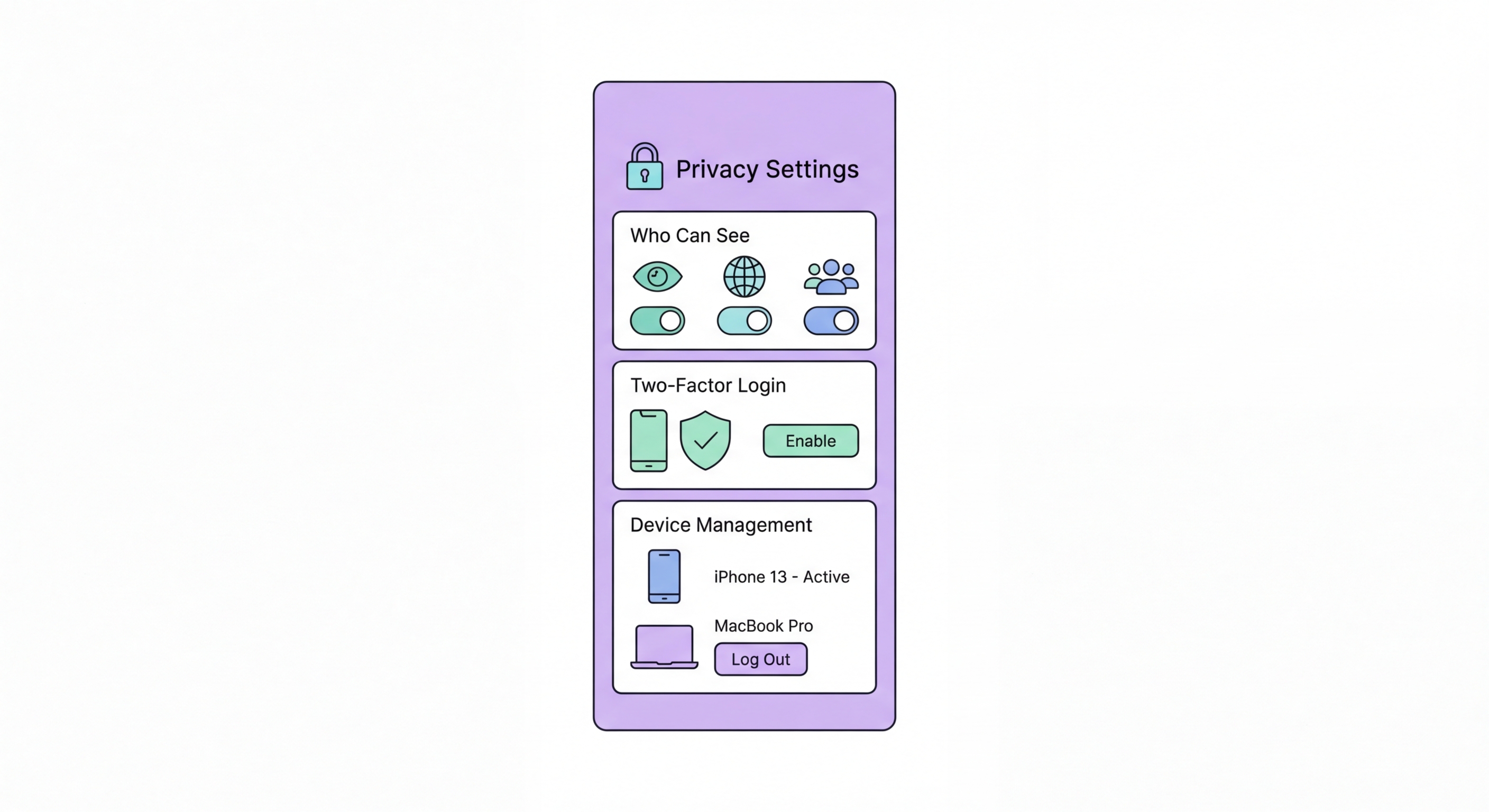
How to tighten privacy settings on Instagram, Facebook, TikTok, and LinkedIn on your iPhone or Android — reducing data collection, limiting audience, and protecting your account security on every major platform.
Instagram and Facebook — both owned by Meta — are among the most data-intensive apps on any smartphone. Meta's advertising business is built on building detailed profiles of users' interests, behaviours, relationships, and activities. The data collected by Meta apps extends far beyond what you explicitly share: it includes your location history, device identifiers, browsing behaviour on other websites (via the Meta Pixel tracking technology), contacts lists if you've granted access, face recognition data from photos, and cross-app tracking data shared by other apps in Meta's advertising network.
On Instagram, go to Settings → Account → Privacy and enable "Private Account" if you want to control who sees your posts. Under Security, enable "Two-Factor Authentication" using an authenticator app (not SMS). Navigate to Settings → Ads → Ad preferences → Ad Settings and disable "Ads based on data from partners" and "Ads based on your activity on Facebook Company Products." Go to Settings → Account → Sharing across profiles to review what data is shared between Instagram and Facebook accounts.
Facebook's privacy settings are extensive and intentionally complex to navigate. The most impactful changes are: Settings → Privacy Settings → "Who can see your future posts?" → Friends only; Settings → Face Recognition → disable; Settings → Location → Location History → disable; Settings → Ad Preferences → Advertisers and businesses → clear your ad interaction history; Settings → Your Facebook Information → Off-Facebook Activity → "Manage Future Activity" → disable "Future Off-Facebook Activity." Off-Facebook Activity is particularly important: it controls whether websites and apps that use the Facebook Pixel can send your browsing data to Facebook for ad targeting.
TikTok is one of the most widely used social platforms among Hong Kong's younger demographic. It has also been subject to significant scrutiny regarding its data collection practices, data storage, and the potential for its parent company ByteDance (based in Beijing) to access user data. TikTok's privacy policy acknowledges that it collects device identifiers, IP addresses, browsing history, location data, biometric identifiers (from facial and voice features in videos), keystroke patterns, and content of your clipboard — among many other data points. The company has acknowledged that some China-based employees had access to US user data in the past.
TikTok privacy configuration: go to Settings → Privacy and set "Account Privacy" to Private. Under "Safety," enable "Filter DMs" to only receive direct messages from followers, and disable "Suggest your account to others" to limit profile discoverability. Under "Ads," go to Ads Preferences and disable "Ad personalisation" and "Personalised ads based on off-TikTok activity." Under "Data," request and review your data download to understand exactly what TikTok holds about you — this can be revealing. Set up two-step verification at Settings → Security → 2-step verification → use Authenticator App.
For iOS users, the most effective privacy measure against TikTok's extensive data collection is to revoke unnecessary permissions. In iOS Settings → Privacy → go through each category and ensure TikTok only has access to what's strictly needed for the features you use: Camera (for recording videos), Microphone (for recording audio), Photos (for uploading from your library only). Revoke TikTok's access to Contacts and Location entirely unless you have a specific reason. Consider using TikTok via its web interface in Safari rather than the app, which slightly limits the data that can be collected at the OS level.
LinkedIn is a unique social media platform from a privacy perspective: it exists specifically for professional networking and is expected to contain professional information including your employer, job title, career history, and educational background. However, the extent of LinkedIn's data collection and the granularity of its profile building extends well beyond the professional data you intentionally share. LinkedIn tracks your browsing activity across non-LinkedIn websites (via the LinkedIn Insight Tag, which is widely implemented across business websites), your profile viewing habits, your job search behaviour, and your engagement with content — all of which feeds into its advertising and talent acquisition products.
Essential LinkedIn privacy settings: go to Settings → Visibility → Profile viewing options and choose "Private mode" (anonymous) when browsing other profiles if you don't want them to see that you visited. Under Visibility → Who can see your connections → Only you — this prevents competitors or recruiters from mining your network. Under Data privacy → Manage your data and activity → clear your search history periodically and review what LinkedIn has collected about you in "Get a copy of your data."
LinkedIn account security deserves specific attention: go to Settings → Sign in & security → Two-step verification → set up with an authenticator app. Review Active sessions (Settings → Sign in & security → Where you're signed in) and sign out from any unfamiliar devices or locations. LinkedIn is a common target for Hong Kong: Prevention Guide">business email compromise (BEC) attacks — attackers use LinkedIn to research targets before launching spear phishing attacks that impersonate colleagues, executives, or clients. Never click links in LinkedIn direct messages from people you don't know, and verify any unusual requests from LinkedIn contacts via another channel.
Beyond platform-specific settings, several security practices apply across all social media platforms and are particularly important for mobile users. Strong, unique passwords combined with authenticator app two-factor authentication are the foundation of social media account security. Social media account takeovers — where attackers hijack accounts to run scams, spread malware, or harass the account owner's contacts — are extremely common. An account protected by a strong unique password and TOTP 2FA is dramatically more resistant to takeover than one protected by a reused password and SMS 2FA.
Review what you share on social media from a social engineering risk perspective. Your social media posts collectively create a detailed profile that attackers can use to craft targeted phishing messages, password reset questions, and impersonation attacks. Posts revealing your home neighbourhood, workplace, regular schedule, upcoming travel, pets' names, family members' names, and vehicle details provide material for social engineering. This doesn't mean you must avoid posting about your life — but being mindful of high-value social engineering data (mother's maiden name, childhood pet, first school — common password reset questions) is sensible.
App permissions for social media on mobile should be reviewed and restricted. The most important permissions to deny or restrict: Location (deny precise location; use approximate only while using the app); Contacts (deny entirely unless using contacts for friend finding — this prevents your contacts from being uploaded to the platform); Microphone (grant only when actively recording audio content); Camera (grant only while using the app). On iOS, the App Privacy Report shows you exactly when Instagram, TikTok, and other social apps access your microphone and camera — review this after enabling it in Settings → Privacy & Security.