Everything You Need to Know About Secure Browsing and DNS Privacy
From choosing a privacy browser to encrypting your DNS queries — 20 expert articles covering every aspect of secure browsing for Hong Kong internet users in 2026.
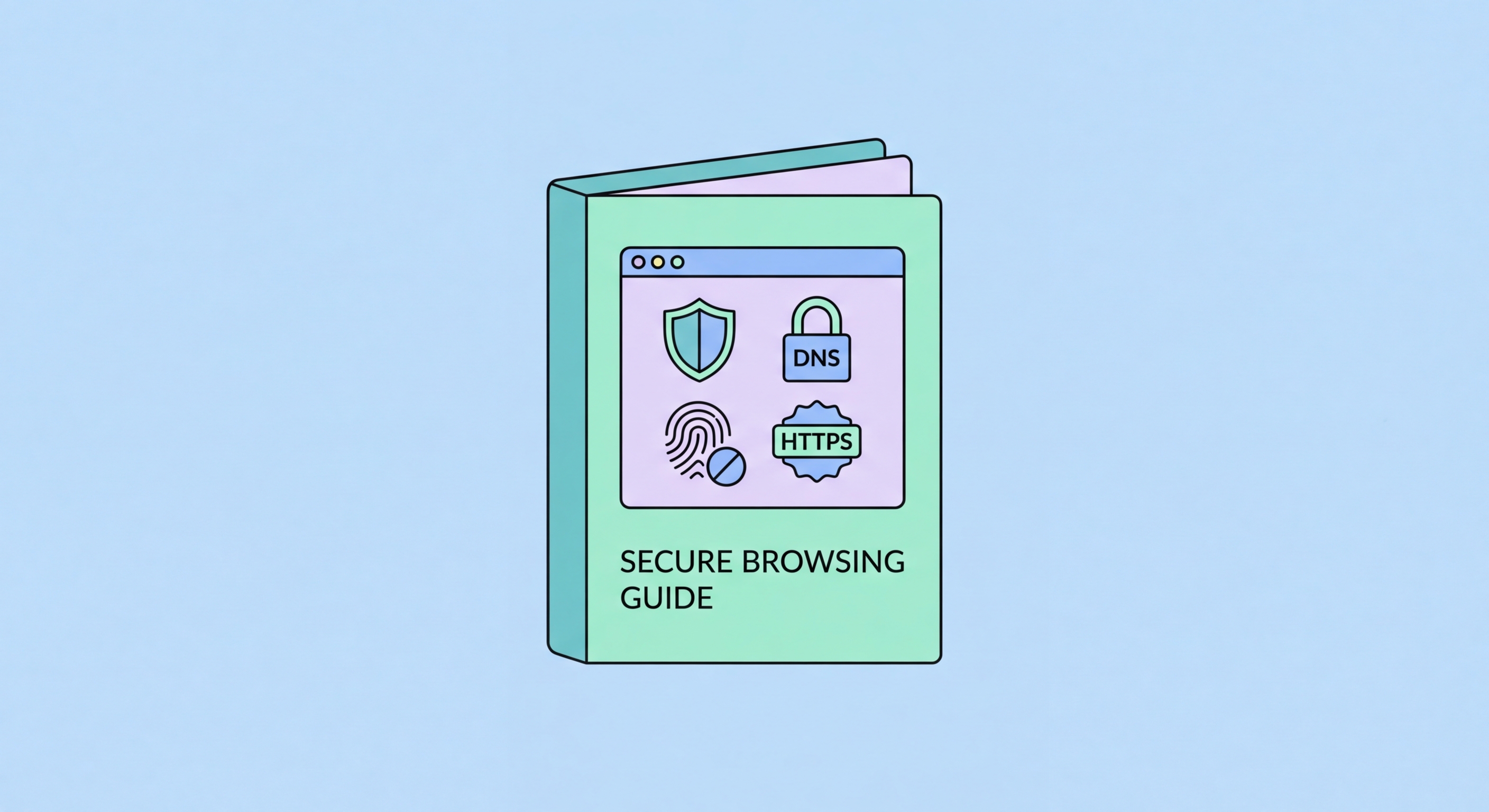
From choosing a privacy browser to encrypting your DNS queries — 20 expert articles covering every aspect of secure browsing for Hong Kong internet users in 2026.
Secure browsing is the practice of using your web browser in a way that minimises exposure to surveillance, tracking, malware, and data theft. It goes well beyond simply avoiding suspicious websites — it encompasses the browser you choose, the extensions you install, the DNS resolver you use, and the settings you configure. In Hong Kong, where internet freedom and privacy have become increasingly important concerns, secure browsing is a practical necessity rather than an optional extra.
The modern web is a surveillance infrastructure as much as a communications network. Every site you visit, every search you perform, and every link you click generates data that is harvested by advertisers, data brokers, and in some cases government agencies. Your browser is the gateway through which all of this data flows, making it one of the most important privacy tools you control. Choosing the right browser and configuring it correctly can eliminate the vast majority of tracking that occurs during ordinary web use.
DNS privacy is a critical and often overlooked component of secure browsing. Every time you type a web address, your device sends a DNS query to resolve that domain name to an IP address. By default, these queries are sent unencrypted to your ISP's DNS servers, giving your provider a complete log of every site you visit. Technologies like DNS-over-HTTPS (DoH) and DNS-over-TLS (DoT) encrypt these queries, preventing your ISP from reading your browsing habits even if they intercept your traffic.

The Domain Name System (DNS) is often described as the internet's phone book — it translates human-readable domain names like cybersecuritycampaign.com.hk into the IP addresses that computers use to communicate. What most users don't realise is that traditional DNS operates entirely in plain text, meaning your ISP, network administrator, or anyone monitoring your connection can see exactly which domains you are querying in real time. For Hong Kong users concerned about privacy, this represents a significant exposure point.
DNS-over-HTTPS (DoH) solves this problem by wrapping DNS queries inside encrypted HTTPS traffic. When DoH is enabled, your DNS queries are indistinguishable from ordinary web traffic and cannot be read by your ISP or any intermediate network observer. All major browsers now support DoH natively — Firefox and Brave enable it by default, while Chrome and Edge require it to be manually activated in settings. Enabling DoH is one of the highest-impact privacy improvements you can make with zero cost and minimal effort.
Choosing the right DNS provider is equally important. Cloudflare's 1.1.1.1 offers DoH and DoT with a strict no-logging policy audited by KPMG. Quad9 adds a security layer by blocking known malicious domains. NextDNS provides customisable filtering and detailed query analytics, making it popular among privacy-conscious power users. For Hong Kong users, all three offer servers in nearby regions that provide excellent query response times without sacrificing privacy.

The online advertising industry has developed increasingly sophisticated methods to track users across the web. Third-party cookies were the original tracking mechanism, but as browsers have phased them out, advertisers have shifted to more persistent alternatives. Browser fingerprinting — the practice of identifying users by the unique combination of their browser version, installed fonts, screen resolution, timezone, and hardware configuration — is now widespread and extremely difficult to defeat without the right tools.
Ad blockers like uBlock Origin intercept tracking scripts before they load, eliminating both the privacy risk and the performance overhead of loading dozens of third-party scripts on every page. Studies consistently show that ad blockers reduce page load times by 20–50% while blocking thousands of tracking requests per day. For mobile users in Hong Kong where data costs matter, this also translates to meaningful data savings each month.
Brave Browser takes the most aggressive approach to fingerprinting resistance, randomising the values exposed to websites so that your fingerprint changes each session. Firefox with the right extensions (Privacy Badger, uBlock Origin, Canvas Blocker) achieves similar results. The Tor Browser provides the strongest fingerprinting protection by making all users appear identical, though at the cost of significantly reduced browsing speed. For most Hong Kong users, Brave or a hardened Firefox configuration strikes the best balance between protection and usability.

For Hong Kong businesses, secure browsing is not just a personal privacy concern — it is a data security and compliance imperative. A single employee clicking a phishing link can lead to a ransomware infection that shuts down operations for weeks. Implementing browser security policies across an organisation — standardising on privacy-focused browsers, deploying enterprise DNS filtering, and enforcing extension allow-lists — can dramatically reduce the attack surface exposed through everyday web browsing.
Enterprise DNS filtering solutions like NextDNS Business, Cloudflare Gateway, and Cisco Umbrella allow IT administrators to block entire categories of malicious content at the DNS level before it can reach endpoints. This is particularly effective against malware command-and-control servers, phishing domains, and cryptomining scripts, which all require DNS resolution to operate. For SMEs in Hong Kong without dedicated security teams, DNS filtering provides enterprise-grade protection with minimal configuration effort.
Power users seeking the highest level of personal privacy should consider combining a privacy browser with a reputable VPN, a hardened DNS configuration, and browser compartmentalisation — using separate browser profiles or even separate browsers for different activities. This approach prevents the cross-contamination of identities that occurs when shopping, banking, and social media browsing all happen in the same browser session. Paired with a password manager and two-factor authentication, these practices form a comprehensive personal security posture for 2026.
