Firefox vs Chrome: Which Is More Private in 2026?
A detailed, no-hype comparison of Firefox and Chrome across telemetry, default settings, extension support, and privacy architecture — for Hong Kong users deciding which to use.
A detailed, no-hype comparison of Firefox and Chrome across telemetry, default settings, extension support, and privacy architecture — for Hong Kong users deciding which to use.
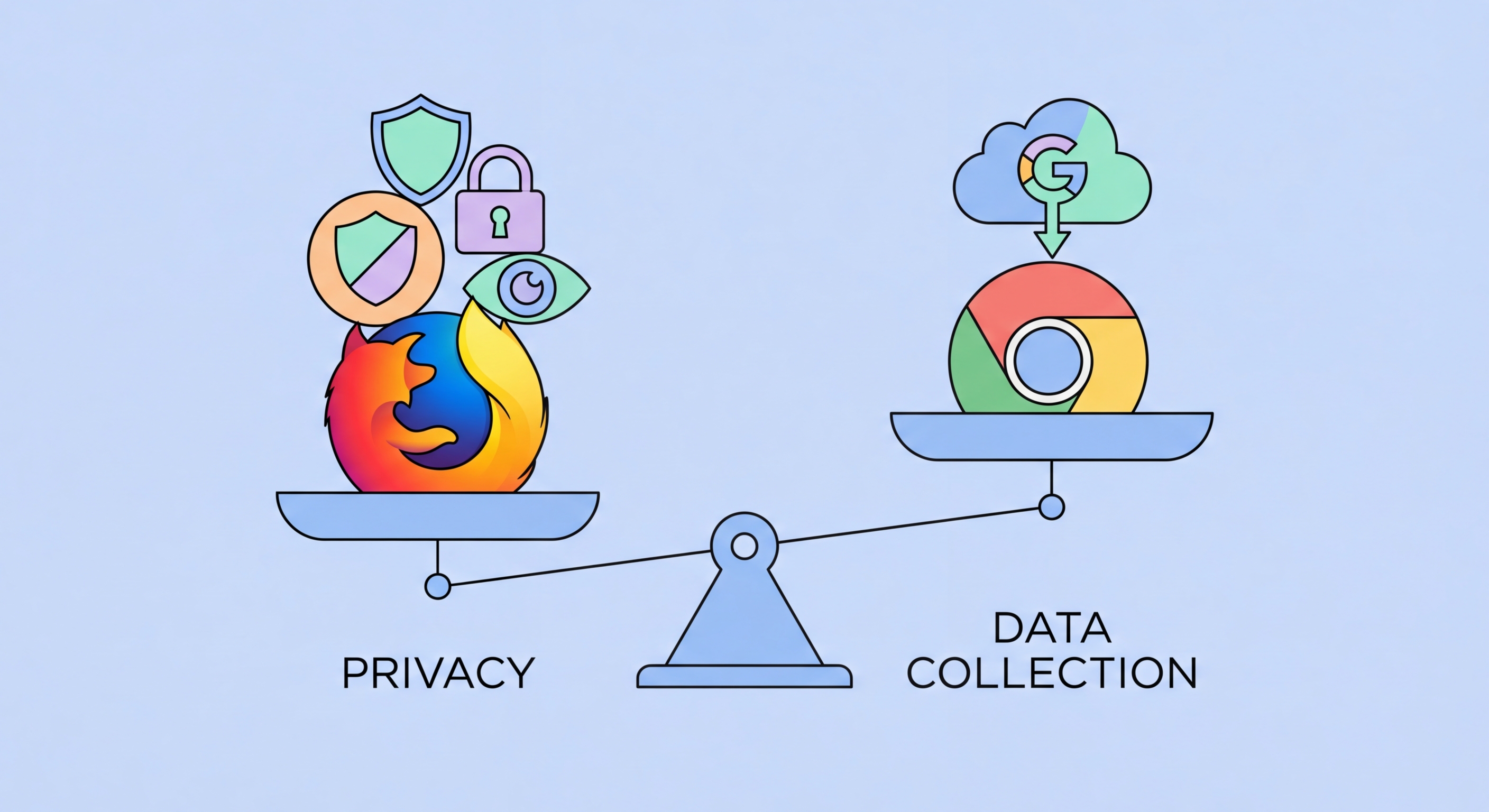
The privacy difference between Firefox and Chrome is not primarily technical — it is structural, stemming from fundamentally different business models. Google generates over $200 billion annually in advertising revenue, and Chrome is the primary data collection instrument in that ecosystem. Chrome's default settings, feature roadmap, and extension policies are all influenced — consciously or not — by the need to maintain Google's advertising business. Google has a strong incentive to maximise the data its browser collects and to maintain advertising effectiveness through the browser experience.
Mozilla, the non-profit foundation that develops Firefox, generates revenue primarily through search partnerships — a deal with Google accounts for the majority of Mozilla's revenue, which has created its own controversy. However, Mozilla's organisational mission is explicitly the open internet and user privacy, and Firefox's default settings and development priorities reflect this mission more directly than Chrome's. Mozilla does not monetise user browsing data for advertising, does not build advertising profiles, and does not have a financial interest in weakening privacy protections to preserve targeting effectiveness.
This structural difference manifests in default settings: Chrome enables extensive telemetry, reporting of browsing activity to Google, and integration with Google account services by default. Users must actively opt out of these features. Firefox, while not immune to telemetry, has significantly more conservative defaults and is more transparent about what data is collected and why. Hong Kong Businesses: Implementation Guide">for Hong Kong Online Banking: What You Need to Know">for Hong Kong Online Banking: A Complete Guide">for Hong Kong SMEs: Where to Start">For Hong Kong users who care about reducing data flows to advertising platforms, the business model difference matters more than specific technical feature comparisons in many practical scenarios.

The most significant technical privacy difference between Firefox and Chrome in 2026 is their handling of the Manifest V3 extension API. Google's transition from Manifest V2 to Manifest V3 in Chrome replaced the dynamic blocking API (webRequest blocking) with a static declarative rules system (declarativeNetRequest). The practical effect is that extensions like uBlock Origin can no longer dynamically evaluate and block network requests in real time — they must pre-register a fixed list of rules that Chrome enforces. This fundamentally limits the sophistication of blocking possible in Chrome compared to Firefox.
The Manifest V3 limitation is not merely theoretical. uBlock Origin's most powerful features — including dynamic filtering, per-domain scriptlet injection, procedural cosmetic filtering, and the ability to parse and execute complex filter rules — depend on the Manifest V2 API. Mozilla has explicitly committed to continuing Manifest V2 support in Firefox indefinitely, meaning Firefox users retain access to uBlock Origin's full capabilities. The consequence for Chrome users is that even with uBlock Origin installed, Chrome's blocking coverage is measurably inferior to the same extension in Firefox. Independent tests show Firefox + uBlock Origin blocking significantly more tracking requests than Chrome + uBlock Origin Lite.
Google's stated justification for the Manifest V3 transition is improved performance and security — declarative rules run in a separate process with limited privileges, reducing the attack surface of malicious extensions. These are legitimate engineering concerns, but privacy advocates argue the timing and implementation of V3 conveniently weakened the most powerful ad blocking tools at a moment when advertising tracking was facing increasing regulatory pressure. Regardless of the motivation, the practical result for 2026 is clear: Firefox provides a superior environment for privacy extensions than Chrome, and this advantage will grow over time as Manifest V3 capabilities plateau while Manifest V2 features continue to develop in Firefox.

Out of the box, Firefox provides meaningfully better privacy defaults than Chrome. Firefox's Enhanced Tracking Protection is enabled in "Standard" mode by default, blocking known third-party tracking cookies, social media trackers, and fingerprinting scripts across all browsing. Firefox does not enable any Google account integration by default and does not preload tabs or send browsing data to Google's servers as part of a background process. Firefox's address bar suggestions draw from local history and bookmarks, supplemented by optional services, rather than continuously querying Google's servers as Chrome's does.
Chrome's default settings include extensive telemetry reporting to Google, preloading pages and DNS queries for links in the currently open page (which leaks browsing context to Google's servers), automatic Google account integration if you are signed into Chrome, and Safe Browsing in standard mode which shares limited URL data with Google. Chrome also automatically signs you into your Google account in the browser when you sign into a Google web service, a behaviour that caused significant controversy in 2018 and led to changes in Chrome 70. Even after these changes, the integration between Chrome and Google services is significantly tighter than Firefox's equivalent integrations with Mozilla services.
Both browsers require manual configuration to reach their maximum privacy settings. For Chrome, this means blocking third-party cookies, enabling HTTPS-only mode, switching to a private DNS resolver, disabling all telemetry options, and adding multiple extensions. For Firefox, enabling Strict Enhanced Tracking Protection, activating HTTPS-only mode, enabling DoH, and adding uBlock Origin achieves a very strong privacy configuration with fewer steps. The starting point matters: Firefox's defaults are closer to the ideal privacy configuration, meaning less work is required to reach strong protection. Chrome's defaults require navigating through multiple settings menus and are designed around maximising Google account integration, making them harder to meaningfully change without deep familiarity with the settings system.

The privacy verdict is clear: Firefox is significantly more private than Chrome and should be the choice for any Hong Kong user who needs to continue using a non-Brave browser. The combination of better default settings, full Manifest V2 extension support (giving uBlock Origin its full power), end-to-end encrypted sync, an independent engine not controlled by an advertising company, and Mozilla's organisational mission makes Firefox the superior choice across every privacy dimension. The browser is mature, fast, and compatible with the vast majority of websites including Hong Kong government services and local e-commerce platforms.
Chrome is not a good choice for privacy-conscious users in 2026, but it is worth distinguishing between different Chrome use cases. Chrome is appropriate for browsing where you are actively using Google services — Google Docs, Google Sheets, YouTube — where the tight integration with your Google account is the intended feature rather than a privacy concern. It is not appropriate as a general-purpose browser for users who care about minimising their data exposure. Enterprises that deploy Chrome through Google Workspace with custom policies can configure more privacy-respecting settings, but the baseline consumer Chrome experience is not privacy-respecting.
The three-way comparison for Hong Kong users in 2026: Brave provides the strongest out-of-the-box privacy protection and is recommended for most users due to its low configuration requirements. Firefox with uBlock Origin provides equivalent or superior protection when properly configured and is recommended for power users who want the full capabilities of the best privacy extensions and a browser built on an engine independent of Google. Chrome should be used only when specific Google service integration requires it, not as a general-purpose browser for privacy-conscious users. The good news is that all three are free and can coexist on the same device — using the right tool for each task is always an option.
