Best Privacy Browser Extensions for 2026
The essential privacy extensions for Chrome, Firefox, and Brave — what each one does, why you need it, and how to configure it for maximum protection in Hong Kong.
Published: March 29, 2026
The essential privacy extensions for Chrome, Firefox, and Brave — what each one does, why you need it, and how to configure it for maximum protection in Hong Kong.
Published: March 29, 2026
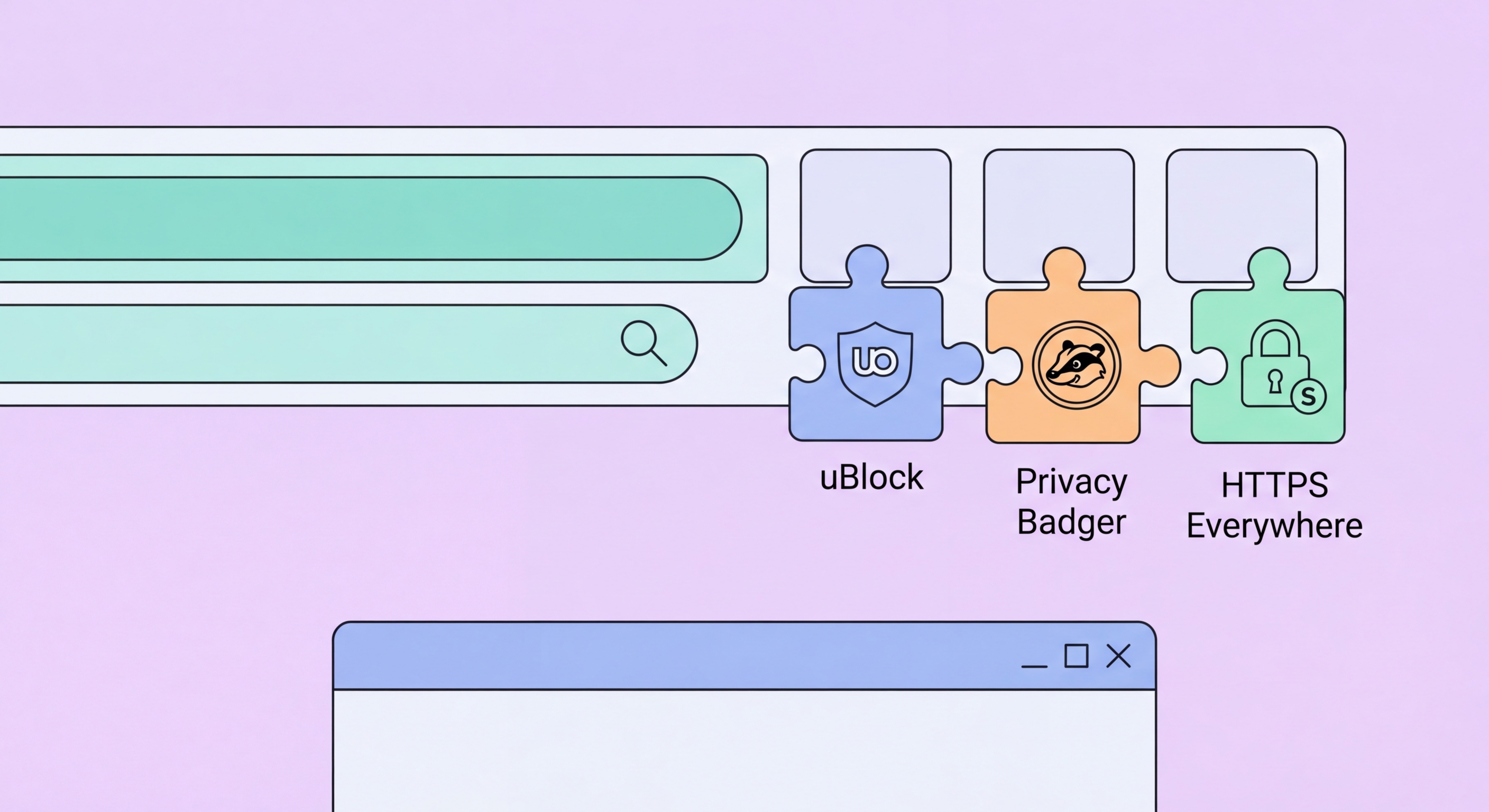
The most important privacy extension you can install is uBlock Origin, available for Firefox, Chrome, and Edge. uBlock Origin blocks ads, tracking scripts, malware domains, and cookie consent walls using regularly updated filter lists. On a typical Hong Kong e-commerce site or news portal, uBlock Origin silently blocks dozens of third-party requests per page, preventing those trackers from ever receiving data about your visit. In Firefox, uBlock Origin operates at its full capability level; in Chrome, the Manifest V3 transition limits some dynamic blocking features, but even the reduced version provides substantial protection.
Privacy Badger, developed by the Electronic Frontier Foundation (EFF ↗), complements uBlock Origin with a different approach. Instead of using pre-built filter lists, Privacy Badger learns which third-party domains are tracking you across multiple sites and automatically blocks them based on behavioural analysis. This makes it particularly effective against newer, less catalogued trackers that have not yet appeared in uBlock Origin's filter lists. Privacy Badger is free, available for Firefox, Chrome, and Edge, and requires no configuration — install it and it begins learning immediately.
ClearURLs is a lightweight extension that removes tracking parameters from URLs before they are sent to websites. Many links shared on social media, in email newsletters, and in marketing campaigns contain parameters like `?utm_source=facebook&utm_campaign=summer_sale` that tell the destination site how you arrived and who sent you. ClearURLs strips these parameters automatically, preventing the destination site from receiving attribution data and preventing the link URL itself from functioning as a tracking identifier when you share it further.

Firefox Multi-Account Containers is one of the most powerful privacy tools available as a browser extension. It allows you to open websites in isolated containers — separate cookie jars that cannot share data with each other. You can configure Facebook to always open in a "Social" container, your banking site in a "Finance" container, and general browsing in a "Personal" container. Even if Facebook's tracking scripts are present on a third-party site you visit in your Personal container, those scripts cannot access the cookies in your Social container and cannot identify you as the same person who is logged into Facebook.
Cookie AutoDelete automatically removes cookies from sites you close, preventing sites from accumulating long-term tracking cookies in your browser. You can whitelist sites where you want to stay logged in — your email, your banking site — while ensuring all other sites have their cookies purged immediately when you navigate away. This dramatically reduces the cookie-based tracking that occurs when advertisers place persistent cookies designed to track you over months or years.
Decentraleyes and LocalCDN are extensions that address a specific tracking technique: Content Delivery Network (CDN) tracking. Many websites load common JavaScript libraries (jQuery, Bootstrap, etc.) from shared CDNs like Google, Cloudflare, or jsDelivr. This allows those CDNs to track your visits across thousands of different websites that all load resources from the same CDN. Decentraleyes and LocalCDN intercept these requests and serve the libraries locally from your own device, eliminating the CDN tracking entirely while maintaining full site functionality.

A password manager extension is one of the most important security tools you can install in your browser. Bitwarden is a free, open-source password manager with excellent browser extensions for Chrome, Firefox, Edge, Safari, and Brave. It generates unique, random passwords for every site you use, stores them in an end-to-end encrypted vault, and auto-fills them when you visit the site. Because each site has a unique password, a data breach at one site cannot compromise your accounts elsewhere — a critical protection in 2026 when database breaches are routinely reported across the globe.
Bitwarden's browser extension also serves as an anti-phishing tool: it only auto-fills credentials on the exact domain where you originally saved them. If you visit a phishing site that mimics your bank (for example, yourbankhk-secure-login.com instead of yourbank.com.hk), Bitwarden will not auto-fill your password because the domain does not match, alerting you that something may be wrong. This passive anti-phishing capability catches many attacks that purely URL-based browser warnings miss because phishing domains are often not yet listed in threat databases.
uMatrix (Firefox) is an advanced extension for experienced users that provides granular control over every type of resource a website can load — scripts, iframes, CSS, images, XHR requests, and more — on a per-site and per-domain basis. While it requires a learning curve to configure without breaking websites, uMatrix gives the highest level of browser isolation available in a consumer extension. NoScript Security Suite is a more accessible alternative that specifically targets JavaScript execution, blocking scripts from all domains except those you explicitly whitelist. Both tools are particularly valuable for users who regularly visit less trusted websites or need maximum protection for sensitive browsing tasks.

The most dangerous category of browser extension is the impostor — extensions that claim to improve privacy or security while actually harvesting your browsing data. The Chrome Web Store has historically had problems with malicious extensions that change ownership quietly and inject tracking code through updates. Several high-profile extensions including Hola VPN, Web of Trust (WOT), and various free PDF tools have been caught collecting and selling user browsing data. The rule of thumb: only install extensions from organisations or developers with a verified track record, avoid free VPN extensions entirely, and regularly audit which extensions you have installed.
Extension minimalism is itself a privacy strategy. Every extension you install has access to your browsing data — that is how they function. A small number of high-quality, well-audited extensions is preferable to a large collection of marginal tools. The core setup recommended for most Hong Kong users on Firefox is: uBlock Origin, Privacy Badger, Firefox Multi-Account Containers, Cookie AutoDelete, and Bitwarden. This combination of five extensions, all open-source and from reputable organisations, covers the primary threat vectors without creating an overly complex or fragile browser environment.
For Brave users, the built-in Shields system handles much of what uBlock Origin and Privacy Badger provide, though installing uBlock Origin on top of Brave's Shields provides additional filter coverage. Brave users should add Bitwarden for password management and ClearURLs for tracking parameter removal. Chrome users face the most difficult situation due to Manifest V3 restrictions — if you must use Chrome, install uBlock Origin Lite, Privacy Badger, Bitwarden, and ClearURLs, and seriously consider switching to Firefox or Brave for your primary browser. The privacy capabilities of Chrome are simply inferior to the alternatives in 2026.
