Built-in Browser Phishing Protection: How It Works
How Google Safe Browsing, Firefox's phishing warnings, and browser certificate checks protect Hong Kong users from phishing — and what the built-in tools miss.
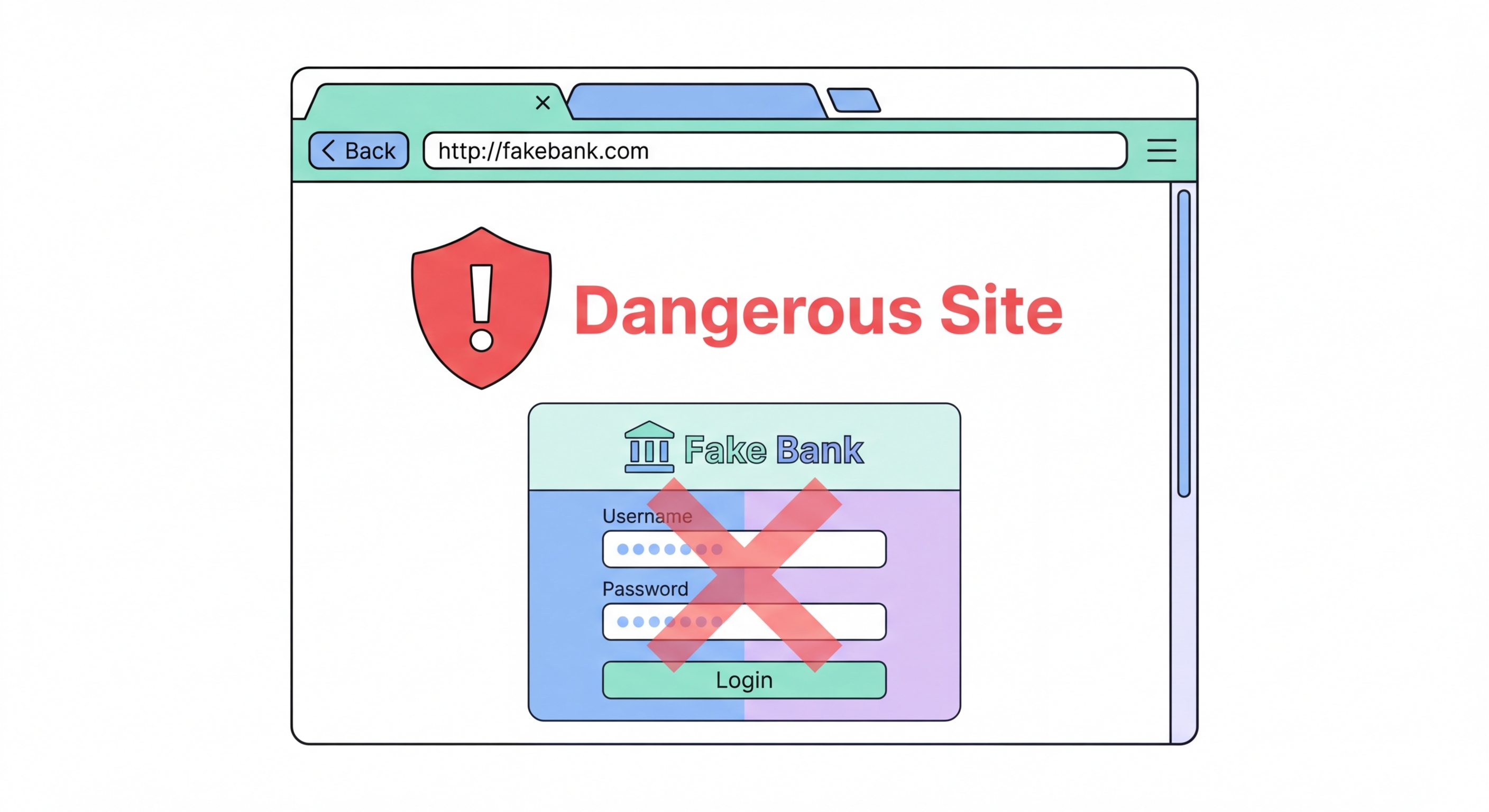
How Google Safe Browsing, Firefox's phishing warnings, and browser certificate checks protect Hong Kong users from phishing — and what the built-in tools miss.
Google Safe Browsing is a database of known phishing sites, malware distribution URLs, and deceptive content maintained by Google and used by Chrome, Firefox, Safari, and many other browsers and applications. When you attempt to navigate to a URL, your browser checks it against the Safe Browsing database and displays a warning page ("Deceptive site ahead" or "This site contains malware") if the URL is listed. Safe Browsing processes billions of URLs daily and lists tens of millions of dangerous URLs at any given time, catching a substantial portion of phishing attempts before users can fall victim.
Chrome's "Enhanced Protection" mode (accessible in Settings > Privacy and security > Security) improves on standard Safe Browsing by sending page URLs and some page content to Google's servers for real-time analysis, rather than relying solely on a periodically updated local database. Enhanced protection catches newly registered phishing sites much faster than the standard mode and provides protection against download threats by checking file hashes against Google's cloud database. The trade-off is additional data sharing with Google — Google receives the URLs of every page you visit, not just those checked against the standard database. For most users, the security benefit outweighs this privacy cost, but privacy-conscious users may prefer standard Safe Browsing.
Safe Browsing has important limitations. Phishing sites are frequently rotated — a site that is listed as malicious today will have its domain abandoned and replaced tomorrow, and the new site may not be listed for hours or days. The window between a phishing site going live and being added to Safe Browsing is when it is most dangerous, as users who receive phishing emails in that window will not receive any browser warning. Safe Browsing also cannot protect against typosquatting domains (legitbankhk.com instead of legitimatebank.com.hk) that have not yet been reported, or against social engineering attacks that do not involve malware or phishing redirects.

When your browser connects to an HTTPS site, it validates the site's TLS certificate to ensure the server is who it claims to be. A certificate must be signed by a Certificate Authority (CA) in the browser's trusted CA list, and must be valid for the specific domain being accessed. If a phishing site attempts to impersonate your bank at a lookalike domain (e.g., bankofchina-hk-secure.com), it cannot obtain a certificate for bankofchina.com (the legitimate domain) — the CA validates domain ownership before issuing certificates. This means that even if a phishing site uses HTTPS, the certificate in the address bar will show the actual phishing domain rather than the bank's real domain.
Browser certificate pinning is a technology where high-value sites (banks, government portals, major tech platforms) hard-code the expected certificate or CA into the browser itself. When you visit a pinned site and the certificate does not match the expected value — which would happen if an attacker performed a man-in-the-middle attack with a fraudulent certificate — the browser displays an error and refuses to connect. Certificate pinning is particularly important protection in corporate network environments where network monitoring equipment may intercept HTTPS traffic using a self-signed CA installed on corporate devices.
Users should understand browser certificate warnings as serious signals. A "Your connection is not private" or "NET::ERR_CERT_AUTHORITY_INVALID" error means the certificate presented by the server cannot be validated — this should never be bypassed for banking, email, or any sensitive site. Legitimate websites do not routinely have certificate errors; receiving such an error almost certainly means either the site has an administrative problem (certificate expired or misconfigured) or there is an active interception attack on your connection. On corporate or school networks where SSL inspection is deployed, a custom CA certificate may be installed on your device — be aware of this, as it means your employer can see the content of your HTTPS connections.

DNS-level phishing blocking provides protection earlier in the Difference and the Connection">the connection chain than browser-based Safe Browsing. When your browser attempts to resolve a phishing domain, a security-filtering DNS resolver like Quad9 checks the domain against threat intelligence feeds and refuses to return an IP address if the domain is classified as malicious. The connection attempt fails before your browser even has a chance to send an HTTP request to the phishing server. This provides protection for all applications on your device, not just the browser — including email clients that automatically load linked images, PDF readers that access linked resources, and messaging apps that preview URLs.
The threat intelligence feeds used by Quad9, NextDNS, and similar services are often updated faster than browser Safe Browsing lists because they receive threat intelligence directly from cybersecurity companies whose core business is threat detection. DNS-level blocking can catch new phishing domains within minutes of their registration, rather than hours, because several threat intelligence feeds specifically monitor newly registered domains for patterns consistent with phishing infrastructure. For Hong Kong users who receive phishing attempts via SMS (smishing), email, and WhatsApp — all common vectors in Hong Kong — DNS-level blocking provides protection even when the attack comes through a non-browser channel.
NextDNS provides detailed analytics that show how many phishing domain requests have been blocked on your network, which is both a useful security metric and a reminder of the scale of phishing activity that browser users face daily. Enabling NextDNS's "Security" category in its block lists configuration adds coverage from multiple threat feeds simultaneously. Quad9's threat intelligence is slightly broader in geographic coverage, particularly for threat intelligence relevant to Asia-Pacific regions, making it a strong choice for Hong Kong users concerned about regionally targeted phishing campaigns. Both services are free for basic use and require only a DNS server change to activate.

Phishing attacks in Hong Kong have become increasingly sophisticated and locally targeted. Attackers create convincing fake sites mimicking Hang Seng Bank, HSBC, MTR payment systems, and government services like the Immigration Department's eTravel system. These sites often register domain names that closely mimic the legitimate domain with subtle variations — using .com instead of .com.hk, adding words like "-secure," "-login," or "-hk," or using Unicode characters that appear visually identical to Latin letters. Browser tools catch many of these once they are reported, but fresh domains in the first hours of a campaign operate in a window where automated protections have not yet been updated.
The human element remains the last line of defence against sophisticated phishing. No browser tool can protect a user who deliberately bypasses certificate warnings, responds to urgency pressure from an unexpected call or message, or provides credentials on a site without checking the exact domain. Phishing success relies on exploiting cognitive shortcuts — urgency, authority, fear — that cause people to act before they check. Developing the habit of pausing before entering any credentials and checking the exact domain in the address bar is more valuable than any technical tool for preventing credential theft.
Password managers like Bitwarden provide an underrated anti-phishing benefit: they only autofill credentials on the exact domain where the credentials were saved. If you visit a phishing site that looks exactly like your bank but has a slightly different domain, Bitwarden will not autofill your password — the absence of autofill is a signal that the domain is not what you expect. This passive protection catches phishing attacks that bypass all URL-based browser warnings because the domain has not yet been reported. For Hong Kong users who receive frequent phishing attempts via email and SMS, a password manager combined with DNS-level blocking and Safe Browsing creates a comprehensive, layered defence.
