How to Test for DNS Leaks: A Step-by-Step Guide
What a DNS leak is, why it can expose your browsing even with a VPN active, and exactly how to test for and fix DNS leaks on any device.
Published: March 29, 2026
What a DNS leak is, why it can expose your browsing even with a VPN active, and exactly how to test for and fix DNS leaks on any device.
Published: March 29, 2026
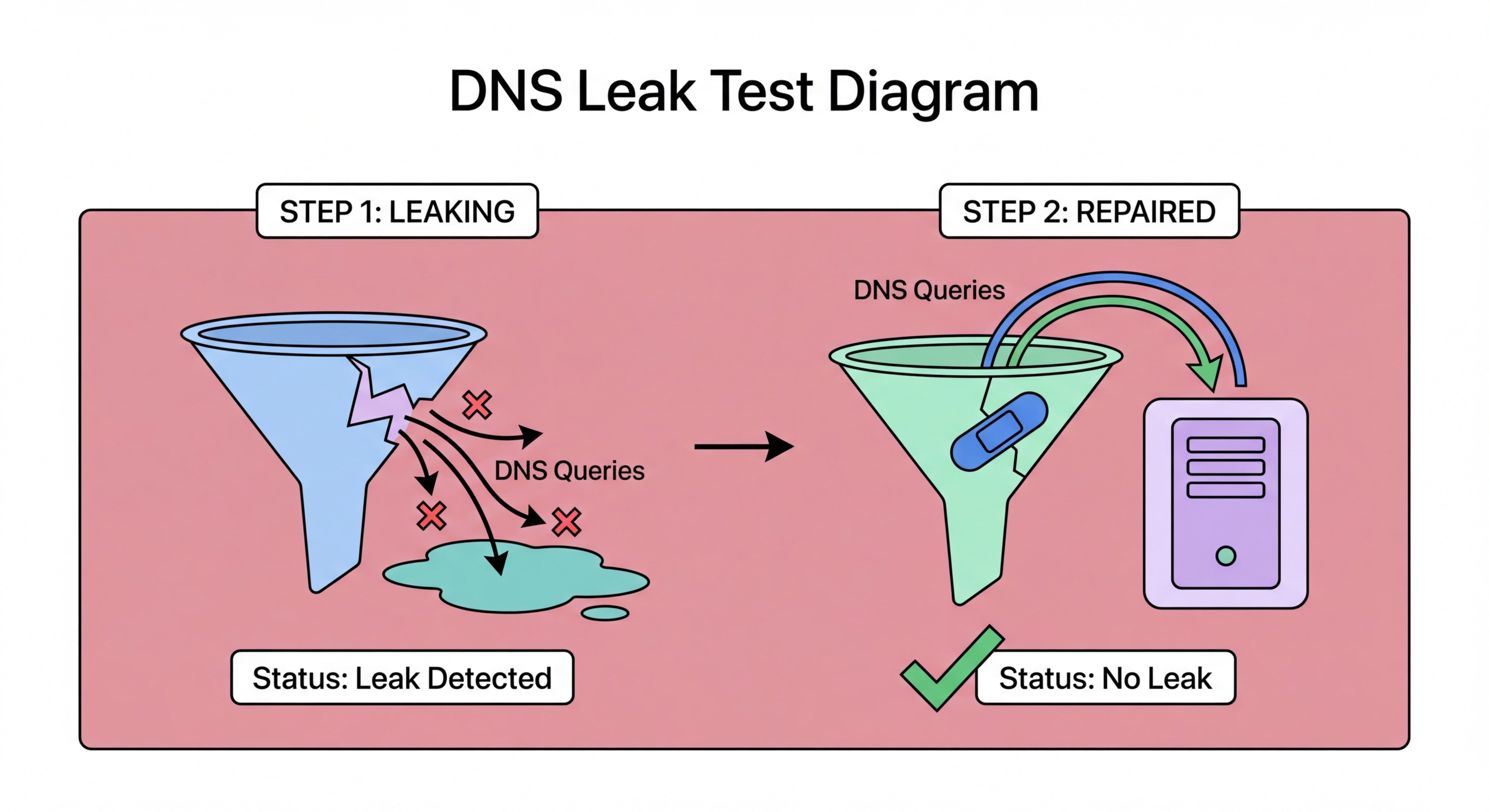
A DNS leak occurs when your device sends DNS queries outside the encrypted VPN tunnel, exposing the domains you are visiting to your ISP or another network observer even though you believe your traffic is protected by a VPN. DNS leaks typically happen due to misconfigured VPN software, operating system DNS handling quirks, or specific browser DNS settings that bypass the VPN's DNS resolver. The result is that while your IP address may appear to originate from the VPN server, your DNS queries reveal which sites you are actually visiting to your real ISP.
DNS leaks are particularly common on Windows systems, where a feature called Smart Multi-Homed Name Resolution (SMHNR) causes Windows to send DNS queries to all available network interfaces simultaneously and use whichever responds first. When a VPN is active, this means DNS queries may be answered by your ISP's DNS server rather than the VPN's DNS resolver, causing a leak. macOS and iOS are less prone to this issue but are not immune — certain VPN configurations on Apple devices can also result in DNS queries bypassing the VPN tunnel during connection establishment or reconnection.
Browser-level DNS leaks are a distinct issue. When browsers have DNS-over-HTTPS enabled with a specific provider, they may continue sending DNS queries directly to that DoH provider even when a VPN is active, bypassing the VPN's DNS server. Whether this constitutes a "leak" depends on your threat model — if you trust your DoH provider (e.g., Cloudflare) more than your VPN's DNS server, this may actually be preferable. However, if the goal is to have all DNS traffic routed through the VPN, browser-level DoH settings may need to be disabled or configured to use the VPN's own DNS resolver.

Testing for DNS leaks is straightforward using free online tools. The most widely used is dnsleaktest.com, which displays the DNS servers your device Hong Kong?">is using and identifies which ISP or service they belong to. To run the test: first, connect to your VPN and confirm it shows as connected. Then navigate to dnsleaktest.com and click "Extended Test." The extended test sends a larger number of DNS queries to reveal all DNS servers your device uses, including any that may only appear occasionally due to race conditions or load balancing.
Interpret the results as follows: if you see only DNS servers belonging to your VPN provider or your chosen secure DNS provider (Cloudflare, Quad9, NextDNS), there is no DNS leak. If you see servers belonging to your Hong Kong ISP (such as HKT, SmarTone, or CMHK) or any other unexpected provider, your DNS queries are leaking outside the VPN tunnel. Run the test multiple times, including immediately after connecting the VPN and after the VPN has been connected for several minutes, as some leaks only occur during connection establishment.
Additional testing tools include ipleak.net, which tests DNS, IP, and WebRTC leaks simultaneously in a single page, and browserleaks.com/dns, which provides more detailed DNS resolution testing including detection of split tunnelling configurations. For VPN users on mobile devices, the same tests work from your phone's browser — simply connect to your VPN app, then visit these test sites from your mobile browser. Many reputable VPN providers also include their own built-in leak tests accessible from within the app, which can be used for quick self-checks.

On Windows, the most eff ↗ective fix for DNS leaks is to enable the DNS Leak Protection or DNS Kill Switch feature in your VPN client's settings. Most reputable VPN providers (ExpressVPN, NordVPN, Mullvad, ProtonVPN) include this as a configurable option. If your VPN client lacks this feature, you can manually fix Windows SMHNR leaks by disabling Smart Multi-Homed Name Resolution through the Windows Registry or Group Policy — search for "SMHNR DNS leak fix" for the specific registry path. Alternatively, setting your VPN adapter's DNS to your preferred DNS provider and using the highest priority metric ensures Windows queries that DNS server first.
On macOS, DNS leaks are less common but can occur in specific VPN configurations. The recommended fix is to use a VPN client that manages macOS DNS settings directly rather than relying on the system's automatic DNS configuration. Mullvad, ProtonVPN, and ExpressVPN all manage DNS on macOS correctly by default. If using OpenVPN or WireGuard configuration files manually, ensure the DNS push option is properly configured in the client settings. For additional protection, enable DNS-over-HTTPS at the system level using Cloudflare's 1.1.1.1 app, which works alongside the VPN tunnel.
On iOS and Android, reputable VPN apps are generally well-configured to prevent DNS leaks out of the box. If you discover a leak on mobile, the most common fix is to check that the VPN app has permission to modify DNS settings and that "DNS Leak Prevention" is enabled in the app's settings. On Android, enabling "Always-on VPN" and "Block connections without VPN" in the network settings provides the strongest DNS leak protection at the OS level, ensuring that DNS queries can only travel through the VPN tunnel. This setting is accessible in Settings > Network & Internet > VPN on most Android devices.

The most reliable way to prevent DNS leaks permanently is to use a reputable VPN provider that handles DNS securely by design, combined with DNS-over-HTTPS at the system or browser level. Mullvad VPN is widely regarded as having the most robust DNS leak prevention of any consumer VPN — it uses its own DNS servers, blocks all DNS traffic outside the tunnel at the firewall level, and includes comprehensive IPv6 leak protection. ExpressVPN and ProtonVPN are also strong choices with verified DNS leak protection included in their apps.
DNS-over-HTTPS provides an additional layer of protection even without a VPN. When DoH is enabled in your browser, your DNS queries are encrypted regardless of whether your VPN connection is active, preventing ISP DNS logging even during VPN gaps or on networks where a VPN is not used. Combining a VPN with browser-level DoH provides defence in depth: the VPN tunnels all traffic while DoH ensures DNS queries are encrypted even in the brief window between OS startup and VPN connection establishment.
Periodically re-testing your DNS leak status is a good security habit, particularly after OS updates, VPN app updates, or when changing networks. Running a quick test on dnsleaktest.com takes under a minute and confirms your protection is working as expected. For Hong Kong users who rely on VPN protection for privacy-sensitive activities, adding DNS leak testing to a monthly security checklist — along with checking for VPN app updates and reviewing browser privacy settings — ensures your protection remains eff ↗ective as the underlying technologies evolve.
