VPN for Remote Work: Secure Your Home Office
Working from home exposes corporate data to risks that don't exist in the office. A VPN is the essential first line of defence for every remote worker in Hong Kong.
Published: March 29, 2026
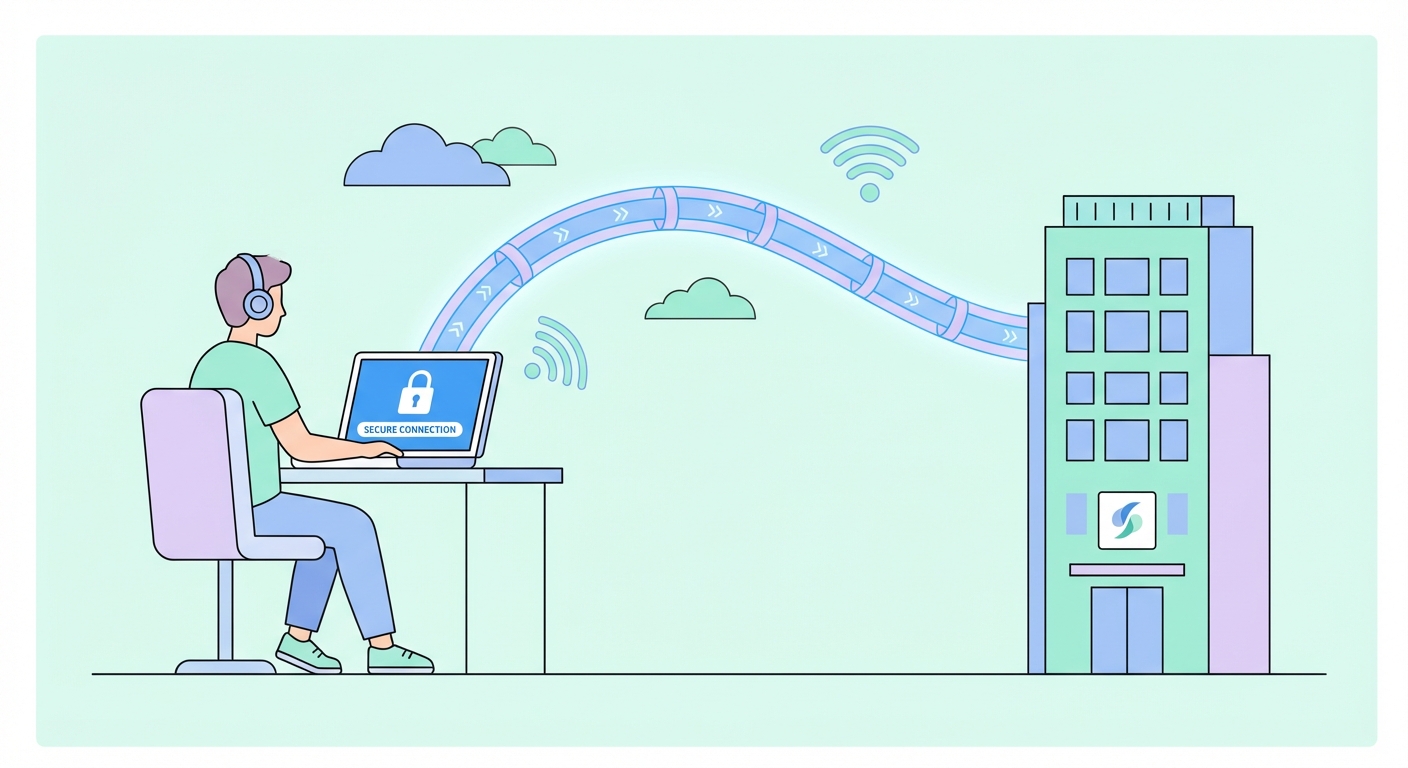
Working from home exposes corporate data to risks that don't exist in the office. A VPN is the essential first line of defence for every remote worker in Hong Kong.
Published: March 29, 2026
The shift to remote work fundamentally changed the corporate security perimeter. In an office, employees sit behind enterprise-grade firewalls, managed switches, and IT-controlled network infrastructure. At home, that same employee connects through a consumer router — likely running outdated firmware, with a default password that was never changed — on a network shared with streaming devices, smart TVs, and family members' personal devices. The security gap between the office network and a home network is enormous.
The threat surface for remote workers includes: unencrypted data transmission between home devices and corporate servers, malicious actors on shared ISP ↗ infrastructure, phishing attacks targeting home email accounts that lack enterprise spam filtering, video call interception on unsecured networks, and browser-based attacks on personal devices that also access corporate systems. The 2023 IBM Cost of a Data Breach Report found that remote working contributed to an average of 24% higher breach costs compared to on-premises incidents — the exposure from home networks is real and costly.
A business VPN solves the perimeter problem by creating an encrypted tunnel from the remote worker's device directly into the corporate network. All traffic destined for internal systems — file servers, databases, intranet applications, Salesforce, SAP — travels through this tunnel, encrypted and authenticated. Even if a remote worker's home network is compromised, attackers see only encrypted ciphertext that's computationally impossible to decrypt within any useful timeframe.
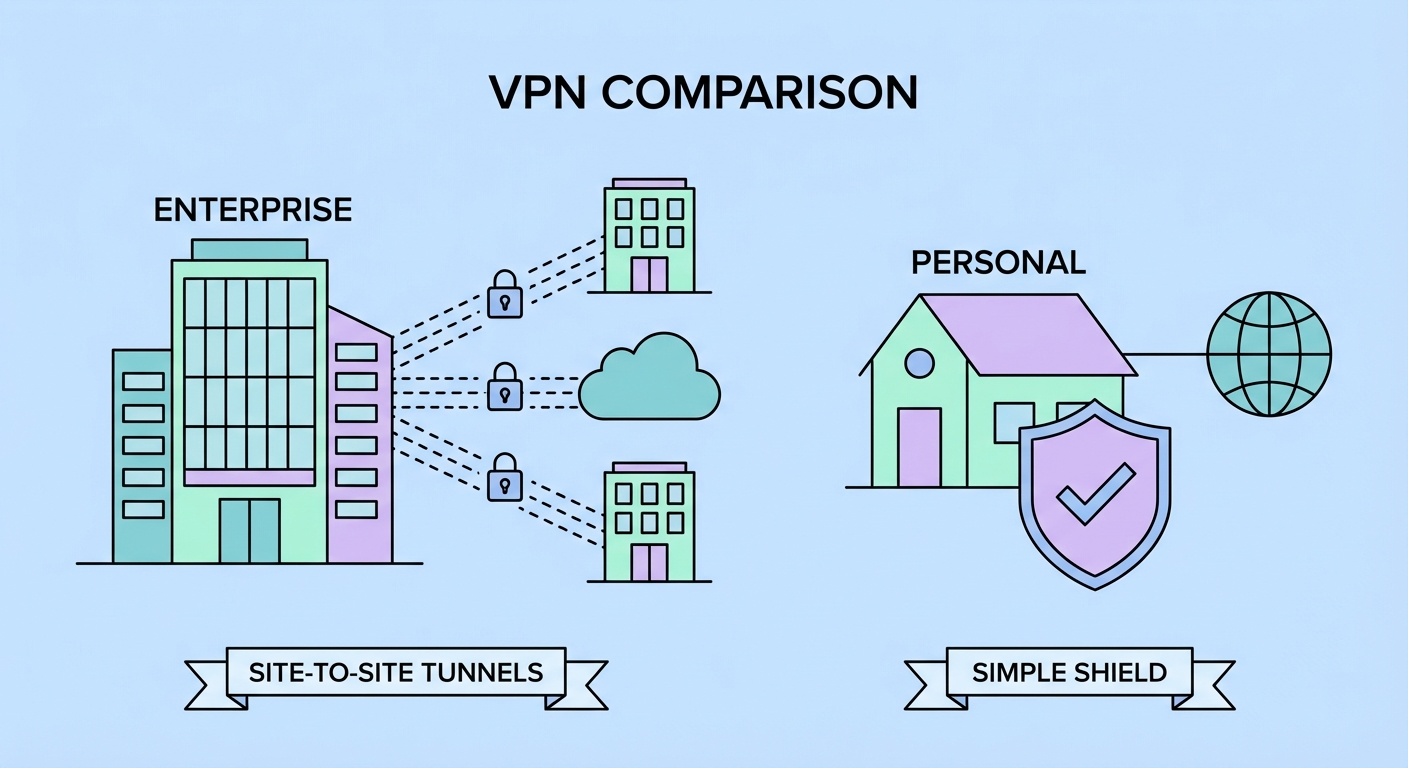
Corporate VPNs (like Cisco AnyConnect, Palo Alto GlobalProtect, Pulse Secure, and Microsoft SSTP solutions) and consumer VPNs (NordVPN, ExpressVPN, Mullvad) serve fundamentally different purposes and should not be confused. A corporate VPN connects remote employees to the company's own internal network infrastructure — the VPN server is owned and operated by the company, sits inside the company's network, and grants authenticated employees access to internal-only resources.
Consumer VPNs connect users to servers operated by the VPN company, routing traffic to the public internet from those servers. They protect your privacy from your ISP ↗ and provide geo-unblocking, but they don't connect you to any specific organisation's internal network. Many remote workers need both: the corporate VPN their IT department provides (to access internal systems) and a personal consumer VPN (to protect their general internet browsing from their home ISP).
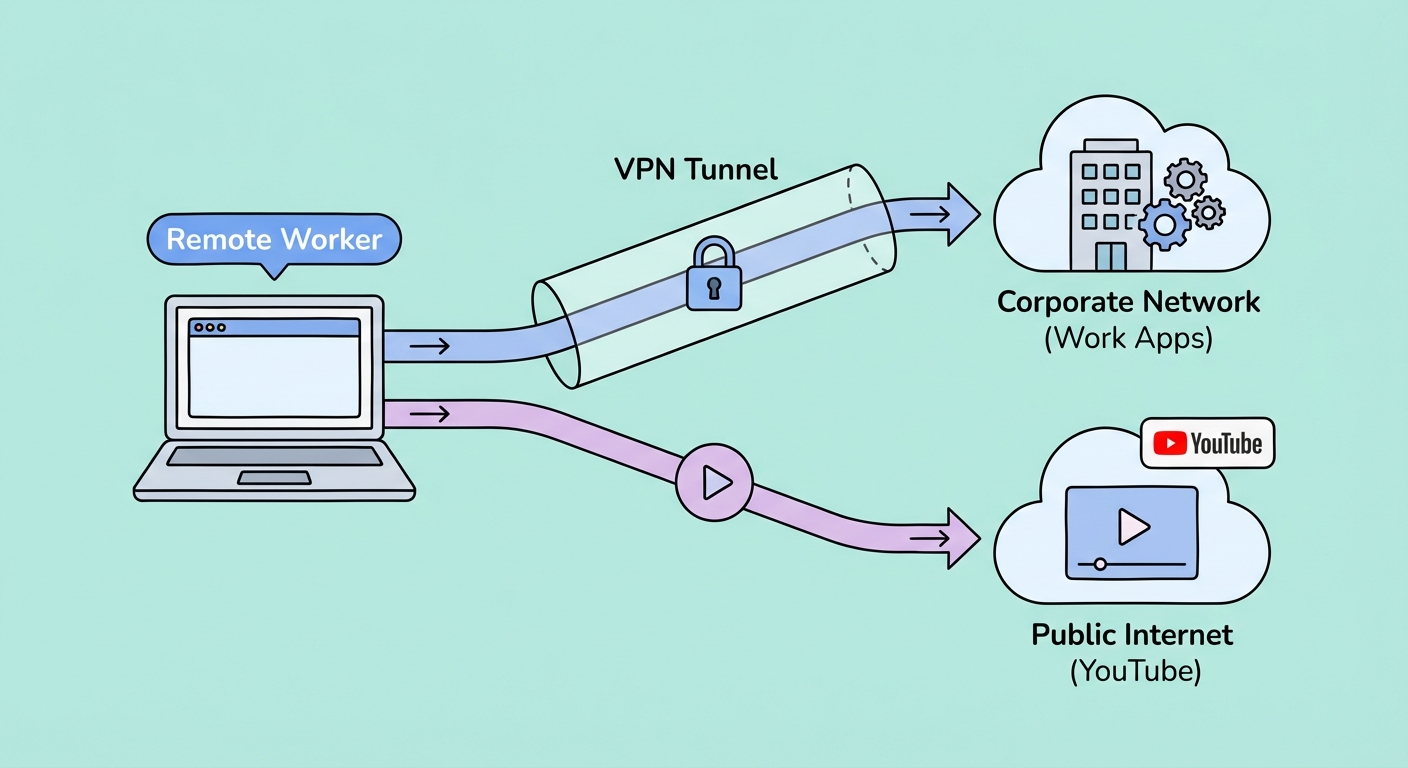
When both are needed simultaneously, split tunnelling becomes essential. This feature routes corporate-destined traffic through the corporate VPN while routing general internet traffic through the consumer VPN — or directly to the internet if the consumer VPN isn't needed. Without split tunnelling, a corporate VPN in "full tunnel" mode routes all internet traffic through the company's servers, which is slow, gives IT full visibility into personal browsing, and is generally incompatible with consumer streaming and gaming.
Split tunnelling is the most powerful feature for remote workers who use a personal consumer VPN alongside a corporate VPN. Instead of routing all traffic through a single VPN connection, split tunnelling lets you specify which traffic goes through the VPN and which goes directly to the internet. For remote work, a typical split configuration sends corporate application traffic (Microsoft 365, your company's CRM, internal tools) through the corporate VPN, while personal browsing, streaming, and gaming goes directly to the internet or through a personal consumer VPN.
Most quality consumer VPNs offer app-based split tunnelling, where you specify which applications route through the VPN tunnel. For remote work, you might configure your company's Cisco AnyConnect client, Microsoft Teams for corporate calls, and your browser profile used for corporate work to route through the corporate VPN — while personal apps like Netflix, Chrome personal profile, and gaming clients bypass it entirely. This configuration preserves maximum speed for personal use while maintaining full corporate security compliance.
URL-based split tunnelling (available on ExpressVPN and a few others) is more granular — you can specify individual domains like company.com to route through the VPN while all other traffic bypasses it. This is particularly useful when you need to access both internal and external resources in the same browser session. Note that some corporate VPN solutions disable split tunnelling as a policy decision — if your company's VPN forces full tunnel mode, you'll need to discuss the split tunnelling requirement with your IT department.
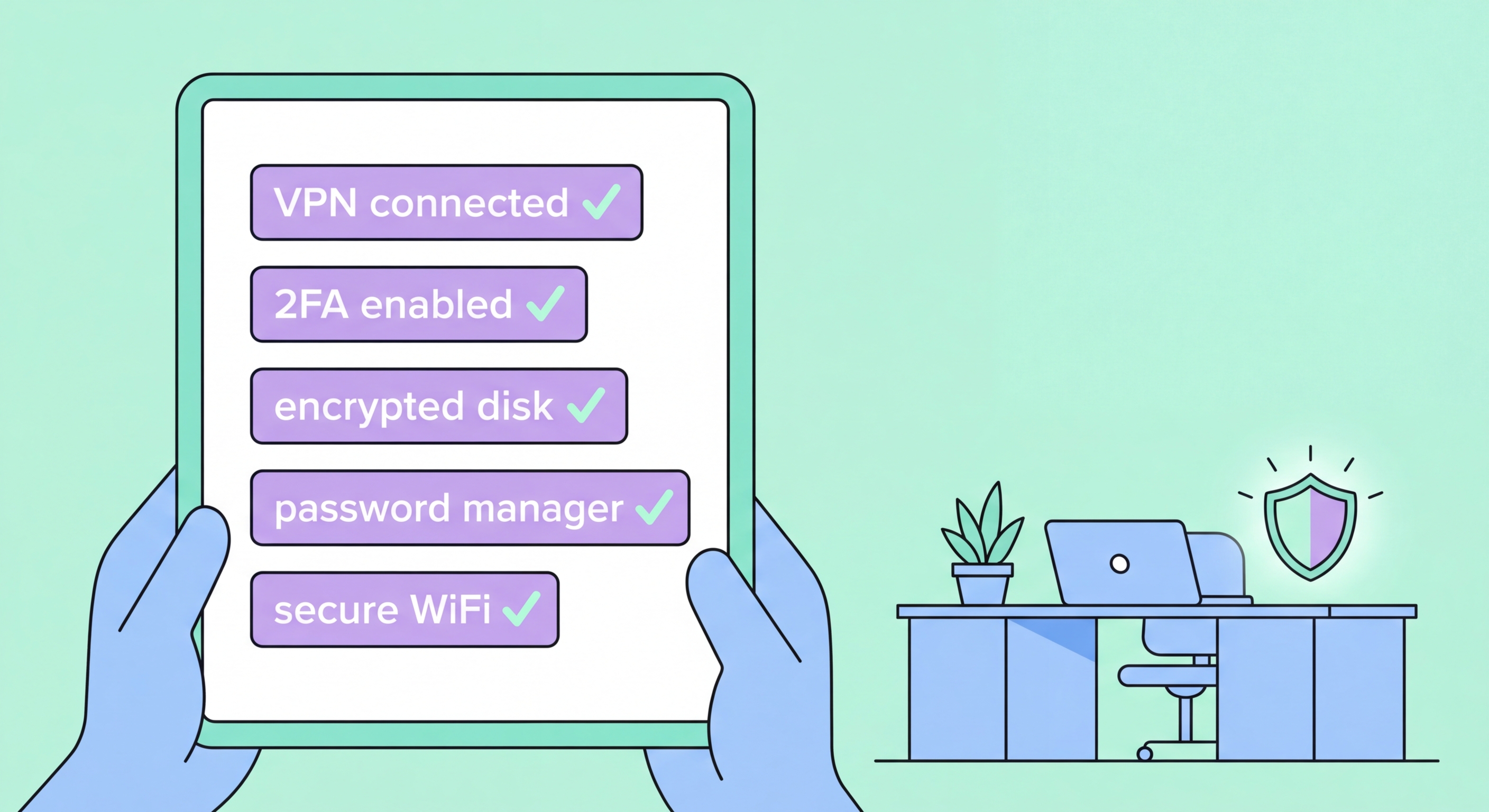
A VPN is the foundation of remote work security, but it's not the complete picture. A layered security approach addresses the full range of threats facing remote workers in Hong Kong. The most critical additional measures work alongside your VPN to create a genuinely secure home office environment that meets corporate security standards.
Router security is the layer most remote workers ignore. Your home router is the gateway for all network traffic — if it's compromised, attackers can intercept unencrypted local traffic, redirect DNS queries, or access devices on your network regardless of VPN usage on individual devices. Change your router's admin password to a strong unique password, enable automatic firmware updates, and disable WPS (Wi-Fi Protected Setup) which has known vulnerabilities. Ideally, create a separate WiFi SSID for work devices, isolated from your family's IoT devices and smart home equipment.
Endpoint security on your work device matters equally. Ensure your operating system and all applications are fully updated — the vast majority of successful malware infections exploit known vulnerabilities for which patches exist. Use a password manager to generate and store unique passwords for every service. Enable full-disk encryption (BitLocker on Windows, FileVault on macOS) so that physical theft of your laptop doesn't expose corporate data. Finally, use multi-factor authentication (MFA) on every corporate system that supports it — preferably hardware security keys (YubiKey) for the most sensitive accounts.