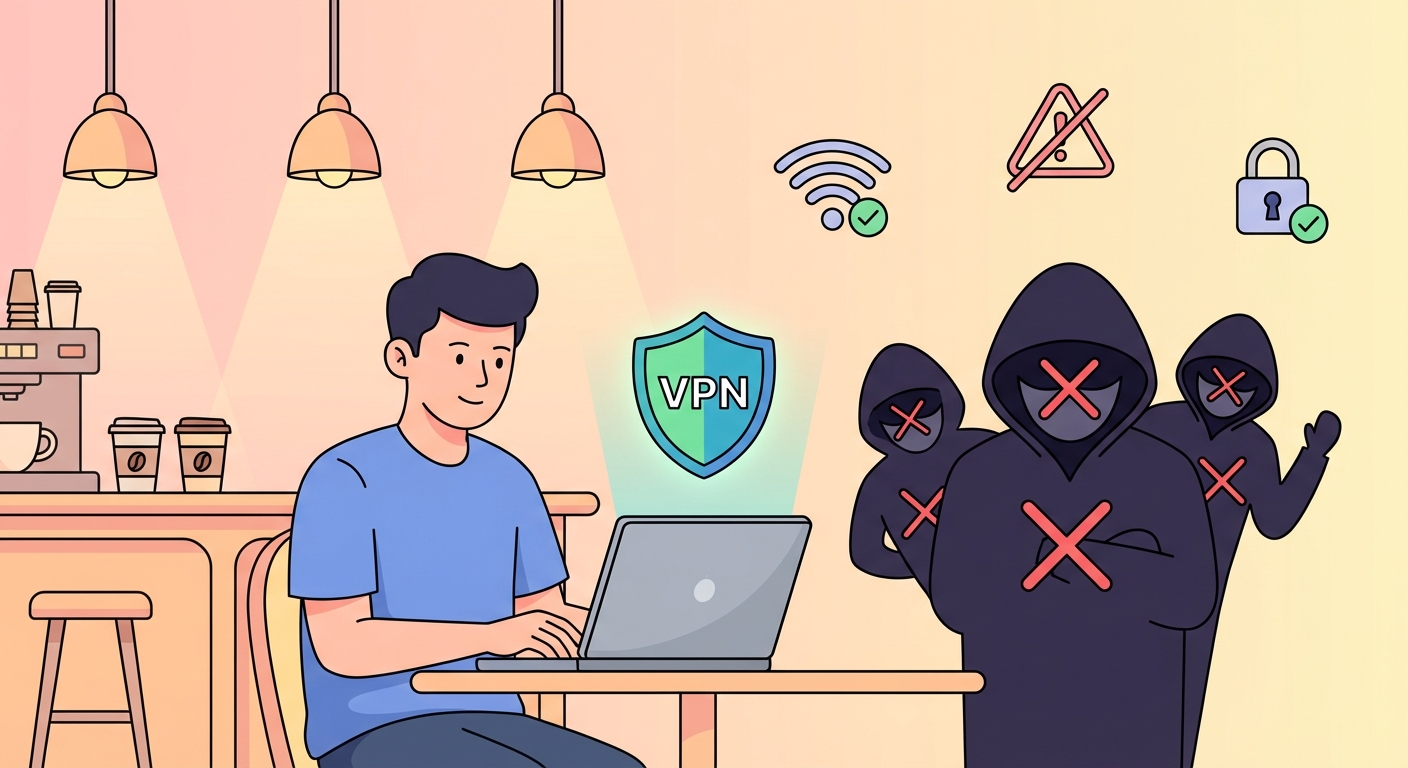
A VPN is the single most effective tool for securing your connection on public WiFi. It encrypts all your traffic before it reaches the network — meaning eavesdroppers, MITM attackers, and evil twin operators see only encrypted data they cannot use. Here's what a VPN does, which ones to choose, and how to set one up for automatic protection in Hong Kong.
A VPN (Virtual Private Network) creates an encrypted tunnel between your device and a VPN server. All traffic from your device — every HTTP request, DNS query, and data packet — is encrypted before it leaves your device and passes through the WiFi network. The WiFi access point, and anyone monitoring traffic on that network, sees only encrypted data flowing between your device and the VPN server. They cannot see which websites you visit, the content of your communications, or the credentials you submit. The VPN server decrypts on Public WiFi: How Attackers Intercept Your Traffic">your traffic and forwards it to the actual destination, then returns the encrypted response to your device.
This architecture addresses the core vulnerabilities of public WiFi directly. Passive eavesdropping attacks — where an attacker captures and reads unencrypted traffic on an open network — are defeated because all traffic is encrypted. Man-in-the-middle attacks that rely on intercepting and reading traffic are defeated for the same reason. Even SSL stripping attacks, which downgrade HTTPS to HTTP, are mitigated because the traffic between your device and the VPN server remains encrypted regardless of whether the Difference and the Connection">the connection between the VPN server and the destination website uses HTTPS. DNS leaks — where your device sends DNS queries outside the VPN tunnel — are prevented by VPNs that include DNS leak protection, which routes DNS queries through the encrypted tunnel rather than your ISP's default DNS servers.
A VPN does not make you invisible or provide complete security on public WiFi. It does not protect against malware installed on your device, does not prevent phishing attacks (which rely on social engineering rather than network interception), and does not protect you from attacks targeting the VPN server itself. When you use a VPN, you are also trusting the VPN provider not to log or misuse your traffic — which is why choosing a reputable provider with a verified no-logs policy matters. Free VPNs should be approached with significant caution, as many monetise their service by collecting and selling user data, precisely the outcome you are trying to prevent.
For Hong Kong users, the most important VPN criteria for public WiFi use are: a verified no-logs policy (independently audited, not just claimed), fast connection speeds to regional servers in Japan, Singapore, or South Korea to minimise latency, reliable apps for both iOS and Android, and an auto-connect feature that activates the VPN on public networks. The leading choices that meet all these criteria are NordVPN, ExpressVPN, Mullvad, and ProtonVPN. All four have undergone independent security audits, publish transparency reports, and offer Hong Kong or regional server options that provide good performance from most parts of Hong Kong.
NordVPN and ExpressVPN are the most widely used options and have the broadest server networks, which is useful if you travel frequently within Asia or internationally. Both offer WireGuard protocol support — WireGuard is faster and more battery-efficient than the older OpenVPN and IKEv2 protocols, which matters for mobile use during commutes. NordVPN has servers in Hong Kong itself (useful for maintaining a local IP address while still encrypting public WiFi traffic), as well as servers in Japan and Singapore for international access needs. ExpressVPN's Lightway protocol is proprietary but well-regarded for its performance on mobile connections with intermittent signal strength, which is common on the MTR network as you move between stations.
Mullvad is the privacy-focused choice for users who prioritise minimal data collection above all else. Mullvad requires no email address to create an account — you purchase a subscription with a randomly generated account number and pay anonymously. It accepts cash, cryptocurrency, and anonymous payment methods. Mullvad has fewer servers in Asia than NordVPN or ExpressVPN but maintains strong server availability in Japan and Singapore. ProtonVPN is a strong alternative with a well-regarded free tier (genuinely free, not data-harvesting) that may suit casual public WiFi users who want occasional protection without a subscription. Avoid VPNs with no published security audit, based in jurisdictions with weak privacy laws, or marketed primarily on the basis of "no logs" without any verification — these claims are unverifiable without independent audit.
Auto-connect is the VPN feature that automatically activates protection when you join a network not on your trusted list. Once configured, you never need to remember to start the VPN — it activates automatically whenever you connect to any WiFi network other than your home or office connection. In NordVPN for iOS: open the app, go to Settings → Auto-connect → select "On untrusted Wi-Fi networks." You can also specify your trusted networks (home, office) so the VPN only activates on other connections. In ExpressVPN for iOS: go to the app settings and enable "Connect on Startup" and "Network Lock" (which blocks internet access if the VPN drops, preventing accidental exposure). The Android versions of both apps have equivalent settings in their respective Settings menus.
On macOS, VPN auto-connect can be configured either through the VPN app's settings or through macOS's built-in VPN configuration. Using the dedicated VPN app is recommended because it provides more granular control and includes features like kill switches that the macOS built-in VPN does not. In NordVPN for macOS: Preferences → Auto-connect → enable "Connect on startup" and specify which networks to trust (your home and office WiFi names). For Windows laptops used on public WiFi, the same auto-connect settings are available in the Windows VPN app. Additionally, Windows users should enable the kill switch feature — this blocks all internet traffic if the VPN connection drops unexpectedly, preventing your device from accidentally transmitting unprotected data through the public network while the VPN reconnects.
The captive portal exception is an important consideration in VPN auto-connect setup. Most VPN apps are smart enough to detect captive portals and temporarily allow unencrypted traffic to complete the portal authentication process, then automatically reconnect the VPN. However, some older VPN configurations or VPN apps without captive portal detection will block the portal completely, preventing you from logging in. If you connect to a public WiFi network and cannot reach any webpage, temporarily disable the VPN, complete the captive portal login, then re-enable the VPN. Modern VPN apps (NordVPN, ExpressVPN, Mullvad) handle this automatically. Test your VPN's captive portal behaviour on a known network (such as a café you visit regularly) before relying on it at a critical time like an airport departure gate.
A VPN provides strong network-level protection on public WiFi, but it is not a complete security solution on its own. The most important gap is that a VPN does not protect against attacks that occur at the application level or through social engineering. If you click a phishing link and enter credentials on a fake website, the VPN cannot prevent that data theft — the data was voluntarily submitted over your VPN-encrypted connection to the attacker's server. Similarly, if malware is installed on your device (through a malicious download or infected USB), the VPN encrypts the malware's communications just as it encrypts legitimate traffic, providing no protection. Application-level security requires separate measures: anti-phishing browser settings, email security awareness, and reputable security software.
VPN performance on public WiFi in Hong Kong varies based on server selection, network congestion, and protocol. WireGuard generally performs better than OpenVPN on mobile connections with variable signal strength. Selecting a nearby server — Japan (Tokyo), Singapore, or South Korea — typically yields better performance than connecting to European or North American servers, particularly during peak hours when transcontinental routes experience higher latency. Most Hong Kong users will find VPN speeds sufficient for email, web browsing, and video calls, though large file transfers or 4K streaming may be slower than without a VPN. The performance trade-off is worth the security benefit for any public WiFi use.
For complete public WiFi security, combine a VPN with: HTTPS verification for every website you visit, device sharing and firewall settings configured for public networks, automatic WiFi connections disabled for all public network SSIDs, and mobile data as the preferred connection for high-sensitivity activities (banking, corporate systems, medical records). The VPN handles network-level encryption and traffic protection; the other measures address device exposure, connection authenticity, and application-level risk. Together, these layers cover the full threat surface presented by public WiFi. No single tool provides complete protection — layered security is the correct approach.