VPN for Gaming: Reduce Lag & Protect Your Account
From cutting ping times to defending against DDoS attacks and unlocking region-locked games — here's how VPNs give gamers a competitive edge in 2026.
Published: March 29, 2026
From cutting ping times to defending against DDoS attacks and unlocking region-locked games — here's how VPNs give gamers a competitive edge in 2026.
Published: March 29, 2026
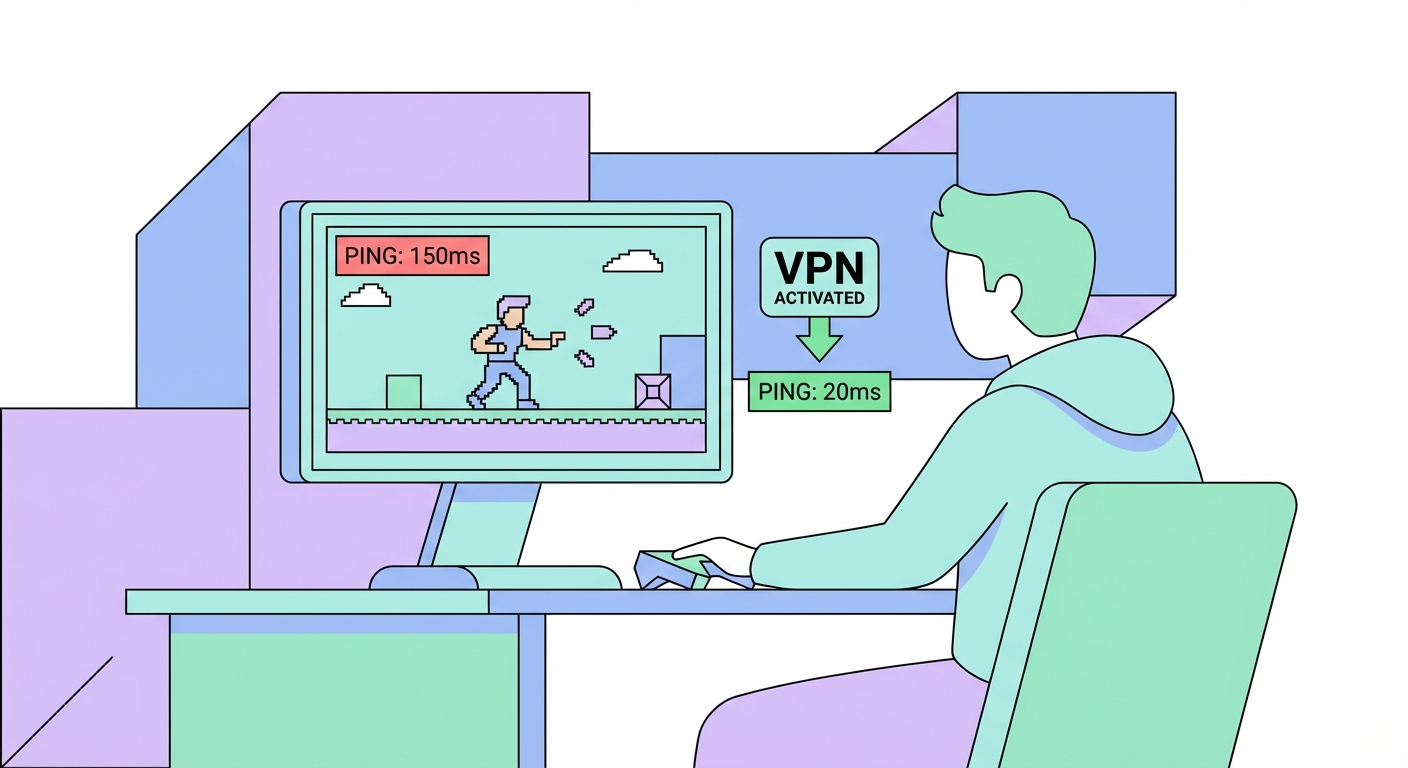
VPNs have become standard tools in many competitive gamers' arsenals, but for reasons that go beyond the popular misconception that VPNs always reduce ping. The reality is more nuanced: a VPN can reduce latency in specific circumstances — particularly when your ISP ↗'s routing to a game server is ineff ↗icient — but it always adds some overhead, and a poorly chosen VPN will make lag worse, not better.
The genuine benefits for gamers are significant: protection against DDoS attacks targeting your home IP (a real threat for competitive players and streamers), the ability to access region-specific game servers and matchmaking pools, bypassing ISP throttling on gaming traffic, accessing games released in other regions before your local launch date, purchasing games and in-game currency at regional pricing (which can be dramatically cheaper in some countries), and protecting your account details on public WiFi at gaming cafés and LAN events.
For It Protects and How to Use It">on Public WiFi: Why It's Essential in Hong Kong">Hong Kong gamers specifically, VPNs enable access to Japanese servers for games like Final Fantasy XIV, Monster Hunter, and Dragon Quest, which have active Japanese player bases and exclusive content. Korean server access opens PUBG and Lost Ark to their largest competitive player pools. For console gamers, a VPN router can unlock all these benefits on PS5, Xbox Series X, and Nintendo Switch without needing to install VPN software on the console itself.
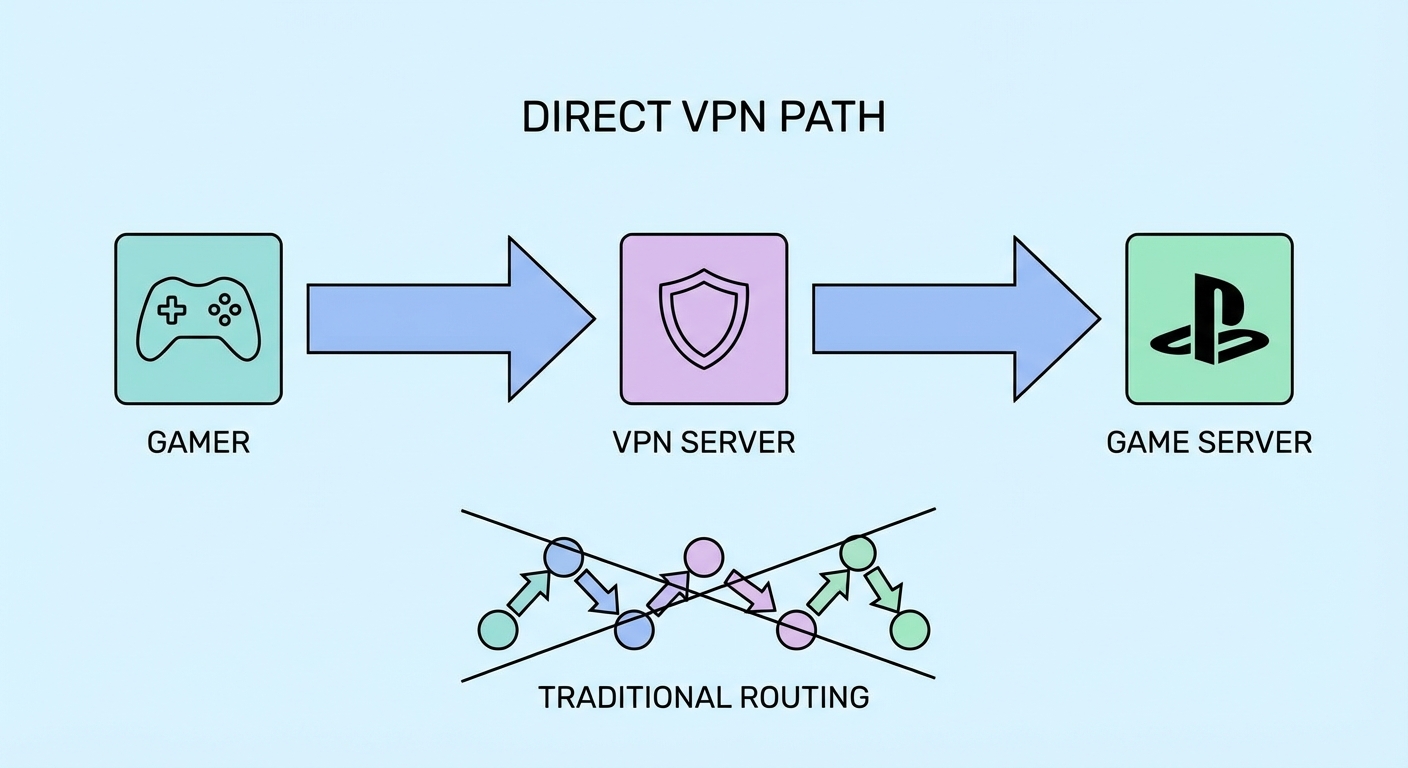
A VPN can legitimately reduce ping in situations where your ISP ↗ routes traffic ineff ↗iciently to a game server. This happens more often than you'd expect: ISPs optimise routing for popular traffic patterns like web browsing, and gaming server routing may be suboptimal — especially for cross-continental connections. By routing through a VPN server closer to the game server, you can sometimes bypass this inefficient path and achieve lower latency.
for Hong Kong Online Banking: A Complete Guide">for Hong Kong SMEs: Where to Start">For Hong Kong gamers, the practical scenario where this helps most is accessing Japanese or South Korean game servers. A direct connection from HKBN or SmarTone to a Tokyo game server might route through multiple intermediary nodes, adding 10–30ms. A VPN server physically located in a data centre with a direct peering connection to the Tokyo IX (internet exchange) can sometimes shave 10–20ms off that latency. Tools like PingPlotter can help you visualise the routing path and identify where delays occur.
WireGuard is essential for gaming VPN use — its low-latency design adds minimal overhead compared to OpenVPN, which can add 20–50ms. Specific gaming-focused VPN features to look for include UDP optimisation (games use UDP, not TCP), dedicated gaming servers with low-congestion routing, and the ability to see real-time server ping before connecting. ExpressVPN's Lightway and NordVPN's NordLynx (WireGuard) are the best protocols for gaming.
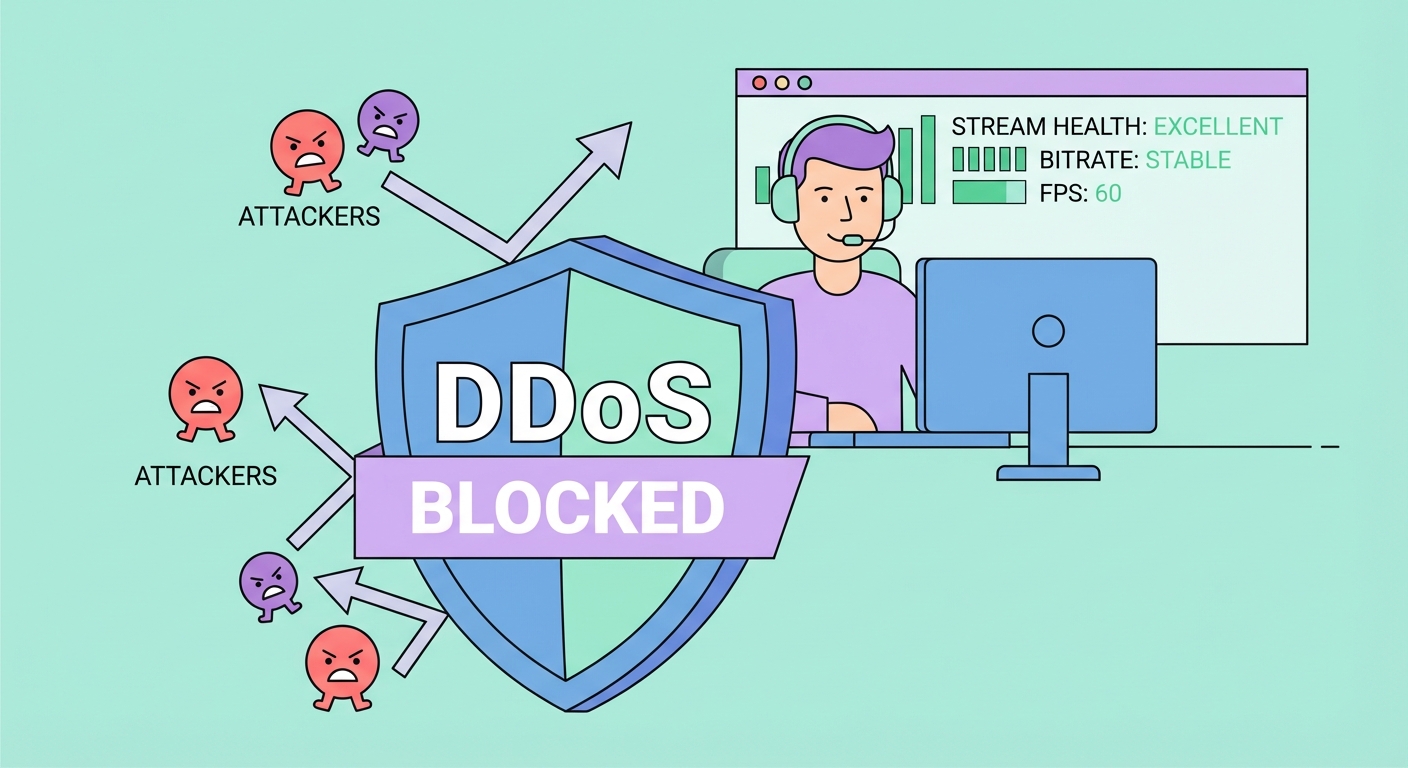
Distributed Denial of Service (DDoS) attacks are a genuine threat to competitive gamers and content creators. In online games — particularly fighting games, battle royale titles, and online poker — an opponent who discovers your home IP address can flood it with junk traffic, causing your connection to lag out or drop entirely. This is called "booting" and is unfortunately common in competitive online scenes. For Twitch and YouTube streamers, disgruntled viewers or competitors sometimes use IP-stresser services to take down streams mid-broadcast.
A VPN completely mitigates this threat by hiding your real IP address behind the VPN server's IP. An attacker who discovers your IP address while you're connected through a VPN only gets the VPN server's IP — flooding that IP affects the VPN provider's server, not your home connection, and the VPN provider's infrastructure is designed to absorb such attacks. Your actual home IP remains completely hidden throughout the session.
For streamers, the risk of IP exposure comes from multiple vectors: revealing your IP through direct peer-to-peer game connections (common in older games), third-party APIs that log viewer IPs, Discord calls, and WHOIS data if you own a domain. A VPN should always be active during streaming sessions — and ensure you're using an obfuscated or residential IP from your VPN provider, as some attackers target known VPN provider IP ranges specifically.
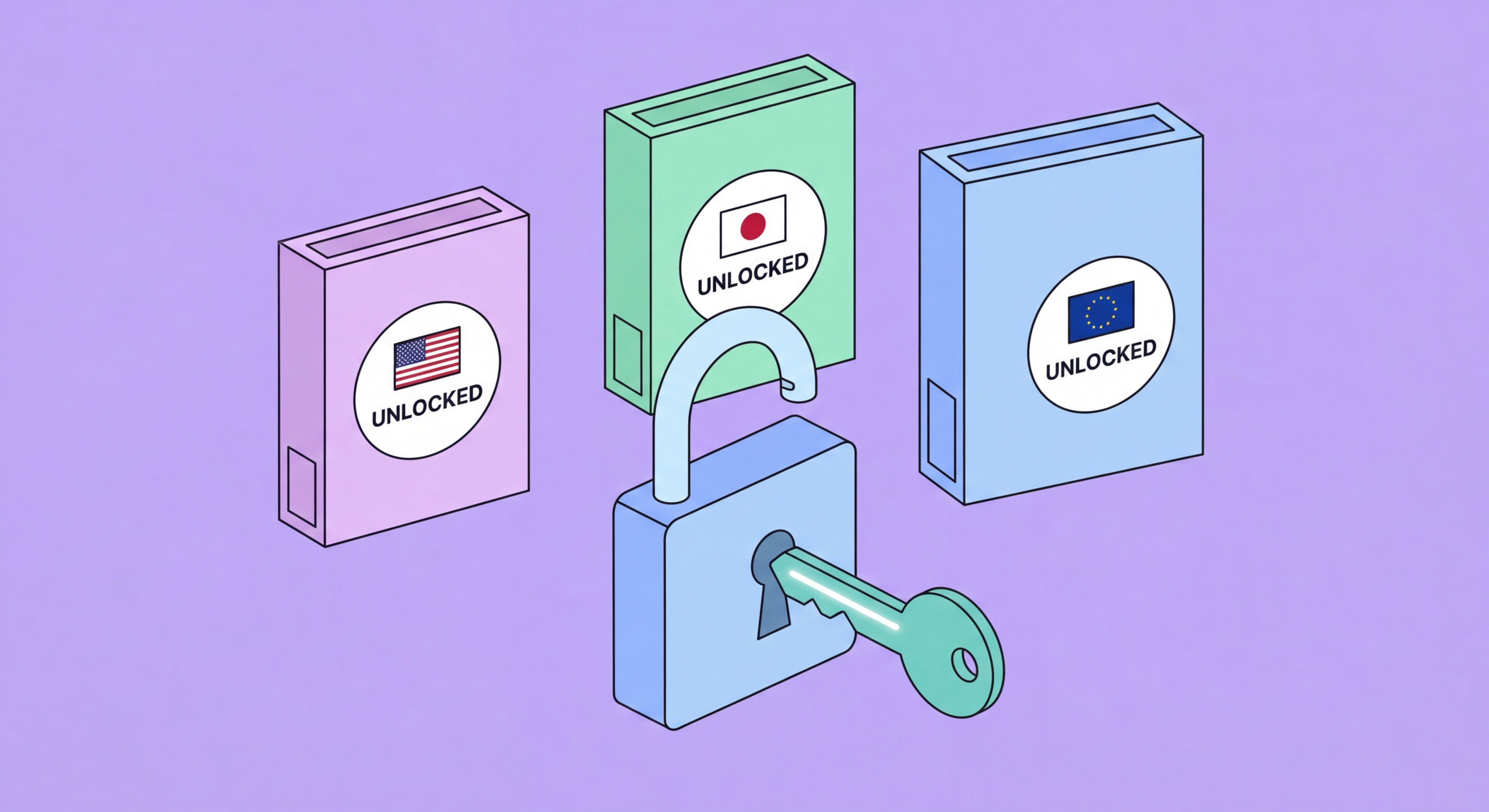
Many games launch in different regions at different times — often Japan and the US receive releases days or weeks before Hong Kong and other Asian markets. Using a VPN to set your apparent location to the region with the earliest release date is a widely used technique for day-one access to major titles. This works on PC via Steam and Epic Games Store, and can work on PlayStation and Xbox platforms with some additional steps (creating a secondary regional account).
Regional pricing presents the most financially impactful VPN gaming use case. Game prices vary enormously between countries — a title priced at HK$498 on the Hong Kong Steam store may cost the equivalent of HK$80–120 in Argentina or Turkey. Using a VPN to connect to these regions and purchasing at local pricing is technically against platform terms of service, but is widely practised. Be aware that Steam has tightened region-locking on some titles, and purchasing too many games from a foreign region on a single account may trigger account restrictions.
Some online games operate entirely separate servers for different regions — Dragon Quest X Online (Japan-only), certain mobile games exclusively available in the Japanese or Korean App Store, and beta tests restricted to specific countries. A VPN allows access to these regional game servers and early access programs that would otherwise be unavailable to HK players. Note that game publishers' terms of service often prohibit VPN use; while enforcement against individual players is rare, competitive bans exist in some games (CS2, Valorant) for VPN connections that trigger anti-cheat false positives.