2FA for Hong Kong Online Banking: What You Need to Know

How HSBC, Hang Seng, Bank of China, Standard Chartered, and other HK banks implement two-factor authentication — and how to make sure you're using the most secure options available.

Hong Kong online banking security with two-factor authentication on mobile
1HK Banking Overview

How Hong Kong Banks Handle Two-Factor Authentication

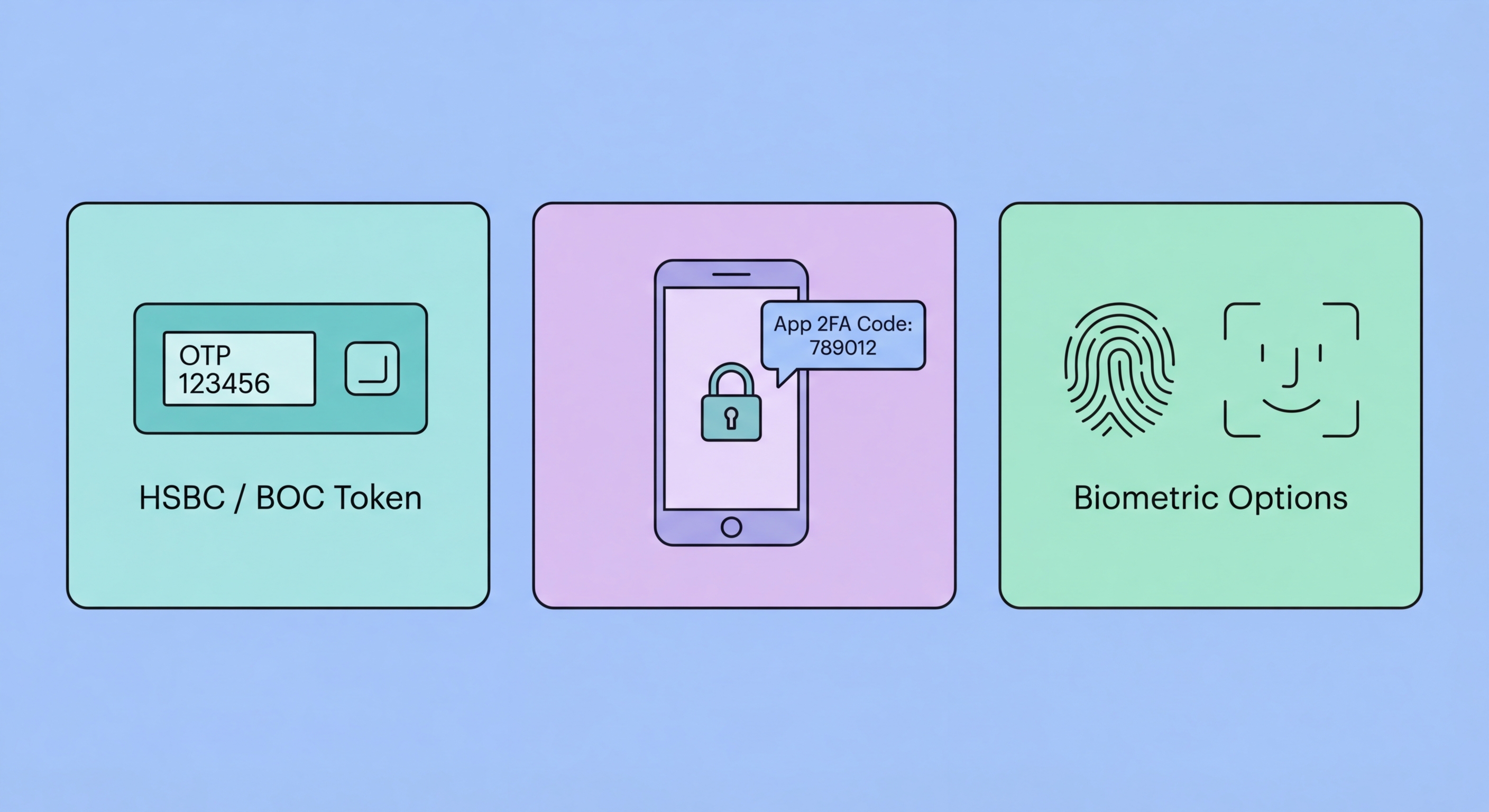
Hong Kong's major banks have invested heavily in mobile banking security, largely replacing the old physical security token dongles with integrated mobile app authentication. Rather than requiring a separate hardware token or a third-party authenticator app, most HK banks have built 2FA directly into their own banking apps. When you log in to internet banking from a computer, the bank pushes an approval request to your smartphone app — you authenticate using biometrics on to Spot and Avoid Attacks on Your Phone">your phone to approve the transaction or login.

This app-centric approach has advantages and disadvantages. The advantage is tight integration: the bank controls the entire authentication stack and can monitor for anomalies like login attempts from new locations or unusual transaction patterns. The disadvantage is dependency: your banking access is entirely tied to one specific app on one registered device. If you lose your phone, change devices, or your phone is stolen, regaining banking access requires identity verification at a branch or through a verification process that can take days.

The Hong Kong Monetary Authority (HKMA) has issued guidelines requiring licensed banks to implement strong customer authentication for online transactions, broadly aligned with international best practices for multi-factor authentication. This regulatory pressure has pushed banks to upgrade their authentication beyond simple passwords, though the specific implementations vary across institutions. Understanding how your specific bank implements 2FA helps you configure it correctly and know what to do in an emergency.

  • App-based authentication: Most HK banks use their mobile app as the primary 2FA device
  • Biometric integration: Face ID and fingerprint unlock the banking app's authentication module
  • Push approval: Computer-based logins require approval via smartphone app
  • HKMA regulation: Regulatory requirements mandate strong authentication for online banking
  • Device registration: Banking apps require explicit registration of each authorised device
  • SMS fallback: Most banks retain SMS as a fallback for customers without app access
Why SMS banking codes are less secure than app authentication →
Hong Kong banking app push authentication approval on smartphone
2Major HK Banks

HSBC, Hang Seng, BOC, and Standard Chartered: 2FA Compared

HSBC Hong Kong uses its HSBC HK mobile app as the primary authentication device. For internet banking logins, HSBC sends a push notification to your registered app, which you approve using your biometric or HSBC security key. The app also generates one-time passwords for account-level operations. HSBC's system requires the mobile app to be registered on a specific device, and changing devices requires identity verification either online through a step-up process or in branch. If you lose your phone, call HSBC immediately at 2233 3000 to suspend the app registration before it can be misused.

Hang Seng Bank (majority-owned by HSBC) operates a similar mobile security key model through its Hang Seng Personal Banking app. The app acts as a security token, generating codes and approving push requests. Hang Seng also offers a physical security token for customers who prefer not to use a smartphone for banking. Bank of China Hong Kong's BoC Pay and mobile banking app use device binding combined with either facial recognition or a 6-digit PIN as the 2FA verification step. BOC also sends transaction confirmation SMS codes as an additional layer for high-value transactions.

Standard Chartered Hong Kong uses its SC Mobile app for authentication, requiring biometric confirmation for both logins and transactions. The app registers to your specific device, and each new device registration requires Standard Chartered to send a verification to your previously registered contact details. Citibank Hong Kong's Citi Mobile app similarly requires device registration and biometric authentication. OCBC Wing Hang, DBS Hong Kong, and Mox Bank follow broadly similar patterns of app-based push authentication with SMS fallback options.

  • HSBC: Mobile app push approval with biometric — call 2233 3000 if phone lost
  • Hang Seng: Mobile security key app — physical token option available
  • Bank of China HK: App with facial recognition + SMS confirmation for high-value transactions
  • Standard Chartered: SC Mobile biometric authentication — device registration required
  • Citi HK: Citi Mobile push approval with device-level biometrics
  • Virtual banks (Mox, ZA Bank): App-only authentication — no physical branch access
Protect your banking SMS codes from SIM swap attacks →
HSBC Hang Seng Bank of China Standard Chartered HK banking apps
3Mobile Payments

AlipayHK, MPay, WeChat Pay HK, and PayMe Authentication

Hong Kong's mobile payment ecosystem has grown rapidly and each major platform has its own authentication approach. AlipayHK uses a combination of app PIN, biometric authentication (Face ID/Touch ID), and SMS OTP for sensitive operations like large transfers or account changes. The critical security dependency is your mobile number — AlipayHK account recovery and transaction verification both rely on SMS codes, making your SIM card a single point of failure that should be protected with a carrier PIN.

MPay (operated by MTR) and WeChat Pay HK follow similar models, relying heavily on mobile number-tied authentication. PayMe by HSBC benefits from HSBC's more sophisticated authentication infrastructure and offers biometric access with push-based transaction approval. Octopus's O! ePay service uses its own app authentication with SMS verification for account changes. The common thread across all HK mobile payment platforms is that your phone number is central to authentication — which is why protecting your SIM from swapping is as important for payment security as it is for traditional banking.

FPS (Faster Payment System), operated by HKMA and used by all major banks for interbank transfers, does not have its own interface — you access it through your bank's app or website, using whatever authentication that bank has implemented. When you make an FPS transfer through HSBC, the authentication is HSBC's. When you initiate one through PayMe, it goes through HSBC's authentication layer. This means the security of your FPS transactions is only as good as the security of the banking app you use to initiate them.

  • AlipayHK: App PIN + biometric + SMS OTP for sensitive operations — SIM protection essential
  • WeChat Pay HK: WeChat account authentication — link to secure primary account with 2FA
  • PayMe: HSBC-backed with push approval for transactions over a certain threshold
  • Octopus O! ePay: App authentication with SMS verification for account changes
  • FPS security: Inherits authentication from whichever bank or app you use to access it
  • Common vulnerability: All rely on your mobile number — add a carrier SIM lock PIN
Understand all the ways SMS 2FA can be bypassed →
Hong Kong mobile payment apps AlipayHK WeChat Pay PayMe authentication
4Maximising Security

How to Maximise Your HK Online Banking Security

Beyond just enabling the bank's built-in 2FA, several additional steps significantly improve your banking security in Hong Kong. The most important is carrier-level SIM protection: call your mobile carrier (SmarTone, CMHK, 3HK, or CSL) and request a customer PIN or account password that must be provided before any SIM-related changes — number porting, SIM replacement, or plan modifications. This single step protects you against SIM swap attacks that can bypass SMS-based banking verification.

Keep your banking apps completely up to date. HK banks regularly release security patches and authentication improvements. Old app versions may have known vulnerabilities. Enable automatic updates for banking apps, or check regularly for updates. Similarly, keep your phone's operating system current — banking app security often relies on OS-level security features like the Secure Enclave, which are updated through OS patches.

Be extremely cautious about phishing calls and messages claiming to be your bank. HK banks have been the target of vishing (voice phishing) campaigns where attackers call customers claiming to be bank security staff and attempt to collect account credentials and OTP codes. Your bank will never call you and ask you to read out a code you just received, to confirm your full PIN over the phone, or to install remote access software. If you receive such a call, hang up and call your bank's official number directly from the number on the back of your card.

  • SIM lock: Add a carrier account PIN to prevent SIM swap attacks on your banking SMS codes
  • Keep apps updated: Enable auto-updates for all banking apps and your phone's OS
  • Enable biometric lock: Use Face ID or fingerprint to open banking apps, not just a PIN
  • Set transaction alerts: Enable push notifications for all transactions — catch fraud immediately
  • Never share OTPs: Your bank will never call and ask you to read out an OTP code
  • Register all devices: Formally register your current phone with each bank's app to enable full 2FA
Avoid the 10 most common 2FA security mistakes →
Maximising online banking security in Hong Kong

Protect Your Hong Kong Banking Accounts

Enable the strongest 2FA your bank offers, protect your SIM card, and stay alert to banking phishing attempts targeting HK residents.

Related VPN Articles