15 Common VPN Mistakes to Avoid
Even experienced VPN users make mistakes that quietly undermine their privacy protection. Here are the 15 most consequential errors — and exactly how to fix them.
Published: March 29, 2026
Even experienced VPN users make mistakes that quietly undermine their privacy protection. Here are the 15 most consequential errors — and exactly how to fix them.
Published: March 29, 2026
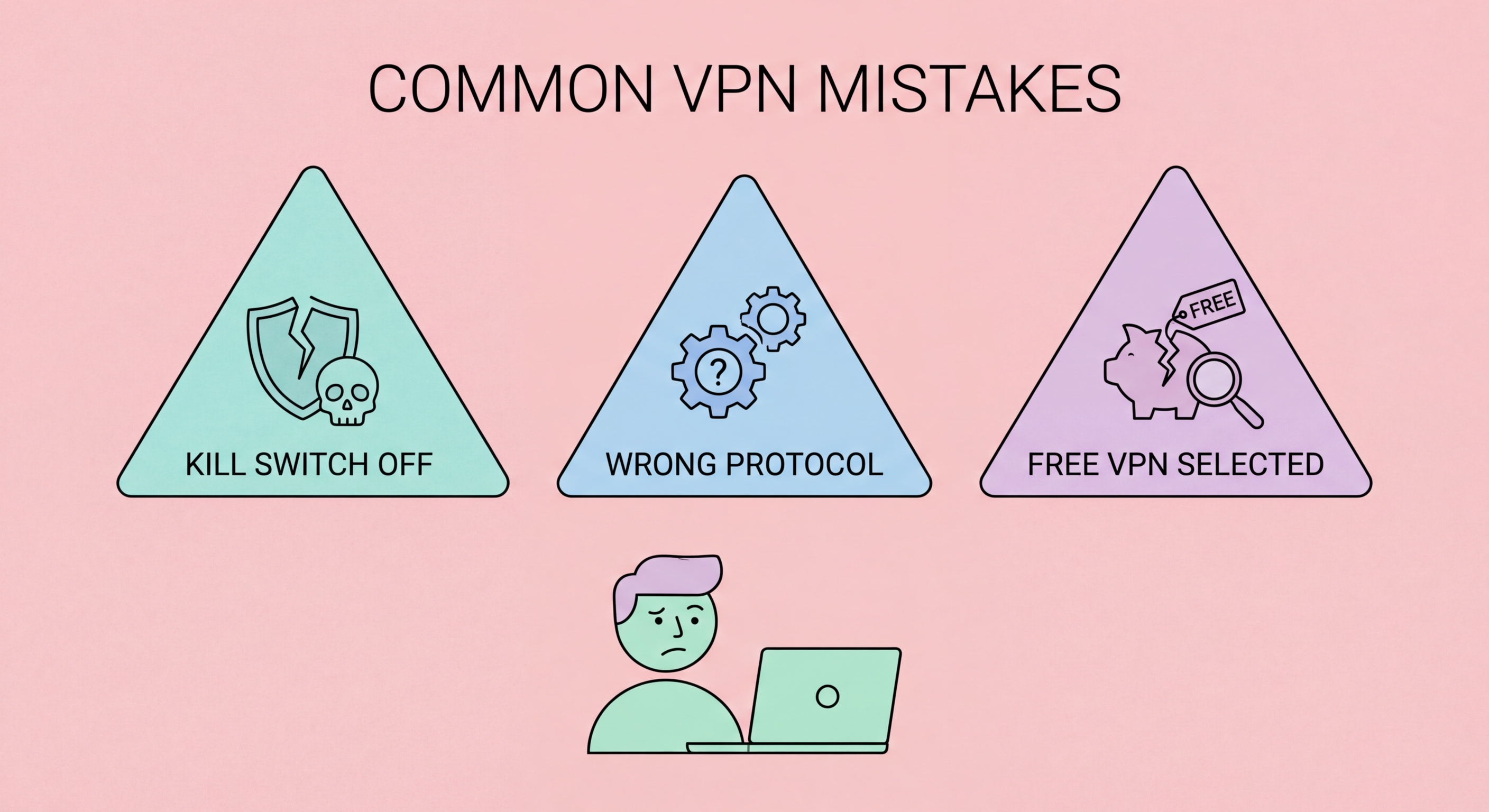
The kill switch is often buried in VPN app settings and disabled by default. Without it, any VPN dropout — caused by network switching, sleep mode, or server issues — instantly exposes your real IP and unencrypted traffic. This is catastrophic for torrenting, sensitive research, or anyone who relies on VPN for serious privacy. Enable it in Settings > Kill Switch / Network Lock before using your VPN for anything sensitive.
Fix: Open your VPN app Settings, find "Kill Switch" or "Network Lock," and enable it. For Android users, additionally enable system-level kill switch: Settings > Network > VPN > gear icon > Block connections without VPN.
The cheapest VPN is rarely the best value. Extremely low-priced VPNs often cut corners on server infrastructure, encryption quality, and — critically — privacy practices. "Lifetime" VPN deals from unknown providers are particularly suspicious: a VPN company cannot sustain quality infrastructure on a one-time payment, and many fold within months. The HK$20 you save monthly is irrelevant if the VPN is logging and selling your data.
Fix: Evaluate VPNs on privacy credentials (audited no-logs policy, jurisdiction), protocol quality (WireGuard support), server performance, and track record first. Price is the last factor — quality providers range from HK$40–80/month.
A VPN can appear to be working — showing a connected status with a foreign IP — while your DNS queries continue routing through your ISP's servers, revealing every domain you visit. This DNS leak completely undermines your privacy protection. It's a common configuration issue that most users never discover because they never test for it. You could have used a "privacy VPN" for months while your ISP logged every site you visited.
Fix: Visit dnsleaktest.com and run the Extended Test while connected to your VPN. All DNS servers shown should belong to your VPN provider. If you see your ISP's DNS servers, change your VPN's DNS settings or switch to a provider with better DNS leak protection.
Many users leave their VPN on the default OpenVPN protocol when WireGuard would deliver 2–4x faster speeds with comparable security. Conversely, users in restricted networks (mainland China) who need stealth sometimes use WireGuard — which is easily detected and blocked by deep packet inspection — when they should be using OpenVPN TCP 443 with obfuscation. Protocol choice is not a "set and forget" decision.
Fix: For everyday HK use, select WireGuard. For China/restricted networks, use OpenVPN TCP 443 with obfuscation enabled. For mobile with frequent network switching, IKEv2. Check your current protocol in VPN app Settings > Protocol.
Fake VPN apps that impersonate legitimate providers are a significant malware distribution vector. Searching for a VPN on a third-party download site and installing whatever comes up is a serious security risk — the fake app may be indistinguishable from the real one in appearance while operating as spyware, adware, or a credential-stealing tool. Even app stores aren't immune: fake VPN apps have appeared in both Google Play and the App Store before being removed.
Fix: Always navigate directly to the VPN provider's official website to download desktop software. For mobile, install only from the official App Store or Google Play, and verify the developer name matches the official provider (e.g., "ExpressVPN" not "ExpressVPN Free VPN").
Many users set up a VPN on their laptop and consider themselves protected — while their smartphone connects to the same networks completely unprotected. Most VPN subscriptions include 5–10 simultaneous device connections. to Spot and Avoid Attacks on Your Phone">Your phone handles banking, private communications, and health apps; it's arguably more sensitive than your laptop and equally exposed on public WiFi networks. Protecting only one device provides partial protection at best.
Fix: Install your VPN on all devices that connect to the internet: smartphone, laptop, tablet, and if your provider supports it, configure it directly on your home router to cover all devices including smart TVs and gaming consoles.
Connecting to the server closest to you geographically sounds logical but is often counterproductive. A popular server with 90% capacity load will deliver significantly worse performance than a slightly more distant server at 30% load. Speed issues frequently blamed on the VPN protocol or provider are actually caused by overloaded servers — users give up on what would be a perfectly capable VPN if they connected to a less congested server.
Fix: In your VPN app's server list, look for load percentage indicators (NordVPN, ExpressVPN, Mullvad all show these). Choose servers below 50% load. For HK users, Japan and Singapore servers typically have lower load than the most popular servers.
Dozens of VPN providers claim "zero logs" or "no-logs" policies. Without independent third-party audit verification, this is purely a marketing claim. Real-world examples of VPNs that claimed no-logs but provided user data to authorities include IPVanish (2016) and PureVPN (2017). The no-logs claim means nothing without an independent security audit report from a reputable firm that you can actually read.
Fix: Look for published audit reports (not just "audited" badges) from firms like Cure53, PwC, KPMG, or Deloitte. Providers with verified audits include ExpressVPN (Cure53, KPMG), NordVPN (PwC, Deloitte), and Mullvad (Cure53).
Browser VPN extensions — including those branded by legitimate VPN providers — are HTTPS proxies, not full VPNs. They only protect browser traffic. Your email client, torrent client, games, messaging apps, and all background system processes continue connecting to the internet with your real IP address and without encryption. If you're using a browser extension thinking you have full VPN protection, you're significantly underprotected.
Fix: Install the full VPN application (not just the browser extension) and connect through the app. The full app creates a system-level tunnel covering all apps and connections. The browser extension can be used additionally for convenience features, not as a replacement.
VPN provider websites are blocked in China. App stores in China don't carry most VPN apps. If you arrive in Shenzhen or Guangzhou without a pre-installed, pre-configured VPN, you cannot download one — and accessing blocked services like Google, WhatsApp, and Instagram will be impossible. This is one of the most common and avoidable VPN mistakes made by HK residents who travel to mainland China.
Fix: Before any mainland China trip, install your VPN app, subscribe if needed, download any obfuscation-required server configurations, test connectivity, and note down backup server addresses. Do all of this while still in Hong Kong with open internet access.
A VPN encrypts your network traffic — it doesn't protect you from voluntarily entering your credentials into a convincing fake website. Phishing attacks work at the application layer, above the network layer where VPN operates. If you receive a phishing email that looks like a legitimate HSBC notification, click the link, and enter your banking credentials on a fake site, the VPN provides zero protection — your credentials go to the attacker regardless of encryption.
Fix: Use a VPN alongside anti-phishing measures: check URLs carefully before entering credentials, use password manager autofill (which won't autofill on fake domains), enable multi-factor authentication, and use browser extensions like uBlock Origin that block known phishing domains.
Mobile devices constantly switch between WiFi and 4G/5G — sometimes many times in a single hour in Hong Kong. Each network transition briefly interrupts the VPN connection. Without auto-reconnect configured, you may spend significant periods of your day unprotected after network transitions, particularly on the MTR where coverage changes constantly. If auto-reconnect is disabled and the kill switch is active, you'll lose internet access without realising the VPN hasn't reconnected.
Fix: Enable auto-reconnect in your VPN app's settings on all mobile devices. Also enable the kill switch — together, these ensure any network transition results in a brief internet pause while the VPN reconnects, rather than unprotected browsing.
VPN providers regularly update their apps to patch security vulnerabilities, maintain server compatibility, and improve performance. Running an outdated VPN client can expose you to known vulnerabilities, protocol implementation bugs, or compatibility issues with updated server configurations. In 2021, a serious vulnerability in Pulse Secure VPN (CVE-2021-22893) was actively exploited by nation-state hackers against unpatched systems — outdated software creates real, exploitable risks.
Fix: Enable automatic updates for your VPN application, or check for updates manually at least monthly. Most major VPN clients (NordVPN, ExpressVPN, Mullvad) notify you when updates are available on launch — don't dismiss these notifications.
A VPN hides your IP address — but logging into your Google account while connected to a VPN immediately tells Google exactly who you are, which device you're on, and links your current VPN session to your complete account history. This completely undoes the anonymity benefit of the VPN for that activity. Users who research sensitive topics while signed into Google, post on social media, or access personal email while expecting VPN anonymity have a fundamental misunderstanding of what IP masking protects against.
Fix: For anonymity-requiring activities, use a separate browser profile with no account logins, clear cookies, and private/incognito mode in addition to VPN. For privacy-sensitive research, use Firefox + uBlock Origin + no Google login for the research session.
WebRTC (Web Real-Time Communication) is a browser API used for video calls, voice chat, and peer-to-peer connections. It can expose your real IP address directly through the browser, bypassing your VPN entirely, even when the VPN is active and working correctly. This is because WebRTC makes direct connections through the ICE protocol that can reveal your local and public IP addresses. This vulnerability affects Chrome, Firefox, and Edge on desktop and can completely reveal your real IP despite an active VPN connection.
Fix: Test at browserleaks.com/webrtc while connected to VPN — no IP other than the VPN IP should appear. To fix: install your VPN provider's browser extension (they typically include WebRTC leak blocking), or install uBlock Origin and enable "Prevent WebRTC from leaking local IP addresses" in its settings.