Does a VPN Slow Down Your Internet Speed?
Every VPN adds some overhead — but with the right protocol and server, the impact is often imperceptible. Here's the real data on VPN speed, and how to maximise yours.
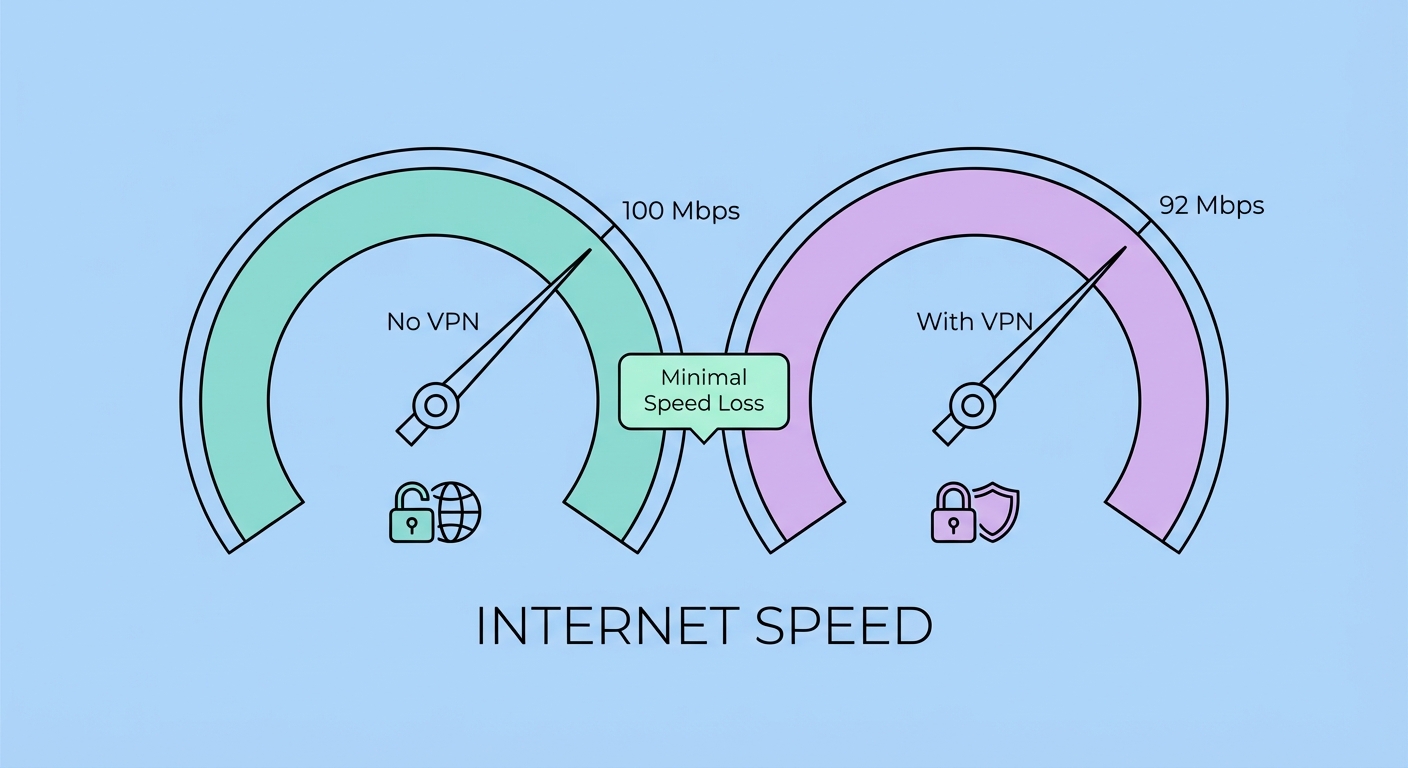
Every VPN adds some overhead — but with the right protocol and server, the impact is often imperceptible. Here's the real data on VPN speed, and how to maximise yours.
A VPN introduces three sources of overhead that can reduce your effective internet speed: encryption processing, additional routing distance, and server congestion. Understanding each helps you minimise their impact. Encryption processing is the computational cost of encrypting and decrypting all your traffic. Modern CPUs include hardware AES acceleration (AES-NI), making AES-256 encryption extremely efficient on modern devices — typically under 1ms per packet. On older devices or those without hardware acceleration, encryption CPU cost can be more significant.
Routing distance is often the more significant factor. Instead of your data taking the most direct path to its destination, it must first travel to the VPN server, and then from the VPN server to the destination. If you're in It Protects and How to Use It">on Public WiFi: Why It's Essential in Hong Kong">Hong Kong and connecting to a VPN server in the US to access US content, your data now travels Hong Kong → US VPN server → destination server in the US, instead of directly Hong Kong → destination. This additional distance adds latency (typically 150–200ms extra for a HK → US route) but doesn't necessarily reduce throughput for high-bandwidth connections.
Server congestion is the most variable factor. A VPN server shared by thousands of simultaneous users at peak load will be significantly slower than a lightly loaded server. Quality VPN providers invest in high-capacity server infrastructure and show real-time load percentages in their apps, allowing you to choose less congested servers. Free VPN servers are particularly susceptible to congestion because they concentrate a large user base on minimal infrastructure.
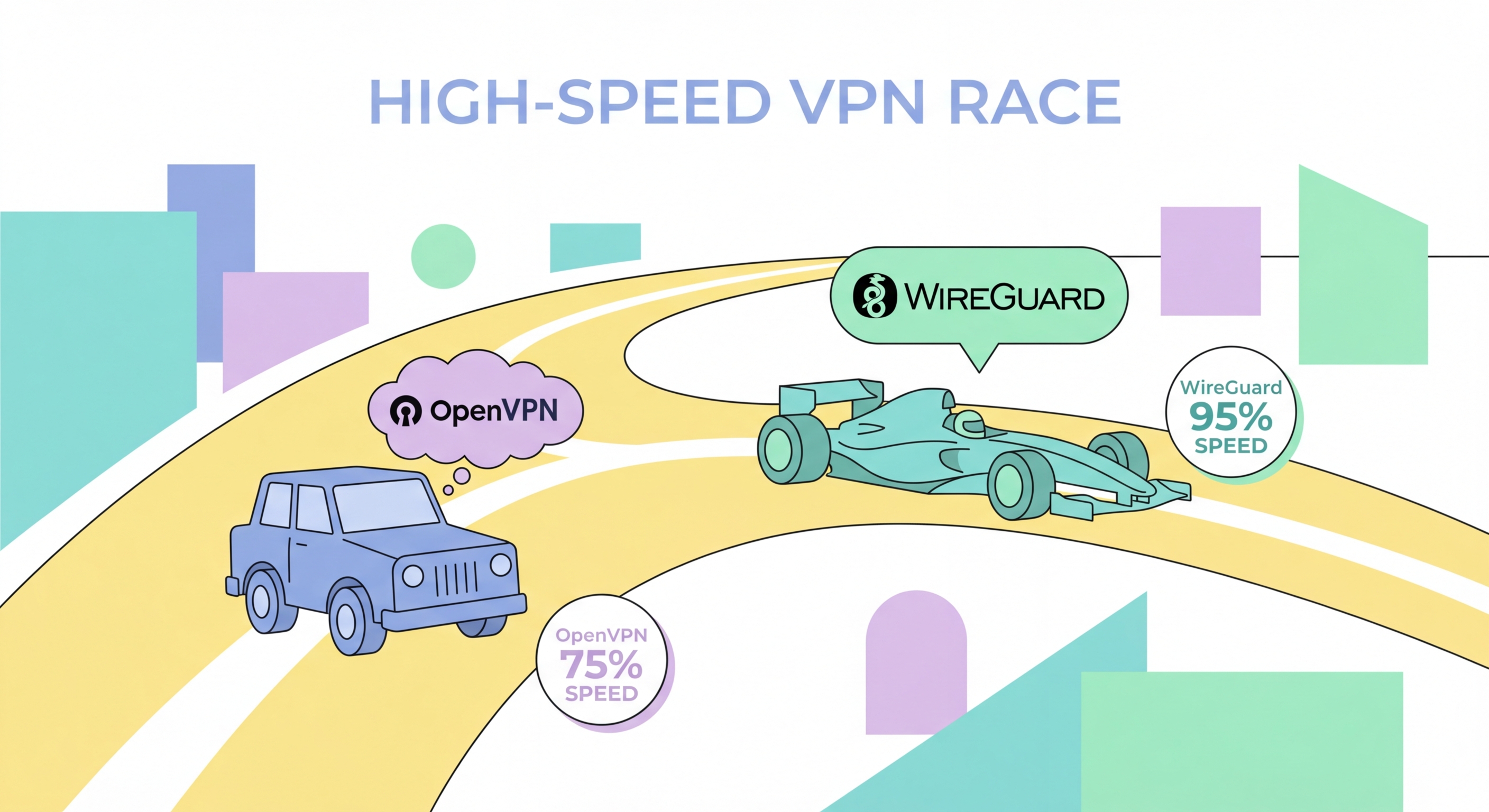
WireGuard's performance advantage over OpenVPN is consistently demonstrated in independent speed benchmarks. In tests conducted from Hong Kong to NordVPN servers in Japan (a realistic HK use case), NordLynx (WireGuard-based) consistently delivers 350–500 Mbps download speeds on a 1 Gbps connection, while NordVPN's OpenVPN UDP configuration on the same route delivers 150–250 Mbps. The difference — approximately 2–3x faster throughput — is significant for streaming, downloading, and any high-bandwidth activity.
The latency difference is even more pronounced. WireGuard's lean design adds typically 5–15ms of additional latency compared to a direct (no-VPN) connection on a nearby server. OpenVPN on the same server adds 20–40ms of additional latency due to its larger codebase, different handshake mechanism, and userspace operation (vs WireGuard's kernel-level operation on Linux). For gaming, where every millisecond of latency matters, this difference is often perceptible and can affect competitive performance.
IKEv2/IPSec occupies a middle position — significantly faster than OpenVPN but slightly slower than WireGuard in most benchmarks. Its MOBIKE support makes it particularly efficient on mobile networks where protocol handshakes on network transitions are minimised. For mobile users who value both speed and seamless network switching (common in Hong Kong where users frequently switch between office WiFi, MTR station WiFi, and 4G/5G), IKEv2 is a strong alternative to WireGuard. ExpressVPN's Lightway (based on wolfSSL) is roughly comparable to WireGuard in speed benchmarks, offering similar performance with different cryptographic primitives.
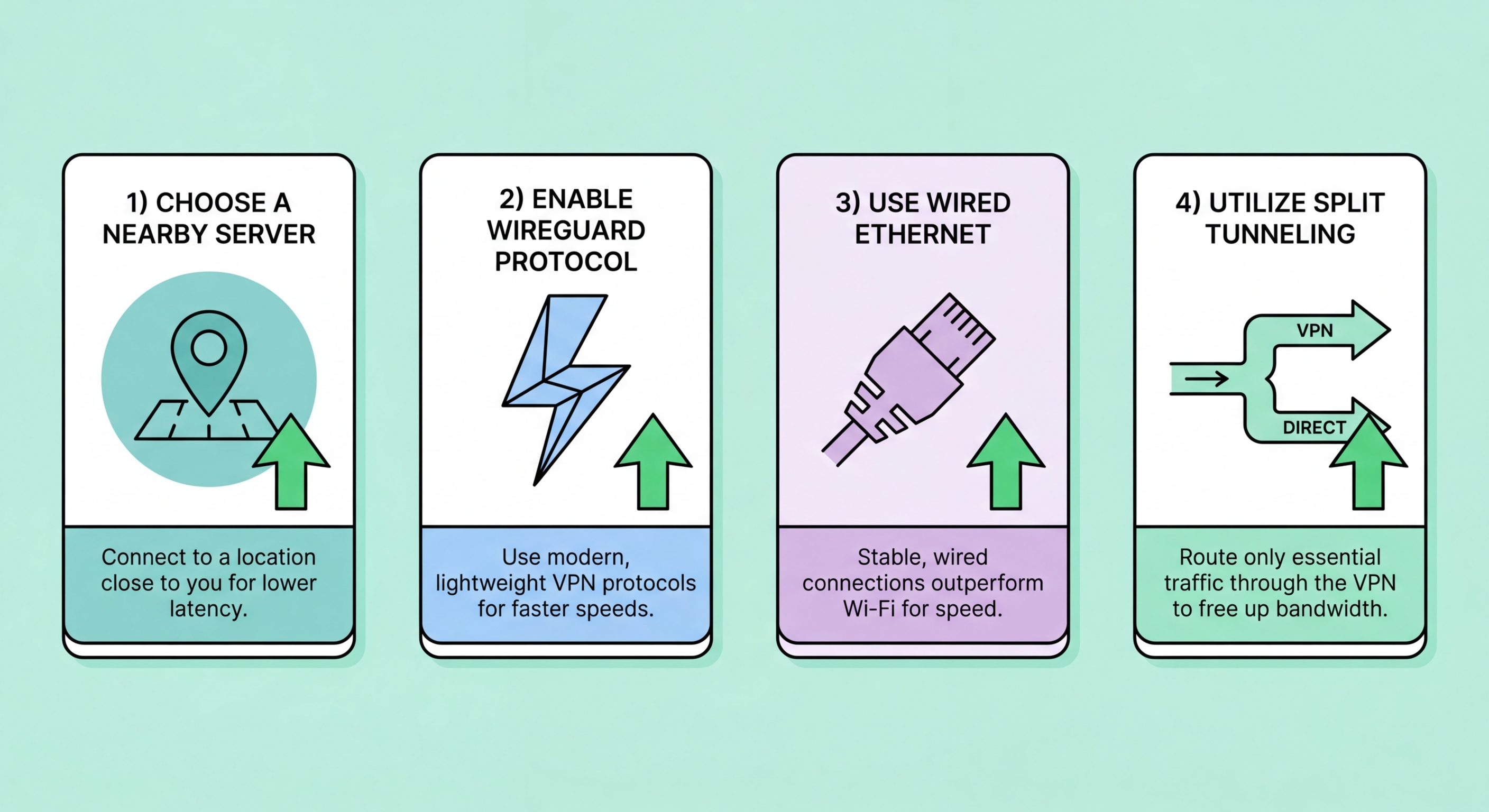
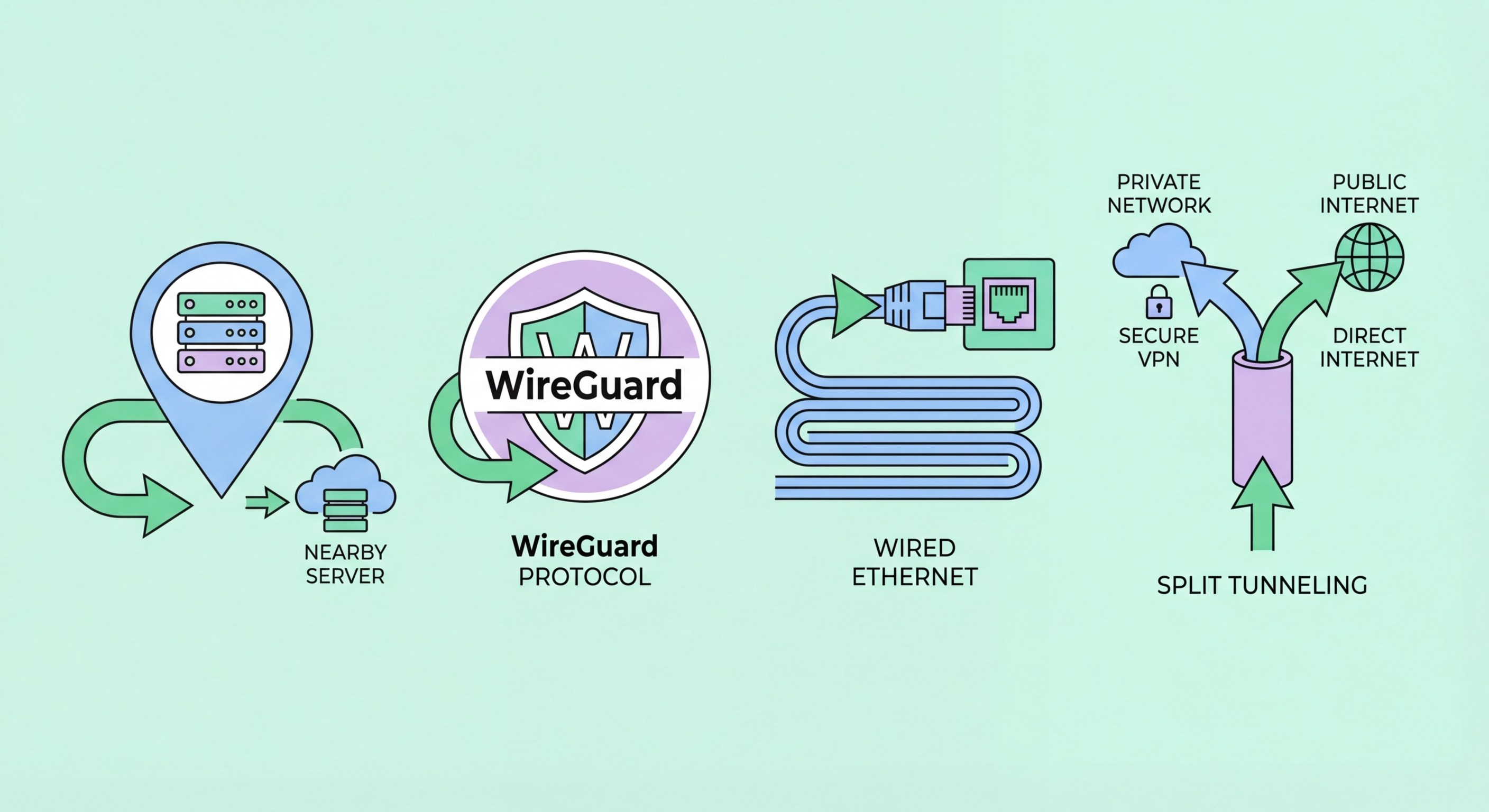
Switching to WireGuard is the single most impactful speed improvement you can make. In your VPN app settings, look for "Protocol" and select WireGuard. If your provider doesn't yet offer WireGuard, their proprietary protocol (Lightway, NordLynx, Chameleon) is likely their fastest option. Avoid OpenVPN unless you specifically need its firewall-bypassing TCP mode on a restricted network.
Server selection is the second major lever. For everyday Hong Kong browsing without a specific geo-unblocking requirement, connect to the nearest server: Japan, Singapore, or South Korea all have excellent connectivity to HK with round-trip latencies under 30ms. If you're unblocking US content, some providers offer servers specifically peered with US content delivery networks — look for servers labelled "US – Streaming" or "Optimised for Netflix." Avoid servers with high load percentages (above 70%); most VPN apps display this in the server list.
Device and network configuration matters too. Ensure your device drivers are up to date — some older network adapter drivers have compatibility issues with WireGuard's kernel module implementation on Windows. Disable bandwidth-heavy background applications (cloud backup, system updates, torrent clients) during speed-sensitive tasks to prevent competing for your connection's capacity. On WiFi, position closer to your router or switch to a wired ethernet connection — WiFi interference can halve speeds, magnifying any VPN overhead effect. Consider enabling split tunnelling to route only privacy-sensitive traffic through the VPN, preserving full speed for streaming and gaming.
Measuring VPN speed accurately requires a consistent methodology that accounts for natural speed variation. The core principle is to test your baseline speed without VPN, then test with VPN under identical conditions, and compare the results. Single tests are unreliable — you should run at least 3–5 tests in each configuration and average the results. Time of day significantly affects results — peak hours (evening in HK: 7–11pm) will show lower speeds than off-peak hours.
Use Speedtest.net (Ookla) or Fast.com (Netflix's speed test) for standardised measurements — these tools provide download speed, upload speed, and ping (latency). For VPN testing specifically, it's most meaningful to test speed to a server close to the VPN exit point: if you're connected to a Japan VPN server, test against a Japanese Speedtest server. This measures the throughput of the full VPN path rather than just the local connection. Cloudflare's speed.cloudflare.com provides useful additional metrics including connection consistency scores.
For advanced testing, iperf3 is a network performance measurement tool that can test TCP and UDP throughput between specific endpoints — useful for testing VPN performance on specific routes. iPerf3 testing requires a server at the remote end, but many public iperf3 servers exist for testing. When evaluating published VPN speed tests, look for methodology transparency: how many tests, what time of day, what protocol, which server, what base connection. Tests without this context are marketing data, not scientific measurement.