How to Choose the Right VPN: Complete Checklist
With thousands of VPNs on the market, the right choice requires a structured approach. This checklist covers every factor that matters — and nothing that doesn't.
Published: March 29, 2026
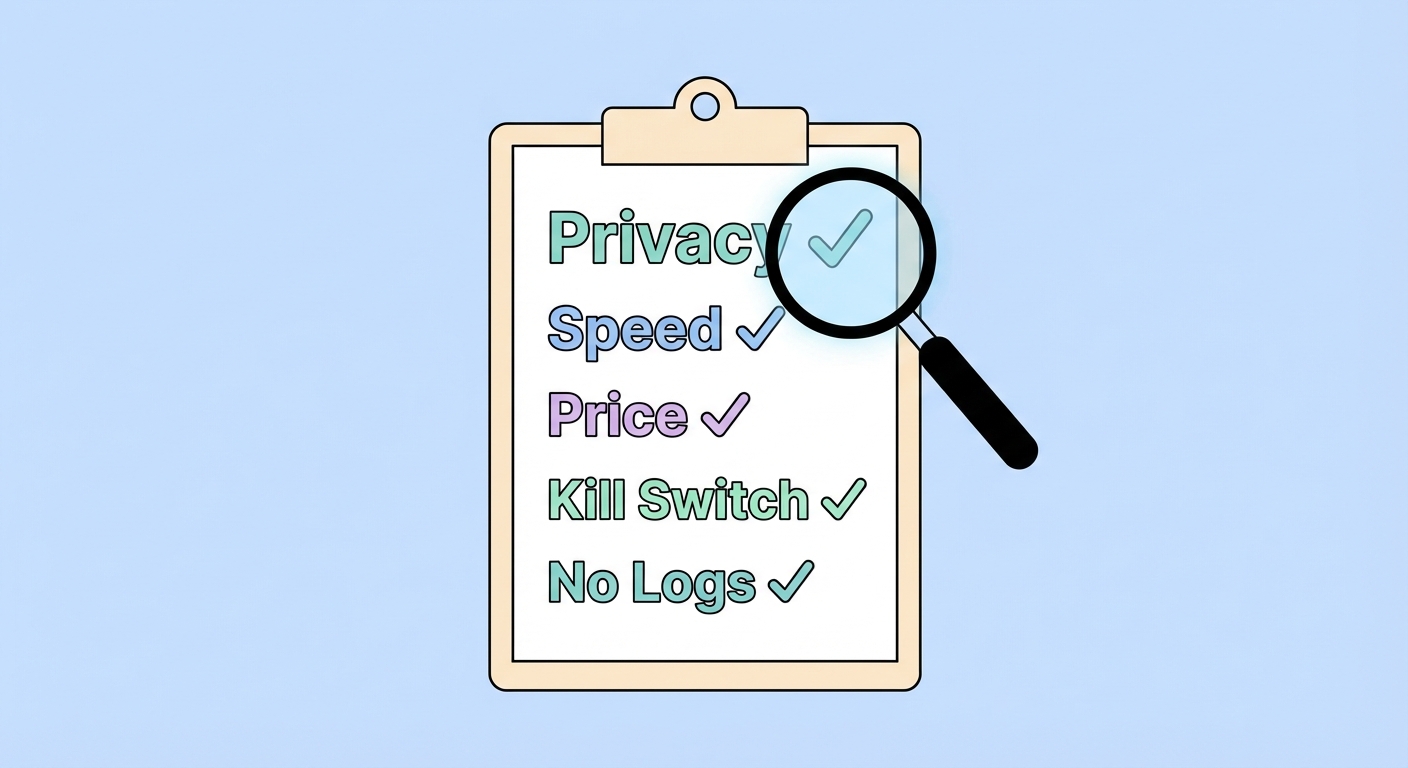
With thousands of VPNs on the market, the right choice requires a structured approach. This checklist covers every factor that matters — and nothing that doesn't.
Published: March 29, 2026
Privacy factors form the foundation of VPN evaluation — a fast VPN that logs your data provides no meaningful privacy benefit. Start every VPN evaluation by answering these questions: Does the provider have an independently audited no-logs policy? Who owns the company and in which country is it legally registered? Has the provider ever been involved in a case where user data was sought, and what happened? These questions filter out the majority of providers immediately.
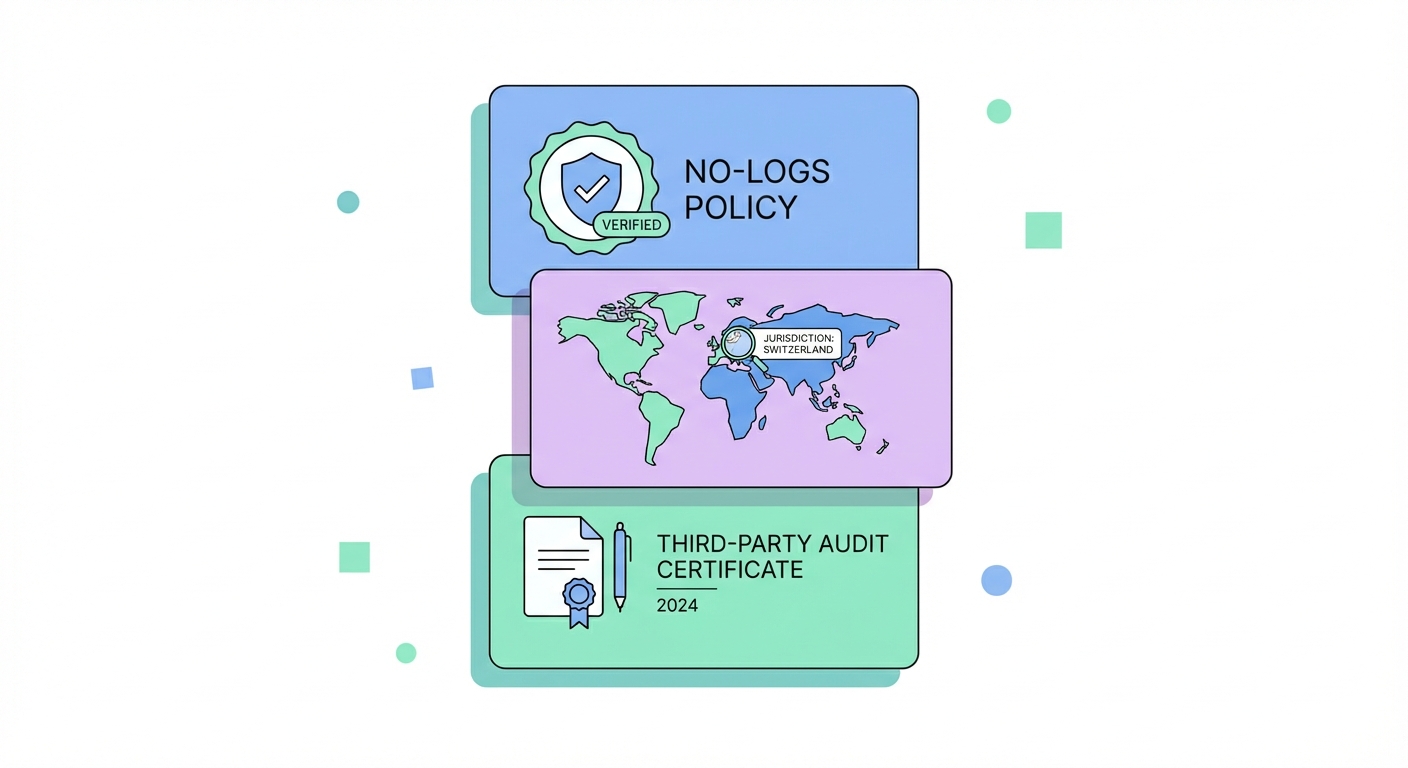
The no-logs audit is the single most important privacy credential. Look for published audit reports — full documents, not just "audited" marketing badges — from reputable security firms. Cure53 (Germany), PricewaterhouseCoopers AG (Switzerland), KPMG, and Deloitte are the most credible auditors in the VPN space. The audit should specifically verify that: no connection logs are retained (timestamps, IP addresses, session duration), no activity logs are retained (sites visited, DNS queries), and the server infrastructure matches the no-logs claims. RAM-only server infrastructure provides additional assurance because data cannot persist between server reboots.
Jurisdiction determines the legal framework the provider operates under. Providers in Panama (NordVPN), British Virgin Islands (ExpressVPN, Surfshark), Switzerland (ProtonVPN), and Iceland (1.1.1.1 by Cloudflare) operate outside the Five Eyes and major intelligence-sharing alliances, providing stronger legal protections against forced data disclosure. This doesn't guarantee privacy — a dishonest provider in Panama is less trustworthy than an honest one in the US — but combined with a verified no-logs policy and strong ownership transparency, jurisdiction is a meaningful privacy factor.
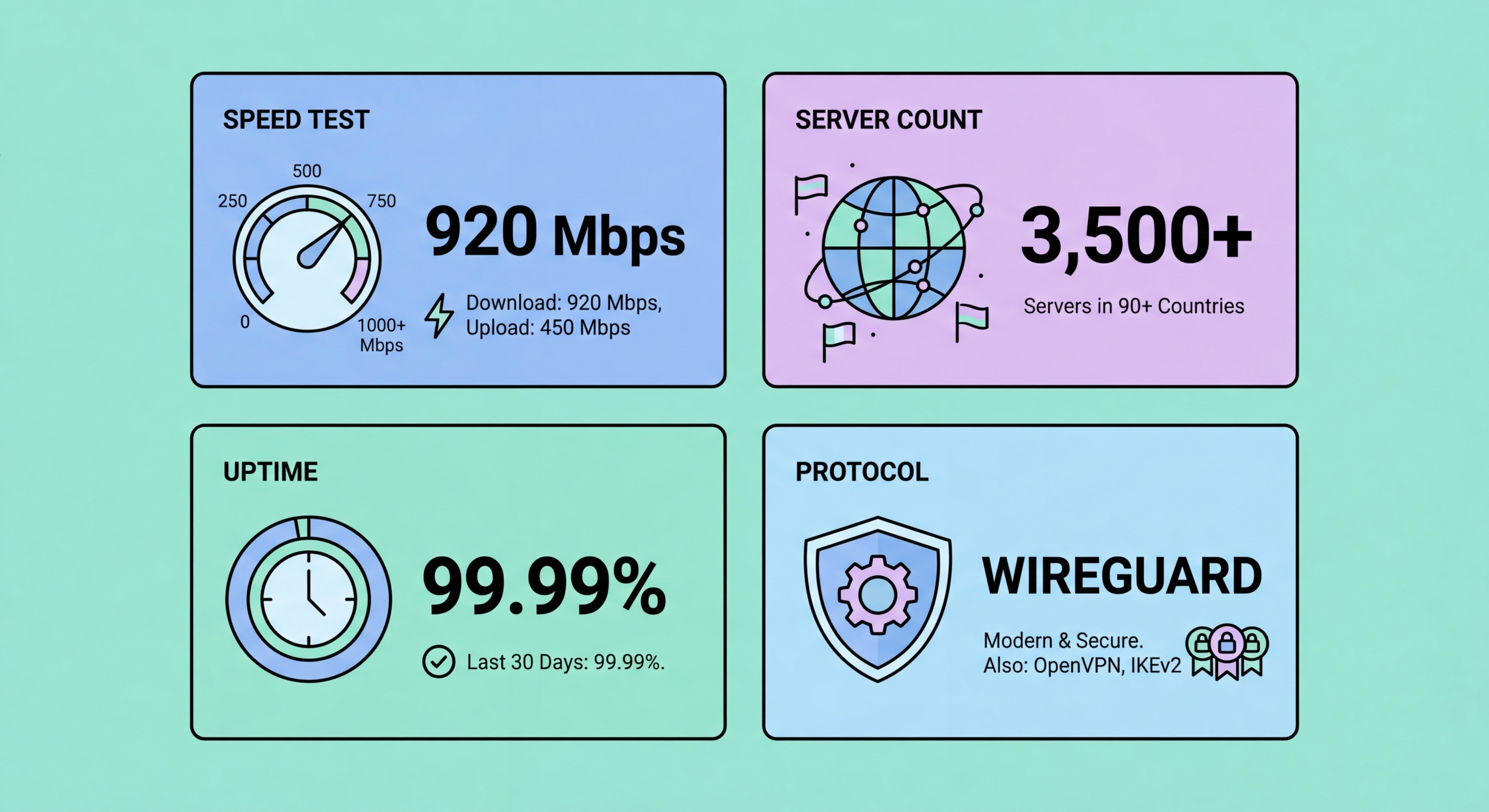
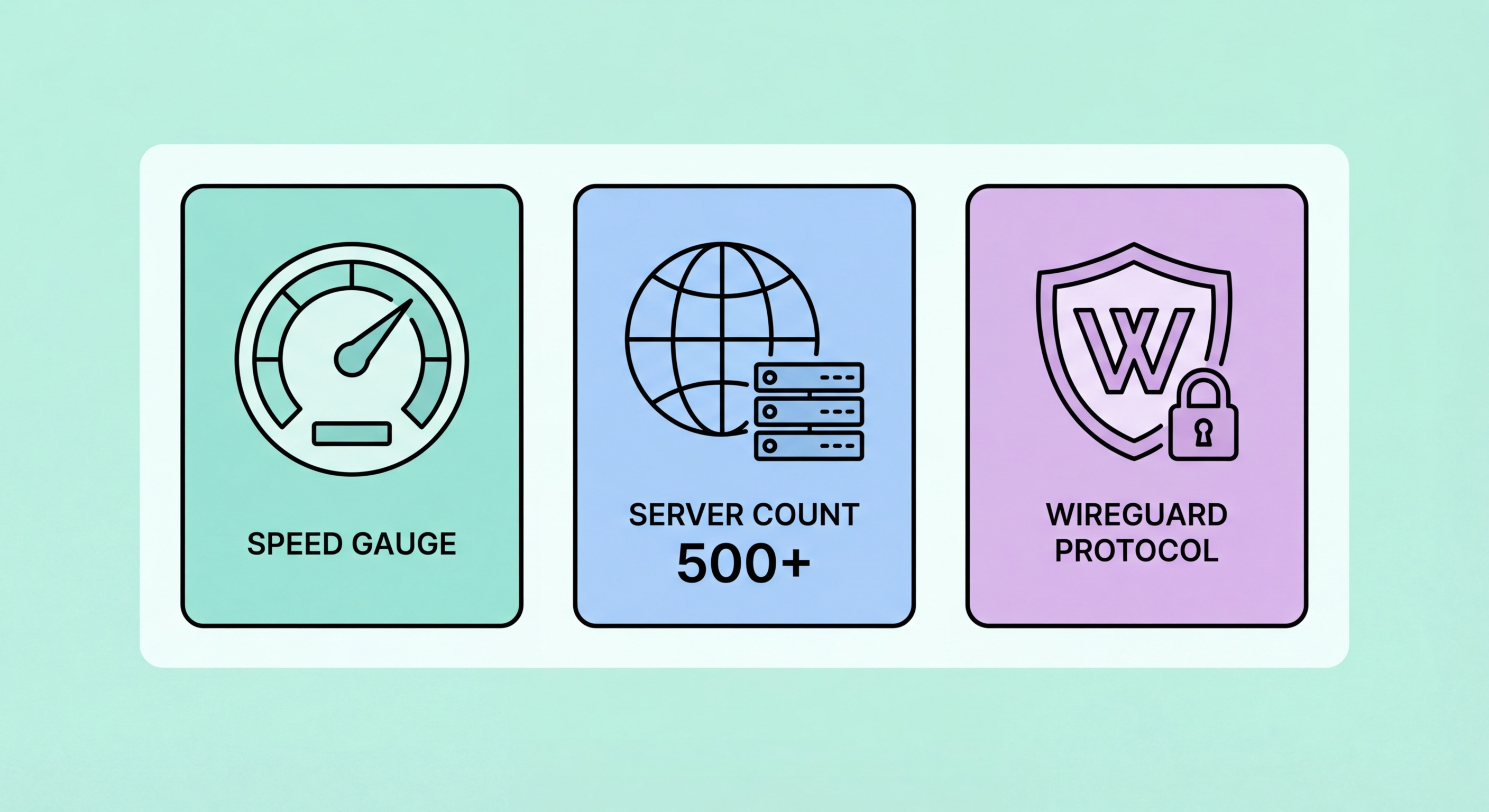
Performance evaluation should focus on real-world metrics relevant to your use cases, not marketing claims. Server count advertising ("6,400+ servers!") is one of the most abused marketing metrics in the VPN industry — the relevant factors are server quality (bandwidth capacity, hardware, peering), geographic coverage relative to your specific needs, and actual measured performance in your region. An 80-server network with high-capacity infrastructure in your key locations will outperform a 7,000-server network with underpowered, overloaded servers.
WireGuard protocol ↗ support is now a must-have for any VPN you're considering. WireGuard delivers the fastest performance of any major VPN protocol, with independently verified speed advantages of 2–4x over OpenVPN in most tests. If a VPN provider doesn't support WireGuard or an equivalent modern protocol (ExpressVPN's Lightway, NordVPN's NordLynx), they are significantly behind the state of the art. For It Protects and How to Use It">on Public WiFi: Why It's Essential in Hong Kong">Hong Kong users, also verify that the provider has well-provisioned servers in Japan, Singapore, and South Korea — these are the closest high-bandwidth locations for everyday use.
Server geographic distribution matters relative to your specific use cases. If you primarily need China access from HK, you need a provider with proven obfuscation capability — server count in Europe is irrelevant. If you primarily use VPN for US streaming, the quality and variety of US server locations (and the provider's ability to maintain Netflix unblocking as Netflix updates its blocklists) matters most. Match the server network evaluation to your actual use cases rather than evaluating server count as an abstract number.
Beyond the core privacy and performance criteria, a set of operational features determine whether a VPN is practical for everyday use. The kill switch is the most critical: without it, VPN dropouts expose your real IP. Verify that your chosen VPN implements a system-level kill switch (using Windows Filtering Platform or iptables) rather than just an app-level implementation. Test it by enabling the kill switch, connecting to the VPN, then manually disconnecting — internet should immediately stop working.
Split tunnelling is important if you need different applications to route through different paths — work apps through corporate VPN, personal browsing through consumer VPN, streaming directly. Verify the implementation is app-based (most common), and whether it's available on your specific operating system — some providers offer split tunnelling on Windows and Android but not macOS or iOS. DNS leak protection should be automatic and built into the VPN's core functionality — verify with dnsleaktest.com. IPv6 leak protection is also important if your ISP ↗ assigns IPv6 addresses.
Multi-device support determines how many devices you can protect simultaneously on one subscription. For most HK households, 5 simultaneous connections covers the basics (laptop, phone, tablet, one spare). Surfshark offers unlimited simultaneous connections — ideal for families or users with many devices. Check whether the device limit is enforced per-session (hard limit) or per-device (sometimes slightly more flexible). Router installation capability (VPN configured on your home router) eff ↗ectively covers unlimited devices at home and is supported by most major providers via OpenVPN/WireGuard configuration files.
VPN pricing is genuinely confusing because providers advertise the lowest possible per-month price — which typically requires committing to a 2–3 year prepaid subscription — without prominently disclosing the significantly higher renewal price. Always check: (1) the actual total cost for the plan period, (2) the renewal price after the initial plan expires, and (3) any money-back guarantee period that effectively gives you a trial. The "best deal" calculation must include the renewal price for your realistic ongoing commitment.
The value tiers in the VPN market as of 2026: Premium tier (HK$70–140/month equivalent): ExpressVPN, Astrill — fastest speeds, most reliable streaming/China access, best support; justified for power users and frequent China travellers. Mid-range tier (HK$40–70/month equivalent): NordVPN, ProtonVPN Plus — excellent all-round performance, strong privacy credentials, streaming support; best value for most users. Budget tier (HK$25–40/month equivalent): Surfshark, Private Internet Access — solid features, some compromises in support quality and streaming consistency; good for budget-conscious users with moderate needs. Free with limitations: ProtonVPN Free, Windscribe Free — legitimate privacy tools for light use; no data selling.
Use 30-day money-back guarantees strategically. Subscribe to your shortlisted providers one at a time, run them for 2–3 weeks with your actual use patterns (streaming, gaming, remote work, public WiFi), test kill switch and DNS leak protection, and request a refund if unsatisfied before the guarantee expires. This gives you genuine real-world data without long-term financial commitment. All major providers honour money-back guarantees without requiring reasons — NordVPN, ExpressVPN, Surfshark, PIA, and ProtonVPN all offer 30-day guarantees.