MFA for Hong Kong Businesses: Implementation Guide

Business email compromise and credential theft cost Hong Kong businesses millions each year. Multi-factor authentication is the most effective technical control available — and it does not require enterprise budgets.

MFA implementation for Hong Kong business — corporate authentication across teams
1The Business Case

Why MFA Is the Most Cost-Effective Security Control for HK Businesses

Business Email Compromise (BEC) is one of the most financially damaging cyberattacks affecting Hong for Hong Kong SMEs: Where to Start">for Hong Kong Companies">Kong companies. Attackers compromise an employee's email account — often through credential stuffing using passwords leaked in data breaches at other services — and use it to fraudulently redirect payments, request wire transfers, or access sensitive business information. The HKMA and Hong Kong Police have both warned about the frequency and severity of BEC incidents targeting local businesses. The median financial loss from a successful BEC incident runs into tens of thousands of Hong Kong dollars, with some cases involving losses of millions.

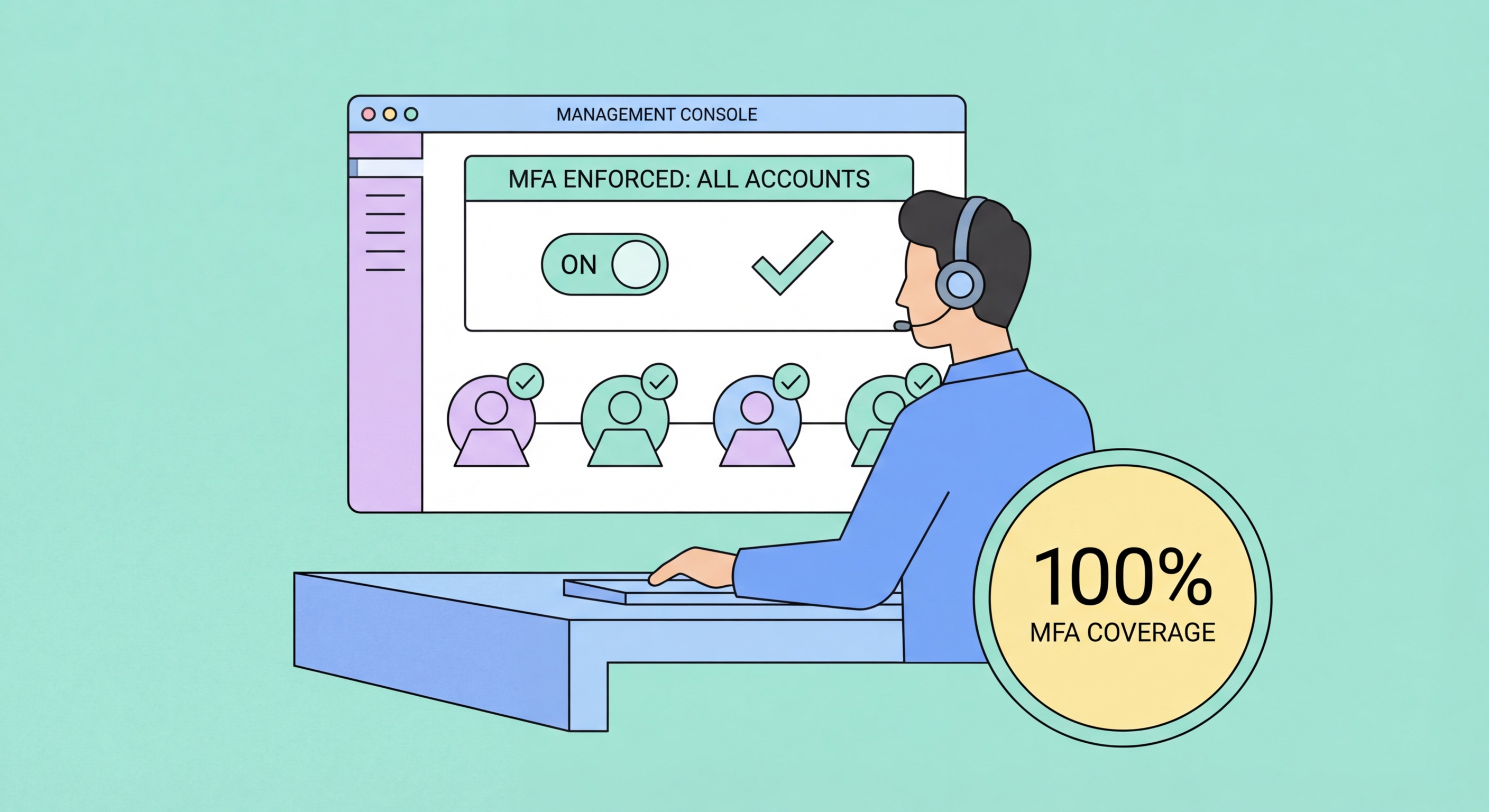
Microsoft's research consistently shows that MFA blocks over 99.9% of automated credential stuffing attacks and significantly complicates phishing-based account takeovers. For a business, the calculus is straightforward: deploying MFA across your organisation costs a fraction of the cost of a single successful BEC incident. For Microsoft 365 or Google Workspace organisations — the dominant platforms for HK SMEs — MFA can be enforced at the identity provider level, requiring all employees to authenticate with a second factor regardless of where or how they access company resources.

Regulatory and insurance considerations are also pushing HK businesses toward MFA. Cyber insurance policies increasingly require MFA as a condition of coverage for email and cloud accounts. A business that suffers a BEC incident without MFA in place may find that their insurer declines the claim on the basis that adequate precautions were not taken. The PCPD (Privacy Commissioner for Personal Data) expects organisations to implement appropriate security measures, and MFA is widely considered a baseline requirement for protecting personal data held in cloud systems.

  • BEC threat: Business email compromise is the top financially damaging cyber incident for HK SMEs
  • 99.9% attack block: MFA prevents the vast majority of credential-based account takeovers
  • Cost comparison: MFA deployment costs are a fraction of the average BEC incident loss
  • Insurance requirement: Many cyber insurance policies now require MFA as a coverage condition
  • PCPD compliance: MFA supports compliance with data security obligations under Hong Kong law
  • Remote work: MFA is especially critical for remote and hybrid workers accessing cloud resources
Understand the difference between 2FA and enterprise MFA →
Business email compromise protection with MFA in Hong Kong
2Platform Implementation

Enabling MFA for Microsoft 365 and Google Workspace

For Microsoft 365, the simplest path to enforcing MFA across an organisation is through Security Defaults, a set of preconfigured security policies Microsoft provides free to all tenants. Security Defaults can be enabled in the Azure Active Directory portal by an admin, and once active, all users will be required to register for and use MFA within 14 days. Microsoft Authenticator push notifications are the recommended MFA method. For more granular control — exempting specific service accounts, enforcing hardware keys for administrators, or configuring risk-based conditional access — Azure AD Conditional Access (available in Microsoft 365 Business Premium and above) provides enterprise-grade policy control.

For Google Workspace, MFA enforcement is managed in the Admin console under Security → Authentication → 2-Step Verification. Admins can enforce 2-step verification for all users in the domain, set a grace period during which users must enrol before it becomes mandatory, and configure which 2FA methods are permitted (allowing admins to prohibit SMS and require authenticator apps or hardware keys). The Google Workspace Admin SDK also allows 2FA compliance reporting, showing which users have and have not enrolled. Google Workspace Enterprise editions support hardware key enforcement, which is recommended for administrator accounts.

For both platforms, the recommended deployment process is: announce the upcoming change to all staff, provide training resources and a helpdesk escalation path, enable enforcement in a pilot group first, then roll out organisation-wide. Run a compliance report two weeks after enforcement to identify users who have not enrolled and provide hands-on assistance. Plan for edge cases such as shared accounts (implement shared account solutions rather than sharing 2FA codes), service accounts (use application passwords or service account-specific authentication flows), and employees who resist change (provide one-on-one support rather than allowing exceptions).

  • Microsoft 365: Security Defaults in Azure AD — free, simple, enforces MFA for all users
  • Conditional Access: Microsoft 365 Business Premium — risk-based, granular policy control
  • Google Workspace: Admin console → Security → 2-Step Verification → Enforce for entire domain
  • Pilot first: Roll out to a test group before organisation-wide enforcement
  • Compliance reporting: Both platforms provide reports on which users have enrolled
  • Shared accounts: Eliminate shared accounts — assign individual accounts with individual MFA
Consider phishing-resistant MFA for admin accounts →
MFA for Microsoft 365 and Google Workspace in Hong Kong businesses
3Hardware Keys for Business

Hardware Security Keys for Business-Critical Accounts

For executive accounts, IT administrator accounts, finance team members with payment approval authority, and any employee with access to highly sensitive data, hardware security keys offer protection that goes beyond what authenticator apps can provide. The domain-binding property of FIDO2 hardware keys makes them completely immune to phishing — even the most sophisticated spear-phishing attack cannot steal authentication from a hardware key because the key cryptographically verifies the exact website domain before signing.

For a business deployment, the recommended approach is to purchase YubiKey 5C NFC keys in bulk (Yubico offers volume pricing) and distribute two keys per high-risk employee — one for daily use and one registered as a backup. Train employees on the setup process for each relevant service (Microsoft 365, Google Workspace, VPN, privileged admin portals). Establish a key management procedure: keys are registered to employees, listed in an asset register, and must be reported lost immediately so they can be removed from all systems. Lost key removal is a critical process that must be well-defined before deployment.

For most employees in a typical Hong Kong SME, hardware keys are not necessary — the combination of Microsoft Authenticator or Google Authenticator with organisation-enforced MFA provides excellent protection. Hardware keys are most valuable for the subset of employees whose account compromise would be catastrophic for the business: C-level executives, IT administrators, finance controllers, and anyone with access to customer personal data. A tiered approach — hardware keys for high-risk roles, authenticator apps for general staff — balances security with practicality and cost.

  • Priority roles: Executives, IT admins, finance, and employees with access to sensitive customer data
  • YubiKey volume pricing: Yubico offers business pricing for bulk purchases
  • Two keys per user: Primary key for daily use, backup key stored securely at office
  • Asset register: Track all hardware keys — who has them, which systems they access
  • Lost key procedure: Define and test the process for removing lost/stolen keys from all systems
  • Tiered approach: Hardware keys for high-risk roles; authenticator apps for general employees
Learn everything about hardware security keys for business →
Hardware security keys for business accounts and executive access
4Policy and Training

MFA Policies, Employee Training, and Ongoing Management

Technical enforcement of MFA is necessary but not sufficient — employees need to understand why MFA matters and how to use it correctly. A common failure mode is employees approving push notifications automatically without reading the request details, which enables MFA fatigue attacks. Training should cover: how to verify that a push approval request is legitimate (matching the location and time of your actual login attempt), what to do when you receive an unexpected approval request (deny it and report it to IT), and how to use your chosen MFA method efficiently without it feeling like a burden.

Your MFA policy document should specify: which accounts require MFA (all cloud email, VPN, remote access, and administrative accounts at minimum), which MFA methods are approved (authenticator app as baseline, hardware key for privileged access), what to do when the MFA device is unavailable (escalation path to IT helpdesk), and the process for employee offboarding (MFA credential revocation as part of account deprovisioning). The policy should be reviewed annually and updated as new authentication technologies become available.

Ongoing management includes monitoring for MFA bypass attempts (logins that succeed with only a password — indicating an account may be exempted from MFA incorrectly), tracking MFA enrolment compliance, reviewing and updating trusted device lists, and testing recovery procedures. Many organisations run annual "phishing simulations" that test whether employees will approve fake push notifications — this type of drill identifies employees who need additional training and reinforces the habit of verifying requests before approving. Document your MFA procedures thoroughly, as this documentation may be requested by auditors, cyber insurers, or regulatory bodies.

  • Training focus: Verify push request details, deny unexpected requests, report to IT
  • Policy must cover: Which accounts, which methods, exceptions process, and offboarding procedure
  • Offboarding critical: Revoke MFA credentials as part of employee termination or role change
  • Monitoring: Watch for unexpected password-only logins that bypass MFA enforcement
  • Phishing drills: Annual simulated MFA fatigue attacks identify employees needing additional training
  • Documentation: Maintain MFA policy documentation for auditors and cyber insurance requirements
Common 2FA mistakes your employees may be making right now →
Employee training for MFA policy in Hong Kong business

Protect Your Business from Account Compromise

MFA deployment for a typical HK SME takes a day of IT work and transforms your organisation's email security posture. Start with Microsoft 365 or Google Workspace security defaults today.

Related VPN Articles