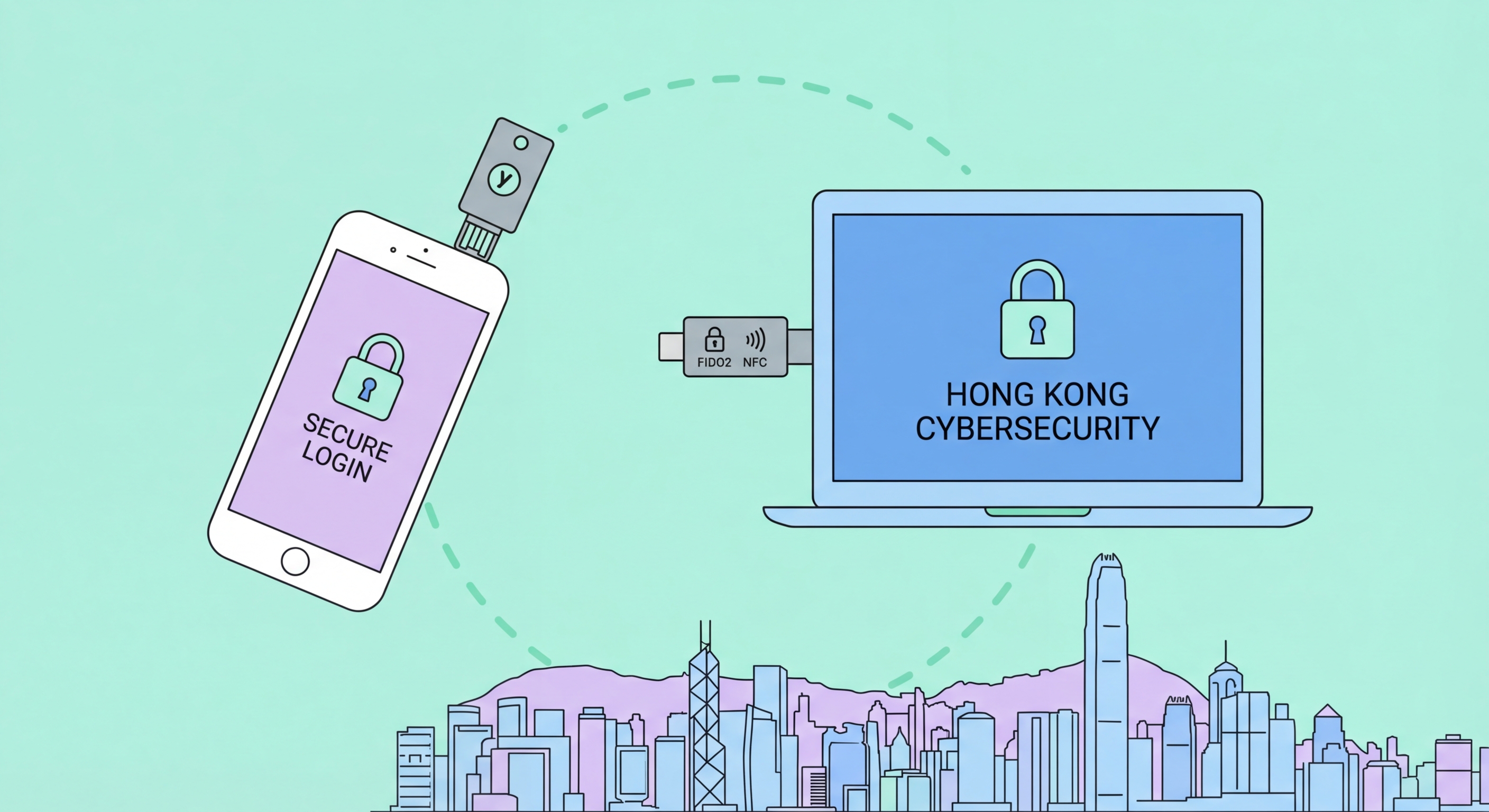
YubiKey is the world's most trusted hardware security key. This honest review covers every model relevant to Hong Kong users, where to buy in HK, setup process, and whether it's worth the investment.
Yubico produces a range of YubiKey models targeting different use cases and budgets. For most Hong Kong consumers in 2026, the choice narrows to two models: the YubiKey 5C NFC (USB-C with NFC) and the YubiKey Security Key C NFC. The 5C NFC costs approximately HK$480–520 and is the most versatile option, supporting FIDO2, FIDO U2F, TOTP, PIV smart card, OpenPGP, and OTP modes. The Security Key C NFC costs approximately HK$280–320 and supports FIDO2 and FIDO U2F only — this is sufficient for all consumer 2FA use cases but lacks the enterprise protocols (PIV, OpenPGP) that IT professionals may need.
The USB-C connector makes both models compatible with modern MacBooks (2016+), modern Windows laptops with USB-C, iPad Pro, and USB-C Android phones. For users with older USB-A laptops or desktops, the YubiKey 5 NFC (USB-A with NFC) is the equivalent option. NFC (Near Field Communication) allows the key to be used with iPhones (iOS 13+) and NFC-enabled Android phones by tapping the top of the phone — no physical connection required. This is critical for smartphone authentication use cases, making NFC support a strong recommendation for anyone who wants to use their YubiKey with their phone.
Yubico also produces the YubiKey Bio Series, which adds a fingerprint reader to the key itself, allowing authentication with biometric confirmation even when the key is used with a computer that doesn't have a built-in biometric reader. The Bio Series is interesting for enterprise use but is significantly more expensive and the fingerprint reader adds a layer of complexity that is unnecessary for most users. For standard consumer 2FA use, the 5C NFC or Security Key C NFC provide better value.
Yubico ships directly to Hong Kong from their website at yubico.com. The international shipping typically takes 7–14 business days, and import duties may apply on orders above HK$400 (the de minimis threshold for Hong Kong Businesses">Kong Businesses: Implementation Guide">for Hong Kong Online Banking: What You Need to Know">for Hong Kong customs duty is generally low, but electronics can attract duty). Payment is by international credit card. Buying directly from Yubico's website guarantees authenticity — given that hardware security keys are security devices, buying counterfeit or tampered keys is a real risk with unauthorised resellers, so supply chain authenticity is important.
Some IT resellers and electronics retailers in Hong Kong's Mong Kok and Sham Shui Po electronics districts stock YubiKey models, though availability varies. Check computer hardware shops in Sino Centre, Computer One Arcade, or Golden Shopping Centre in Sham Shui Po. Prices from local retailers are typically 15–25% higher than buying direct from Yubico but eliminate shipping time and import considerations. Ask specifically for the model number when inquiring — staff may not be familiar with YubiKey terminology and a specific model number query will be more productive.
Amazon.com ships to Hong Kong for YubiKey purchases, offering fast shipping through Amazon Global. Amazon Australia is another option with reasonable shipping to HK. When purchasing from any channel other than Yubico directly, verify you are buying from an authorised reseller — Yubico lists authorised resellers on their website at yubico.com/resellers. Avoid purchasing YubiKeys from eBay, Carousell, or other second-hand or grey market channels — the risk of receiving a counterfeit or previously enrolled key is not worth the cost savings.
YubiKey requires no drivers or software installation on modern operating systems — it is plug-and-play. Insert the key and your Mac, Windows PC, or Linux machine recognises it immediately. On iPhone, the NFC mode activates automatically when a service requests security key authentication. The setup process for each service follows the same pattern: go to the service's security settings, choose "Add a security key," insert or tap the YubiKey when prompted, and touch the gold contact on the key. The circle with a line through it (the Yubico logo) lights up when the key is waiting for your touch.
For Google, the setup path is: myaccount.google.com → Security → 2-Step Verification → Add security key. When prompted, insert the YubiKey into USB-C, then touch the key's gold circle. Google associates the key's public key with your account. Repeat the process for your backup YubiKey. The same basic process applies to Microsoft, GitHub, Twitter, Facebook, Dropbox, and other FIDO2-supporting services. The first setup takes about 5 minutes per service; subsequent use is a one-second touch.
Daily use is remarkably frictionless. When logging in to a site with your YubiKey registered, after entering your password you are prompted to insert and touch the key. On supported websites in Chrome, Firefox, Edge, or Safari, this is seamless. For iPhones, you tap the key against the NFC reader area near the top of the phone. The transaction completes in under 2 seconds. YubiKey requires no battery, no charging, and no app. It is durable — rated for drops and designed to be carried on a keyring. The aluminium and plastic shell of the 5C NFC model is robust enough for daily keyring carry.
The verdict depends strongly on your threat model. For most ordinary Hong Kong users whose main concern is credential stuffing attacks and phishing, a good authenticator app provides excellent protection at zero cost. Upgrading to a YubiKey for those users is a genuine improvement in security, but the practical risk reduction is incremental rather than transformational — sophisticated phishing is uncommon for ordinary consumer accounts. For these users, a YubiKey is a worthwhile purchase if you value having the best possible protection, but it is not urgently necessary.
For Hong Kong users who hold cryptocurrency, run businesses with significant online assets, are in roles involving access to sensitive personal data, or who are public figures with social media audiences — the case for YubiKey is strong and arguably urgent. These users face a significantly higher risk of targeted attacks where phishing-resistant 2FA makes a meaningful difference. At HK$480–600 for two keys, the cost is negligible compared to the value of what is being protected. The YubiKey 5C NFC is the specific model we recommend for this group.
One honest limitation: YubiKey does not work with Hong Kong banking apps, which use their own proprietary authentication systems. Your HSBC, Hang Seng, and BOC banking authentication will continue to use those banks' app-based systems regardless of whether you have a YubiKey. YubiKey excels for Google, Microsoft, GitHub, social media, VPN access, and cloud services — which is where the BEC and social media account takeover threats are most relevant. Think of YubiKey as protecting your digital identity infrastructure; your banking apps sit in their own separate security layer.