VPN and Torrenting: Stay Safe While Downloading
Every peer in a torrent swarm can see your real IP address. Without a VPN, that includes copyright monitoring organisations and anti-piracy firms logging evidence against you.
Published: March 29, 2026
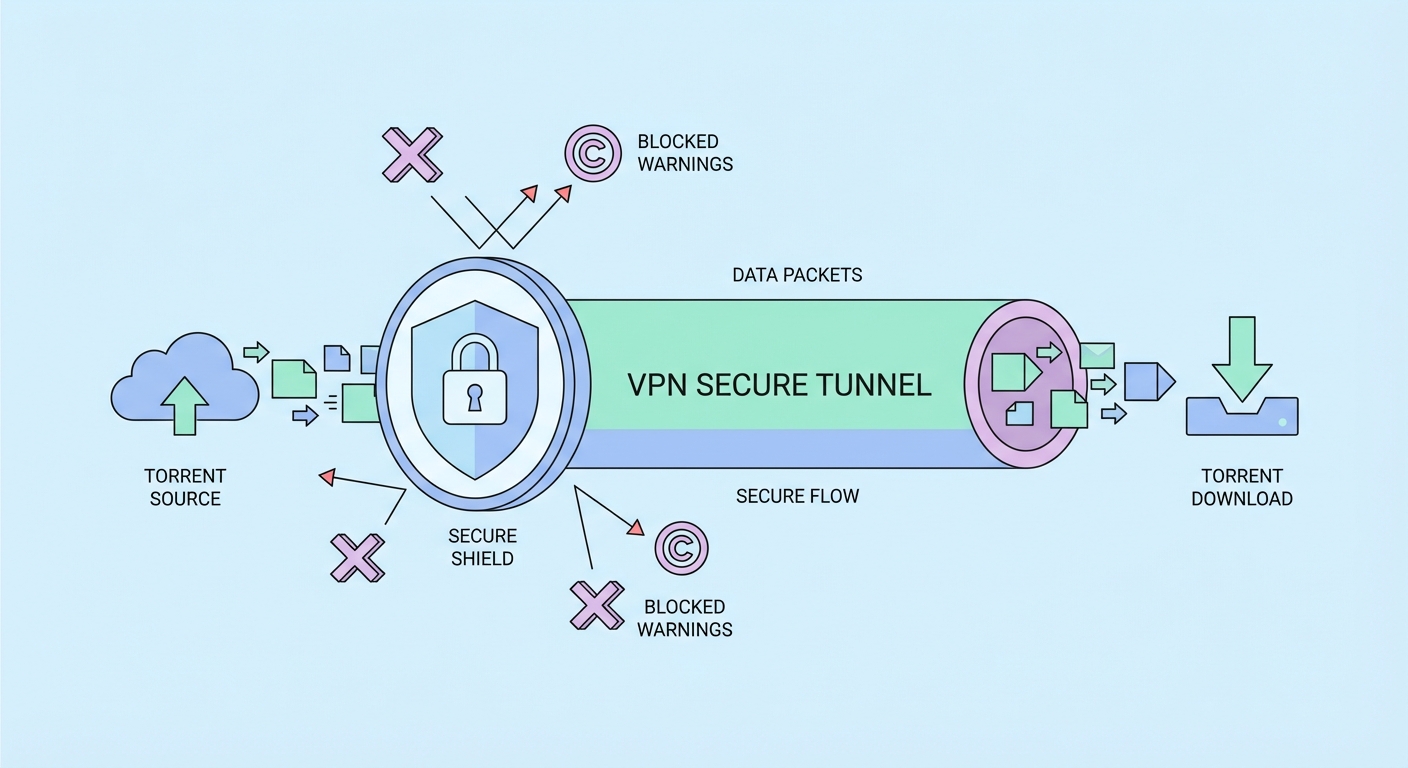
Every peer in a torrent swarm can see your real IP address. Without a VPN, that includes copyright monitoring organisations and anti-piracy firms logging evidence against you.
Published: March 29, 2026
The BitTorrent protocol's fundamental architecture makes privacy protection essential for copyright-sensitive torrenting. When you connect to a torrent swarm — the collective of peers sharing a particular file — your torrent client announces your real IP address to the tracker ↗ and directly to every other peer in the swarm. Any peer can see your IP, which gives them your approximate geographic location, and for static broadband IPs, a precise identifier that maps to your household through your ISP ↗'s subscriber records.
Anti-piracy organisations (including RIAA in the US, FACT in the UK, and their equivalents in Asia) operate sophisticated monitoring systems that join torrent swarms for popular copyrighted content and log the IP addresses of all peers. They then issue legal demands to ISPs in their jurisdiction to identify the subscribers associated with those IPs. In the US, this has resulted in hundreds of thousands of copyright infringement letters — and in some cases, lawsuits demanding thousands of dollars per infringed file. While Hong Kong's copyright enforcement environment has historically been less aggressive than the US, this landscape can change, and the IP exposure risk is the same regardless of enforcement probability.
Beyond copyright issues, torrenting without a VPN exposes you to ISP throttling. Many HK ISPs (including HKBN and SmarTone) apply traffic shaping to identify and throttle BitTorrent protocol traffic during peak hours, dramatically reducing torrent download speeds. A VPN encrypts the traffic so the ISP cannot identify it as BitTorrent, bypassing protocol-specific throttling and often significantly improving torrent speeds.
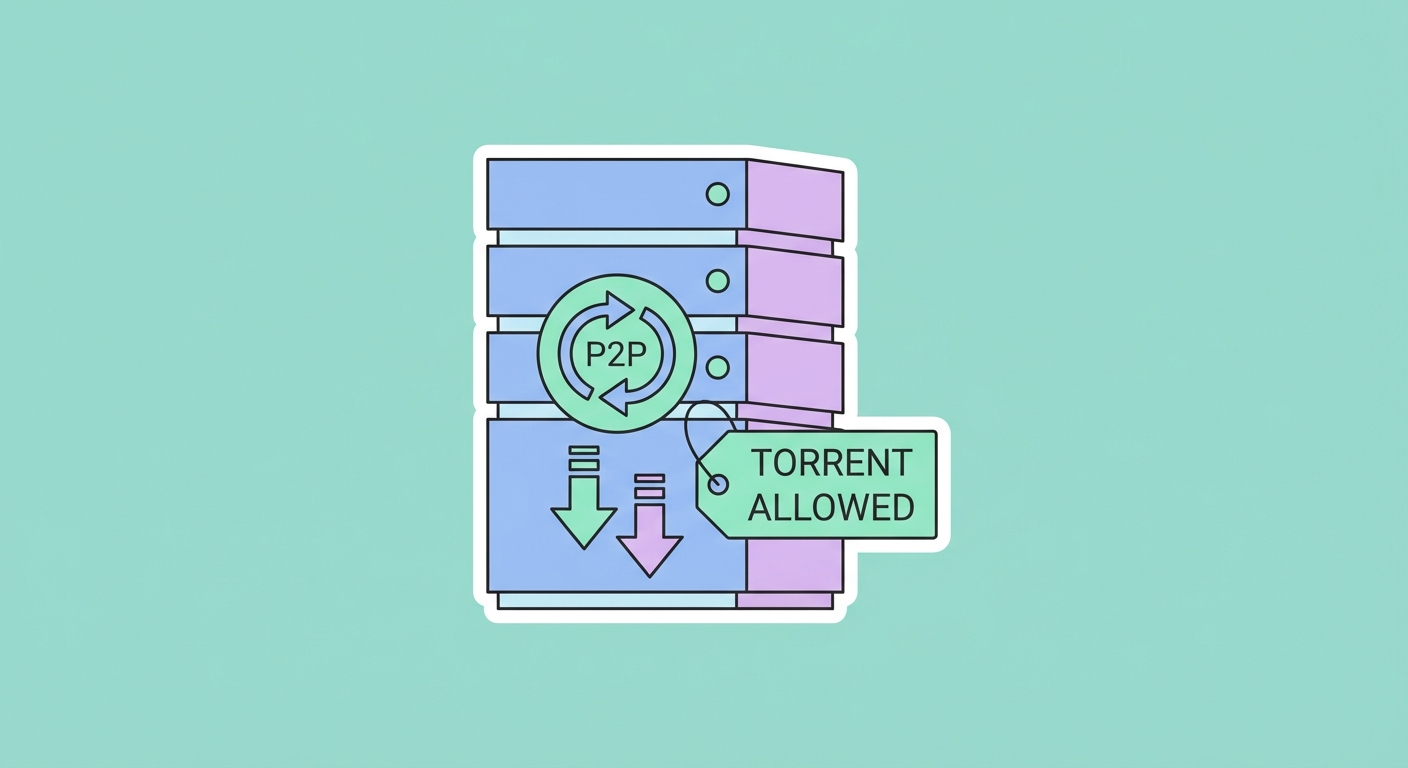
Not all VPN providers allow torrenting on their networks. Some — particularly those with server infrastructure in copyright-strict jurisdictions or those catering to family/streaming audiences — explicitly prohibit P2P traffic and will terminate accounts or throttle connections where torrent traffic is detected. Before using any VPN for torrenting, verify that the provider explicitly permits P2P use on at least some of their servers.
Private Internet Access (PIA) is widely considered the best torrent VPN for several reasons: it explicitly allows P2P on all its servers, offers port forwarding (enabling incoming connections that improve torrent speeds), supports SOCKS5 proxy (for torrent clients that natively support proxy configuration without full VPN routing), has a verified no-logs policy audited by Deloitte, and is priced very competitively at around HK$35/month on a 3-year plan. Its kill switch is system-level (using iptables on Linux/Windows Firewall), providing the highest reliability.
Mullvad VPN is the privacy-purist torrenting choice — no-account sign-up, cash payment acceptance, open-source clients, verified RAM-only servers, and excellent port forwarding support. NordVPN offers P2P-optimised servers (labelled "P2P" in the server list) that are specifically configured for torrent traffic — connect to one of these and your torrent client routes through an optimised server rather than a general-purpose one. ProtonVPN allows P2P on servers in Switzerland and Iceland, offering strong legal protections in these jurisdictions for P2P activities involving legal content.
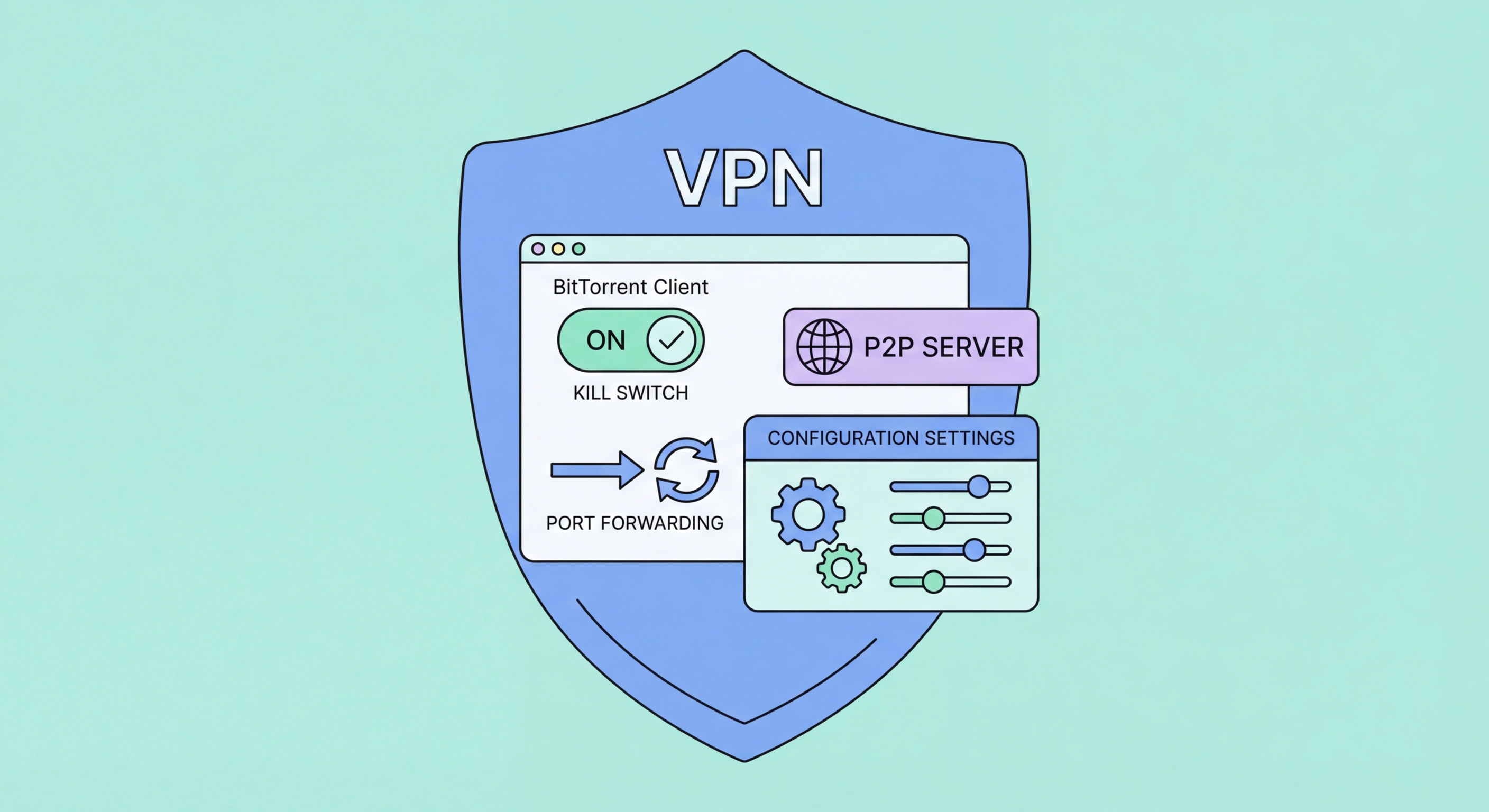
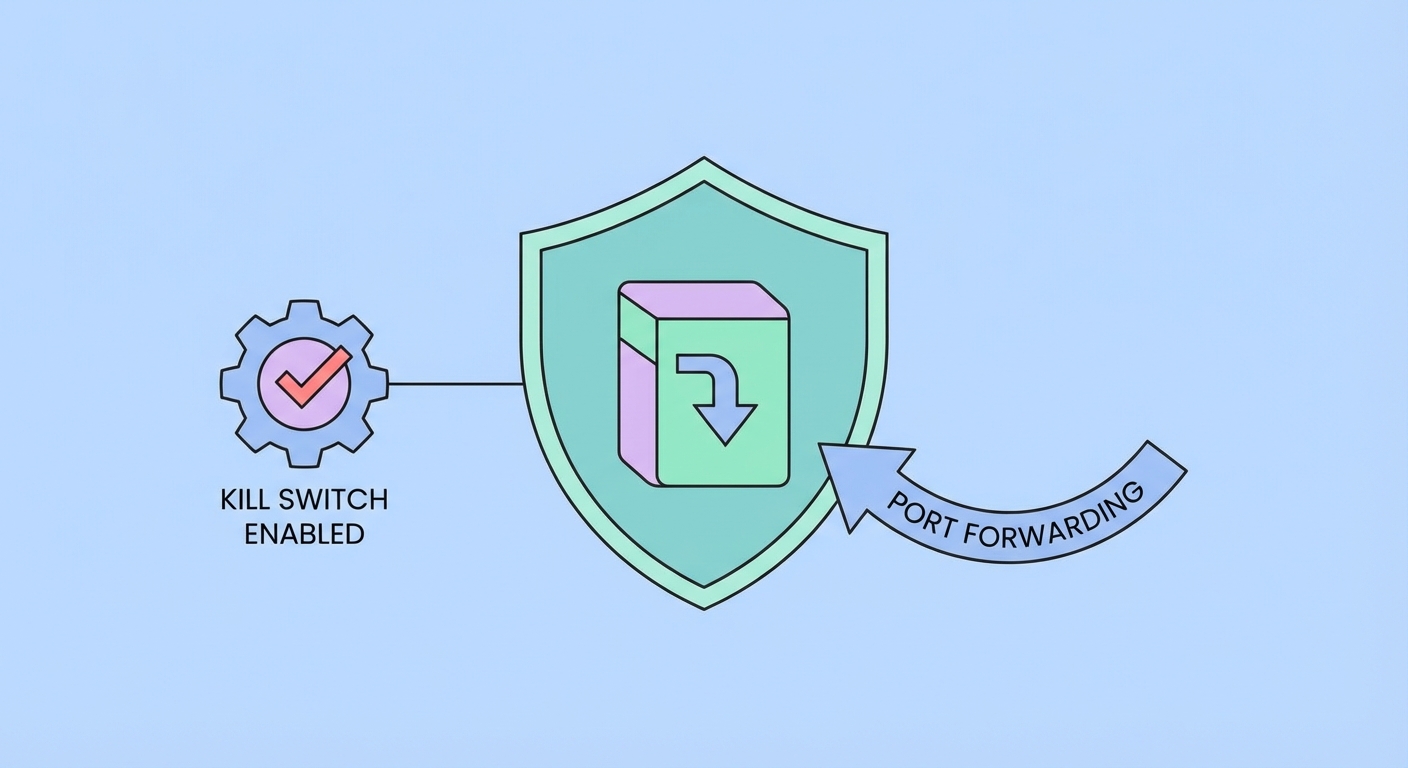
The kill switch is the most critical security feature for safe torrenting. If your VPN connection drops mid-torrent, your torrent client will immediately reconnect directly to the swarm using your real IP — potentially for minutes before you notice the Difference and the Connection">the connection dropped. A properly configured kill switch blocks all internet traffic the instant the VPN connection is lost, preventing any unprotected torrent traffic from leaking. For torrenting, a system-level kill switch (not just an app-level kill switch) is essential.
In PIA's client, enable the kill switch by navigating to Settings > Privacy > Kill Switch and selecting "Always" (which blocks internet even when PIA is not running — the most secure option) or "Auto" (which blocks internet only during a VPN dropout, reconnecting after). In qBittorrent and other torrent clients, add an additional binding layer: configure your torrent client to only use the VPN network adapter (typically labelled by the VPN provider) in the client's settings. This means even if the kill switch fails, the torrent client will stop rather than use a different network interface.
Port forwarding significantly improves torrent download speeds and is particularly important for seeding. By default, most VPN servers block incoming connections, meaning other peers cannot initiate connections to your torrent client — you can only make outgoing connections. With port forwarding enabled, the VPN server forwards a specific port to your device, allowing peers to connect directly to you. This often increases download speeds by 50–300% by expanding the pool of seeders you can connect to. PIA, Mullvad, and Torguard all support port forwarding — configure it in the VPN app and then enter the assigned port number in your torrent client's preferences.
Hong Kong's copyright law framework is established by the Copyright Ordinance (Cap. 528), which prohibits the reproduction, distribution, and communication of copyrighted works without authorisation. Downloading copyrighted material through torrents constitutes both reproduction (downloading) and distribution (uploading while seeding), both of which are infringements. The law provides for civil damages and, in serious commercial-scale cases, criminal prosecution.
In practice, individual consumer-level torrenting enforcement in on Public WiFi: Why It's Essential in Hong Kong">Hong Kong has been limited compared to the US and Europe. There has been no significant wave of "copyright troll" lawsuits targeting individual Hong Kong downloaders (unlike the US, where thousands of John Doe lawsuits have been filed). However, the legal framework is in place, and this could change as rights holders increasingly target the Asia-Pacific region. Using a VPN doesn't change the legal status of your downloads — it only provides practical privacy protection by masking your IP from monitoring entities.
A VPN is genuinely justified for torrenting even legal content. Linux distributions, open-source software, Creative Commons licensed media, and content you own the rights to can all be distributed via BitTorrent legally — and using a VPN to protect your privacy while doing so is entirely appropriate. For legally ambiguous or clearly infringing content, understand that a VPN provides practical privacy protection but does not create a legal right to infringe copyright. Always be aware of and comply with applicable local law.