2FA Backup Codes: What They Are and How to Use Them
Backup codes are your emergency access method when your 2FA device is lost or unavailable. Without them, you could be permanently locked out of your account. Here's everything you need to know.
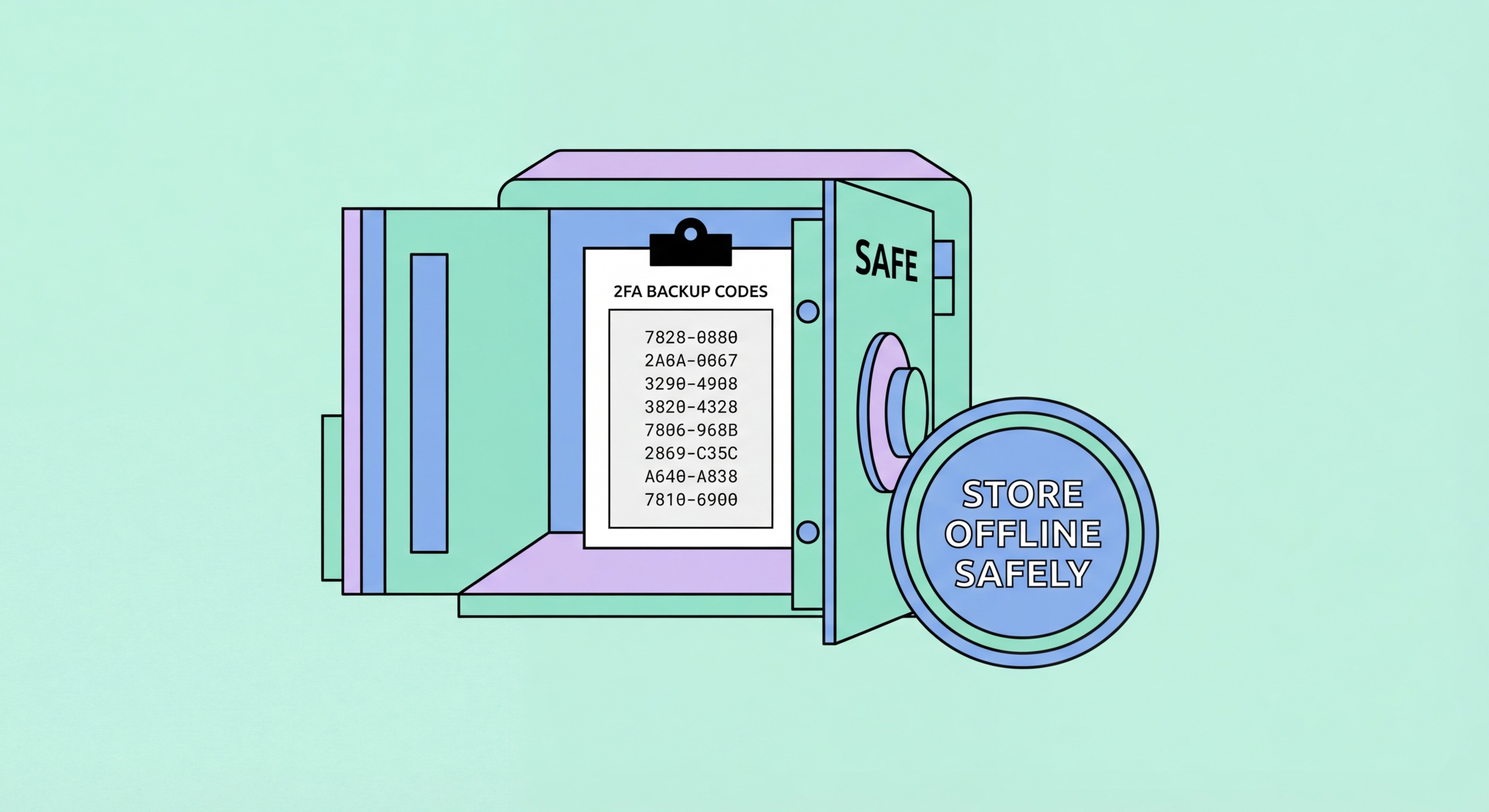
Backup codes are your emergency access method when your 2FA device is lost or unavailable. Without them, you could be permanently locked out of your account. Here's everything you need to know.
Backup codes — also called recovery codes — are a set of one-time-use codes generated by a service when you enable two-factor authentication. They serve as an emergency authentication method for situations when your primary 2FA method is unavailable: to Spot and Avoid Attacks on Your Phone">your phone is lost, broken, or stolen; your authenticator app data is corrupted; or you changed phones without transferring your 2FA setup. Each backup code can only be used once, and using one replaces the normal 2FA requirement for that single login session.
Services typically generate between 8 and 10 backup codes when you enable 2FA. Google provides 10 backup codes, each eight characters long. GitHub provides 16 codes. These codes are generated cryptographically and are not stored in a recoverable form on the service's servers after the initial generation — they typically store only a hash of each code. This means that if you lose your backup codes, the service cannot regenerate the same ones; you must generate an entirely new set, which invalidates all previous codes.
The mechanics of backup code authentication are simple: at the 2FA prompt during login, instead of entering your authenticator app code, you click an option like "Use backup code" or "Try another method" and type one of your saved backup codes. The service verifies it against its stored hash, marks it as used so it cannot be reused, and grants you access. Most services also alert you by email when a backup code is used, which serves as a warning if you did not initiate the login.

The ideal storage solution for backup codes must satisfy two competing requirements: accessible enough that you can find and use them in an emergency, and secure enough that an attacker who compromises one part of your digital life cannot also access your backup codes. The worst option is saving them in an unsecured text file on your desktop, in your email, or in a cloud note service without encryption — if your account is compromised, the attacker finds the backup codes at the same time.
A password manager is generally the best digital storage option. Services like 1Password, Bitwarden, or Dashlane allow you to save backup codes as secure notes attached to each account entry. Since the password manager is encrypted and access-controlled independently of any single account, an attacker who compromises one account does not automatically gain access to the password manager vault. The caveat is circular: your password manager account itself should use strong 2FA, and you should have a separate recovery method for the password manager itself.
For your most critical accounts — email, banking, and any account where your entire digital identity could be compromised — a physical copy stored in a secure location is a valuable second backup. Print the codes or write them clearly on paper, put them in a sealed envelope, and store them with important documents at home (or in a safe deposit box for highest value accounts). This physical backup is immune to all digital attacks. Label each envelope clearly so you can find the right codes quickly in an emergency. Review and regenerate your backup codes when they run low to maintain a full set.

Backup codes should be used only when your primary 2FA method is genuinely unavailable — not as a convenience shortcut because your phone is in another room. Each use reduces the set available to you, and since backup codes cannot be replenished without generating an entirely new set (which voids all previous codes), treating them as precious emergency resources is the right approach. If you find yourself using them frequently, it is a sign you need to fix your primary 2FA setup rather than burning through backup codes.
After using a backup code to log in, your immediate next action should be to review and correct whatever 2FA issue caused you to need it. If your authenticator app was deleted, reinstall it and re-enroll. If you lost your phone, set up 2FA on your new device. If you changed phones without migrating, do so now. While you are logged in with a backup code, your account's 2FA is effectively reduced to just a password — you should not leave it in that state any longer than necessary.
Proactively managing your backup codes means periodically checking how many you have remaining and regenerating a fresh set before you exhaust them. For Google, you can view how many backup codes remain in your Google Account security settings and generate a new set of 10 codes at any time (which immediately voids the old set). Keep track of which codes you have used, either by crossing them off a physical list or by marking them as used in your password manager. A practical rule of thumb: regenerate backup codes whenever you have used more than half of your set.

Losing both your 2FA device and your backup codes simultaneously is a worst-case scenario that can result in permanent account lockout. This is why maintaining at least two independent backups of your backup codes — one digital (password manager) and one physical (printed copy) — is so important. If you find yourself in this situation, the first thing to understand is that recovery options vary enormously by service, and some services are genuinely very strict about identity verification before bypassing 2FA.
Google provides an account recovery process at accounts.google.com/signin/recovery that attempts to verify your identity through multiple signals: trusted devices where you have previously been logged in, recovery phone number or email, location history, and account activity patterns. Success is not guaranteed — Google's security team makes a judgement call based on the available evidence. Having a recovery phone number and recovery email set up before you need them significantly improves your chances. The recovery process can take days.
For other services, the contact path is usually through their support team, which will require identity verification before granting access. Be prepared to provide: proof of account ownership (billing records, registration email, associated credit card details), government-issued ID in some cases, and detailed account history that demonstrates you are the legitimate owner. Some services — particularly those handling financial assets — may have intentionally strict recovery processes that cannot be bypassed quickly, even for legitimate owners. This is why generating and safely storing backup codes before you need them is so critical.
