VPN for Mobile: Best Apps for iOS & Android
Your phone connects to more networks in a day than your laptop does in a week. Mobile VPN protection is not optional — here's how to do it right on iPhone and Android.
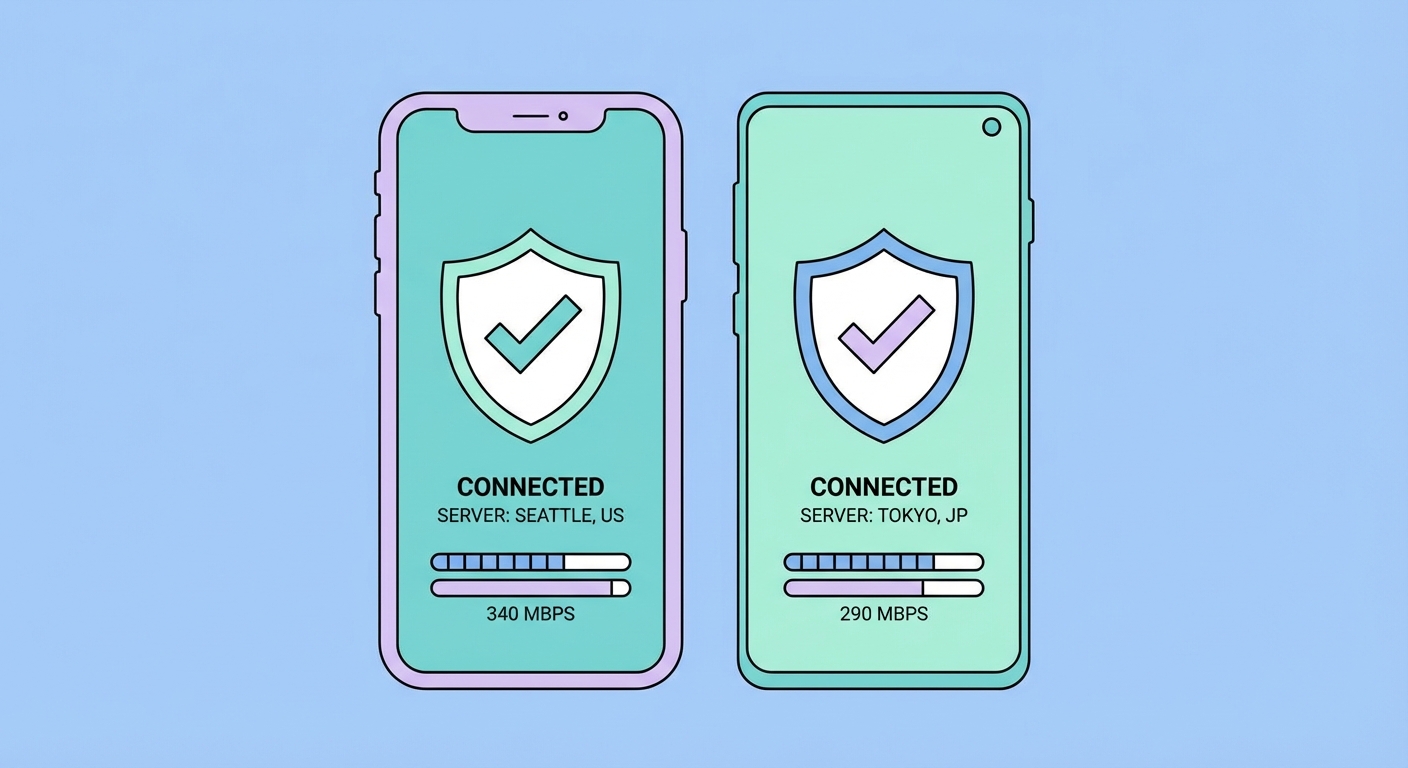
Your phone connects to more networks in a day than your laptop does in a week. Mobile VPN protection is not optional — here's how to do it right on iPhone and Android.
The average It Protects and How to Use It">on Public WiFi: Why It's Essential in Hong Kong">Hong Kong smartphone user connects to multiple different networks throughout a typical day: home WiFi in the morning, MTR station WiFi on the commute, office network at work, a café WiFi at lunch, and 4G/5G while walking between MTR stations. Each of these network transitions is a potential security event — and the seamless switching that makes mobile networking convenient also creates multiple windows of potential vulnerability.
Mobile devices are particularly exposed for several reasons beyond network variety. Smartphones contain the most sensitive personal data of any device most people own: banking apps, health data, private messages, work email, photos, and location history. Mobile apps frequently send data in the background without any obvious user interaction — advertising SDKs, analytics libraries, and system telemetry all transmit data that a VPN encrypts in transit. On Android specifically, apps have historically had access to network-level data that can identify users even without direct location permissions.
Mobile advertising identifiers — Apple's IDFA (Identifier for Advertisers) and Google's AAID (Android Advertising ID) — are persistent device identifiers that advertising networks use to track users across apps. While a VPN can't block these identifiers directly, the combination of a VPN (hiding your IP) and using privacy settings to reset or limit your advertising ID creates a significantly stronger anti-tracking posture. Recent iOS privacy changes (App Tracking Transparency requiring explicit opt-in consent for cross-app tracking) have partially addressed this on iPhone, but Android remains more permissive.
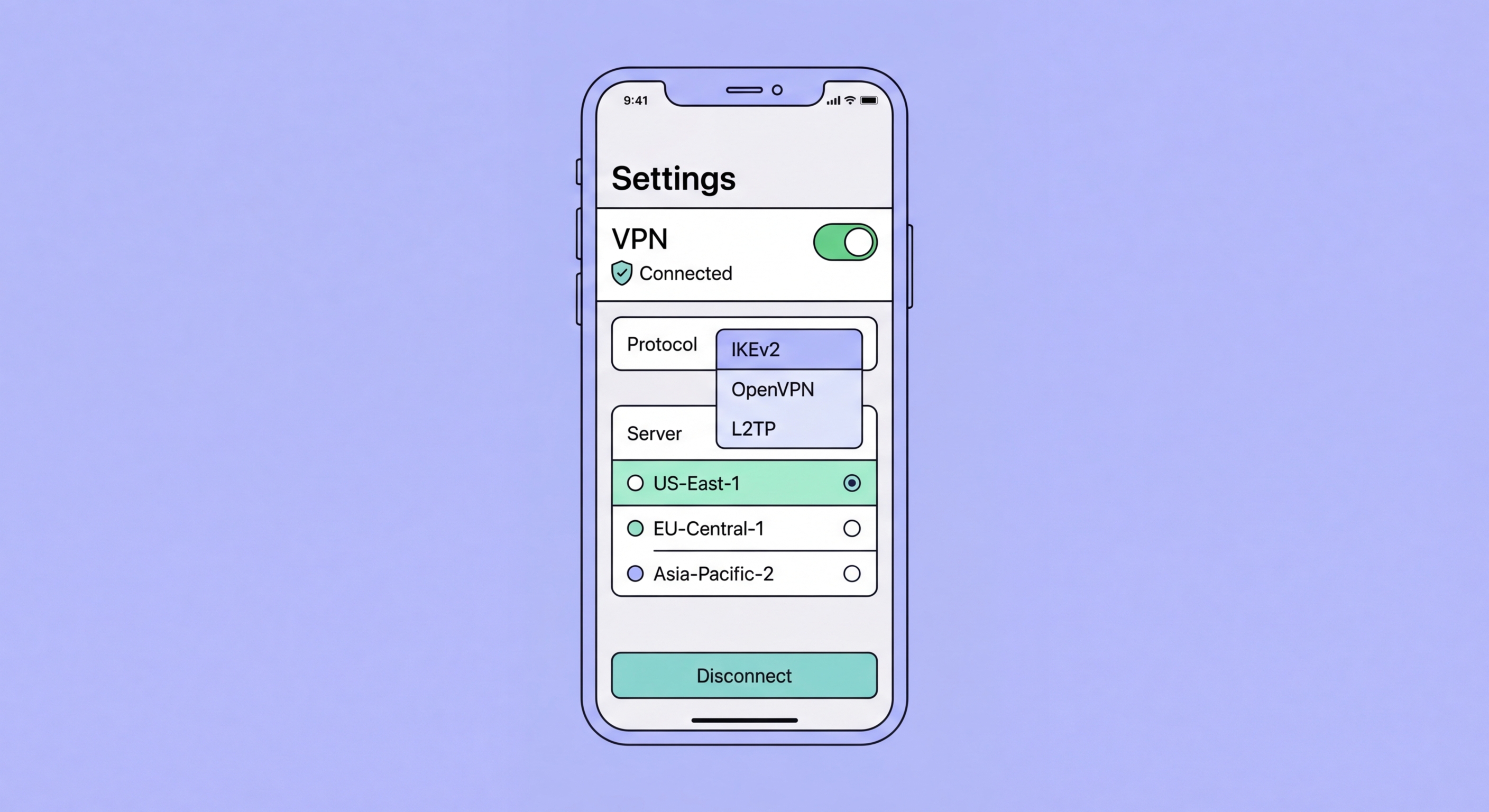
iOS VPN apps operate within Apple's strict App Store guidelines and NEVPNManager framework, which provides both security advantages and some limitations. All VPN apps on iOS must use Apple's Network Extension framework — this means they're subject to Apple's code review and can't use custom kernel modules (as WireGuard does on Linux/Android). Quality providers implement WireGuard on iOS using Apple's native framework, which delivers performance comparable to desktop implementations on modern iPhones.
ExpressVPN for iOS is consistently the top performer for speed and reliability. The interface is exceptionally clean — large connect button, smart location selection, and a protocol menu where you can select Lightway (recommended) or WireGuard. The Lightway implementation on iOS is particularly fast, consistently achieving 300–500 Mbps on a good WiFi connection. It supports per-app split tunnelling and includes a reliable kill switch labelled "Network Lock." ExpressVPN's iOS app is updated frequently and has never been removed from the App Store — a notable achievement given Apple's occasional removal of VPN apps at government request in China.
Mullvad for iOS is the privacy purist's choice. The app is open-source (code available on GitHub), uses WireGuard by default, and includes a DAITA (Defence Against AI-guided Traffic Analysis) feature that adds random padding to network packets to resist advanced traffic analysis. The interface is minimal and technical — ideal for privacy-focused users who want maximum control. ProtonVPN for iOS includes a free tier with no data cap, Swiss jurisdiction protections, and an excellent Stealth protocol (based on TLS obfuscation) for use on networks that detect and block VPN connections.
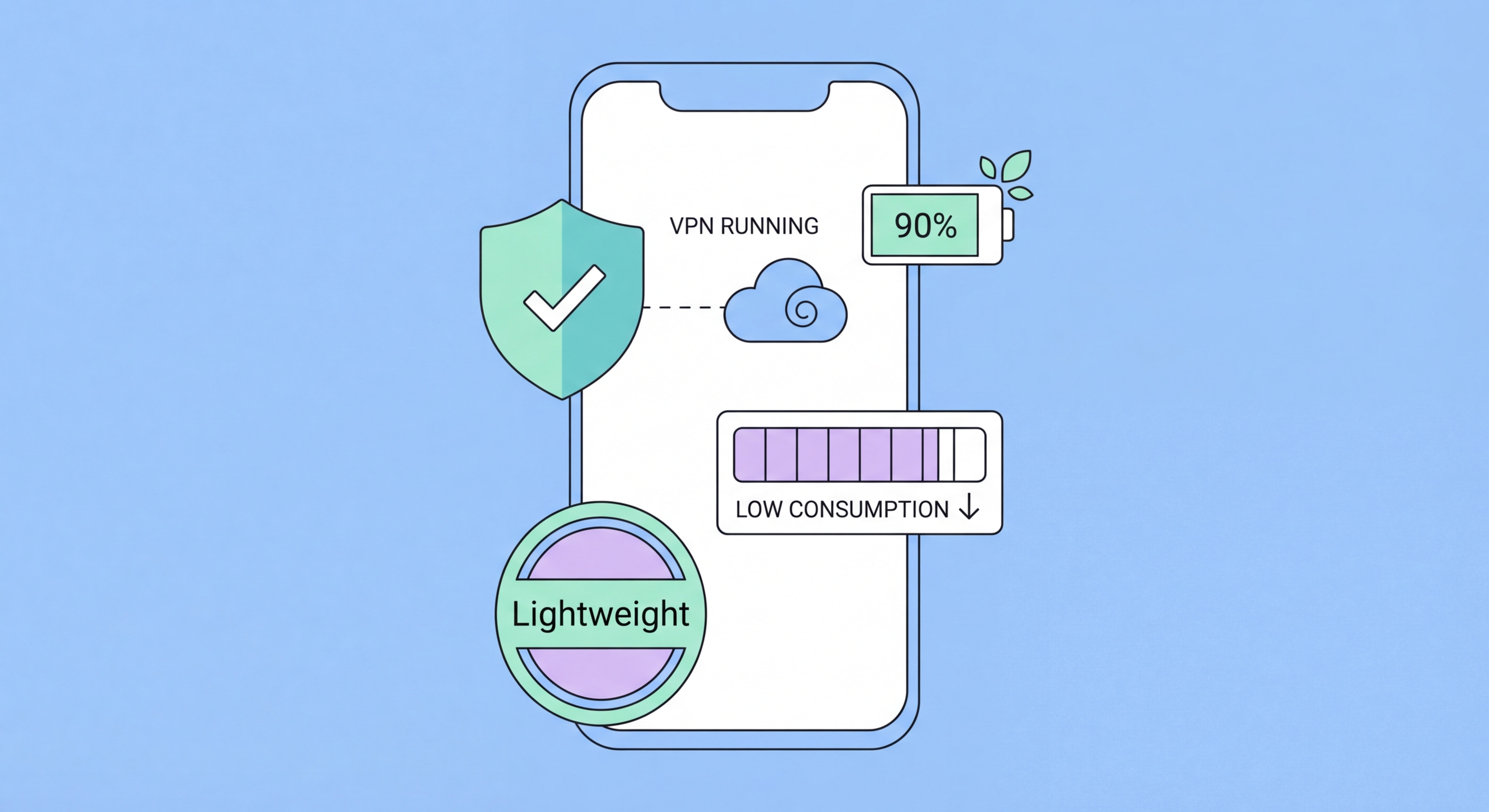
Android's open nature gives VPN apps significantly more capability than on iOS. WireGuard runs natively in the Android kernel (as Android is Linux-based), providing genuine kernel-level performance for WireGuard implementations. Android also offers a system-level Always-On VPN and Block Connections Without VPN setting (the most reliable kill switch implementation of any platform), configurable directly in Android Settings > Network & Internet > VPN without relying on the VPN app's own implementation.
NordVPN for Android is the strongest all-rounder. NordLynx (WireGuard) delivers 400–500 Mbps on modern Android flagships. Threat Protection Lite blocks malicious domains directly in DNS — useful even on public WiFi without the overhead of additional security apps. The app includes per-app split tunnelling, allowing you to specify which apps route through the VPN while others connect directly. Dark Web Monitor alerts you if your email credentials appear in breach databases. The app is audited by both PwC and Deloitte for security and no-logs compliance.
Mullvad for Android is fully open-source and available both on Google Play and as a direct APK download from Mullvad's website (important if you're concerned about Google Play Store's data collection from app installs). The app includes the system-wide kill switch using Android's native VPN framework, WireGuard by default, and the unique DAITA feature. ProtonVPN for Android is notable for its Stealth protocol that works reliably in restrictive network environments, making it the best choice for use in mainland China or corporate networks that actively filter VPN traffic.
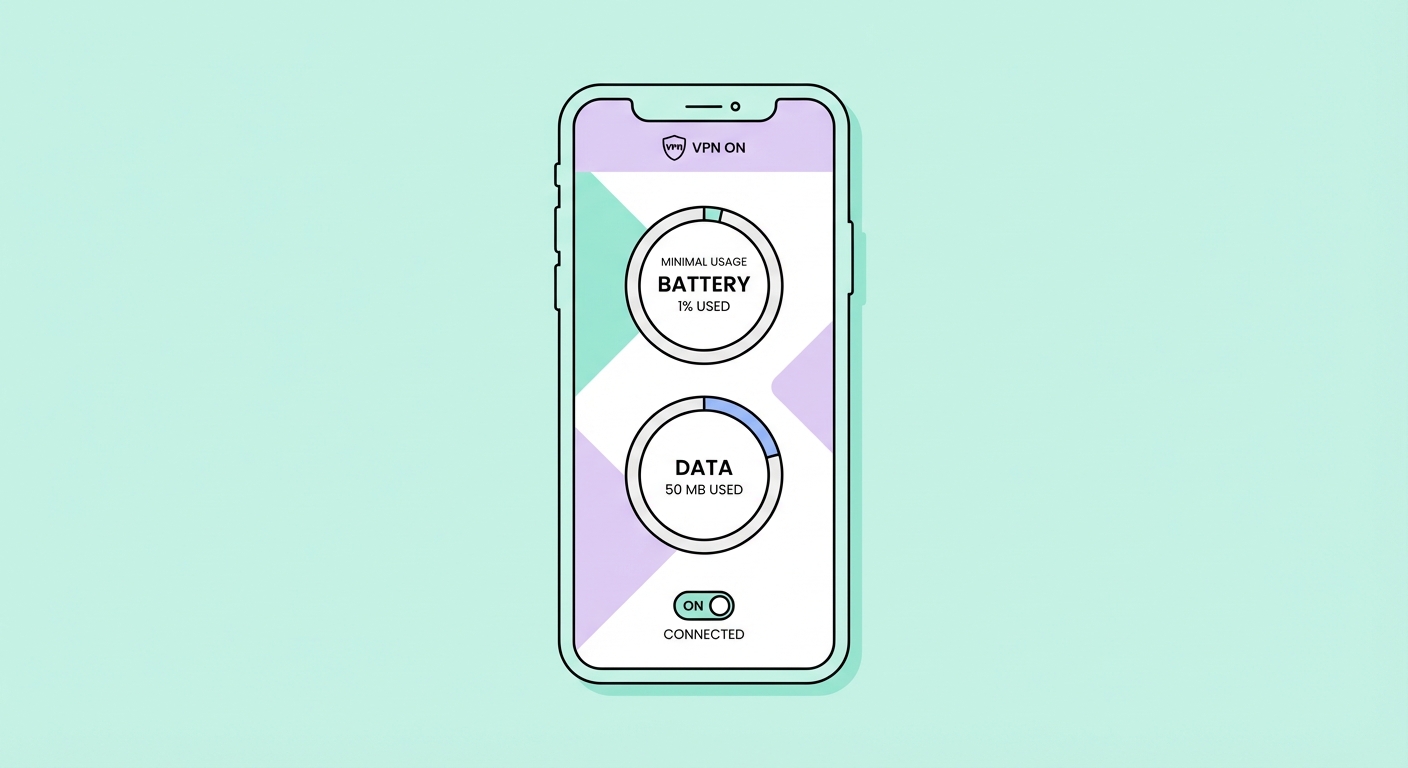
Battery impact is a genuine concern for always-on mobile VPN use. VPN protocols differ substantially in battery efficiency. WireGuard is designed for minimal power consumption — its lean codebase and efficient state management make it the most battery-friendly option by a significant margin. In battery tests on iPhone 15 Pro, WireGuard-based VPN apps show approximately 3–8% higher battery drain over an 8-hour active-use period compared to no VPN. This is an acceptable trade-off for constant privacy protection.
OpenVPN is the least battery-efficient protocol on mobile, primarily because it runs in userspace rather than the kernel, requiring more CPU cycles per packet. In the same battery tests, OpenVPN implementations show 10–20% higher battery drain compared to no VPN — noticeable over a full day. IKEv2 falls between WireGuard and OpenVPN in battery impact. If battery life is your primary concern, ensure WireGuard or your provider's WireGuard-based proprietary protocol (NordLynx, Lightway) is selected in the VPN app settings.
Data overhead is minimal with modern VPN protocols. The encryption headers and metadata added to each packet increase total data transmission by approximately 5–15% depending on protocol and packet size. For a user who transmits 5GB per month, VPN overhead adds roughly 250–750MB of additional data — significant only if you're on an extremely tight data plan. If mobile data is limited, use split tunnelling to route only sensitive traffic through the VPN (adding overhead) while bulk downloads and streaming connect directly (no overhead). On WiFi, data overhead is irrelevant.