Public WiFi for Business Travellers: Protecting Corporate Data in Hong Kong

Business travellers in Hong Kong are prime targets for WiFi attacks. Corporate email, financial systems, client data, and strategic documents are all accessible on a typical business device — making the stakes of public WiFi exposure far higher than for personal use. Here's how to protect corporate data without impeding productivity.

Business traveller using laptop on public WiFi in Hong Kong — corporate data protection
1Elevated Business Risk

Why Business Travellers Face Elevated Public WiFi Risk

Business travellers are targeted more deliberately and more profitably than personal users on public WiFi. A personal user's account credentials may yield a few hundred dollars in fraudulent charges before being detected. A business traveller's credentials to corporate email, ERP systems, or financial platforms may enable access to accounts with millions in assets, confidential client information, or proprietary business strategy. The value differential means that attackers who invest in sophisticated targeting — identifying executives, timing attacks to coincide with high-value activities — find business targets significantly more rewarding than opportunistic personal credential harvesting.

Hong Kong's role as a major business hub concentrates these targets predictably. The hotel and conference corridors of Central, Admiralty, and Tsim Sha Tsui host significant concentrations of visiting executives from across Asia and globally. Major conference centres — HKCEC (Hong Kong Convention and Exhibition Centre), AsiaWorld-Expo — host events where attendees' corporate affiliations are publicly known from event programmes and LinkedIn, enabling targeted attack preparation. An attacker who knows that a major banking conference is being held at HKCEC can prepare an evil twin network targeting that event's attendees with greater precision than random drive-by attacks, knowing the target pool carries high-value financial sector credentials.

Business email compromise (BEC) is the most financially damaging attack category enabled by compromised business credentials from public WiFi exposure. BEC attacks use access to a corporate email account to impersonate the account holder and redirect financial transactions — payment instruction fraud, invoice redirection, payroll diversion — to attacker-controlled accounts. The average BEC incident causes losses of hundreds of thousands of Hong Kong dollars, and sophisticated BEC operations targeting Hong Kong businesses have been documented by HKCERT and the Hong Kong Police Force. The credential theft that enables BEC can occur through public WiFi MITM attacks, making the connection between public WiFi security and financial loss highly direct for business users.

  • Higher credential value: Corporate credentials provide access to high-value systems vs. personal accounts
  • Targeted attacks: Attackers research and specifically target executives and business events in Hong Kong
  • HK business hub: Central and Admiralty hotel corridors concentrate high-value targets
  • Conference targeting: Publicly known attendee affiliations enable prepared targeted attacks
  • BEC risk: Email credential theft enables business email compromise and payment fraud
  • HKCERT documented: BEC targeting Hong Kong businesses is an active, well-funded criminal activity
Why hotel networks are especially dangerous for business travellers →
Business traveller targeted on public WiFi — corporate credential theft and BEC risk
2Corporate VPN and IT Policy

Corporate VPN Configuration and IT Security Policy for Remote Work

Most corporate IT departments provide a VPN client for remote access to company systems, but this corporate VPN is typically designed for accessing internal resources (file servers, intranet, line-of-business applications) rather than for encrypting all internet traffic. A split-tunnel corporate VPN only routes traffic destined for corporate resources through the encrypted tunnel — traffic to general internet destinations (cloud email, web browsing) may bypass the corporate VPN entirely and go directly to the internet over the untrusted public WiFi network. Ask your IT department whether your corporate VPN uses split tunnelling or full tunnelling, and whether it is configured to activate automatically on untrusted networks.

For comprehensive public WiFi protection, business travellers often need both a personal VPN (for general internet traffic) and the corporate VPN (for internal system access). The recommended sequence: connect to public WiFi → activate personal VPN (encrypts all traffic) → establish corporate VPN connection over the personal VPN (adds corporate access on top of personal encryption). This layered approach ensures that both general internet traffic and corporate-specific traffic are encrypted before reaching the untrusted public network. Check whether your corporate VPN allows this configuration — some VPN products conflict with each other, but WireGuard-based personal VPNs generally co-exist well with IPSec-based corporate VPNs.

If your organisation does not have a formal public WiFi security policy for remote workers, advocate for one. Key elements of an effective policy include: mandatory VPN use on any non-corporate network, prohibition of accessing corporate systems from open WiFi without VPN, device security requirements (full disk encryption, screen lock timeout under 5 minutes, firewall enabled), and clear incident reporting procedures for suspected WiFi security incidents. HKCERT publishes guidelines for organisational cybersecurity that include remote working and public WiFi sections — referencing HKCERT's guidance in IT policy development lends authority and ensures alignment with Hong Kong-specific best practices. The Computer Emergency Response Team (CIRT) provisions within many Hong Kong financial institutions include public WiFi incident classification.

  • Corporate VPN split-tunnel: Check if your corporate VPN encrypts all traffic or only corporate-destined traffic
  • Layered VPN: Personal VPN + corporate VPN provides complete coverage for all traffic types
  • Sequence: Public WiFi → personal VPN → corporate VPN for maximum protection
  • VPN compatibility: WireGuard personal VPN generally compatible with IPSec corporate VPN
  • Organisational policy: Advocate for formal public WiFi security policy if none exists
  • HKCERT guidance: Reference HKCERT publications for Hong Kong-specific organisational security policy
How DNS leaks can expose corporate browsing even with a corporate VPN active →
Corporate VPN configuration for public WiFi access — IT security policy for business travellers
3Device Hardening

Device Hardening for Business Travel in Hong Kong

Business devices used on public WiFi require additional hardening beyond the standard consumer configuration. Full disk encryption is the most important baseline: if your device is stolen or accessed while unattended (a real risk in busy Hong Kong café and hotel environments), full disk encryption prevents data extraction from the storage even without login credentials. On Windows, enable BitLocker (available on Windows 10/11 Pro and Enterprise editions): Settings → Update & Security → Device Encryption. On macOS, enable FileVault: System Settings → Privacy & Security → FileVault. Both implementations use AES-256 encryption and activate automatically on next login if not already enabled. Store the recovery key securely — if lost, encrypted data is unrecoverable.

Screen lock timeout should be set to five minutes or less for business devices used in public. A device left unattended on a café table for ten minutes — to use the bathroom, place an order, or take a phone call — provides an attacker significant time to access open applications, install software, or photograph visible documents. On Windows: Settings → Accounts → Sign-in options → set "Require sign-in" to "When PC wakes from sleep" and set sleep timeout to 5 minutes under Power settings. On macOS: System Settings → Lock Screen → set "Require password" to "Immediately" and screen saver to activate after 5 minutes. Enable remote wipe capability through Microsoft InTune (for corporate-managed devices) or through Apple's Find My service (for macOS/iOS) so that a lost or stolen device can be wiped before data is accessed.

Consider whether your business travel truly requires your primary work laptop. For visits to high-risk destinations or for travel involving access to particularly sensitive corporate systems, some organisations issue "travel laptops" — stripped-down devices configured with minimal access and software, used only for travel and wiped on return. This "clean slate" approach ensures that any malware, spyware, or configuration changes introduced during travel do not affect the primary corporate environment. If a travel laptop is not available, at minimum ensure your work laptop has all unnecessary applications removed, all unnecessary network services disabled, and that you have a clear procedure for what to do if you suspect the device has been compromised during travel.

  • Full disk encryption: BitLocker (Windows) or FileVault (macOS) — mandatory for business devices
  • 5-minute lock timeout: Prevents unattended access — configure screen lock and sleep settings
  • Remote wipe: Enable InTune (corporate) or Find My (personal) for wipe capability on lost devices
  • Travel laptop: Consider stripped-down travel device for high-risk destinations
  • Minimal applications: Remove unnecessary apps that expand attack surface before travel
  • Incident procedure: Know what to do if you suspect device compromise during a trip
Device security for business travel through HKIA and international airports →
Business laptop hardening for travel — disk encryption and screen lock configuration
4Practical Business Rules

Practical Rules for Business WiFi Use in Hong Kong

The non-negotiable rule for corporate data on public WiFi is: all corporate system access requires an active, verified VPN connection. This means email, cloud storage (OneDrive, Google Drive, SharePoint), CRM systems (Salesforce, HubSpot), ERP and financial platforms, video conferencing with confidential content, and any application that transmits business data must only be used when the VPN is active and confirmed connected. Confirm the VPN is active by checking the VPN app's connection indicator before accessing any business system — auto-connect features can sometimes fail to activate, particularly on networks with captive portals or connectivity issues. A quick VPN status check before opening your email client is a worthwhile 5-second habit.

Establish a clear rule for financial authorisations: no financial authorisations, payment approvals, or fund transfers from public WiFi under any circumstances — use mobile data or a trusted wired connection for these activities exclusively. Business email compromise fraud specifically targets the scenario where a finance team member receives a payment instruction change request via email while on public WiFi. If a criminal has performed an MITM attack on that network, they can potentially monitor the email communication and manipulate it. Even with VPN protection, financial authorisations carry enough consequence that using mobile data as an extra precaution is worth the minor inconvenience.

For Hong Kong-based workers in the financial services sector (which represents a significant portion of Hong Kong's professional workforce), regulatory considerations add weight to public WiFi security requirements. The HKMA (Hong Kong Monetary Authority) and SFC (Securities and Futures Commission) have issued guidance on cybersecurity risk management that covers remote access security. Financial institutions in Hong Kong typically have stricter controls on remote access than general businesses — requiring multi-factor authentication for all remote system access, recording and monitoring of remote sessions, and formal incident reporting for suspected security events. If you work in a regulated financial institution and have public WiFi security concerns, escalate them through your institution's compliance and IT security channels rather than relying solely on personal measures.

  • VPN always for corporate: No corporate system access without active, confirmed VPN connection
  • Verify VPN status: Check VPN indicator before opening work email or any business application
  • No financial auth on WiFi: Payment approvals and fund transfers only over mobile data or trusted connections
  • BEC awareness: Payment instruction emails on public WiFi — verify by phone call regardless of email content
  • Regulated sector: HKMA/SFC guidance covers remote access security — follow institutional controls
  • Incident reporting: Report suspected public WiFi security events through formal IT security channels
The complete public WiFi safe practices checklist for all users →
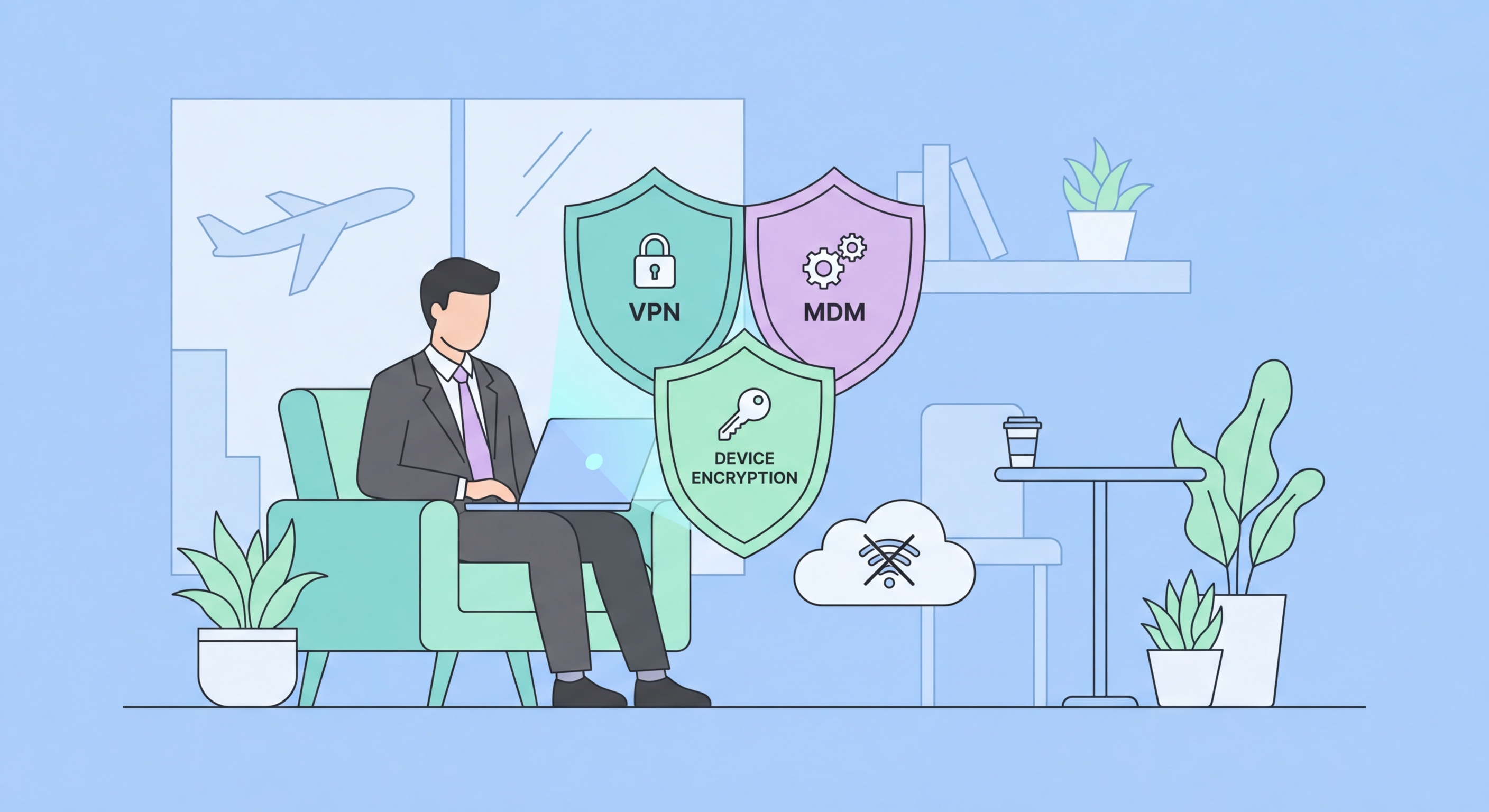
Business WiFi rules — what to do and not do with corporate data on public networks

Corporate Data Deserves Corporate-Grade WiFi Protection

Personal VPN + corporate VPN, full disk encryption, 5-minute screen lock, and mobile data for financial authorisations. These four measures close the main corporate data risks on Hong Kong public WiFi.

Related VPN Articles