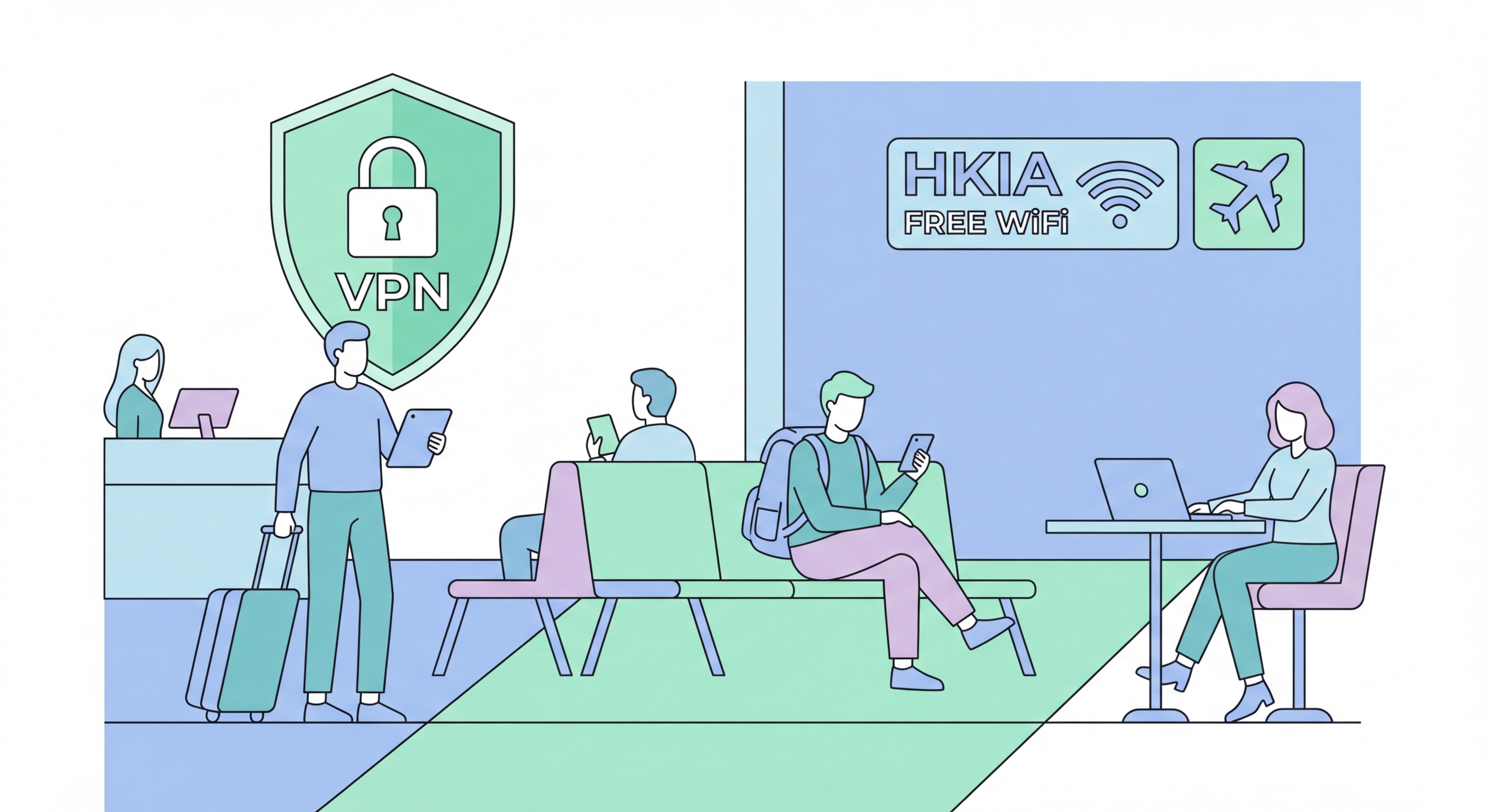
Airports concentrate international travellers with valuable data in environments where they are rushed, distracted, and less security-aware than usual. HKIA's Airport_Free_WiFi SSID is publicly known and a documented target for evil twin attacks. Here's how to stay safe at HKIA and any airport you pass through.
Airports combine several factors that make them premium targets for WiFi attackers. First, travellers are distracted: they are monitoring departure boards, managing luggage, navigating unfamiliar terminals, and managing the stress of travel. Distraction reduces security awareness — people are more likely to click through warnings, auto-connect to familiar networks without verification, and access sensitive information hurriedly without applying their normal precautions. This predictable reduction in vigilance is exploited by attackers who position themselves at departure gates where travellers settle for extended waits.
Second, airports concentrate international travellers who carry high-value data. A business traveller departing HKIA after a week of meetings carries corporate emails, strategic documents, financial data, and access credentials for corporate systems. International banking credentials, multiple jurisdiction financial accounts, and personal identification data are all commonly accessible on the devices of frequent travellers. This combination of high-value data and reduced vigilance makes airport departure lounges among the most attractive environments for targeted WiFi attacks. The density of potential victims also rewards opportunistic financial credential harvesting — even without specific targeting, capturing credentials from 10–20 distracted travellers at a busy gate yields significant criminal value.
Third, airport WiFi networks like HKIA's Airport_Free_WiFi are publicly known SSIDs. The exact name of the HKIA free WiFi network is advertised in the airport, discussed online in travel forums, and known to any regular HKIA user. This publicly known SSID makes it trivially easy to Set Up a Proxy Server: Complete Guide">to Set Up a Password Manager: Step-by-Step Guide">to Set Up eSIM on iPhone: Complete Guide">to Set Up eSIM on Android: Samsung, Pixel, and More">to set up an evil twin: an attacker in the terminal broadcasts the same SSID with higher signal strength and collects connections from travellers whose devices have previously connected to Airport_Free_WiFi. These auto-connecting devices may belong to frequent HKIA travellers who connected months ago and have the network saved. The attacker requires no social engineering — the auto-connect mechanism does the work entirely passively.
Hong Kong International Airport provides free WiFi under the SSID "Airport_Free_WiFi" throughout both Terminal 1 and Terminal 2, as well as the SkyPier, Airport Express Hong Kong Station, and related facilities. This network is provided via a captive portal system that requires registration with a mobile phone number or email address — you receive a one-time code to authenticate. The network itself is open (no WPA2/WPA3 password), with encryption depending on the captive portal session management rather than WiFi-layer encryption. Like other major airport WiFi systems globally, it provides internet access without per-user encrypted sessions.
The Airport Express from HKIA to Hong Kong Station and Kowloon Station provides in-train WiFi which is separate from the terminal WiFi. The Airport Express WiFi is generally considered better-managed than the free terminal WiFi, as it operates on dedicated infrastructure with controlled access. Hong Kong residents and frequent HKIA travellers who hold Octopus cards or have used the Airport Express previously may find their devices have the Airport Express WiFi network saved. As with all saved public networks, disable auto-join for this network when not actively travelling. The major carriers — CMHK, SmarTone, 3HK, and HKT — all have carrier hotspots at HKIA that their subscribers can access automatically; these carrier hotspots provide a slightly higher standard of network management than the generic free WiFi.
For sensitive work at HKIA, the recommended approach is: do not use Airport_Free_WiFi at all for sensitive tasks — use your carrier's 4G/5G data instead. HKIA has excellent indoor cellular coverage from all major HK carriers, and roaming travellers from most countries will have data roaming coverage at competitive rates (particularly with Hong Kong's numerous international data roaming arrangements). The speed difference between 4G at HKIA and Airport_Free_WiFi is minimal for typical business tasks like email and document access. Reserve airport WiFi use for low-sensitivity activities: streaming entertainment, casual browsing, and messaging apps — activities where the security risk profile is acceptably low even without VPN protection.
The same security principles apply at international airports, but the risk profile can be higher because you are operating in an unfamiliar environment, may have less data roaming coverage, and may be more dependent on airport WiFi. Major airports commonly used by Hong Kong travellers — Tokyo Narita/Haneda, Singapore Changi, Seoul Incheon, London Heathrow, Dubai International — all provide free WiFi with varying security configurations. None of these networks should be trusted without a VPN. Singapore Changi and South Korean airports tend to have better infrastructure and management, but "better management" still means open WiFi without per-user encryption in most public terminal areas.
In some countries, airport WiFi networks may be operated or monitored by government entities, raising privacy concerns beyond standard criminal attack risks. This is a consideration primarily for travellers to certain jurisdictions with known network surveillance practices rather than a standard concern at most international airports. A VPN addresses this concern along with criminal attack risk: traffic encrypted by a VPN is not readily readable by network operators regardless of their identity or jurisdiction. Ensure your VPN is downloaded, paid for, and tested before travelling to any destination — app stores in some countries may block access to VPN apps, and some networks block VPN protocols. Having your VPN app pre-installed and tested is essential travel preparation.
Charging your devices at airport USB charging stations introduces a separate risk: "juice jacking," where malicious USB chargers or compromised charging ports transfer malware to connected devices or steal data. While juice jacking requires specific attacker setup that is less common than WiFi attacks, the risk is real and has been documented at airports in several countries. Use your own AC charger and plug into a standard power outlet rather than public USB charging ports. If you must use a USB charging port, use a "USB data blocker" — a small adapter that passes power but blocks data connections — available inexpensively from electronics retailers in Hong Kong and online. Carry a compact power bank as a primary solution to avoid airport charging stations entirely during travel.
Before travel: Install and configure your VPN with auto-connect enabled. Delete any previously saved airport WiFi networks from your devices (past Airport_Free_WiFi connections, international airport networks from previous trips). Enable auto-connect VPN on both your phone and laptop. Check that your VPN subscription is active and not expired — a lapsed subscription at an airport is a poor time to deal with renewals. Activate international data roaming on your phone plan if travelling internationally — CMHK, SmarTone, 3HK, and HKT all offer international data add-ons, and many plans include some international data. Download offline content (maps, documents, entertainment) to reduce WiFi dependency in transit.
During your airport stay: Use 4G/5G cellular data for all sensitive activities (email, banking, work systems). Use airport WiFi with VPN active for entertainment and casual browsing. When connecting to airport WiFi, verify the SSID against official signage in the terminal — do not connect to networks that differ even slightly from the officially advertised name. If the airport has multiple WiFi options (airport-provided, carrier hotspots, premium lounge networks), prefer carrier hotspots (more managed) or lounge networks (access-controlled). Never auto-connect to airport networks — always connect manually and verify the name. Use your own AC charger and power outlets rather than USB charging stations.
After your trip: Delete airport WiFi networks from your saved networks list on all devices. Check your banking apps for any transactions that occurred during your travel period and report anything suspicious immediately. If you connected to public WiFi during travel and noticed anything unusual (unexpected certificate warnings, WiFi disconnections, unexplained redirects), change passwords for important accounts from a trusted network at home. Review your devices for any unexpected apps or software that may have been installed during the trip — malware can be introduced through compromised hotel or conference WiFi. A quick review of installed apps after international travel is good security hygiene, particularly after visiting destinations with higher cyber threat environments.