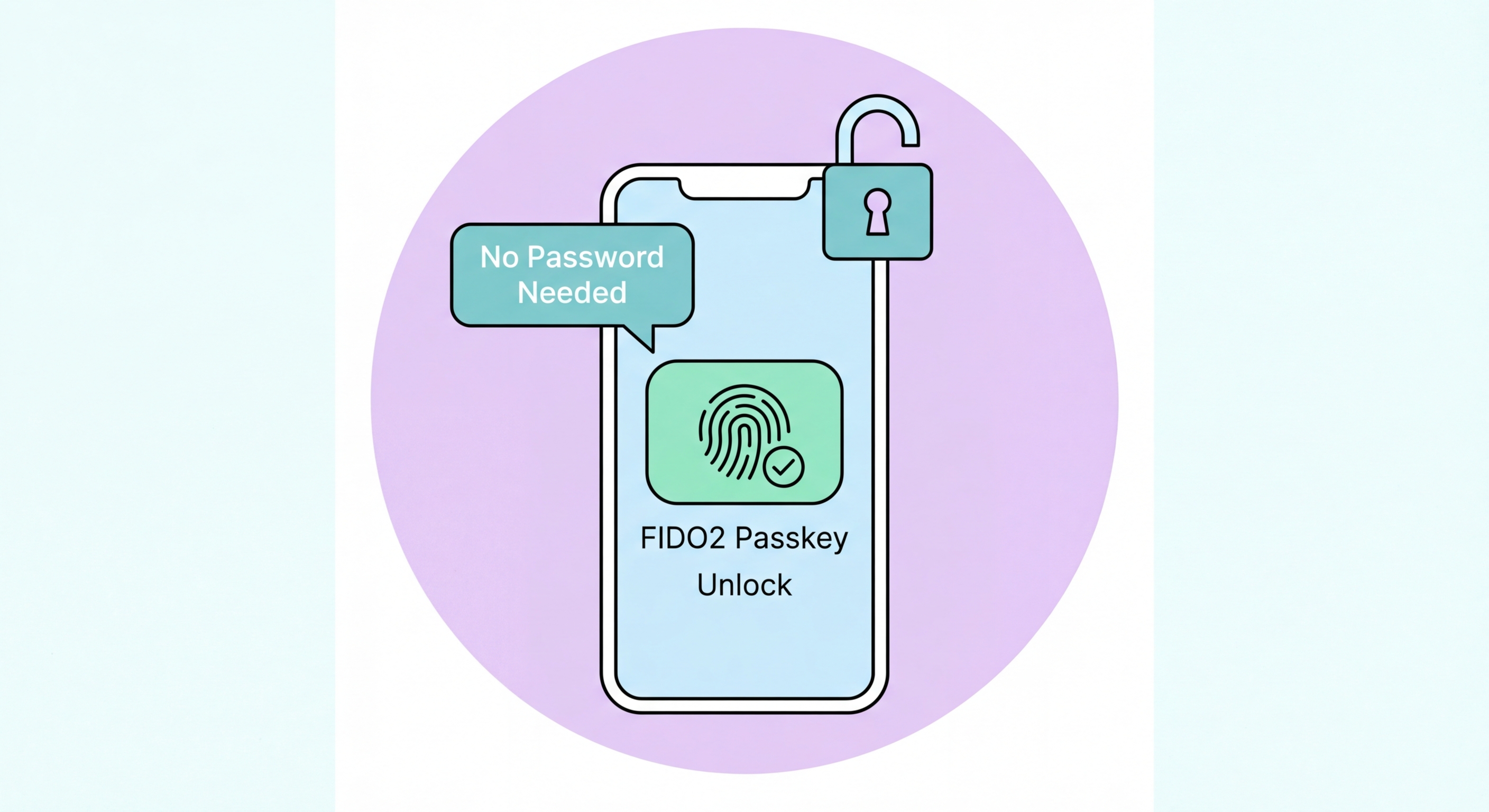
Passkeys replace passwords with biometric authentication backed by public-key cryptography. They're phishing-resistant, easier to use, and already supported by Apple, Google, Microsoft, and hundreds of services.
A passkey is a cryptographic credential stored on your device that replaces traditional passwords. Unlike a password — which is a shared secret that both you and the website know — a passkey uses public-key cryptography. When you create a passkey for a service, your device generates a unique pair of cryptographic keys: a public key that is shared with the website and a private key that never leaves your device. Authentication works by the website sending a challenge that your device signs with the private key, proving your identity without ever transmitting the private key itself.
From a user's perspective, logging in with a passkey feels exactly like using biometric authentication on to Spot and Avoid Attacks on Your Phone">your phone. You navigate to a website, click "Sign in with passkey" or simply begin the sign-in flow, and your device prompts you for Face ID, Touch ID, or Windows Hello. You authenticate with your face or fingerprint, and you're in. No username to type, no password to enter, no 6-digit code to check. The entire two-factor requirement — something you have (the device) plus something you are (the biometric) — is handled in a single seamless gesture.
The FIDO Alliance, an industry consortium including Apple, Google, Microsoft, and hundreds of other technology companies, developed and standardises the passkey specification. All major operating system platforms have implemented passkey support: Apple's iCloud Keychain syncs passkeys across Apple devices, Google Password Manager syncs passkeys across Android and Chrome on Windows and Mac, and Windows Hello and Microsoft Authenticator handle passkeys on Windows and across the Microsoft ecosystem. This cross-platform commitment makes passkeys a genuine, sustainable replacement for passwords rather than a proprietary vendor lock-in.
Passkeys eliminate the entire category of password-based attacks. Credential stuffing attacks — where billions of leaked username/password combinations are tested against websites — cannot work against passkeys because there is no password to leak. Data breaches that expose databases of hashed passwords yield nothing useful when users have passkeys, because the server stores only the public key (which is designed to be public and cannot be used to impersonate the user). Brute force attacks and dictionary attacks against passwords are irrelevant when there is no password.
Passkeys are inherently phishing-resistant due to domain binding. The passkey authentication protocol cryptographically verifies the exact domain of the website requesting authentication. If a phishing site mimics Google's login page perfectly, any passkey associated with google.com will refuse to authenticate to a different domain like g00gle.com. This is a fundamental cryptographic guarantee, not a visual check that users must perform manually. Users cannot be tricked into authenticating to the wrong site — the security is automatic and does not depend on user vigilance.
Compared to TOTP authenticator app codes, passkeys are also more resistant to real-time phishing relay attacks. A TOTP code can theoretically be relayed from a phishing site to the real site within the 30-second validity window — the attacker sees your code and uses it instantly. With a passkey, the authentication is bound to the specific origin (domain) making the request, so relay is impossible. A passkey authentication to google.com cannot be used to authenticate to any other domain, even one controlled by the attacker.
Platform support for passkeys has expanded rapidly since Apple, Google, and Microsoft announced joint commitment in 2022. On Apple devices, passkeys are built into iOS 16+ and macOS Ventura+, stored in iCloud Keychain and synced across all your Apple devices. Creating a passkey on your iPhone automatically makes it available on your Mac and iPad without any additional setup. Apple's Safari browser has full passkey support, and iOS apps can also implement passkey authentication through the ASAuthorizationController API.
On Android, passkeys are handled by Google Password Manager (for Google account users) or third-party credential managers. Android 9+ devices support passkeys via the FIDO2 API. Google's own services — Google account sign-in, YouTube, Gmail — now support passkeys as a primary authentication option. Chrome on Windows, Mac, and Android supports passkeys through Google Password Manager. Windows users can create and use passkeys through Windows Hello (Windows 10/11), with options to use Face recognition, fingerprint, or a PIN as the biometric factor.
Service-level support is growing rapidly. In 2026, passkeys are supported by Google, Microsoft, Apple, Amazon, PayPal, GitHub, Shopify, Adobe, Coinbase, Kayak, and hundreds of other services. Major password managers including 1Password, Bitwarden, and Dashlane support passkey storage alongside traditional passwords. The FIDO Alliance maintains a public directory of passkey-enabled services. For Hong Kong users, local services are beginning to adopt passkeys — though HK banking apps are still in early stages of passkey evaluation as of 2026.
Creating a passkey is simpler than any other 2FA setup. On a supported service, look for "Create a passkey" in your account's security settings. When you click it, your browser or operating system will prompt you to confirm using your device's biometric authentication. Confirm with Face ID, Touch ID, or Windows Hello, and the passkey is created. The entire process takes about 10 seconds. The service stores your public key and associates it with your account. The private key is stored on your device, protected by your biometric.
The main practical concern with passkeys is what happens when you lose or replace your device. For synced passkeys (iCloud Keychain or Google Password Manager), your passkeys follow you to a new device when you sign in to your Apple ID or Google account. This means passkeys are more resilient to device loss than hardware security keys. However, it also means that the security of your Apple ID or Google account becomes crucial — a compromised iCloud account could give an attacker access to your synced passkeys. This is why your Apple ID and Google account should themselves be protected with the strongest available authentication.
One current limitation is that passkeys are not a complete password replacement yet for all scenarios. Many services still require a password as a fallback, and some websites are still in the process of implementing passkey support. For the near future, a practical strategy is to create passkeys for services that support them while maintaining strong, unique passwords (managed in a password manager) for services that do not yet support passkeys. As passkey adoption continues to grow, the password-only accounts in your life will progressively shrink.