Does a VPN Make You Truly Anonymous Online?
VPNs provide powerful privacy protection — but complete anonymity requires understanding what a VPN does and doesn't hide. Here's the honest, nuanced answer.
Published: March 29, 2026
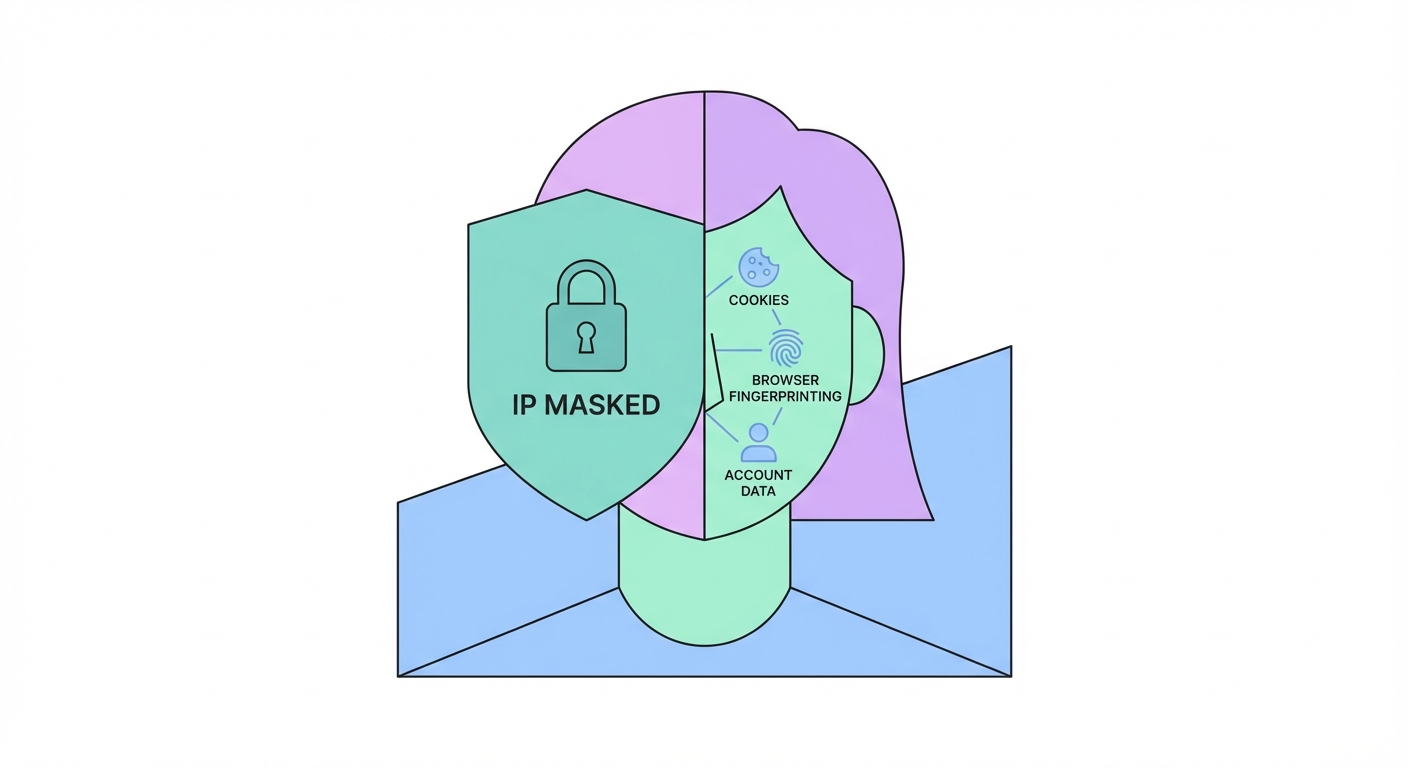
VPNs provide powerful privacy protection — but complete anonymity requires understanding what a VPN does and doesn't hide. Here's the honest, nuanced answer.
Published: March 29, 2026
A VPN provides genuine, meaningful privacy protection against specific surveillance actors. Understanding exactly who a VPN protects you from — and who it doesn't — allows you to assess whether it meets your threat model. The VPN creates an encrypted tunnel between your device and the VPN server, and hides your real IP address from websites and services you access.
From your ISP ↗'s perspective, a VPN hides the destinations of your traffic (the websites and services you connect to) and the content of your communications. Your ISP can see that you're connected to a VPN server's IP address and observe the volume of data transmitted, but cannot see what websites you're visiting or what data you're exchanging. This prevents ISP-level traffic logging, prevents ISP data selling to advertisers, and prevents your ISP from complying with broad surveillance data requests about your browsing history.
From websites and online services, a VPN hides your real IP address, which also hides your approximate geographic location (as IP geolocation typically places you at the ISP's infrastructure location) and prevents IP-based tracking across sites. This makes it significantly harder for advertising networks to link your activity across different websites using your IP as a consistent identifier. For public WiFi scenarios, a VPN hides your traffic content from other users on the same network and from the network operator.
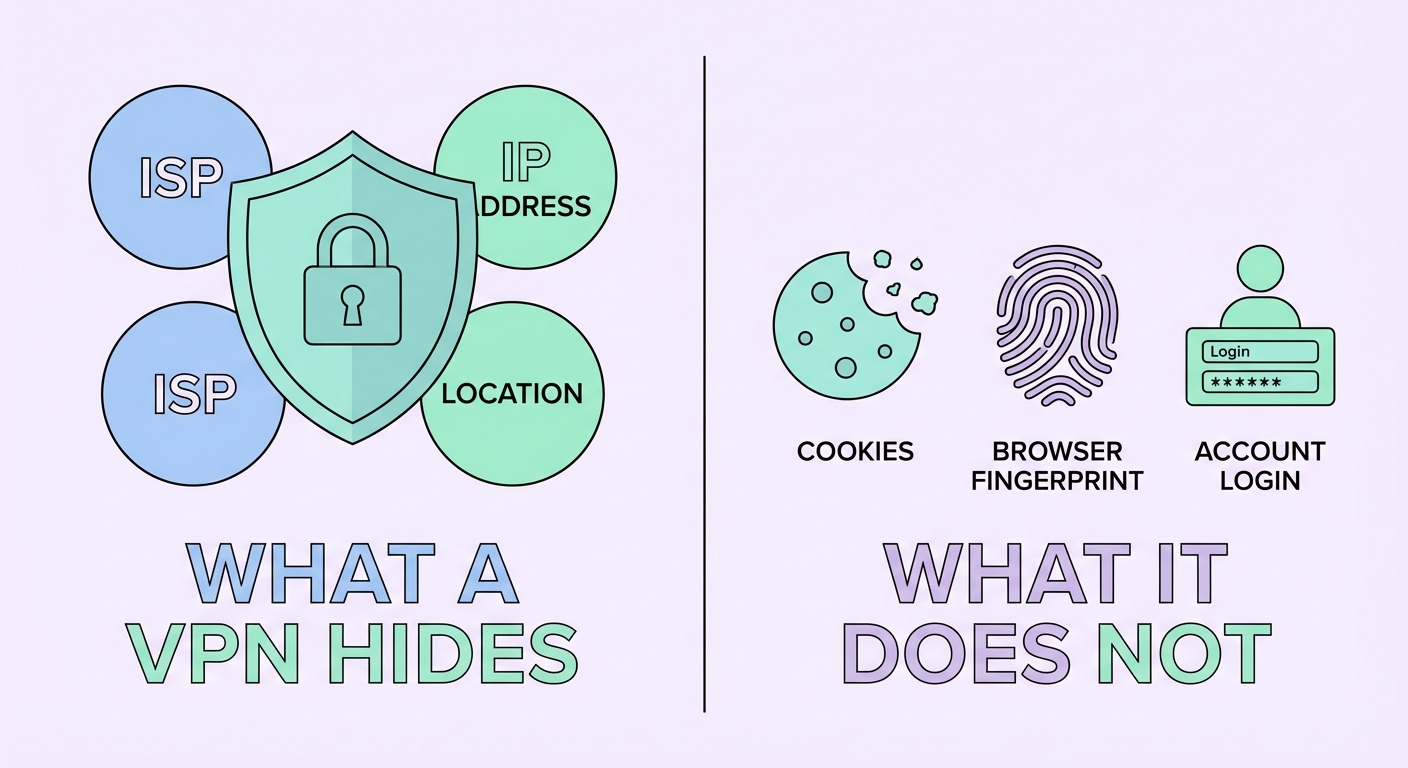
The most important misconception about VPNs is that they provide complete anonymity. They don't — and understanding the gaps is critical for anyone who needs genuine privacy. A VPN hides your IP address and encrypts your traffic, but it doesn't touch the many other tracking mechanisms that operate at the application and browser layer, above the network layer where a VPN operates.
Browser cookies are persistent identifiers stored on your device by websites. When you visit a website with a cookie already set from a previous visit — with or without a VPN — the website immediately recognises you from the cookie. Advertising networks like Google DoubleClick and Facebook's pixel operate across millions of websites, setting cross-site tracking cookies that follow you everywhere regardless of your VPN status. Unless you clear cookies between sessions (or use a browser in private/incognito mode), cookies completely undermine IP-based anonymity.
Browser fingerprinting is more insidious still. Your browser exposes dozens of identifying parameters — exact browser version, OS version, screen resolution, installed fonts, GPU model, audio stack characteristics, and WebGL rendering output — that together create a fingerprint unique to your device configuration. The EFF ↗'s Cover Your Tracks (coveryourtracks.eff.org) tool demonstrates this: most browsers are uniquely identifiable even with a VPN running. Account logins are the most direct re-identification vector: logging into Google, Facebook, or any account while on a VPN immediately re-identifies you to that platform, which then links your VPN session to your known identity.
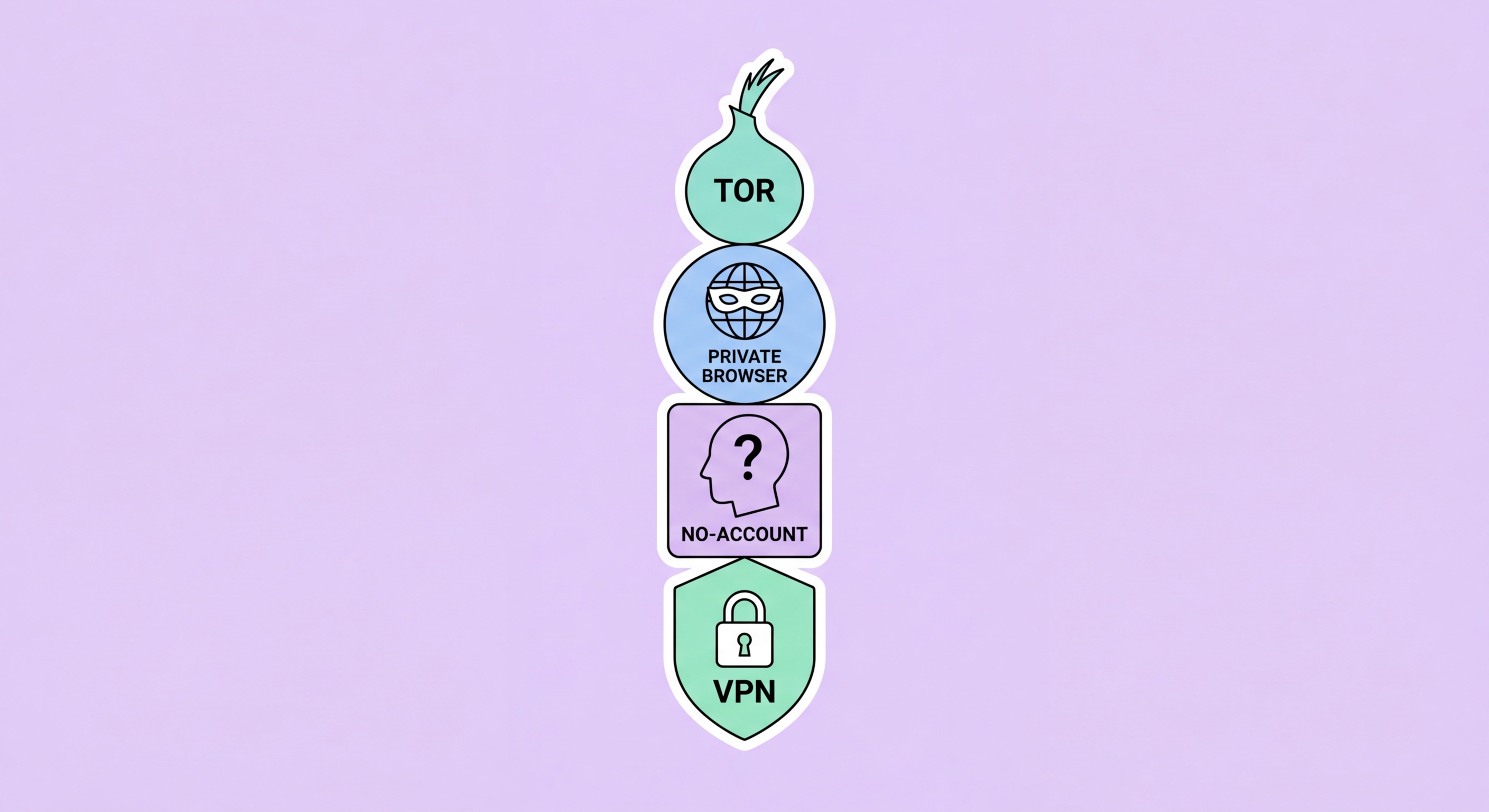
Genuine online anonymity — the kind that protects journalists, activists, and whistleblowers from sophisticated state-level adversaries — requires a layered approach that goes well beyond a VPN. The gold standard for anonymous browsing is the Tor Browser combined with careful operational security practices. Tor routes your traffic through at least three volunteer-operated relay nodes, encrypting the traffic at each hop. No single node knows both who you are and what you're accessing — the entry node knows your IP but not your destination; the exit node knows your destination but not your IP.
For truly sensitive use cases, the Tails operating system provides a comprehensive anonymous computing environment. Tails runs entirely from a USB drive, leaves no trace on the host computer, routes all traffic through Tor by default, and uses the Tor Browser with anti-fingerprinting ↗ protections. Used on a device not linked to your real identity (ideally purchased with cash), with no account logins, and in a location not associated with you (avoid your home network), Tails + Tor provides the strongest anonymity available for ordinary users.
Operational security (OpSec) is the often-overlooked human element that undermines technical anonymity measures. The most sophisticated anonymity tools fail when users make mistakes like logging into a personal account, using their real name in a message, uploading an image with embedded GPS metadata, or accessing anonymous services from a device already linked to their real identity. For activists and journalists in high-risk environments, training in OpSec practices is as important as the technical tools themselves.
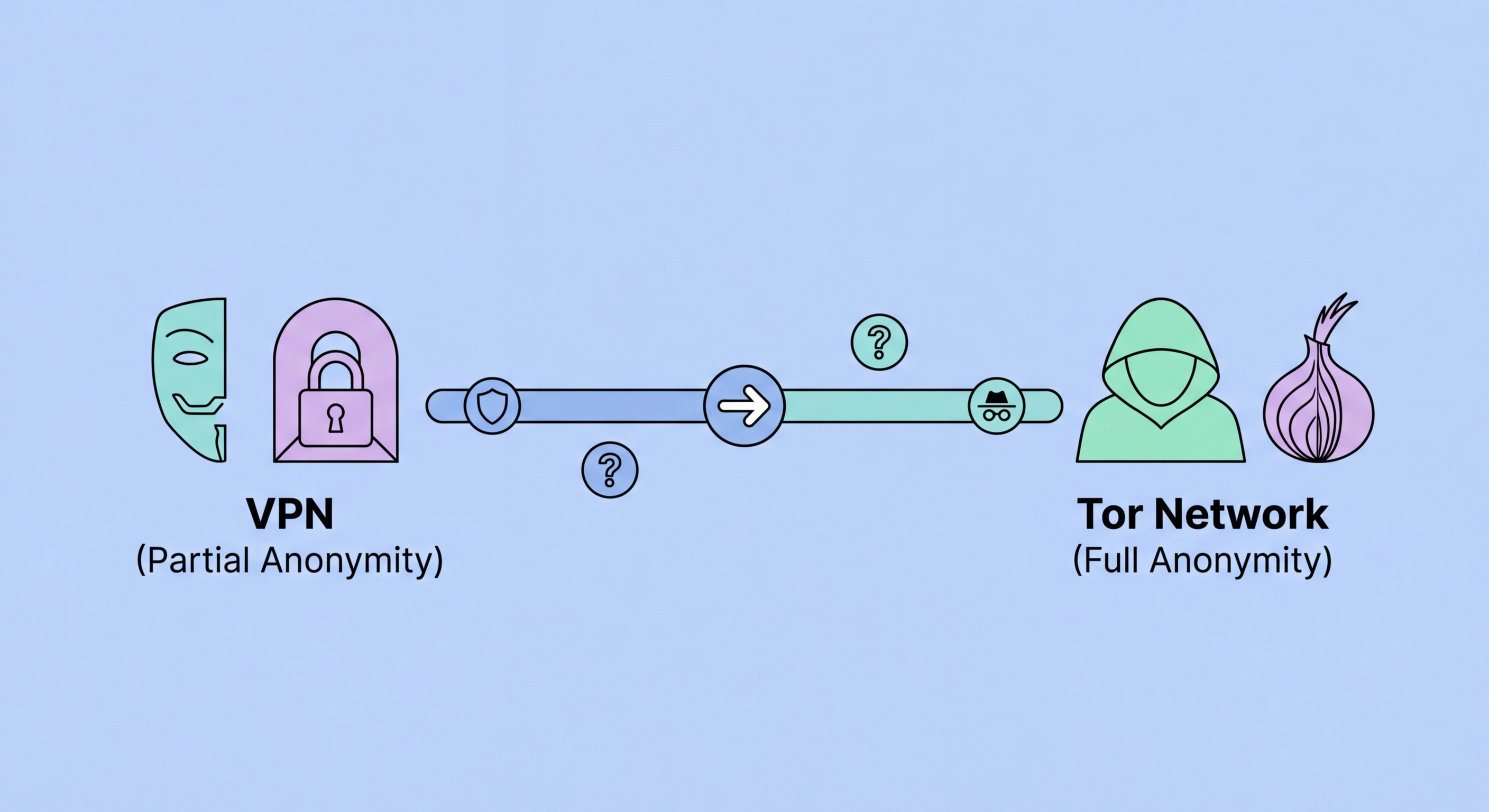
For most users, a VPN provides sufficient privacy for everyday needs — protecting from ISP ↗ surveillance, public WiFi attacks, and basic ad tracking. But combining a VPN with complementary privacy tools creates a significantly more robust privacy posture. The right combination depends on your threat model: casual privacy (browser tracking, ad profiling) requires different tools than protection from sophisticated adversaries.
The most impactful browser-level privacy tool to combine with a VPN is the uBlock Origin browser extension (available on Firefox and Chrome-based browsers). It blocks tracking scripts, advertising pixels, and malicious domains at the browser level — preventing the data collection that cookies facilitate, while reducing the cross-site fingerprinting surface. Pair with Firefox's Enhanced Tracking Protection set to "Strict" mode for comprehensive blocking. For the most fingerprint-resistant browser, Firefox with arkenfox.js user.js (advanced) or the Mullvad Browser (user-friendly) are excellent choices.
Onion over VPN (sometimes called "Tor over VPN") routes your VPN connection through the Tor network, combining the ISP-hiding benefit of a VPN with Tor's multi-hop anonymisation. Some VPN providers (NordVPN, ProtonVPN) offer built-in Onion over VPN servers. Note that this configuration is significantly slower than a regular VPN and is unnecessary for most users — it's most useful for high-risk individuals who want to prevent the VPN provider from knowing their destination sites while also preventing the Tor entry node from seeing their real IP.