How to Transfer Your eSIM to a New Phone
Step-by-step guide to moving your eSIM to a new device — carrier-assisted transfer processes, iPhone Quick Transfer, Android eSIM migration, and what to do when your old phone is broken or unavailable.
Step-by-step guide to moving your eSIM to a new device — carrier-assisted transfer processes, iPhone Quick Transfer, Android eSIM migration, and what to do when your old phone is broken or unavailable.
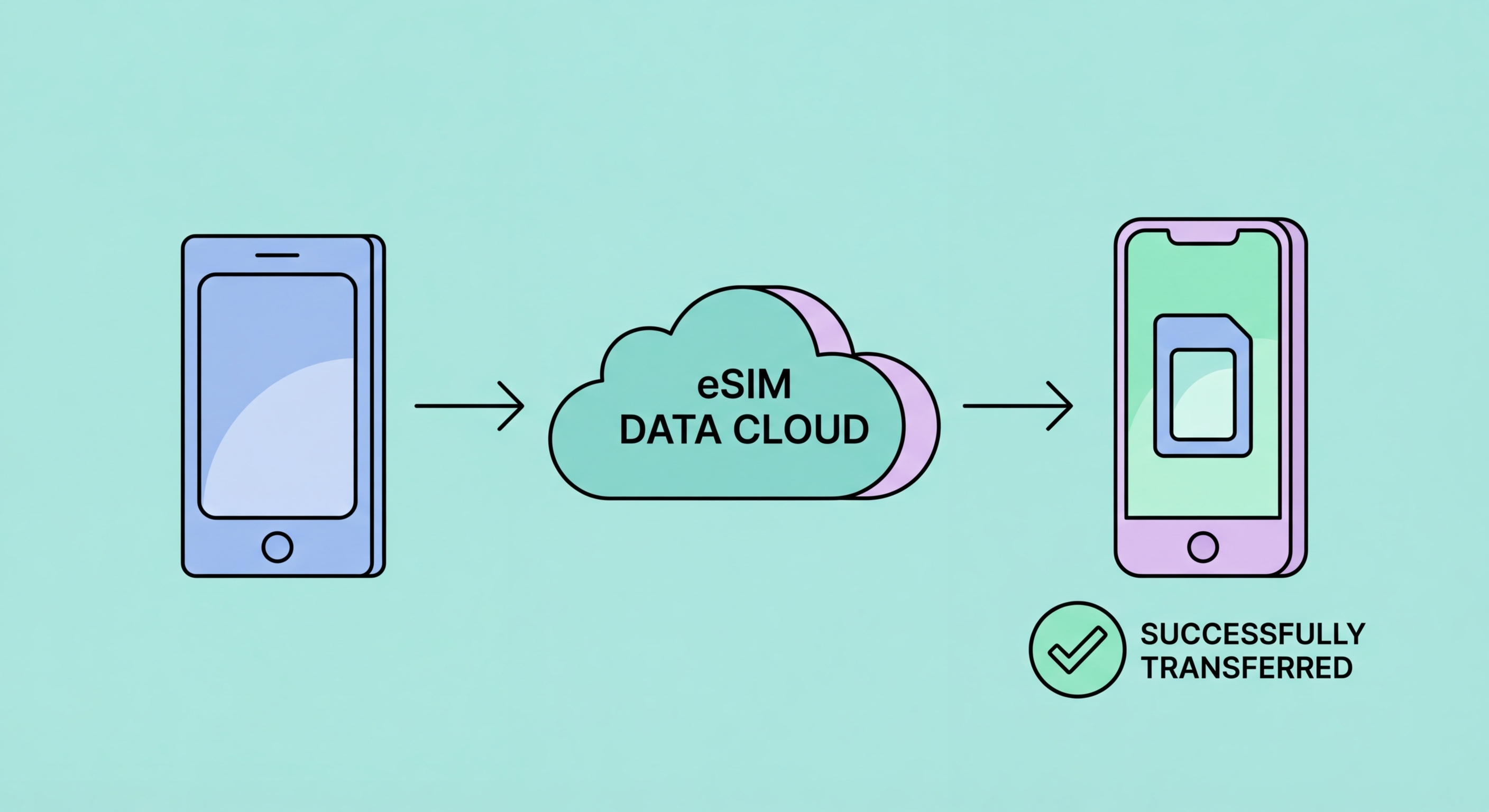
Unlike a physical SIM card that can be physically removed and inserted into a new phone in seconds, transferring an eSIM to a new device requires a carrier-mediated re-provisioning process. The eSIM profile on your old device is cryptographically bound to that device's specific eUICC (embedded Universal Integrated Circuit Card) secure element — it cannot simply be "moved" like a physical card because it contains device-specific cryptographic keys that are tied to the source secure element. A transfer involves the carrier deactivating the eSIM profile on the old device and issuing a new QR code (or transfer token) that you use to download a new version of the profile to the new device's secure element.
The practical implication is that eSIM transfer is not instantaneous and requires carrier interaction. This is a disadvantage compared to physical SIM swap, which requires no carrier involvement. However, carriers and device manufacturers have worked to reduce this friction — Apple introduced eSIM Quick Transfer (iPhone to iPhone) that allows eSIM migration between two iPhones without a QR code, completing the transfer through a proximity-based process during the new iPhone setup. For HK carrier eSIMs on iOS 16 and later, eSIM Quick Transfer can migrate your carrier eSIM profile to a new iPhone by holding the two phones near each other and confirming on both devices, with the carrier's backend automatically re-provisioning the profile to the new device.
The transfer process deletes the eSIM profile from the old device once the new device has successfully downloaded and activated the profile. This is an important operational consideration: do not initiate an eSIM transfer until you have confirmed the new device is ready to receive the profile and you have a stable WiFi connection on both devices. If the transfer fails partway through, the old device's profile may be deactivated before the new device successfully activates, leaving you without mobile service on either device temporarily. In this scenario, contact your carrier's customer service immediately to request a new provisioning QR code for the new device.

Apple's eSIM Quick Transfer feature (introduced with iOS 16 for supported carriers) is the most convenient path for HK iPhone users upgrading to a new iPhone. When setting up a new iPhone, the Quick Start transfer process (which moves your apps, settings, and data from your old iPhone to the new one) can include your eSIM as part of the transfer. Place the two iPhones near each other during Quick Start setup, allow the data transfer to complete, and when prompted about cellular, follow the on-screen instructions to transfer your eSIM. The carrier's backend is notified automatically and re-provisions the profile to the new device without requiring you to log into the carrier app or request a new QR code. eSIM Quick Transfer is supported by 3HK, CMHK, SmarTone, and csl/HKT for HK residents upgrading between iPhone XS and later models.
If eSIM Quick Transfer is not available for your specific carrier or device combination, or if you are not using Quick Start setup (for example, setting up the new iPhone as new rather than migrating from an old one), use the carrier app method. Log into your HK carrier's app on the old device, navigate to SIM management, and request a transfer to a new device. The carrier app generates a QR code or transfer link. On the new iPhone, go to Settings > Cellular > Add Cellular Plan and scan the QR code, or follow the transfer link. This process involves the carrier deactivating the old device's eSIM and activating the new one, which typically completes within 5–10 minutes. Keep both devices on WiFi throughout the process.
For travel eSIM profiles on iPhone — profiles from Airalo, Holafly, or other travel providers — the transfer situation is different from local carrier eSIMs. Most travel eSIM providers do not support re-downloading a purchased profile to a new device after the QR code has been used, treating each QR code as a single-use activation tied to the original device. If you upgrade your iPhone and want to move travel eSIM profiles to the new device, check each provider's policy: some (Airalo) allow one additional download after the first activation through their support team on a case-by-case basis; others (Holafly) require purchasing a new plan for the new device. Save all travel eSIM QR code emails and app purchase records in case you need to contact provider support for a profile transfer.

Android eSIM transfer processes are more variable across manufacturers than iPhone, but the fundamental approach is the same: use the carrier app to request a new provisioning QR code for the new device, then scan and activate it. For Samsung Galaxy upgrades, use the carrier app (3HK app, CMHK app, SmarTone app, or csl app) to initiate the transfer — the app requests the transfer and provides a QR code after authenticating your account. On the new Samsung Galaxy, go to Settings > Connections > SIM Manager > Add eSIM and scan the provided QR code. Samsung's newer Galaxy models (S23 and later) support a device migration process through Smart Switch that can include eSIM transfer for supported carriers, similar to Apple's Quick Transfer approach.
Google Pixel eSIM transfer on Android 14 and later benefits from the eSIM transfer capability built into the device setup process. When setting up a new Pixel from an old Pixel using the "Copy apps & data" setup flow, Android 14 can migrate eSIM profiles from the old Pixel to the new one through a QR code displayed on the old device and scanned on the new device during setup. This Android 14 eSIM transfer feature works for carrier eSIMs from carriers that support the Android eSIM transfer standard — verify that your HK carrier supports this feature before relying on it for a device upgrade. If the feature is not supported, use the carrier app method to request a new provisioning QR code.
A practical note on Android eSIM transfer timing: the transfer should be completed before you factory reset or sell your old Android device, as you need the old device to be functional and signed into your carrier account to initiate the transfer request through the carrier app. If the old device is being traded in, complete the eSIM transfer before handing it over — once the trade-in device is factory reset, the eSIM profile is deleted and you will need to contact the carrier with account verification to request a new provisioning QR code, which may require a wait period or store visit. Unlike iPhone's Quick Transfer which can potentially complete as part of the Quick Start setup flow, Android eSIM transfer generally requires the old device to still be functional and accessible during the transfer process.

The scenario where eSIM transfer becomes most stressful is when the old device is broken, lost, or stolen and you need to activate your carrier number on a new device as quickly as possible. This is one area where physical SIM retains a genuine practical advantage — if you have the physical SIM card from a broken phone, you can insert it directly into any compatible device and restore service immediately. With eSIM on a broken or inaccessible device, you cannot initiate the transfer through the carrier app on the old device, so you must go through carrier customer service to request a new provisioning QR code.
To recover your eSIM number to a new device when the old device is unavailable, contact your HK carrier's customer service directly. For 3HK, call 1033 (3HK customer service) or use another device to log into the Three HK app or website. For CMHK, SmarTone, and csl, use the respective carrier hotlines. You will need to verify your identity with your carrier account credentials and account PIN (this is why setting a carrier account PIN is so important — it enables identity verification over the phone without requiring an in-person visit). The carrier's customer service team deactivates the old eSIM profile and issues a new provisioning QR code for download to your new device. This process typically takes 15–30 minutes by phone, or can be done more immediately at a carrier retail store with valid HKID or passport.
If your device was stolen, the process involves an additional security consideration: report the theft to your carrier before requesting the eSIM transfer, to prevent the thief from using your number if they have access to the device before you can lock it remotely. Use Find My iPhone (iOS) or Find My Device (Android) on another device or browser to remotely lock or wipe the stolen device before the thief can access the eSIM on it. Then contact the carrier to freeze your account and subsequently issue a new provisioning QR code for your replacement device. File a police report (through the Hong Kong Police Force or via the non-emergency report line at 2527 7177) documenting the theft — this is useful for insurance claims and provides a formal record if the attacker attempts to use your number for fraudulent purposes.
