How to Check If Your Data Is on the Dark Web

A practical, step-by-step guide to checking your email addresses, passwords, and personal data for dark web exposure — using free tools available to every Hong Kong resident, with no technical knowledge required.

How to check if your data is on the dark web
1Step 1: Email Check

Step 1: Check Every Email Address with Have I Been Pwned

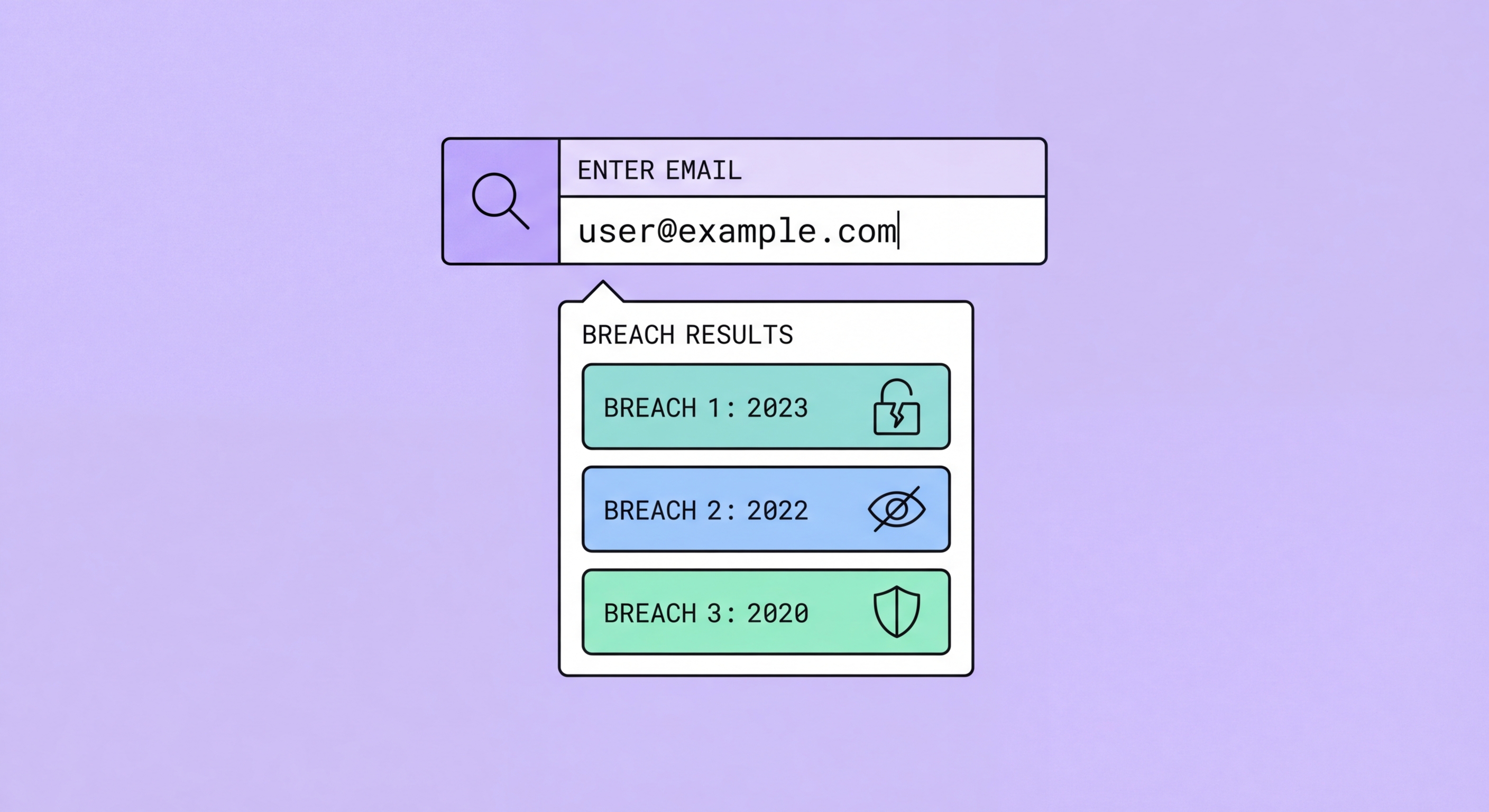
The first and most important step in checking your dark web exposure is verifying every email address you use against Have I Been Pwned (HIBP), the world's largest public breach database. Navigate to haveibeenpwned.com — the site is free, requires no account, and checks your email address against a database of over 12 billion records from more than 700 confirmed Data Breach?">data breaches. Type your email address in the search field and click "pwned?" — within seconds you'll see whether your address has appeared in any known breach datasets. If your address appears in zero breaches, you'll see a green result ("Good news — no pwnage found"). If your address has been in breaches, you'll see a red result listing every breach it appeared in, the date of the breach, and what data types were exposed.

Work through every email address you use — not just your primary address. Most people have accumulated multiple email addresses: a main personal address, a work address (past and present), an older address from a previous ISP or provider, a secondary "throwaway" address for online shopping, and possibly a shared family address. Each of these may have been used to register for services that subsequently experienced data breaches. The older addresses are often the most revealing — if you used a Hotmail address in 2005 to sign up for services that no longer exist, that address may have appeared in multiple historical breaches that you were never notified about. The HIBP results show the historical record, going back to the earliest known breach datasets.

After checking, take action on each result. For any email address that appears in breaches: click on each breach name to see the full details — what type of data was exposed (email only, passwords, phone numbers, physical addresses, financial data), how many records were in the breach, and whether the passwords in the breach have been cracked and are circulating as plaintext. If passwords were exposed, prioritise changing passwords for any service where you used the same or similar password. If sensitive data like phone numbers, physical addresses, or HKID details were exposed, escalate your response to include Dark Web Monitoring Services for Hong Kong Users in 2026">dark web monitoring and a TransUnion credit check. After reviewing, scroll down on the HIBP page and register your email for ongoing breach notifications — free, automatic, and delivered to your inbox within hours of your data appearing in a new breach.

  • Check every email address you own: Primary, work, old, secondary, and shared addresses — each may have appeared in different breach sets.
  • Read each breach result: Click through to see what data types were exposed — email-only breaches require less action than password or identity data exposures.
  • Register for ongoing notifications: HIBP's free monitoring emails you when your address appears in future breaches — a 2-minute setup with lifetime value.
  • Check for "sensitive breaches": HIBP marks some breaches as sensitive (e.g., adult content sites, health information) — these require email verification to view.
  • Historical context matters: An old breach from 2015 is still relevant if you're still using the same password on active accounts today.
  • International availability: HIBP is fully accessible from Hong Kong with no VPN required — it is not blocked by local ISPs.
Get the complete HIBP guide with advanced usage tips →
Check email addresses Have I Been Pwned
2Step 2: Password Check

Step 2: Check Your Passwords for Breach Exposure

HIBP's Pwned Passwords database contains over 850 million passwords previously exposed in data breaches — this is separate from the email breach checker and is one of the most powerful free security tools available. At haveibeenpwned.com/passwords, you can check whether a specific password appears in this database. The check is privacy-preserving: your password is never sent to the HIBP servers. Instead, HIBP uses a technique called k-anonymity — your password is hashed locally in your browser, only the first 5 characters of that hash are sent to HIBP, and the server returns all matching hash suffixes, with your browser completing the local comparison. The result tells you how many times that exact password has appeared in known breach data — if the answer is anything above zero, that password should be considered compromised.

A more practical and comprehensive approach is to use your password manager's built-in breach report, which checks all stored passwords against the HIBP Pwned Passwords database simultaneously. In 1Password, this is Watchtower (accessible from Settings → Watchtower or from within individual vaults) — it identifies passwords that appear in breach data, passwords used on multiple sites (reused passwords), weak passwords, and sites that support 2FA but where you haven't enabled it. In Bitwarden, go to Reports → Exposed Passwords. On iOS (using the built-in Passwords app or iCloud Keychain), go to Settings → Passwords → Security Recommendations — the system automatically flags passwords that match known breach data and also identifies reused passwords across sites. Work through every flagged item, prioritising banking, email, and cloud storage passwords first.

If you don't currently use a password manager, the email breach check from Step 1 provides a guide to which services have been involved in breaches. Cross-reference the breach list with the services where you use the same password — a breach at an e-commerce site where you used the same password as your email account means your email is at risk even if the email service itself wasn't breached. This is the fundamental problem with password reuse: every service you register with becomes a potential weak link for every other service that shares the same password. After completing the password check, the immediate priority is to ensure unique passwords across all accounts, using a password manager to generate and store them. This single step eliminates the cascade risk that makes breached passwords dangerous beyond the originally compromised service.

  • HIBP Pwned Passwords: haveibeenpwned.com/passwords — check individual passwords; uses k-anonymity so your password is never transmitted to the server.
  • Password manager reports: 1Password Watchtower, Bitwarden Exposed Passwords report, iOS Security Recommendations — check all stored passwords simultaneously.
  • Prioritise by account type: Change banking, email, and cloud storage passwords first if flagged — these accounts grant access to everything else.
  • Reused passwords are the biggest risk: A breach at any service using a reused password compromises all accounts sharing that password.
  • Google Password Manager: Android users — open Google Password Manager → Password Checkup to run a comprehensive scan.
  • After fixing, enable 2FA: Unique passwords plus 2FA on high-value accounts closes the two most common attack vectors for account takeover.
Full action plan if your credentials have been stolen →
Check passwords breach exposure
3Step 3: Device Checks

Step 3: Use Built-in Monitoring on Your Devices and Services

Modern mobile operating systems and major online services include dark web monitoring features that most users have never activated. On iPhone and iPad running iOS 16 or later, Apple provides a Privacy Report and a Data Breach Detection feature in iOS 16.2+ under Settings → Privacy & Security → Safety Check, and more comprehensively through iCloud+ subscribers in Settings → [Your Name] → iCloud → Privacy & Security → Monitor Data Breaches. This feature actively monitors your registered email addresses against breach data and sends notifications when breaches are detected. It is completely free for all Apple ID holders and requires no additional setup beyond the initial opt-in — if you haven't checked this setting, open it now and ensure monitoring is enabled.

Google offers an equivalent service called Google One Dark Web Report, available to Google Account holders. Access it at myaccount.google.com/security — select "Dark Web Report" and enrol. Google's service monitors your Gmail address and, in some regions, additional information like phone numbers and names against breach data and dark web sources. Google also integrates breach checking directly into Chrome's Password Manager — if you save passwords in Chrome and a saved site is breached, you'll receive a notification in Chrome. On Android, Google Password Manager's Checkup feature (accessible from passwords.google.com or through Chrome settings) provides the same functionality as the iOS password manager check. These built-in tools are often overlooked but represent a significant free monitoring resource.

Beyond mobile and Google, several other services you likely already use provide breach monitoring. Microsoft accounts at account.microsoft.com include a Security section that shows recent security events. LinkedIn notifies you if your account has been accessed from unusual locations. Financial services increasingly provide security monitoring — DBS, HSBC, and Standard Chartered in Hong Kong have enhanced their in-app security monitoring to flag unusual account activity and send push notifications. Activate every available security notification within your banking apps: per-transaction alerts, login notifications, and profile change confirmations. These in-app notifications from banks are more reliable than relying on SMS for security alerts, particularly given SIM swap risks in Hong Kong.

  • iOS Data Breach Detection: Settings → [Name] → iCloud → Privacy & Security → Monitor Data Breaches — enable for all registered email addresses.
  • Google Dark Web Report: myaccount.google.com/security → Dark Web Report — free for all Google account holders, monitors Gmail and optional additional data.
  • Chrome Password Checkup: Chrome → Settings → Passwords → Check Passwords — scans all saved Chrome passwords against breach data.
  • Bank in-app monitoring: Enable push notifications for every transaction, login, and profile change in your banking apps — more secure than SMS alerts.
  • LinkedIn security alerts: Activates notifications for unusual logins — valuable since LinkedIn breaches are frequent and LinkedIn credentials are widely traded.
  • Microsoft account monitoring: account.microsoft.com → Security — useful if you use Microsoft 365, OneDrive, or Xbox services with a Microsoft account.
Compare paid monitoring services for extended data coverage →
Built-in device dark web monitoring
4Interpreting Results

How to Interpret Your Results and What to Do Next

Almost everyone who completes these checks will find that at least one of their email addresses has appeared in a past breach — this is normal and expected, not cause for alarm. The global scale of data breaches over the past decade means that most email addresses registered before 2020 have appeared in at least one breach dataset. The key is not whether you've been breached but what data was exposed, how long ago, and whether you've already taken remediation steps. An email address appearing in a 2013 Adobe breach, where you've since changed your password and the exposure was email-only with no sensitive personal data, requires no further action. The concerning results are: recent breaches (within the past 12 months), breaches exposing passwords you're still using, and breaches exposing sensitive data like HKID numbers, financial account details, or physical addresses.

Calibrate your response to the severity of what was exposed. Email-only exposure in an old breach: register for HIBP notifications and no further action required if you've changed the associated password. Password exposure in any breach: immediately change the password on the breached service and on every other service where you used the same or similar password — use a password manager to generate unique replacements. Phone number, physical address, or identity document exposure: activate paid dark web monitoring that covers those data types; request a TransUnion credit report; and monitor your bank accounts closely for the next 6 months. Financial data exposure (partial card numbers, bank account numbers): contact your bank's fraud line to report the exposure and request monitoring; consider requesting a new card number proactively.

After completing the initial check and immediate remediation, establish an ongoing monitoring cadence. Register all email addresses with HIBP for automatic notifications. Enable every available in-app security notification on your banking apps. Set a recurring calendar reminder to run your password manager breach report monthly. Set a reminder to order your TransUnion credit report every 6 months. This ongoing cadence ensures that future exposures are caught promptly — the initial check is a snapshot, but monitoring is continuous. For Hong Kong residents with high-risk profiles, the recommended additional step is to subscribe to a paid dark web monitoring service that covers HKID and phone numbers, given their central role in Hong Kong's identity ecosystem and their frequent appearance in breach data targeting HK residents.

  • Most people will find past breaches: This is normal — focus on the severity (data types exposed, how recent, whether passwords are still in use) not the mere fact of exposure.
  • Priority response by data type: Email only = low urgency; password = change immediately; identity/financial data = full response protocol including credit check.
  • Establish an ongoing cadence: HIBP automatic notifications; monthly password manager reports; bi-annual TransUnion credit reports; real-time bank alerts.
  • No results doesn't mean safe: Clean monitoring results mean your data hasn't been detected in monitored sources — not that it hasn't been exposed in unmonitored channels.
  • Act within 24 hours: For any active breach involving passwords you're currently using, change affected passwords within 24 hours of discovery.
  • HIBP notifications require action: When a future HIBP notification arrives, treat it as an urgent alert — identify the breached service, change the password, audit reuse immediately.
Detailed action plan when your credentials have been stolen →
Interpreting dark web check results next steps
Check Your Exposure Right Now — It's Free

Check Your Exposure Right Now — It's Free

The complete check takes 15 minutes using only free tools. Start with haveibeenpwned.com and your password manager, then set up automatic monitoring.

Related VPN Articles