Is MTR WiFi Safe in Hong Kong? The Honest Answer
Hong Kong's MTR free WiFi serves millions of commuters daily. But is it actually safe? An honest security assessment of the MTR network and practical advice for daily commuters.
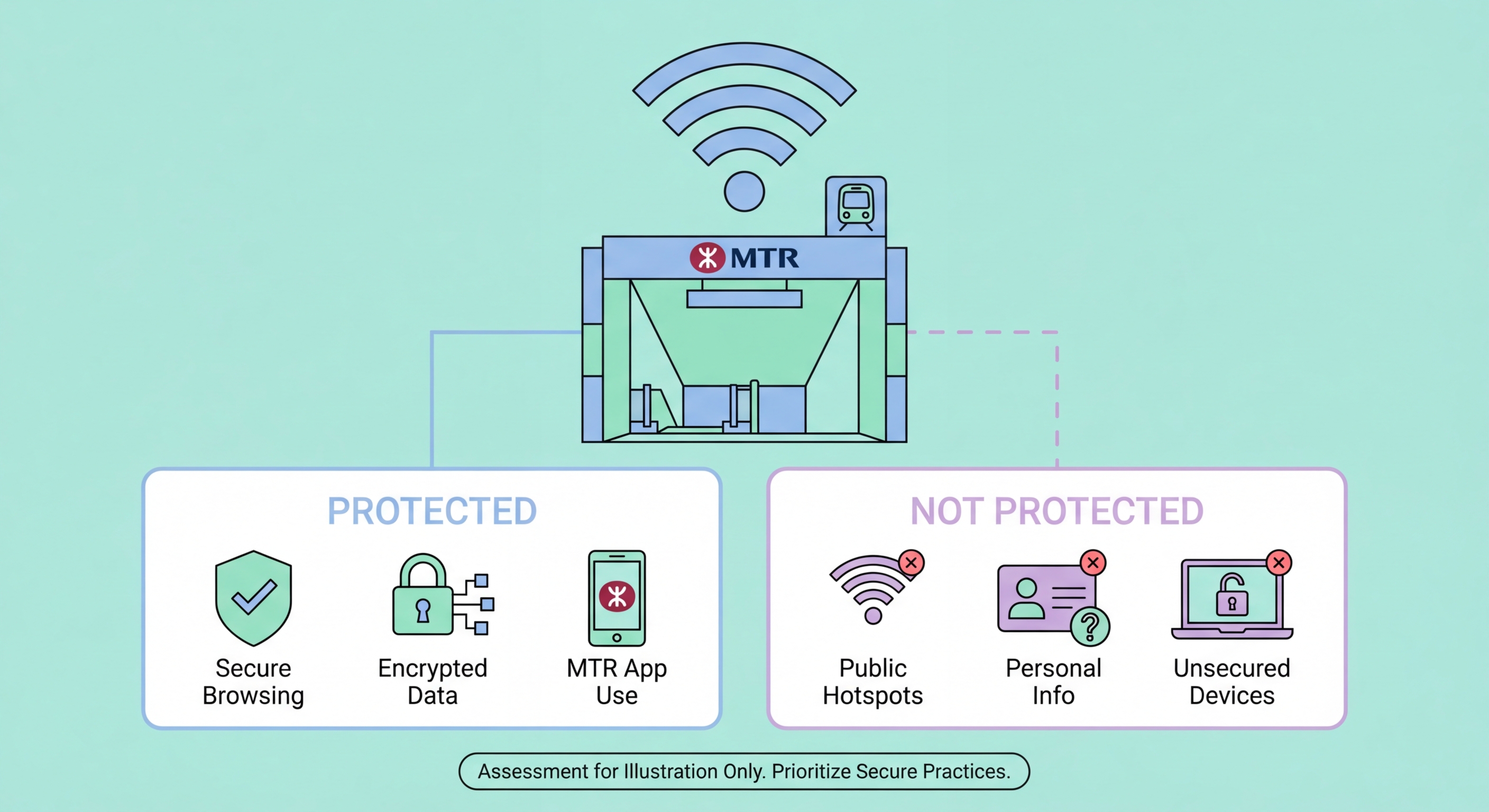
Hong Kong's MTR free WiFi serves millions of commuters daily. But is it actually safe? An honest security assessment of the MTR network and practical advice for daily commuters.
MTR WiFi is a combination of different WiFi providers operating across the MTR network. The WiFi.HK programme, a government initiative, covers most MTR stations, providing free public WiFi under the "WiFi.HK" SSID. This is separate from, and in addition to, WiFi provided directly by mobile carriers — CMHK, SmarTone, and 3HK all operate their own hotspots at many MTR stations. On some lines, you may also see service provider-specific SSIDs like "PCCW-WiFi" from HKT.
MTR Corporation itself provides WiFi on trains on the East Rail, West Rail, and Tuen Ma lines through the "MTR-WIFI" SSID, which requires registration or login through a captive portal. The Airport Express line offers free WiFi for all passengers. Most underground platform WiFi comes from the WiFi.HK programme or carrier hotspots rather than directly from MTR Corp. This patchwork of providers means security standards are not uniform — some hotspots are better managed than others.
Registration requirements vary. WiFi.HK hotspots typically require a simple registration with an email address or to Spot and Avoid Attacks on Your Phone">Your Phone Number">phone number through a captive portal. Some carrier hotspots allow automatic connection for subscribers. The registration process at a captive portal is itself a security consideration — you are submitting information (email or phone number) to a network you do not control, over a connection that may not be encrypted at the time of registration. This data could potentially be collected and misused, or the captive portal itself could be a phishing page on a rogue network.

WiFi.HK hotspots at MTR stations are open, unencrypted networks. The SSID is broadcast without WPA2 or WPA3 password protection — anyone can connect without any credential. This means that at the network level, traffic between your device and the access point is not encrypted by the WiFi protocol itself. Any device on the same network running packet capture software can potentially intercept on Public WiFi: How Attackers Intercept Your Traffic">your traffic if it is not independently encrypted (by HTTPS or a VPN).
The sheer number of users on MTR WiFi is both a risk and a partial mitigating factor. Popular networks with thousands of simultaneous users are somewhat more difficult to attack at scale — an attacker performing MITM attacks can only realistically target a limited number of specific victims rather than capturing all traffic indiscriminately. However, MTR stations are also high-traffic, high-value environments where criminals can expect a high density of users checking email, social media, and potentially banking apps. The density of potential victims makes it worth an attacker's effort.
Evil twin attacks on MTR stations are a documented concern. The SSID "WiFi.HK" is public knowledge, and criminals can set up access points broadcasting the same SSID to attract connections. With no password on the network, devices set to auto-connect to WiFi.HK will connect to the strongest signal — which may be the attacker's rogue access point rather than the legitimate station hotspot. If you have previously connected to WiFi.HK on your device, your phone or laptop will attempt to auto-reconnect whenever it detects the SSID. An attacker at the same station can broadcast a stronger "WiFi.HK" signal and capture your device's automatic connection.

Daily commuters face accumulating exposure. If you connect to MTR WiFi on your 45-minute commute every weekday, you accumulate roughly 180 hours of exposure per year. Most of this exposure is low-risk — if you are browsing HTTPS news sites or streaming a podcast over an encrypted connection, your risk is minimal. The risk becomes significant when commuters habitually use the commute to catch up on work email, access business systems, check banking apps without switching to mobile data, or submit forms on websites that may not be fully HTTPS.
Business professionals commuting from the New Territories to Central often use the East Rail or Tuen Ma line commute for productive work — checking emails, reviewing documents, connecting to company systems via web portals. If any of these activities occur over MTR WiFi without VPN protection, sensitive business information transits an unencrypted public network. Given that business email compromise targeting Hong Kong companies is an active and well-funded criminal activity, the combination of predictable daily presence on a specific network and valuable business data makes commuter professionals a worthwhile target.
Mobile banking app usage on MTR WiFi is particularly worth considering. Most Hong Kong banking apps use encrypted HTTPS connections and app-level security, so your banking data itself is encrypted. However, the app authentication process — particularly any SMS OTP codes received while on the network — may be visible to network monitors. SMS messages received over the cellular network are not affected by WiFi monitoring, but if you switch from WiFi to cellular data for SMS and back, or if your banking app itself transmits verification data, the WiFi environment adds risk.

The most effective single action is enabling a VPN before connecting to MTR WiFi. Many quality VPN apps (NordVPN, ExpressVPN, Mullvad, and others) offer an auto-connect feature that automatically activates the VPN whenever you connect to a public network. Enable this feature and you will be protected without needing to remember to manually start the VPN on each commute. Choose a VPN server in Japan, Singapore, or South Korea for minimal latency impact on your MTR commute — these regional servers provide fast connections with full encryption.
Disable automatic WiFi connection on your device for MTR WiFi. Instead of leaving "WiFi.HK" as a saved auto-connect network, set it to "Ask to Join" or connect manually each time. This prevents your device from auto-connecting to evil twin networks broadcasting the familiar SSID and gives you a moment to verify you are connecting to the expected network. On iPhone, you can set individual networks to not auto-join: Settings → WiFi → tap the "i" next to the network name → turn off "Auto-Join."
Segment your commute activities. For the low-sensitivity part of your commute — reading news, streaming music, listening to podcasts — use MTR WiFi with your VPN active. For any activities involving work email, business systems, or financial accounts, switch to your mobile data connection. Most Hong Kong mobile data plans have generous data allowances (50GB or more) that comfortably accommodate the additional data usage from switching to mobile data for sensitive tasks. The MTR journey also provides cellular signal on most lines, making mobile data a practical option throughout most of the network.
