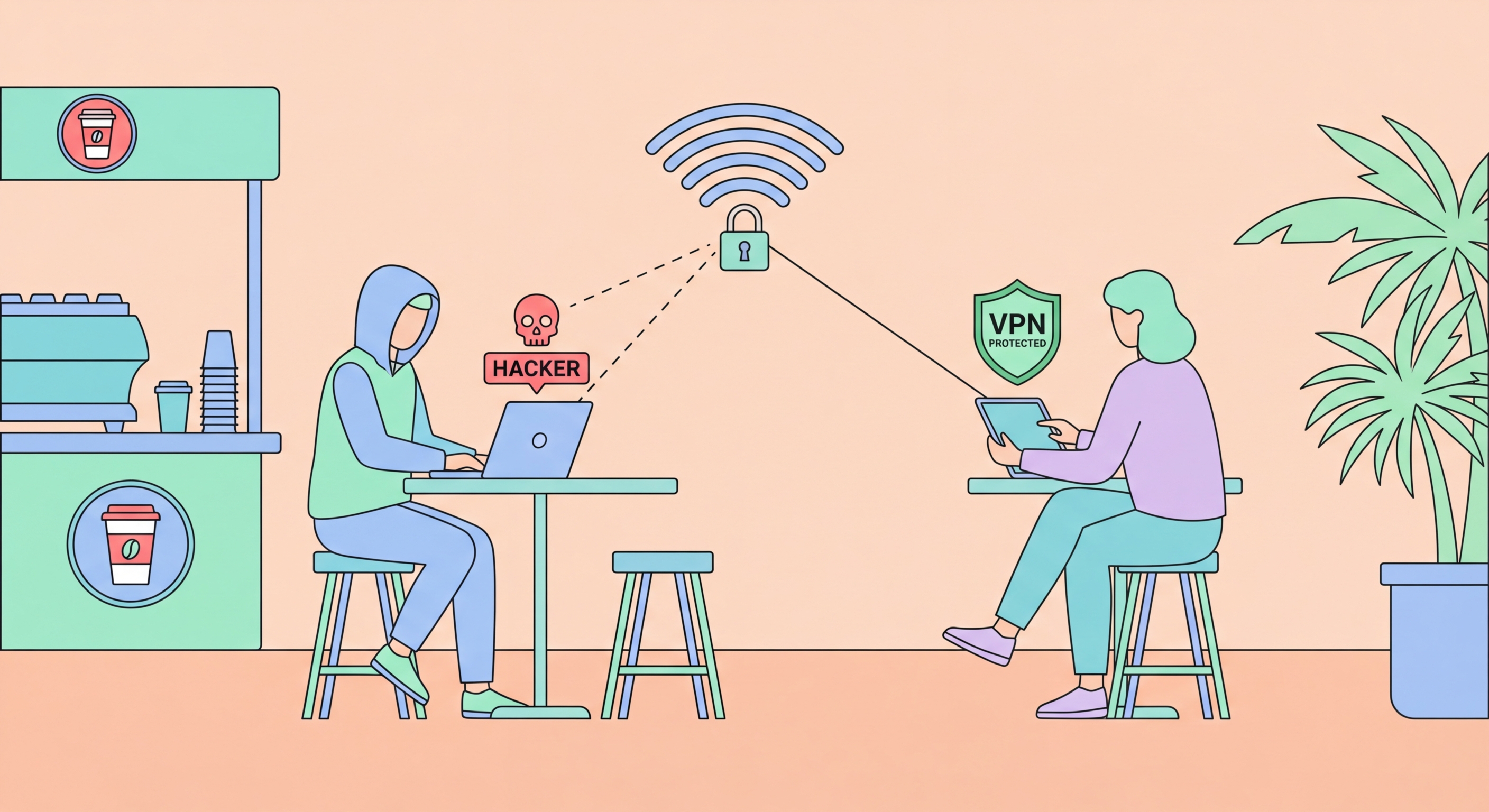
Working from a café is a Hong Kong institution. But coffee shop WiFi networks are open, shared, and unencrypted — exactly the environment where attackers set up shop. Here's what the risks are, how they differ across café chains, and what you should and shouldn't do on café WiFi.
Coffee shops attract a demographic that is valuable to attackers: laptop workers who spend extended periods connected to the network, often performing high-value tasks like accessing corporate systems, handling financial transactions, and maintaining business communications. Unlike a brief MTR station connection, a café session might last two to four hours — giving an attacker substantial time to identify valuable targets, monitor traffic patterns, and time attacks to coincide with high-value activity. The mix of business users, freelancers, and remote workers in for Business Travellers: Protecting Corporate Data in Hong Kong">Hong Kong cafés in Central, Admiralty, and Causeway Bay represents a concentrated population of targets worth an attacker's investment.
Café WiFi networks in Hong Kong are almost universally open (no WPA2/WPA3 password) or use a single shared password posted on the wall or printed on receipts. Open networks provide zero WiFi-layer encryption — all traffic travels in plaintext at the radio layer. Even password-protected shared networks provide limited protection: any customer who has the posted password can potentially perform attacks against other customers on the same network. The network name (SSID) of major chains is publicly known — "Starbucks WiFi," "Pacific Coffee," "Pret" — making it trivial to Set Up eSIM on iPhone: Complete Guide">to Set Up eSIM on Android: Samsung, Pixel, and More">to set up evil twin networks in any location where these chains operate. An attacker can sit in a café, position a stronger access point broadcasting the same SSID, and capture connections from other customers who auto-connect to the familiar network name.
The physical environment of cafés creates additional risk vectors beyond network attacks. Shoulder surfing — reading your screen from nearby — is an underappreciated threat in the densely packed seating arrangements typical of Hong Kong cafés. Sensitive documents, passwords being entered, email content, and business information are all readable to anyone seated nearby or walking behind you. This is not a network attack, but it represents a real information security risk in the café environment. Using a screen privacy filter on your laptop — a thin film that limits the viewing angle to the person directly in front of the screen — addresses shoulder surfing risk. This is particularly relevant for frequent café workers who routinely handle sensitive business information in public.
Starbucks Hong Kong WiFi is operated through a combination of the venue's own network and carrier partnerships. Most Starbucks locations in Hong Kong use an open WiFi network (no password) with a simple captive portal, or the WiFi.HK network. The network architecture varies by location — some Starbucks in Central office buildings may have better-managed networks as part of the building's infrastructure, while standalone Starbucks locations use simpler setups. The SSIDs used vary by location but often include "Starbucks WiFi" or related variants. As with all open café networks, there is no WiFi-layer encryption. The WiFi network in busy Central and Admiralty Starbucks locations, frequented by business users from nearby office towers, is a particularly attractive target for targeted attacks given the density of high-value users.
Pacific Coffee, a popular local chain, similarly uses open WiFi networks at most locations. Pacific Coffee SSIDs are recognisable and consistent across branches — making them easy to impersonate with evil twin attacks. Pacific Coffee locations in IFC, Pacific Place, and other Grade A office building food courts attract corporate employees who may be accessing business systems during lunch breaks or between meetings. The shared seating arrangements in many Pacific Coffee locations also create elevated shoulder surfing risk. Pret a Manger and other international chains operating in Hong Kong follow similar open-network patterns, with WiFi configuration typically managed at the individual location level rather than centrally.
Independent and local cafés in Hong Kong (the numerous individual coffee shops in Sheung Wan, Sham Shui Po, Kennedy Town, and other emerging neighbourhoods) vary widely in their network configurations. Some use a simple consumer WiFi router without professional management; others use building WiFi infrastructure. Consumer-grade routers are more likely to have outdated firmware with known vulnerabilities. However, independent cafés also tend to have fewer users simultaneously connected, slightly reducing the attack surface density. The SSID of a small independent café is less likely to be impersonated because the network is less widely known — but the underlying network security is often weaker than the branded chain alternatives.
With a VPN active, café WiFi is suitable for a broad range of work and personal activities. Reading news and general web browsing over HTTPS sites is low-risk even without a VPN, but adding a VPN makes it safe enough for anything other than the most sensitive tasks. With a VPN: email (including work email), productivity apps (Google Workspace, Microsoft 365, Notion), video calls where the content is not highly confidential, and cloud storage access are all acceptable. The VPN encrypts your traffic before it reaches the café network, rendering eavesdropping and MITM attacks ineffective. The one activity that remains higher-risk on café WiFi even with a VPN is submitting credentials for very high-value accounts — banking, corporate admin accounts, domain registrars — because the VPN protects against network-level attacks but not against phishing or keyloggers on your device.
Without a VPN, the risk profile of café activities shifts significantly. Without a VPN, you should avoid: logging into any account where you would not want the session to be visible, submitting forms with personal information on any site (even HTTPS sites, because HTTPS gaps remain), accessing work systems with business data, and downloading or uploading sensitive documents. Without a VPN on an open café network, DNS queries are plaintext (revealing sites visited), and any unencrypted traffic is fully readable. With HTTPS-only traffic and no VPN, the content is encrypted but metadata (which sites, when, how much data) is visible. For casual browsing this is acceptable; for any professional or sensitive activity it is not.
Specific activities to avoid entirely on café WiFi, regardless of VPN status: banking and financial transactions (use mobile data instead), entering corporate VPN credentials over café WiFi (use mobile data to establish the corporate VPN), installing software or updates (malware injection risk on unprotected networks), and using café network printers (printer connections on a café network may expose documents to other network users). If you regularly work from cafés and need to access corporate systems, establish a protocol: connect to café WiFi, enable your personal VPN immediately, then use the personal VPN to connect to your corporate VPN. The layered encryption (personal VPN + corporate VPN) provides strong protection for corporate access from café environments.
A five-minute security setup before your first café session protects every subsequent visit with minimal ongoing effort. First, install and configure a VPN app with auto-connect enabled for public networks (NordVPN, ExpressVPN, Mullvad, or ProtonVPN). The auto-connect feature ensures protection activates automatically the moment you join any café network — no manual action required. Second, ensure your Windows network is set to "Public" mode: when Windows detects a new WiFi network, it asks whether to set it as "Public" or "Private" — always choose "Public" in cafés. On macOS, disable File Sharing and Screen Sharing in System Settings → General → Sharing. Third, verify your firewall is active: Windows Defender Firewall on Windows, or the built-in firewall on macOS in System Settings → Network → Firewall.
For laptop workers who frequently visit the same café, there is a temptation to save the café's WiFi network for auto-connect convenience. Resist this: saving the café SSID as auto-connect creates vulnerability to evil twin attacks at the café and at any other location broadcasting the same SSID. Instead, connect manually each visit, verify the SSID against what is displayed on the café's WiFi notice (or ask staff), and let the VPN handle protection automatically. This takes slightly longer than auto-connect but eliminates the risk of automatically connecting to an impersonating network. If you do save the network, ensure auto-join is disabled: Settings → WiFi → tap "i" next to the café network → Auto-Join: off.
Consider investing in a USB-C or HDMI screen privacy filter for your laptop if you regularly do sensitive work in Hong Kong cafés. These polarising filters limit the display viewing angle to approximately 60 degrees from directly in front, making the screen appear dark to anyone viewing from an angle. High-quality privacy filters are available from reputable brands like 3M and available in Hong Kong at electronics retailers in Wan Chai's computer centres, Fortress, and Broadway. The filter is a one-time investment that provides persistent protection against shoulder surfing across every café visit without any ongoing setup or remembering to apply it. For workers who handle confidential client information, internal strategy documents, or sensitive personal matters in public, a privacy filter is a low-cost, high-value security tool.