Best Proxy Browser Extensions for Privacy in 2026
Proxy browser extensions offer convenient IP masking and geo-access directly in your browser — but they come with important limitations that every user should understand before relying on them.
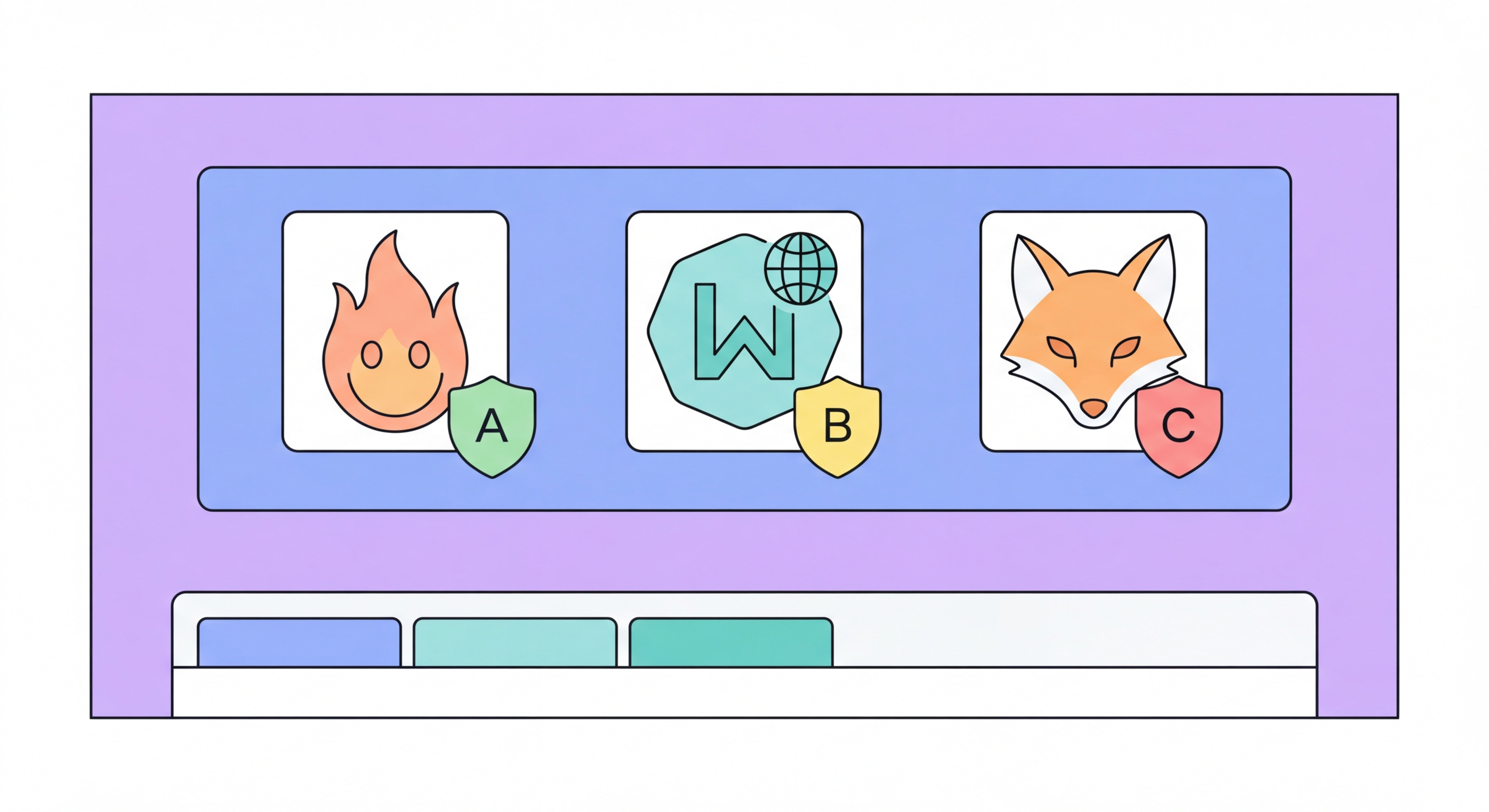
Proxy browser extensions offer convenient IP masking and geo-access directly in your browser — but they come with important limitations that every user should understand before relying on them.
Proxy browser extensions use the browser's built-in proxy API to route the browser's web traffic through a proxy server. When you install and enable a proxy extension, it overrides the browser's network settings and routes HTTP and HTTPS requests through the extension's configured proxy. From the extension's proxy server's perspective, all requests appear to originate from the proxy's IP address — the extension presents the proxy server's location to destination websites. The browser's other traffic (DNS, extension update checks, browser telemetry) may or may not be routed through the proxy depending on the extension's implementation.
Extensions manage proxy configuration, handle authentication with the proxy server, and typically provide UI for switching proxy profiles, selecting server locations, and viewing connection status. Proxy management extensions like Proxy SwitchyOmega are tools that help you manage manual proxy configurations rather than providing proxy service themselves — you need to supply your own proxy credentials. In contrast, consumer-facing "VPN" or "privacy" browser extensions often bundle both the management interface and the proxy service, where the extension provider also operates the proxy servers.
The browser extension model has both advantages and limitations compared to system-level proxy configuration. Advantages include easy per-tab or per-site proxy routing rules, simple UI for non-technical users, quick enable/disable toggles, and the ability to maintain multiple proxy profiles without changing system settings. Limitations include browser-only coverage (other applications are unaffected), potential DNS leak issues if extensions handle DNS incorrectly, and the security risk of granting an extension broad permissions to read and modify all web traffic.

Proxy SwitchyOmega is the gold standard for proxy management in Chrome and Edge. It's open-source (available on GitHub), has been maintained for years, and provides comprehensive proxy profile management with per-URL routing rules. It does not provide proxy service itself — you configure it with credentials from your own proxy provider — which means there's no risk of the extension operator logging your traffic. The extension handles only proxy configuration, not traffic interception. It's the appropriate choice for developers, power users, and anyone who already has a commercial proxy subscription.
FoxyProxy is a well-established alternative for both Chrome and Firefox, with similar functionality to Proxy SwitchyOmega. It supports HTTP, HTTPS, and SOCKS5 proxy configuration and provides pattern-based automatic proxy switching. FoxyProxy has both a free version (with basic functionality) and a paid Standard version with additional features. The extension has been maintained since 2006 and has a strong reputation in the developer and privacy communities. Like Proxy SwitchyOmega, FoxyProxy is a proxy manager, not a proxy provider.
For users who want a built-in proxy service (extension plus proxy servers included), the options are fewer and require more careful evaluation. The Opera browser includes a built-in free "VPN" that is actually an HTTP proxy — it's convenient but uses datacenter IPs that are quickly blocked by major streaming services and social platforms. Windscribe's browser extension provides both free and paid proxy access with reasonable privacy practices. However, treat any browser extension that both routes and processes your traffic with significant caution — the extension has access to your entire browsing session, including passwords and payment information if entered while the proxy is active.

The most important limitation to understand is scope: proxy browser extensions protect only browser traffic. If you're concerned about privacy from your ISP or network administrator, your non-browser applications continue to make direct connections to the internet, potentially exposing the same identity information you're trying to protect in the browser. Your email client, messaging applications, cloud sync services, and OS telemetry connect directly. DNS queries from the OS are typically not routed through the browser proxy. This creates a situation where your browsing appears proxied but your overall network fingerprint may still be identifiable.
Browser fingerprinting is not addressed by proxy extensions. Your browser's Canvas rendering, WebGL capabilities, installed fonts, screen resolution, timezone, language settings, and dozens of other characteristics are the same regardless of which IP address you're connecting from. Advanced tracking systems correlate these fingerprint characteristics across sessions and IP addresses — a technique that allows them to recognise you as the same user even after changing IP addresses via a proxy. True fingerprint resistance requires using a browser with aggressive fingerprint normalisation (like Tor Browser or Brave with strong shield settings) in addition to IP masking.
Cookie and session persistence is another limitation. Cookies set by websites before you activated the proxy will still be sent by your browser when revisiting those sites through the proxy — potentially re-linking your proxied session to your pre-proxy identity. If you log into any account (Google, social media, e-commerce) while using a proxy, that login action creates a direct link between the proxy IP and your real identity. For meaningful session privacy, you need to start a fresh browser profile with no existing cookies, history, or saved logins for each sensitive proxied session.

Proxy browser extensions are the right tool for specific, scoped use cases where their limitations are acceptable. Accessing geo-restricted web content in a single browser tab while your other work continues unaffected is a perfect proxy extension use case — you want only that specific browsing context to appear from a different location, and you don't need your phone apps, desktop apps, or other browser tabs affected. A quick news article behind a geographic paywall, a job posting only visible from a specific country, or testing how a website appears to users in a different region are all natural extension use cases.
For developers working with commercial proxy APIs, Proxy SwitchyOmega or FoxyProxy is the appropriate management tool for configuring and switching between proxy environments during development and testing. The extensions allow you to define proxy profiles for development, staging, and production environments, switch between them instantly, and define URL patterns that automatically select the correct proxy for each request. This is purely a management convenience tool — the actual proxy service is provided by your commercial proxy account, not the extension.
When your use case requires comprehensive device-level privacy — protecting all app traffic, securing data from ISP surveillance, or maintaining consistent protection across your entire digital footprint — a VPN is the appropriate upgrade from a browser extension. The incremental privacy benefit of a browser proxy extension over a VPN is minimal, but the downgrade from VPN to browser extension represents a significant reduction in coverage. Think of proxy extensions as a lightweight, browser-scoped tool for access and convenience purposes, and VPNs as the appropriate choice when actual privacy and security matter.
