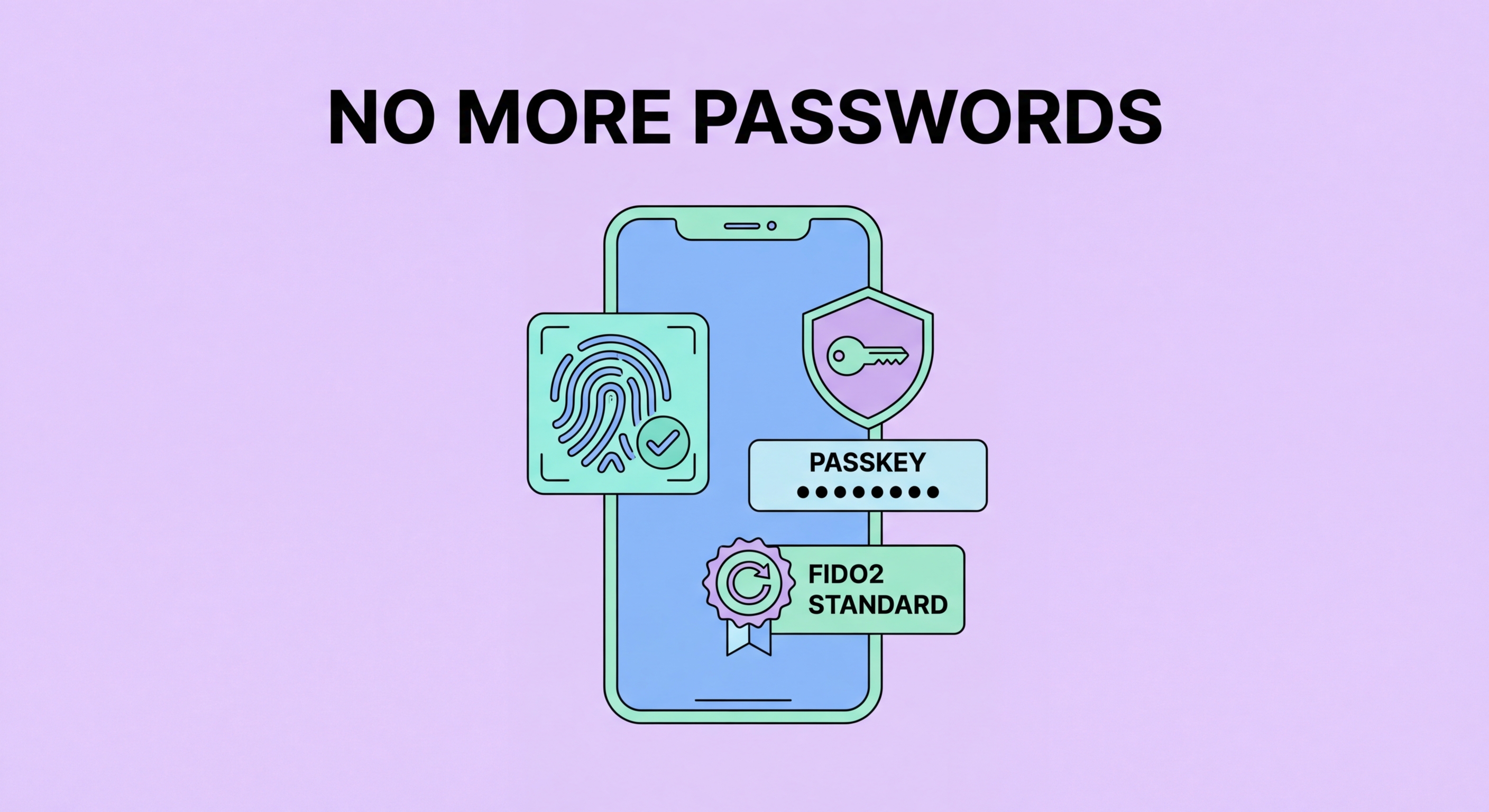
Passkeys are already replacing passwords on major platforms. Biometrics and hardware tokens are maturing. The era of the password is ending — understand what comes next and how to prepare.
Passkeys are the most significant development in authentication security since the introduction of two-factor authentication. Backed by Apple, Google, Microsoft, and the FIDO Alliance, passkeys use public-key cryptography to authenticate users without any secret being transmitted to the server or stored in a way that can be stolen. When you create a passkey for a service, your device generates a cryptographic key pair: the public key is sent to the service's server, and the private key is stored securely on your device in hardware (iPhone's Secure Enclave, Android's Titan chip, Windows Hello TPM).
When you log in, the service sends a cryptographic challenge. Your device uses your stored private key to sign the challenge — but only after you prove you are the device owner using your biometric (Face ID, fingerprint) or device PIN. The signed response is sent back to the server, which verifies it using the stored public key. At no point is any secret (password, biometric data, or private key) transmitted over the network or stored on the server in a way that could be stolen in a breach. Even if the server is completely compromised, the attacker gains only public keys, which are useless for authentication.
Passkeys are now available on Google, Apple, Microsoft, PayPal, eBay, WhatsApp, GitHub, and hundreds of other services. The major operating systems — iOS 16+, Android 9+, Windows 11, and macOS Ventura+ — all support passkeys natively. In 2026, adoption is accelerating rapidly: most major consumer services are either already supporting passkeys or have announced imminent support. Hong Kong Businesses: Implementation Guide">for Hong Kong Online Banking: What You Need to Know">for Hong Kong Online Banking: A Complete Guide">for Hong Kong SMEs: Where to Start">For Hong Kong users, major local services including several banking apps and government portals are in various stages of passkey rollout.
Hardware security keys like YubiKey, Google Titan Key, and SoloKeys are physical devices that implement the FIDO2/WebAuthn standard — the same underlying technology as passkeys but in a dedicated hardware form factor. When you register a hardware key with a service, subsequent logins require you to physically insert or tap the key, which provides a cryptographic proof of physical possession. Even if an attacker has your password and is in the same physical location as your computer, they cannot log in without also physically possessing your key.
Hardware keys are particularly effective against sophisticated phishing attacks that target high-value individuals. Advanced phishing techniques, including real-time proxy attacks that relay credentials to the legitimate site in real time, can defeat TOTP-based 2FA. Hardware keys using FIDO2 are immune to this attack because the authentication is bound to the specific domain — the key refuses to authenticate to a domain that does not match the registered domain, so even a perfectly convincing phishing site triggers an authentication failure. Google's Advanced Protection Program, which requires hardware keys, has effectively eliminated account takeover for enrolled users.
For most Hong Kong users, hardware keys are not necessary — passkeys and authenticator app-based 2FA provide excellent protection. However, for individuals and organisations who are likely targets of sophisticated, well-resourced attackers — senior executives, political figures, journalists, financial services professionals, and large corporate IT administrators — hardware keys represent the current gold standard for account protection and are worth the additional investment and operational overhead.
The shift to passwordless authentication will not happen overnight. As of 2026, passkeys are available on many major platforms but not yet universal. Older services, niche applications, and many local Hong Kong platforms still rely on traditional passwords. The transition period — where both passwords and passkeys coexist — will likely last five to ten years, requiring users to manage both systems simultaneously. During this period, a password manager remains essential for the many accounts that have not yet migrated to passkeys.
When a service offers passkey registration, the immediate question is whether to switch or maintain a password alongside the passkey. The recommended approach is to register a passkey but also maintain a strong password-manager-generated password in your vault as a fallback. This provides the convenience and security of passkey login for normal use while retaining the ability to log in if the passkey is unavailable (device lost or replaced). As passkey ecosystems mature and cross-device sync becomes more reliable, the password fallback can be phased out for individual services.
Passkey sync across devices is the most important practical consideration. Apple syncs passkeys via iCloud Keychain across Apple devices. Google Password Manager syncs passkeys across Android and Chrome. 1Password and Bitwarden have both implemented passkey sync in their premium tiers, enabling cross-platform passkey use — an Apple user can have their passkey available on a Windows machine running Chrome, for example. For users who move between platforms (iOS phone and Windows PC), using a password manager's passkey sync is more flexible than relying on a single platform's native sync.
Passkeys represent a significant leap forward but are not the final destination. Research and development in authentication continues on several fronts. Continuous authentication systems use behavioural biometrics — typing patterns, mouse movement, gait analysis (on mobile), and device usage patterns — to continuously verify identity throughout a session rather than just at login. This approach catches unauthorised access even after a legitimate authentication event, though it raises significant privacy concerns that need careful balancing.
Zero-trust security models, increasingly adopted by enterprises, take the position that authentication at network or application entry is not sufficient — every access request to every resource must be individually verified and authorised based on context (identity, device health, location, time, behaviour). In a zero-trust model, your credentials are one input among many; even valid credentials from a known device cannot access resources if the context is anomalous. This shifts the security model from "authenticated users are trusted" to "trust must be continuously earned."
For individual users in Hong Kong, the practical advice is simple: adopt passkeys wherever available now, use a strong password manager for all remaining accounts, enable 2FA on everything, and stay informed about passkey support on the services you use. The improvements in authentication security are genuinely exciting, and for most users the transition will feel seamless — a phone tap or face scan instead of typing a password. The net result is meaningfully better security with less friction, which is the holy grail of authentication design.