Passphrase vs Password: Which Is More Secure?
A passphrase like "ocean-lamp-tiger-clock" can be both stronger and more memorable than "P@ssw0rd!9". Learn when to use each approach and how to make the most of both.
Published: March 29, 2026
A passphrase like "ocean-lamp-tiger-clock" can be both stronger and more memorable than "P@ssw0rd!9". Learn when to use each approach and how to make the most of both.
Published: March 29, 2026
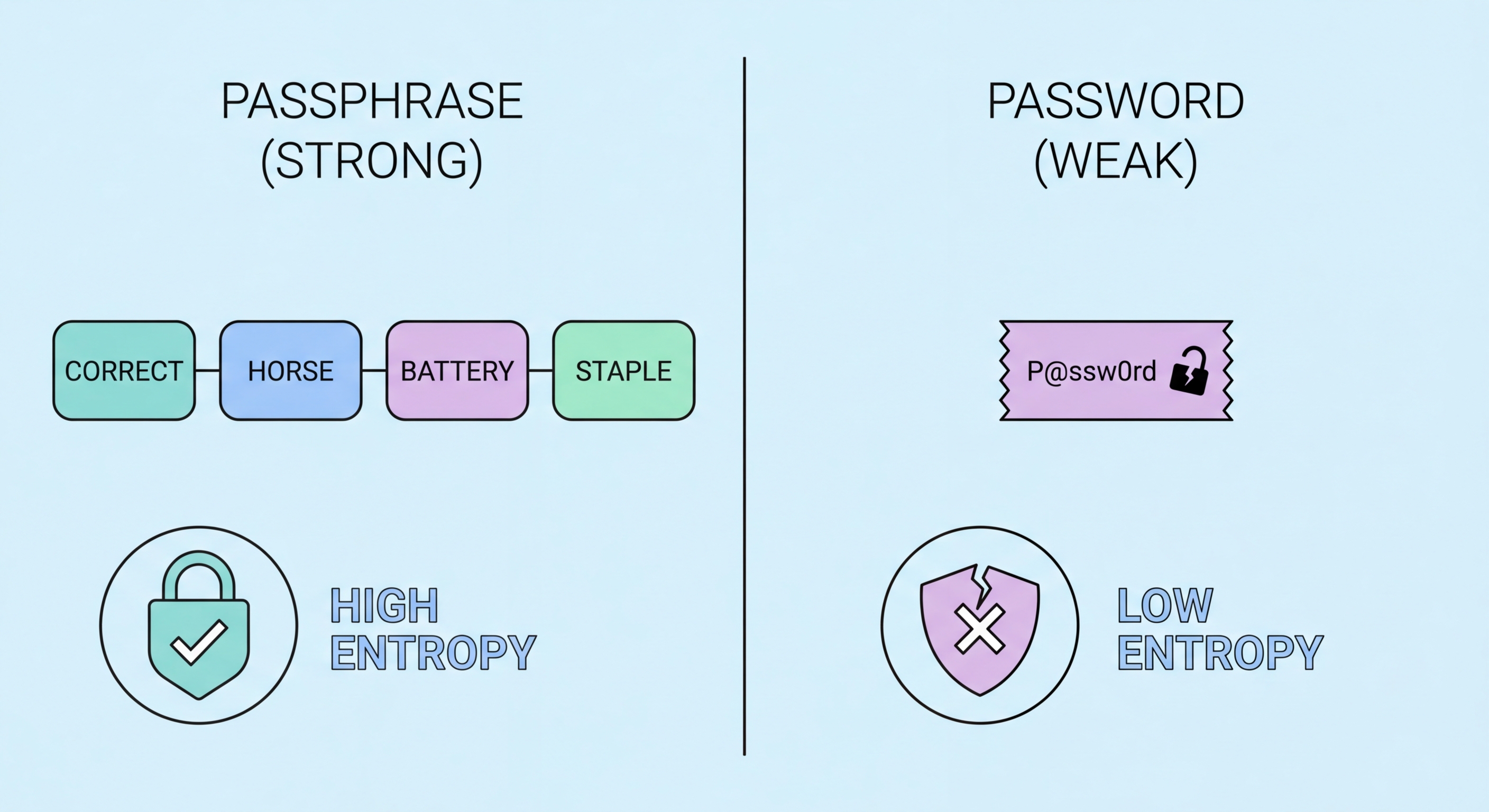
A traditional password is typically a relatively short string of characters — usually 8-16 characters — that combines uppercase and lowercase letters, numbers, and symbols in an attempt to achieve security through complexity. A passphrase, by contrast, is a longer sequence of multiple words, typically four or more, that achieves security primarily through length rather than complexity. The classic example from security researcher Randall Munroe's xkcd comic is "correct horse battery staple" — four common English words strung together.
The security difference between a complex short password and a long passphrase is counterintuitive to many people. "P@ssw0rd!9" looks complex but contains only 10 characters and follows predictable substitution patterns. "ocean-lamp-tiger-clock" looks simple but contains 22 characters drawn from a much larger search space. Even if an attacker knows you are using a four-word passphrase format and has a list of the 100,000 most common English words, they would need to test 100,000^4 = 10^20 combinations — which would take thousands of years at current cracking speeds.
However, for this calculation to hold, the words must be genuinely random. A passphrase constructed from words that relate to your identity, memories, or interests ("hong-kong-lion-rock") is far weaker because these connections can be guessed by someone who knows you, or discovered through social engineering. The words must be selected randomly — ideally using an electronic random number generator or physical dice — with no semantic connection to each other or to you.

The best choice between a passphrase and a password depends on whether you need to remember it and whether the system will accept it. For passwords you must memorise — your password manager's master password, your device PIN or lock screen, or any critical account you might need to access without to Spot and Avoid Attacks on Your Phone">your phone — a passphrase is strongly preferred. It achieves equal or greater security than a complex password while being dramatically easier to recall and type accurately under stress.
For all other account passwords — which you never need to memorise because your password manager handles them — a randomly generated password from your manager is the optimal choice. A 20-character random string like "kX9mPqR2@vL7nWzT3bYq" provides maximum entropy and is auto-filled by the manager, so you never need to type or remember it. The complexity that makes it terrible to memorise is precisely what makes it strongest as a stored credential.
Some systems impose constraints that affect which approach is better. Many websites have maximum password length ↗ limits — surprisingly common despite being a security anti-pattern — or prohibit spaces, which are commonly used as word separators in passphrases. If a system limits passwords to 16 characters or fewer, a random character password generator will typically outperform a passphrase, since a passphrase of sufficient strength benefits most from being able to use 25+ characters freely.

The Diceware method, developed by Arnold Reinhold in 1995, remains the gold standard for creating truly random passphrases. The method is simple: roll five six-sided dice and map the resulting five-digit number to a word on the Diceware word list, which assigns a unique word to every possible five-dice outcome (7,776 words total). Repeat this process four to six times to generate your passphrase. Because physical dice are a genuinely random source, the resulting passphrase has provably high entropy with no possibility of the patterns that characterise human attempts at randomness.
If physical dice are not convenient, several reputable software tools can generate Diceware passphrases using cryptographically secure random number generators. Bitwarden's passphrase generator, the EFF's online generator, and 1Password's passphrase mode all use this approach. The EFF also publishes an updated, more memorable Diceware word list that prefers shorter, more common English words over the sometimes obscure choices in the original list — making passphrases generated from it somewhat easier to remember without sacrificing security.
When memorising your new passphrase, avoid writing it as a sentence with meaning — this is exactly what leads people to choose non-random word combinations. Instead, use spaced repetition: type the passphrase into your device's lock screen or password manager login repeatedly over the course of a day, then once daily for a week. After active repetition, most people can recall a four-word random passphrase reliably. Store a written backup of the passphrase in a physically secure location — a fireproof safe or safety deposit box — in case of long absence or memory failure.

The concept of the passphrase has influenced the design of passkeys — the emerging passwordless authentication standard ↗ supported by Apple, Google, and Microsoft. While passkeys are fundamentally different from passphrases (they use public-key cryptography stored on your device rather than a memorised string), the security principle is similar: the authenticating factor should be long, random, and unique. Passkeys generate a cryptographic key pair that cannot be phished, guessed, or stolen from a server database the way traditional passwords can.
However, passphrases remain essential even in a world moving toward passkeys. Not all services support passkeys yet, and the transition will take years. More importantly, your password manager's master passphrase — the key to your entire vault — must remain a strong, memorable, humanly-held secret. As long as there are systems that require a remembered credential for authentication, the passphrase remains the best possible answer to that requirement.
The practical recommendation for 2026 is a layered approach: use passkeys wherever they are available (they provide the best possible account security when supported); use manager-generated random passwords stored in your vault for all other accounts; and protect your vault itself with a strong Diceware passphrase as the master password. This combination provides the current best practice for comprehensive account security at every level.
