15 Password Mistakes That Put You at Risk
From password reuse to ignoring breach alerts, these are the most common password security mistakes made by Hong Kong users — and the exact steps to fix each one.
From password reuse to ignoring breach alerts, these are the most common password security mistakes made by Hong Kong users — and the exact steps to fix each one.
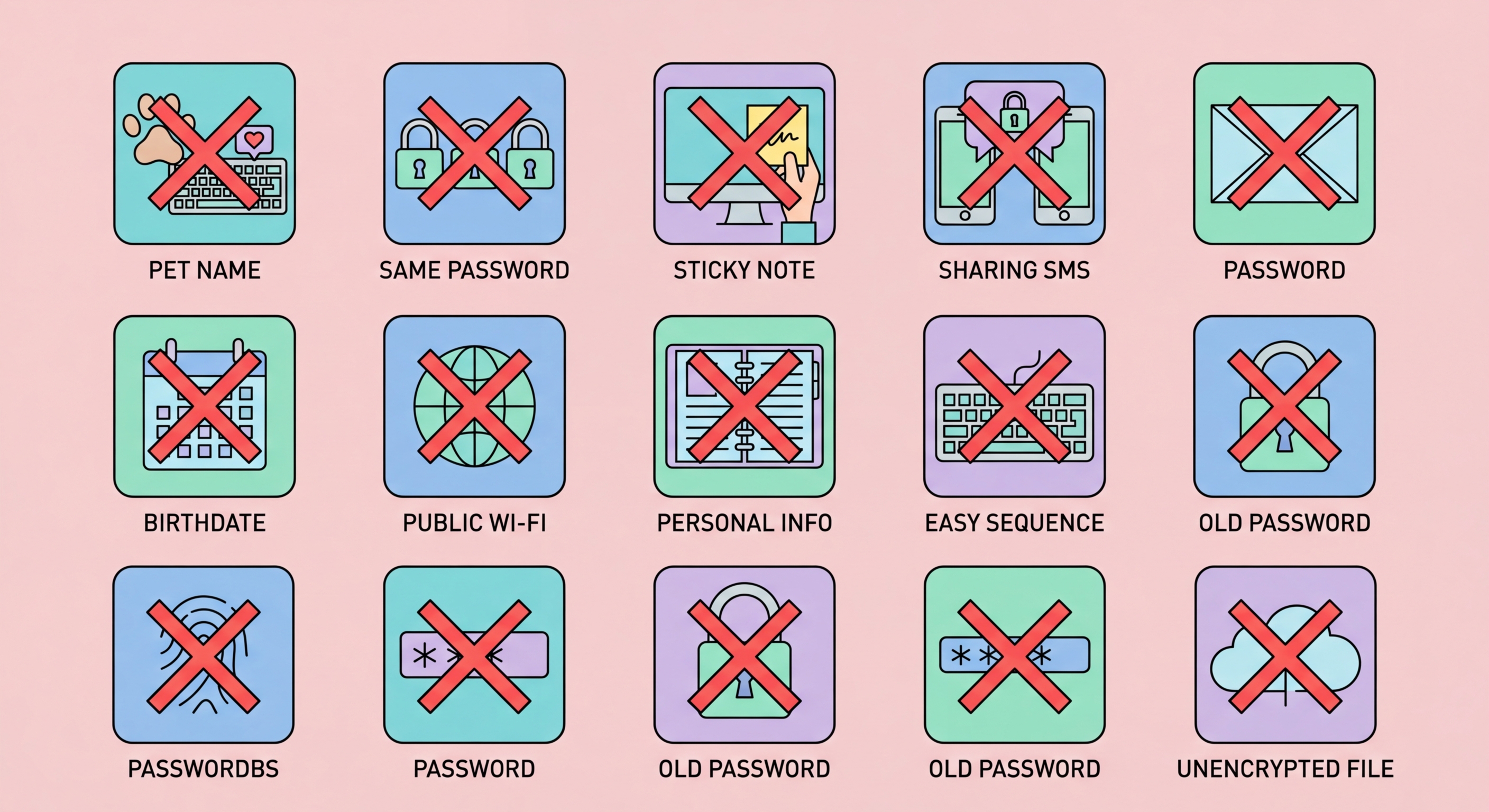
Mistake 1: Reusing the same password across multiple accounts. This is the single most dangerous password habit. When any service you use suffers a data breach — and thousands do every year — attackers immediately run the stolen credentials through automated tools that test them against banking sites, email providers, and social media platforms. If you use the same password everywhere, one breach becomes a total compromise of your digital life. Fix: Use a password manager to generate and store a unique password for every single account.
Mistake 2: Using short passwords. Any password under 12 characters can typically be cracked by modern hardware in hours or days even with full character set complexity. The widespread corporate policy of requiring 8-character passwords with complexity rules was never based on current threat realities. Fix: Use passwords of at least 16 characters — ideally 20 or more for critical accounts. A password manager makes this effortless.
Mistake 3: Using personal information in passwords. Names, birthdays, addresses, pet names, schools, and football teams are the first things attackers try when targeting specific individuals. This information is often publicly available on social media or easily obtainable. A password like "HKLionRock2024!" might seem unique to you but is trivially personalised for an attacker who has done five minutes of research. Fix: Use randomly generated passwords with no connection to your identity.

Mistake 5: Storing passwords in plaintext. Notes apps, spreadsheets, text files, and sticky notes are used by far more people than would care to admit it for password storage. Any of these can be accessed if your device is compromised, synced to cloud services where they may be less secure, or physically seen by a third party. Fix: Use only an encrypted password manager for credential storage. Even your phone's Notes app is not an acceptable substitute.
Mistake 6: Sharing passwords via WhatsApp or email. Once sent, a password in a message or email is stored in multiple places, backed up potentially to unsecured cloud accounts, and permanently outside your control. Fix: Use your password manager's built-in sharing feature, which shares access without revealing the plaintext password and can be revoked at any time.
Mistake 7: Using weak security questions. Security questions like "What is your mother's maiden name?" or "What city were you born in?" often have answers that are publicly available on social media or guessable. When used as a password reset mechanism, they become the weakest link in your account security. Fix: Where security questions are required, enter a random password manager-generated string as the answer and save it in your vault — never use the real answer.

Mistake 10: Never checking if passwords have been breached. Billions of credentials are available in dark web markets, and yours may be among them without your knowledge. Many people discover their accounts were compromised only after unauthorised access has occurred. Fix: Use Have I Been Pwned to check your email addresses, enable breach monitoring in your password manager, and subscribe to HKCERT security alerts.
Mistake 11: Ignoring breach notifications. When a service sends you a security notification about a breach, many users dismiss it or delay action, particularly if the service seems minor or unimportant. Attackers count on this delay. A leaked minor forum password that you also used for your email account is extremely dangerous even if the forum itself held no sensitive data. Fix: Treat every breach notification as requiring immediate password change, especially for any site where you may have reused a password.
Mistake 12: Not updating old accounts. Passwords created several years ago were often weaker than current recommendations — shorter, less random, and frequently reused. Many people migrate to a password manager but never go back to update their older existing accounts. Fix: Run your password manager's security audit and systematically update weak and reused passwords, prioritising financial and email accounts first.

Mistake 13: Using a weak master password. Many users adopt a password manager but protect it with a weak, memorable master password that defeats the purpose. If your vault's master password is "MyPassw0rd!" or any short, predictable string, an attacker who targets you specifically can potentially brute-force vault access. Fix: Use a Diceware passphrase of at least four truly random words for your master password — long, random, and unique.
Mistake 14: Not protecting the password manager with 2FA. A password manager without two-factor authentication is protected by only the master password. If that password is obtained through phishing, malware, or shoulder surfing, an attacker has everything. Fix: Enable 2FA on your password manager account — use an authenticator app like Aegis, Authy, or Apple's built-in authenticator rather than SMS-based 2FA where possible.
Mistake 15: Not having a backup or recovery plan. What happens if you forget your master password? What if your 2FA device is lost or broken? What if you die or are incapacitated? Without a recovery plan, your heirs or emergency contacts may be permanently locked out of critical account credentials. Fix: Store your master passphrase in physical written form in a fireproof safe; configure emergency access in your manager; and document which critical accounts exist and their recovery processes.
